Features

Collaboration and team management

Genially is built for teams with seamless co-authoring and review features, plus advanced controls for administrators.

Trusted by the world’s leading organizations

Intel Logo white
Brands_Logo_Johns-Hopkins_White.png
Volkswagen company logo
Columbia University company logo
Intel Logo white
Brands_Logo_Johns-Hopkins_White.png
Volkswagen company logo
Columbia University company logo
Intel Logo white
Brands_Logo_Johns-Hopkins_White.png
Volkswagen company logo
Columbia University company logo
Collaboration&Teams_Co-editDesignsInRealTime.png

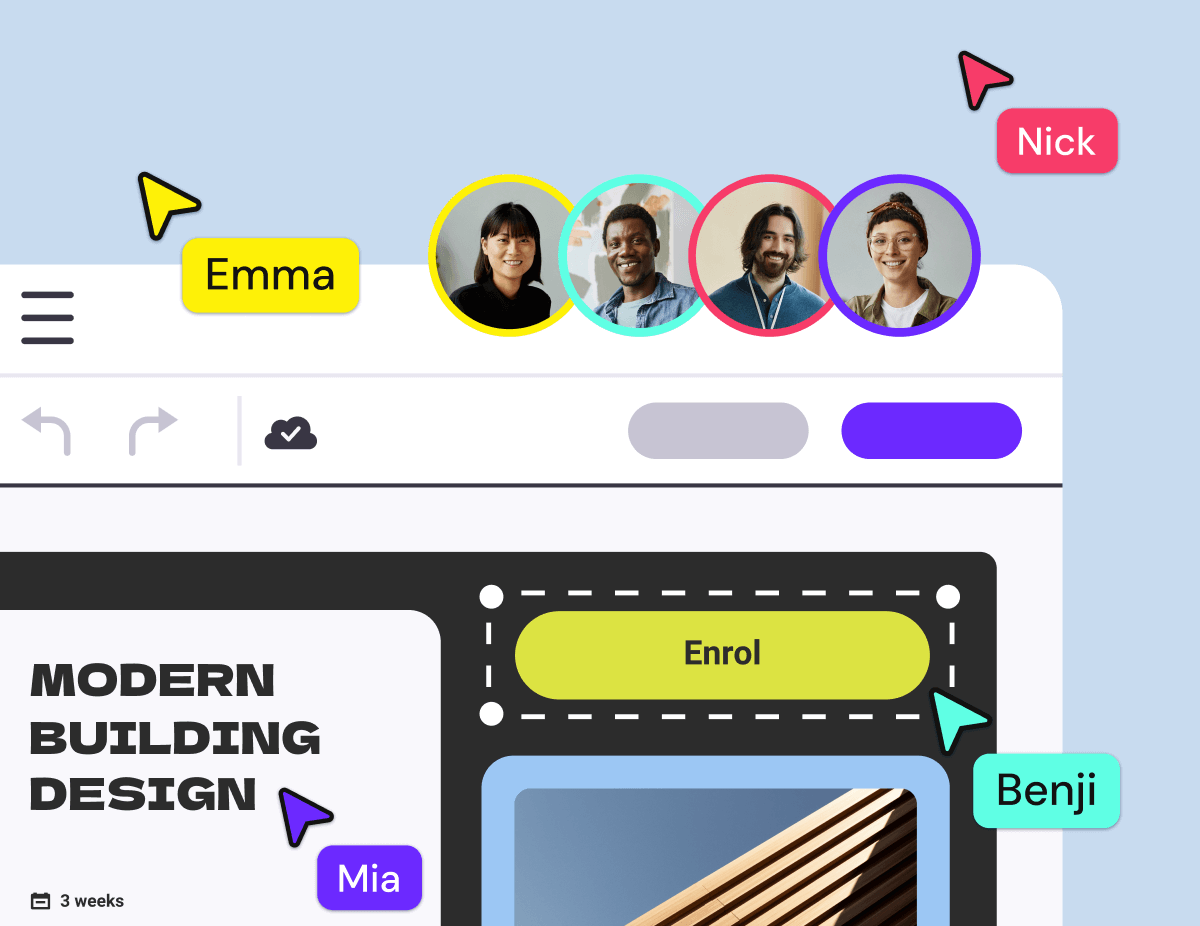
Collaboration

Co-edit designs in real time

Real-time collaborative editing allows multiple users to work on the same project simultaneously.

Commenting & Review

Get feedback and approval

Discuss projects in-situ and get feedback from multiple stakeholders, on both draft and published content.

Collaboration&Teams_CollaborateWith....png

Guests

Collaborate with external stakeholders

Invite people from outside your team, such as freelancers or clients, to edit one-off projects. Get the flexibility of ad-hoc collaboration, while keeping the all of your team’s content secure.

Collaboration&Teams_OrganizeYourProjects.png

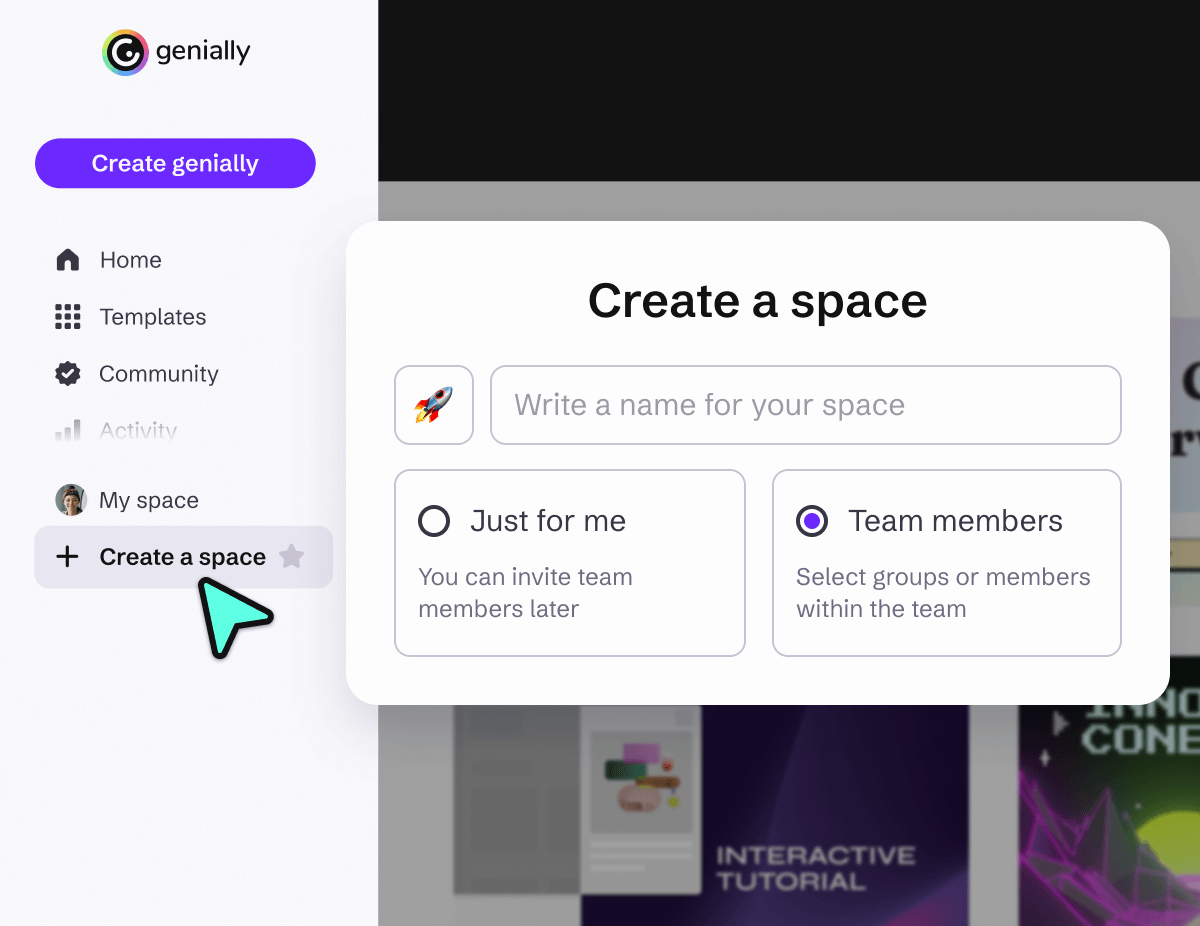
Folders & Spaces

Organize your projects

Create shared spaces and folders to control access and organize work by department, topic, or client. Every team member gets an individual space to keep their own personal work private.

Admin Controls

Manage your team

Advanced features allow administrators to control access, enforce security policies, and make sure every team member has the right tools for the job.

Collaboration & Team Management_Single Sign On.png

Simple and secure login

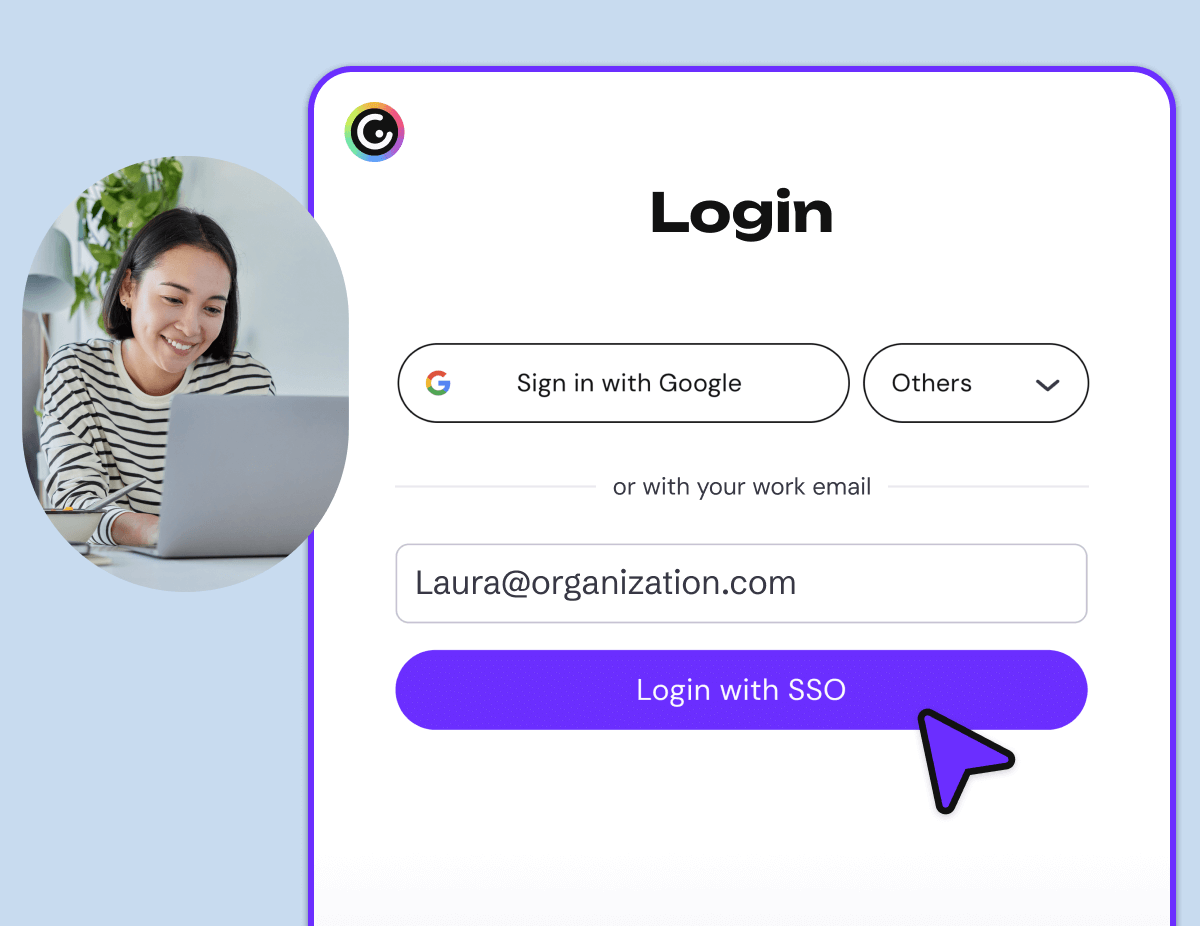
Single Sign On

Make it easy for users at your organization to access Genially with Single Sign On. Genially offers multiple SSO authentication options including Google, Office 365, and Clever, as well as custom SSO based on SAML 2.0.

Design in Genially with your students

In-class collaboration

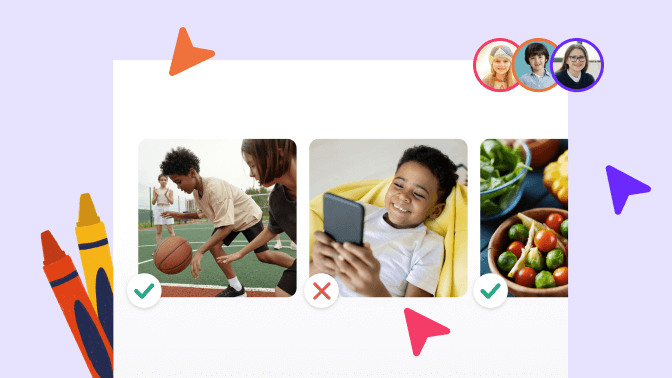
Design with your students

Help your students develop teamwork and digital skills by designing their own interactive projects in Genially. Teachers can invite unlimited students to join their team, for free.

Discover more features

Discover more features _ Brand Kit.png

Brand Kit

Help your team keep to the brand guidelines and create consistent content at scale.

Discover more features _ Security and Privacy.png

Security and privacy

Genially is a secure and certified platform that protects user data in line with key information security regulations. 

Discover more features _ Sharing.png

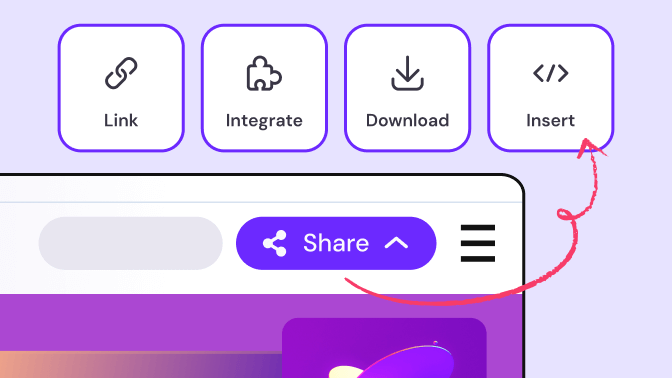
Sharing and publishing

Flexible sharing options make it easy to distribute and manage content.

Frequently asked questions

If you have a team plan, there’s no limit on team members, but you will need to purchase a seat for each additional member. It’s easy to add and remove members as you go, from the Genially dashboard.
 

If you have an individual plan, you can’t add team members but you can collaborate with another user as a Guest.

Yes - with a free plan you can invite other people as Guests to collaborate on designs.


If you’re a teacher, you also have the option to invite an unlimited number of students to collaborate on projects with you, for free.

Guests can edit the genially that you’ve shared with them, but they don’t occupy a seat on your team.  


Guests don’t have access to the same content, controls, and features as team members, so it’s an ideal option for one-off projects with external stakeholders.  Learn more about team members and guests.

Genially is a cloud-based, collaborative platform so you can both edit together, in real time! Changes update instantly. 

The avatar and name of the other user will be visible on the canvas and in the menu bar.

To co-edit content live in the editor, or view a design in the dashboard, you need a Genially account. It’s free and easy to sign up and the process only takes a few minutes.


When you invite someone to collaborate on a genially, with either edit or view-only permissions, they’ll receive an email with a link to create an account if they don’t already have one. 


If you’re a teacher and you invite students to collaborate and occupy a Student Seat, the registration process is a little different, with extra security controls for minors.