Scenario-based learning

Make engaging online learning scenarios with Genially’s intuitive builder. Help learners sharpen their decision-making skills in a fun format that mirrors real life. Fast, free, and no coding required!

The world’s leading organizations create interactive learning materials in Genially

Simulate real life situations

From customer service training to soft skills practice, it’s easy to make scenario-based learning (SBL) experiences in Genially. Encourage students to think critically and explore the consequences of their decisions in a virtual, low-stakes environment.

  • Build realistic online training scenarios and role plays.
  • Include dialogs, audio, video, animations, questions, and interactive activities.
  • Use branching to give learners a safe space to explore different paths and outcomes.
  • Help learners develop confidence in their abilities with positive reinforcement and real-time feedback.

Built for Learning professionals

Developed with Instructional Designers and L&D professionals in mind, Genially is easy enough for anyone to get the hang of – even if you don’t have experience in eLearning design. Set up interactions and animations in one click and preview the scenario as you go.

  • No-code course authoring and interactive content creation tools, and intuitive drag-and-drop Editor.
  • Extensive resource library, precision design tools, 1,500+ professional templates.
  • Export the finished scenario to your LMS or embed on your website. No learner login required.
  • Smooth collaboration with SMEs: Real time co-editing, team templates, commenting, version and permissions controls.
Built for Learning professionals

Storytelling and gamification tools

Use gamification to make your training scenarios even more engaging. As well as humanizing abstract or technical concepts, game-based narratives increase learners’ emotional investment in the outcome, boosting motivation and retention.

  • Game features include countdown timers, drag-and-drop, unlockables, flip-the-coin, click-to-reveal, and more.
  • Unlimited creative freedom: Recreate real locations like the office or build a fantasy world.
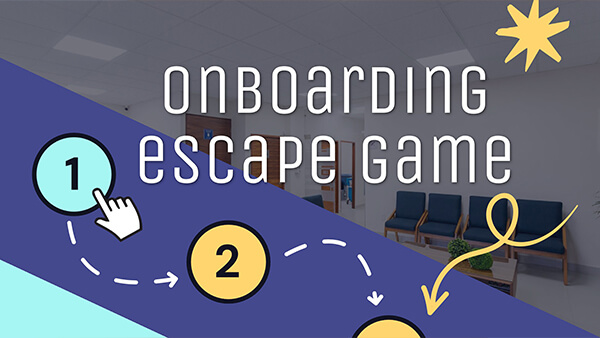
  • Design adventure-style quests and online escape rooms with the help of templates.
  • Get kudos from your students! Learners consistently rate Genially as more fun and engaging than traditional eLearning formats.
  • Free

    You can make learning scenarios for free in Genially. Upgrade for more powerful features like engagement metrics and advanced customization.

  • Branching

    Make interactive scenarios with decision points, instant feedback, and custom paths based on learner actions and choices.

  • Multimedia

    Bring your storyline to life with video, sound effects, voiceover, background music, and click-to-play audio.

  • Animations

    Build dynamic experiences with entrance and exit, timed, and click-trigger animations, and custom slide transitions.

  • AI Tools

    Generate voiceovers, images, and quiz questions in 1 click, or translate the material into 150+ languages without external tools.

  • Questions & Challenges

    Test knowledge with questions and activities like multiple choice, open response, fill-in-the-gaps, match the pair, and more.

  • Assessment

    Access live reports on every student’s engagement, responses, and progress in the Activity dashboard.

  • Multi-device

    Genially works on any device including phone, tablet, and laptop. It’s easy to adapt and optimize learning content for mobile learning.

  • Accessible

    All published Genially content meets WCAG standards. Add ALT text to make sure that users of assistive tools can understand what’s in the images.

Templates

Free learning scenario templates

Make interactive learning experiences in minutes with Genially templates. Professional, pre-built, and easy to customize.

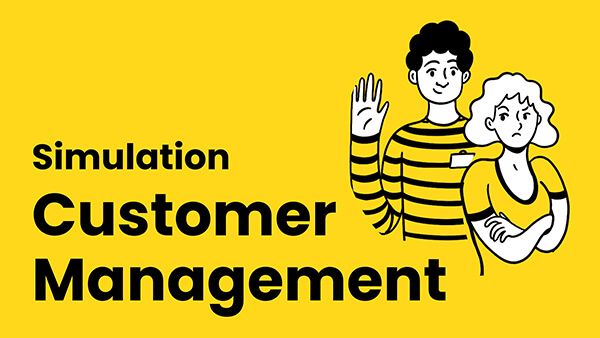
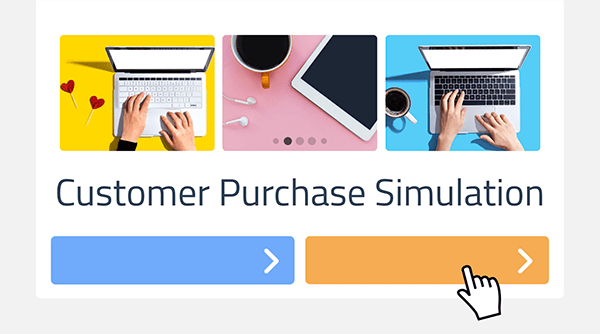
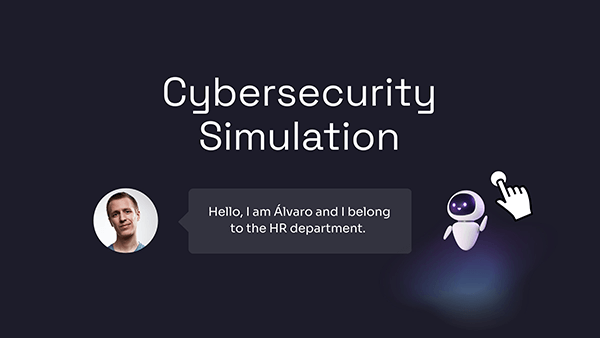
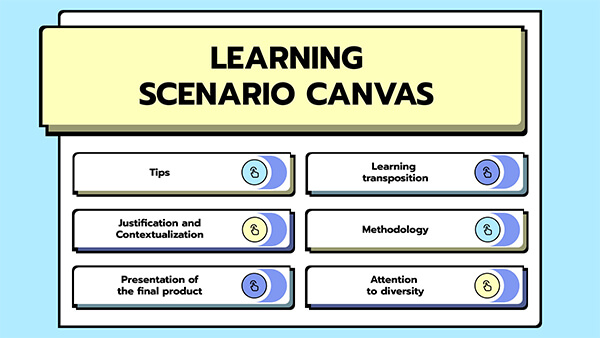
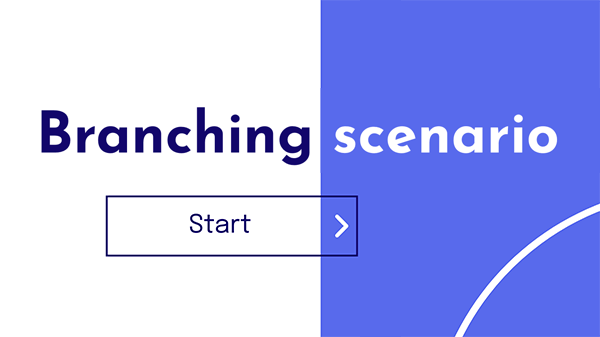
Cybersecurity SimulationCustomer Management SimulationSimple Branching Scenario MobileBranching Scenarios Challenge
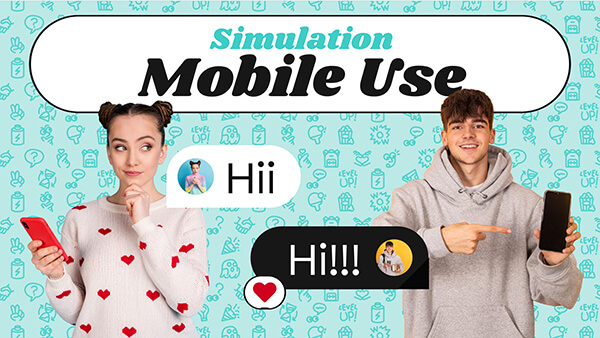
Mobile Use SimulationSimulation: How to Act Against BullyingBranching scenario 3 Branching Scenarios Challenge Mobile
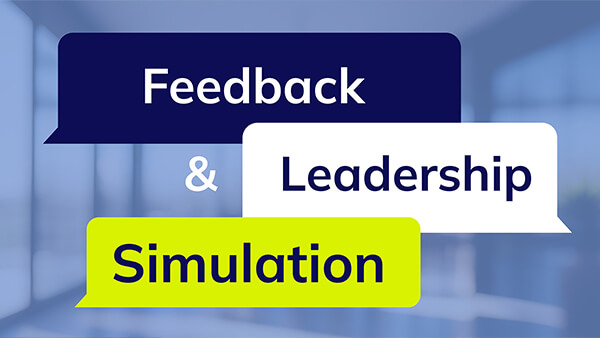
Product Purchase SimulationFeedback and Leadership SimulationBranching Scenario: College LifeBranching Scenario: Digital Alert

Step by step

How to design scenario-based eLearning

  • Choose a template

    Choose a template

    Sign up for a free Genially account and search the template library for courses. Already got an idea in mind? It’s easy to create custom scenarios from scratch. Choose a blank canvas and start building!

  • Customize

    Customize

    If you’re using a template, replace the example content and adjust the colors and fonts. Don’t forget to check the Preview button to test the interactive elements and see how everything will appear to learners.

  • Share

    Share

    Happy with the design? Click Share to get the unique link. Share directly with students, post online, or add to your school’s LMS. Students can access the learning scenario from any device and explore activities at their own pace.

Examples of LMS integration

Genially is LTI and SCORM compliant and integrates seamlessly with your LMS.

Danny Fandrich, UpReach CEO

"A great way to build smart interactions without any big effort. Every designer is, with the help of Genially, an interaction web app builder"

Danny Fandrich

CEO UpReach

The easiest way to make interactive eLearning

Create your free account and start designing today