Features
Collaboration and team management
Genially is built for teams with seamless co-authoring and review features, plus advanced controls for administrators.
Trusted by the world’s leading organizations
Collaboration
Co-edit designs in real time
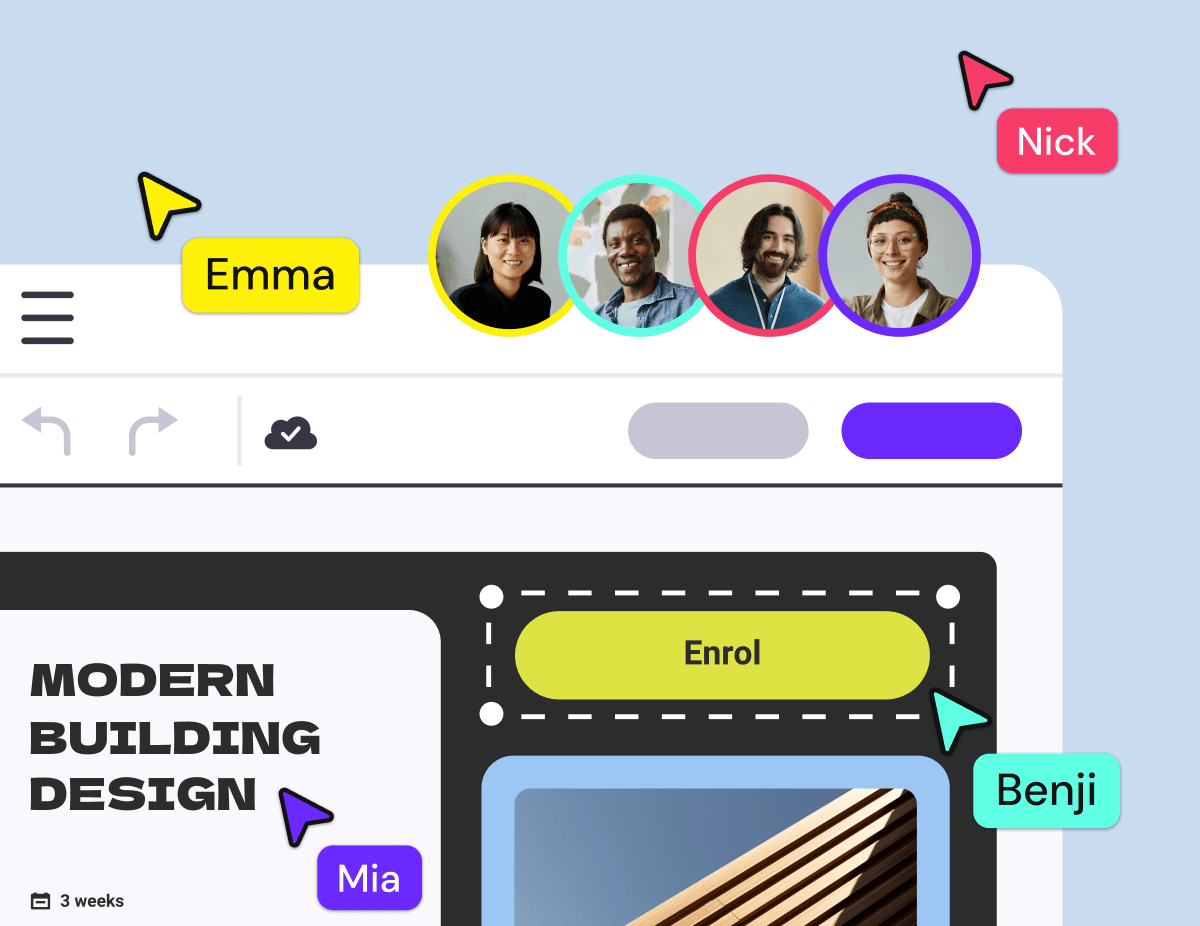
Real-time collaborative editing allows multiple users to work on the same project simultaneously.
Keep your team in sync
See who’s working on the design and which page they’re on. The avatar of each active user is visible in the menu and on the canvas.
Boost productivity
No need to pass files back and forth or hunt down the latest version; Genially runs in the cloud. Multiple people can edit at the same time and changes are saved automatically.
SME-friendly
Genially is easy to use for those without authoring experience and there’s no collaborator limit. Bring in Subject Matter Experts, academic staff, and others to share their knowledge.
Commenting & Review
Get feedback and approval
Discuss projects in-situ and get feedback from multiple stakeholders, on both draft and published content.
In-editor comments
Leave comments, reply to threads, and mention colleagues directly in the editor. Reduce miscommunication and time lost sending chats and screenshots.
Review drafts
Read-only permissions allow anyone, including clients and external stakeholders, to review drafts in Genially. They can’t edit the content and don’t need a seat on the team.
Control updates
Need to edit content that’s already published, shared, or embedded on another site? Publish Changes allows you to edit without hassle and hit Update only when you’re sure it’s ready.
Guests
Collaborate with external stakeholders
Invite people from outside your team, such as freelancers or clients, to edit one-off projects. Get the flexibility of ad-hoc collaboration, while keeping the all of your team’s content secure.

Folders & Spaces
Organize your projects
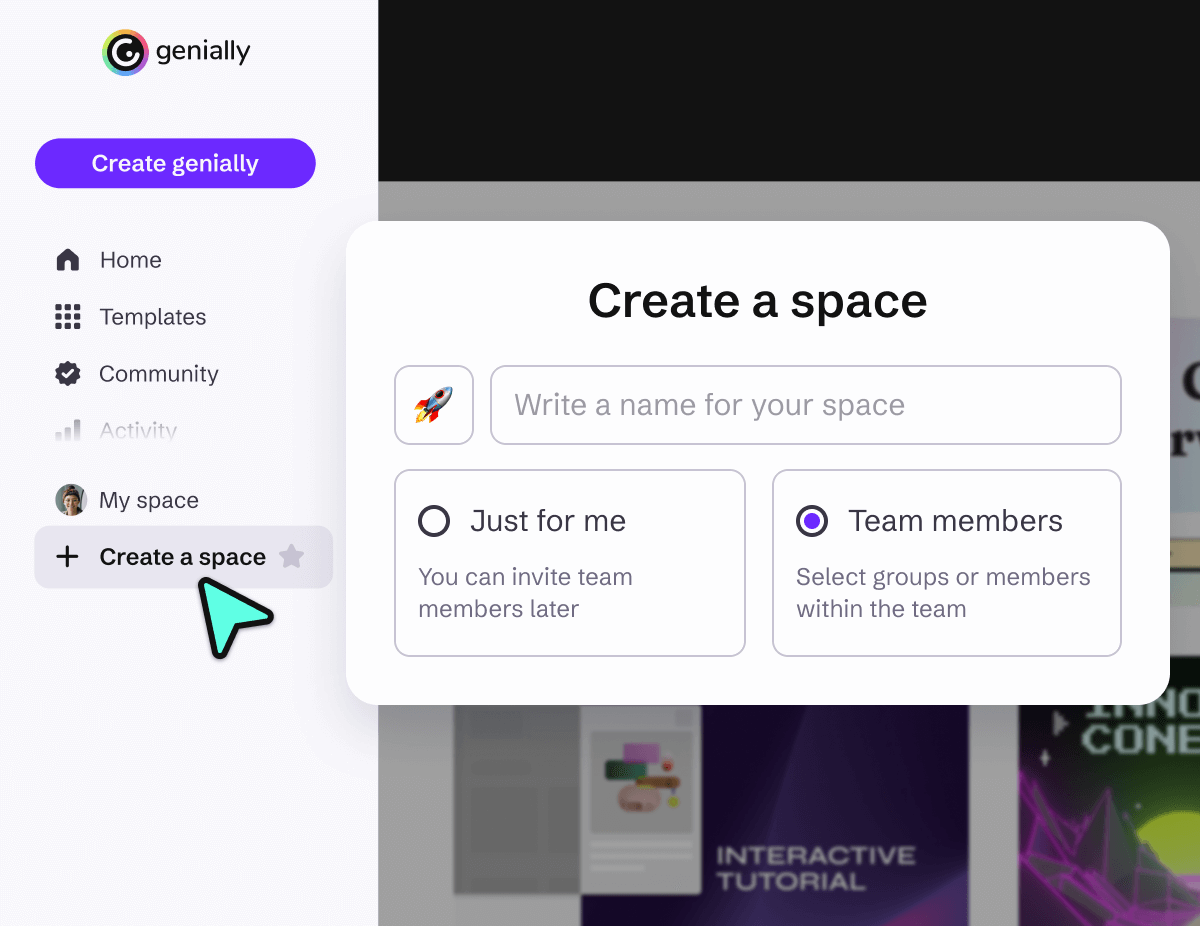
Create shared spaces and folders to control access and organize work by department, topic, or client. Every team member gets an individual space to keep their own personal work private.

"The collaborative space allows several people to create and edit content at the same time, which makes teamwork much easier. And, other people can reuse the content, and that is invaluable!"
Admin Controls
Manage your team
Advanced features allow administrators to control access, enforce security policies, and make sure every team member has the right tools for the job.
Permissions
Assign roles to control who can access, edit, and administer content or manage other team members.
Groups
Group team members by project or department to streamline tasks and facilitate teamwork.
Version History
Versioning makes it easy to undo mistakes and ensure you don’t lose any of your team’s work.
Activity Log
See when content was created, edited, moved, or deleted with filters for date, time, action type, and team member.
Publishing Controls
Decide how and where your team can publish content, with centralized controls on features like web indexing and embedding on other sites.
Add and remove members
Scaling up or down is fast and secure. Invite new team members with a time-limited access code and upload a CSV file to add multiple members at once.
Block features
Prevent your team from using certain features such as AI tools, in line with your organization’s policies.
Transfer ownership
If someone leaves the team, it’s easy to transfer ownership of shared projects to another team member.
Security
All team features comply with strict security and privacy policies and standards including SOC 2, GDPR, and FERPA COPPA.
Simple and secure login
Single Sign On
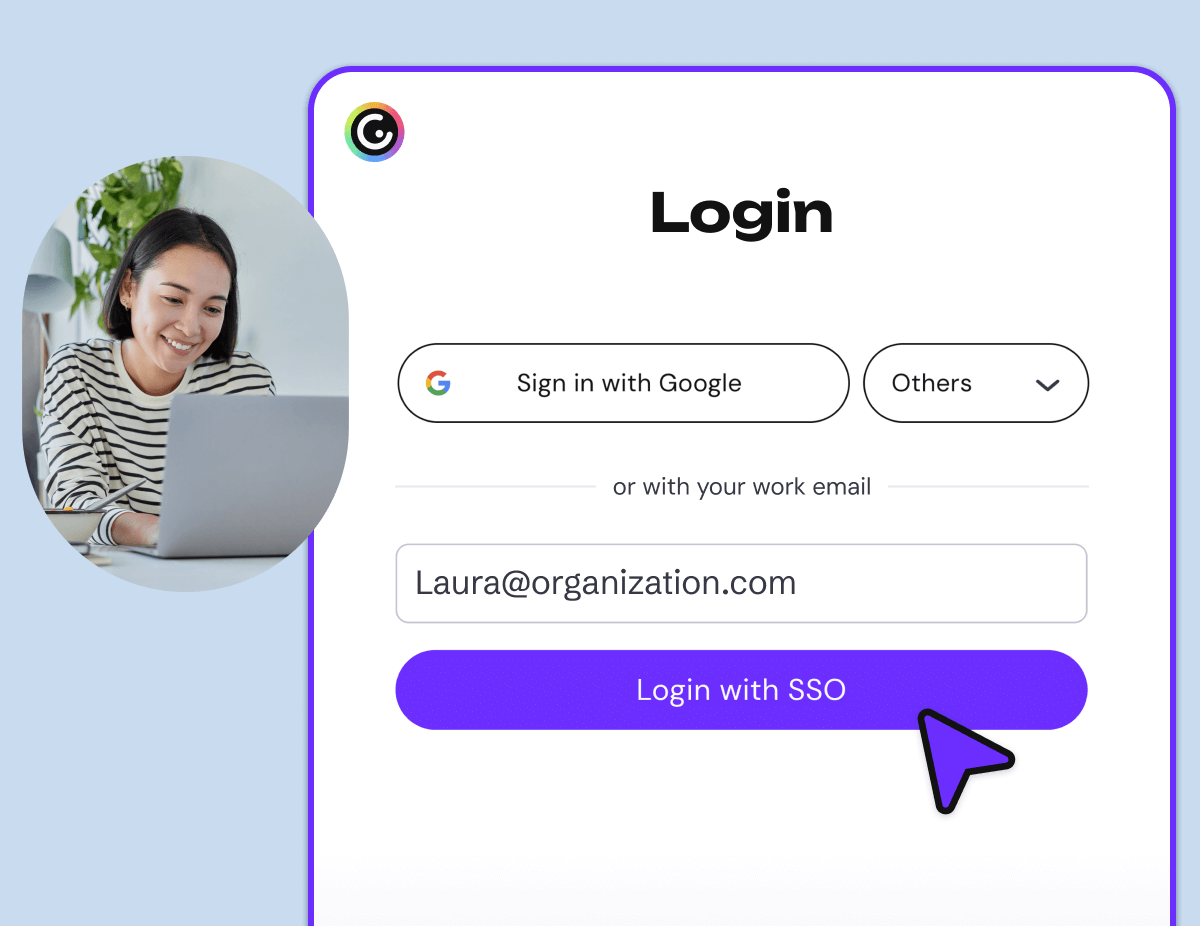
Give everyone in your organization easy access to Genially with single sign-on. Genially supports Google, Office 365, and Clever, plus SAML 2.0-based SSO. And if you verify your corporate domain, your team can join directly — no need to manage invitations one by one.
In-class collaboration
Design with your students
Help your students develop teamwork and digital skills by designing their own interactive projects in Genially. Teachers can invite unlimited students to join their team, for free.

Permissions
Assign roles to control who can access, edit, and administer content or manage other team members.
Version History
Versioning makes it easy to undo mistakes and ensure you don’t lose any of your team’s work.
Activity Log
See when content was created, edited, moved, or deleted with filters for date, time, action type, and team member.
Frequently asked questions
Discover more features
 Brand KitHelp your team keep to the brand guidelines and create consistent content at scale.
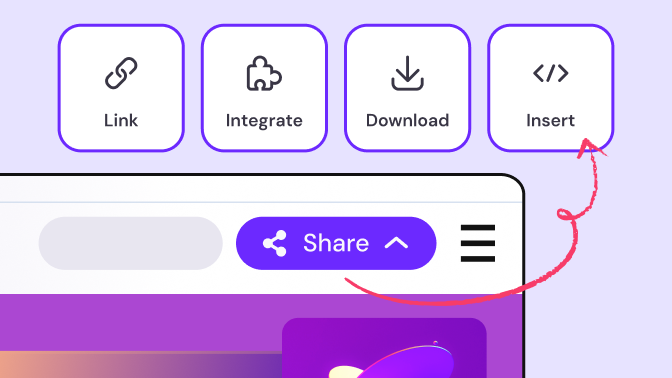 Sharing and publishingFlexible sharing options make it easy to distribute and manage content.
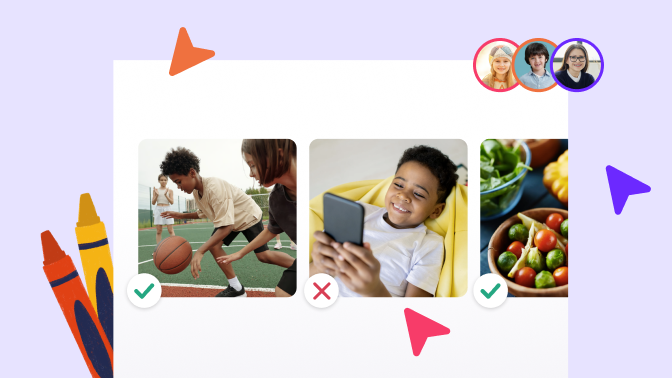 Collaborate with your studentsHelp your students develop digital, design, and teamwork skills by building their own interactive projects in Genially.