Features

Collaborate with your students

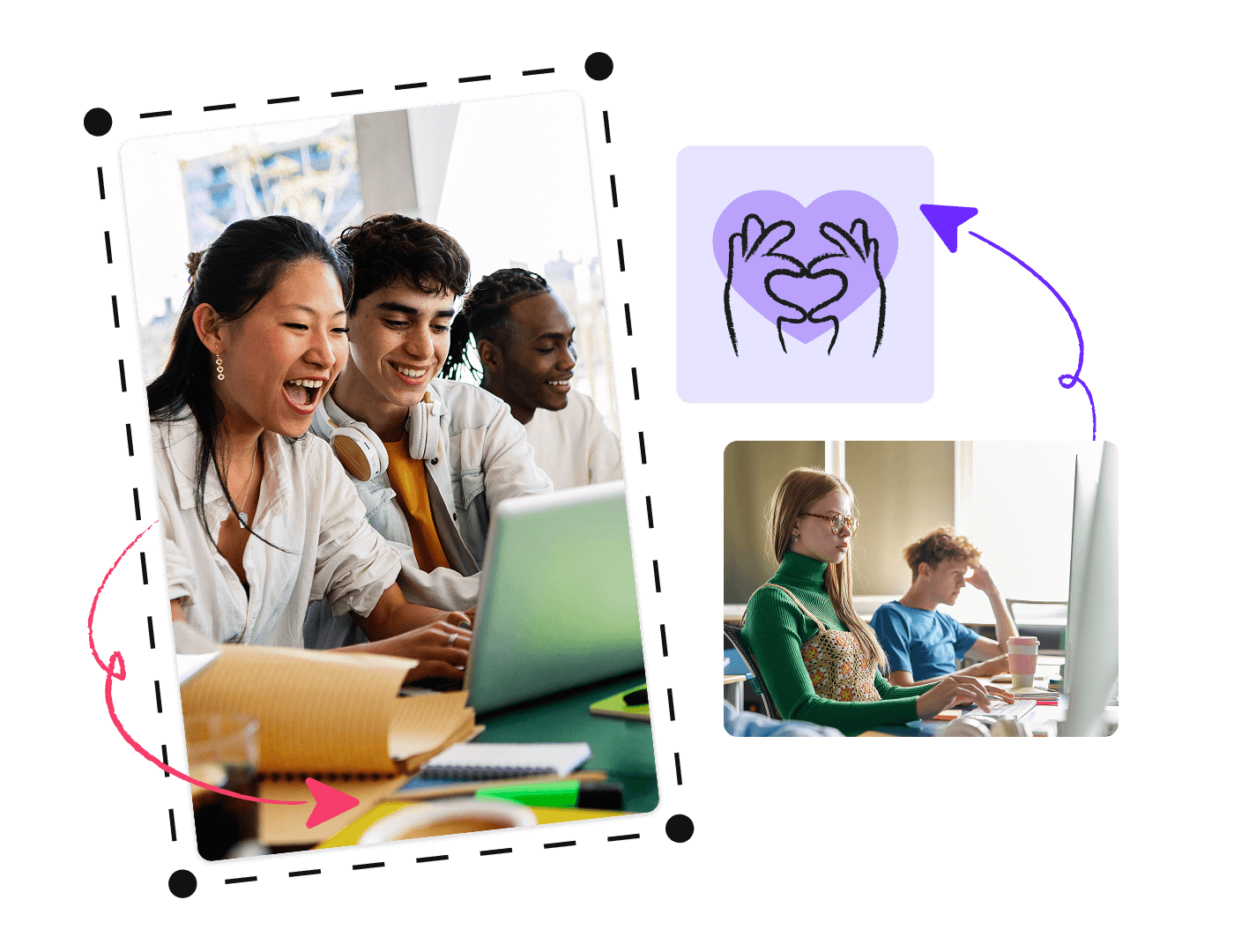
Help your students develop digital, design, and teamwork skills by building their own interactive projects in Genially.

Trusted by the world’s leading organizations

Brands_Logo_Johns-Hopkins_White.png
Columbia University company logo
Epic Schools logo
Eton School organization logo
Highlands logo
University of Miami
Logotipo de la Universidad de Angers en blanco
Brands_Logo_Johns-Hopkins_White.png
Columbia University company logo
Epic Schools logo
Eton School organization logo
Highlands logo
University of Miami
Logotipo de la Universidad de Angers en blanco
Features_EducationWorkspace_ADigitalMakerspaceWhereCreativityThrives

Collaboration in the classroom

A digital makerspace where creativity thrives

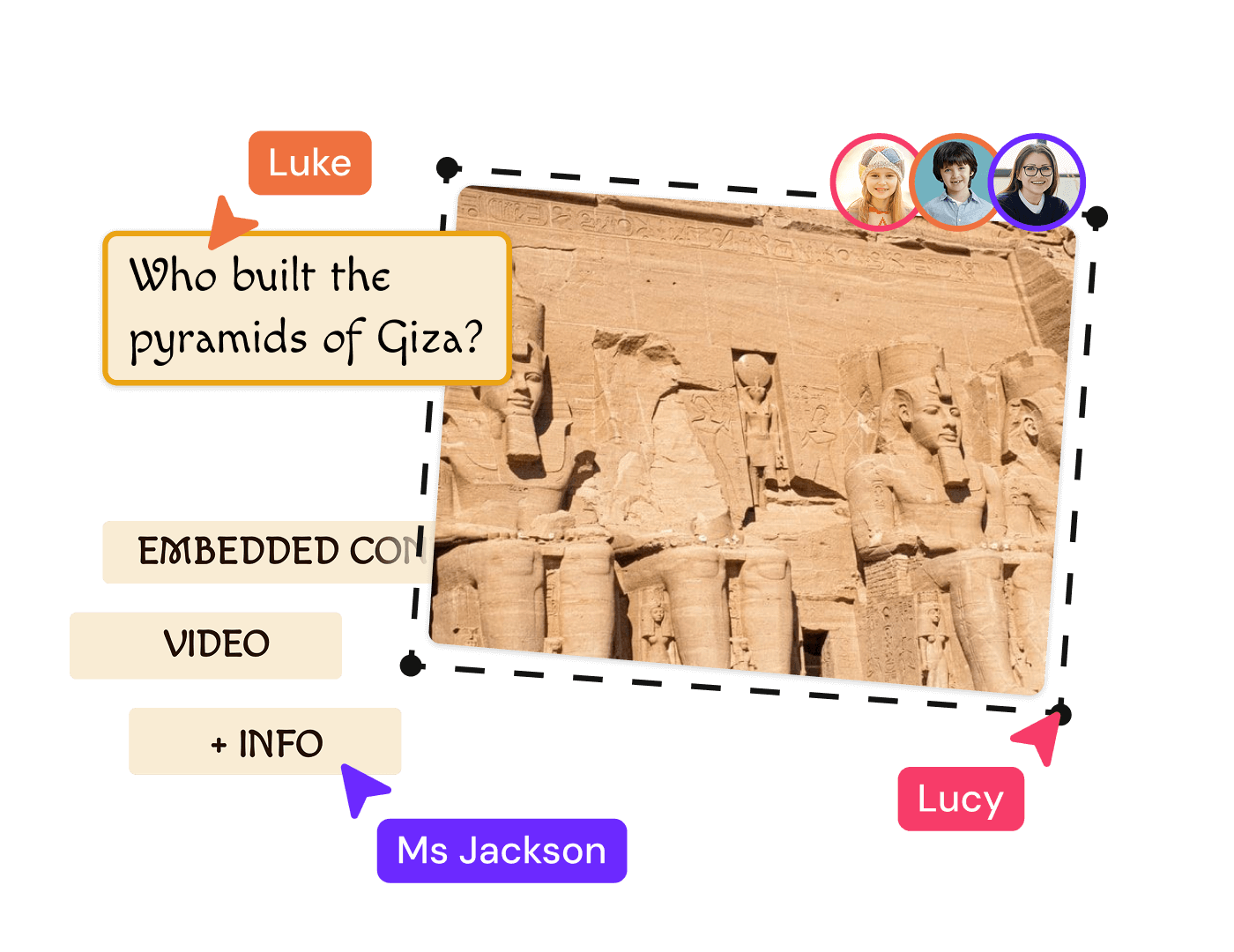
Genially supports real-time collaboration between students and staff. Empower learners to design their own interactive projects and set them up with key skills for the future.

Design in Genially with your students

Student seats

Invite your students to join, for free

Every education professional using Genially can invite an unlimited number of students to their workspace, for free.

Eric Chamberlin

In all my time working in EdTech, I don’t think I’ve found a tool that can do as much as Genially.

Eric Chamberlin

Educational Consultant , XR Tools for Ed.

Features_EducationWorkspace_ForAllLearningEnvironments

K12 to Higher Education

For all learning environments

From elementary through to post-grad, Genially is loved by over 20 million students and educators worldwide. Learners can work on their projects on any device, whether they’re studying remotely or in class.

Features_EducationWorkspace_SafeForEducation

Teacher controls

Safe for Education

Give students access to Genially’s design tools in a secure, certified, and easy-to-manage environment.

Discover more features

Discover more features _ Security and Privacy.png

Security and privacy

Genially is a secure and certified platform that protects user data in line with key information security regulations. 

Discover more features _ LMS Integration

LMS integration

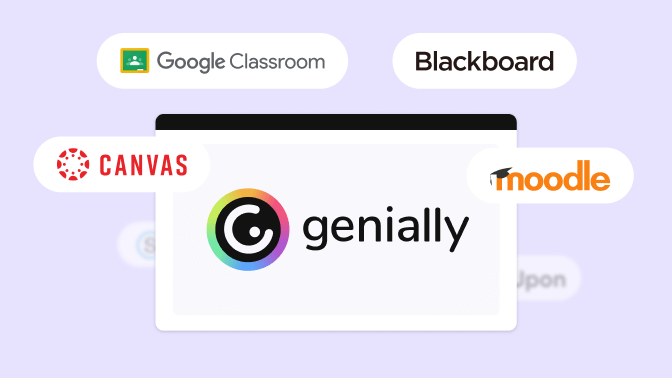
Deliver learning within your existing ecosystem and sync student scores to your LMS gradebooks.

Discover more features _ Quiz Builder.png

Quiz Builder

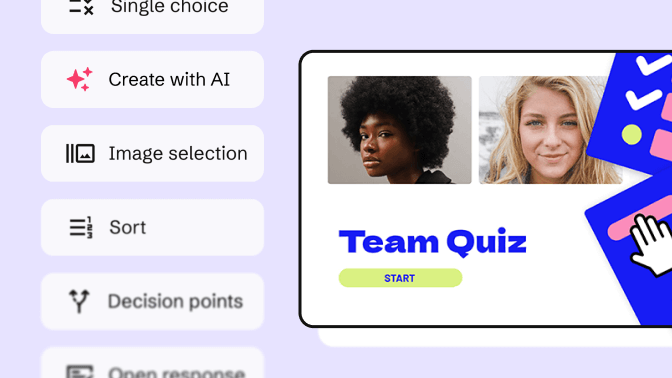
Use interactive questions to assess students and capture feedback from your audience.

Discover more features _ Present and Play Live.png

Present and play live

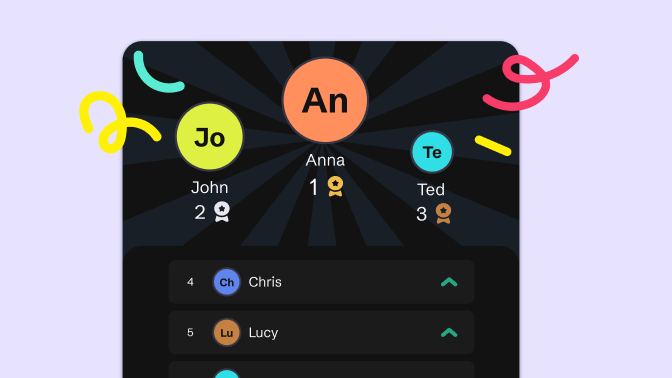
Host live quizzes, polls, and interactive presentations - without any other tools like Kahoot or Mentimeter.

Frequently asked questions

If you’re a teacher or other Education professional, you can invite students to join your workspace in a couple of clicks.

In your Genially dashboard, go to Settings > Members > Invite to the team.


How to add students to your workspace.

Yes - Genially offers a range of team plans including Campus which provides centralized controls for schools, districts, and universities. 


Explore Education plans

Students of all ages can design collaborative projects for free in a collaborative Class Workspace when invited by their teacher.  


Any student aged 16 and over (or 13+ in the USA) can also sign up for their own personal account and use Genially for free.

No! If you work in Education, you can invite students to join your workspace for free. It doesn’t matter whether you have a free or paid plan. Students who join your workspace will have access to all the features included in your plan, except from workspace controls which are limited to teachers and administrators. Minors also have restricted access to certain features.