Features
Sharing and publishing
Genially makes it easy to distribute interactive content and control where and how it can be viewed.
Trusted by the world’s leading organizations
Unique URL
Share the link
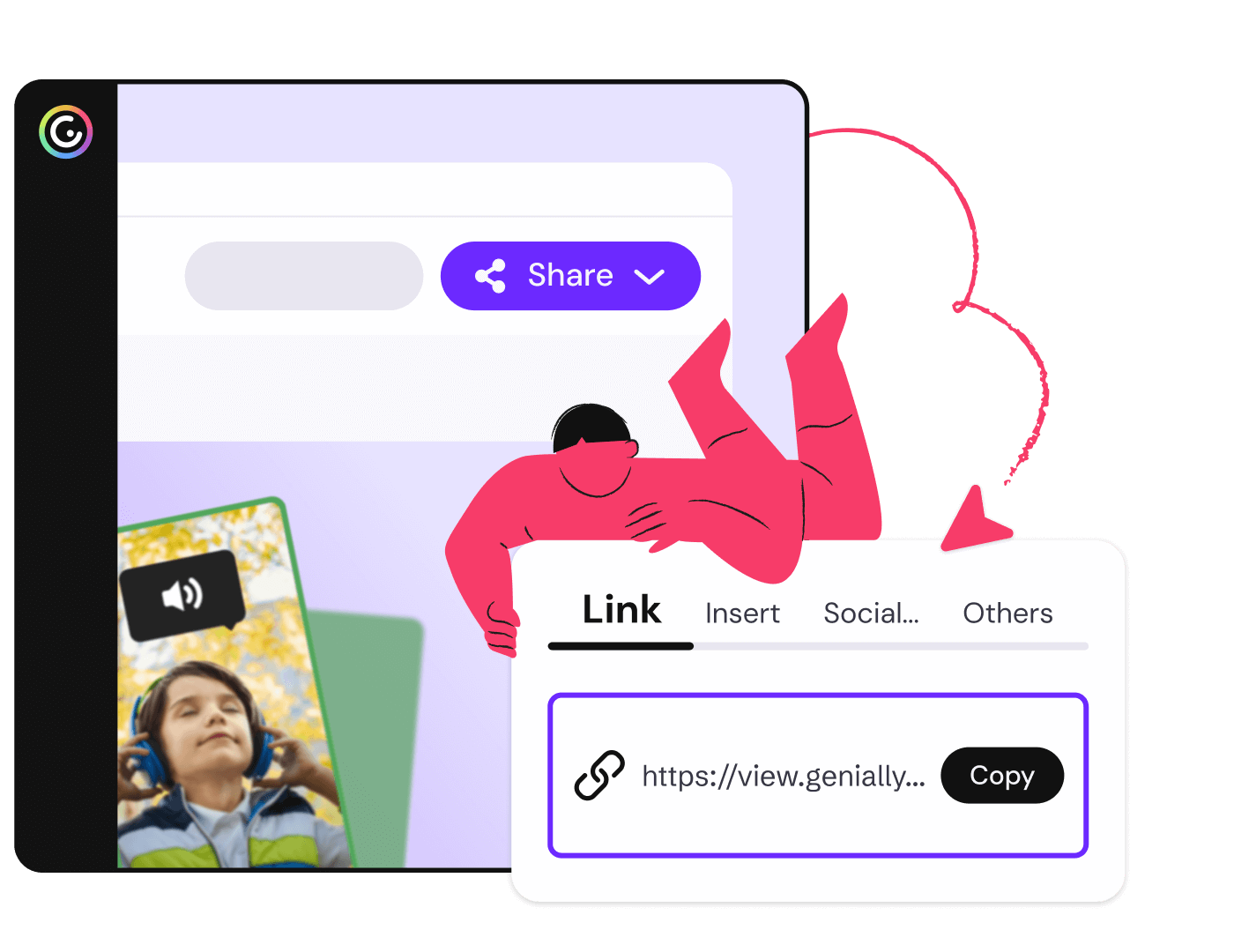
Every published project has a unique View link which you can post online, or share via email or messaging. Anyone with an internet connection can view and interact with the content, on any device.
No special software required
Your audience can view and explore Genially content directly in their web browser.
Share with specific people
Allow anyone with the link to view the content — or restrict link access to invited individuals.
Return to draft
Want to stop people viewing content you've shared, without deleting it? Just return to draft and re-activate the link when you're ready.
Custom URL
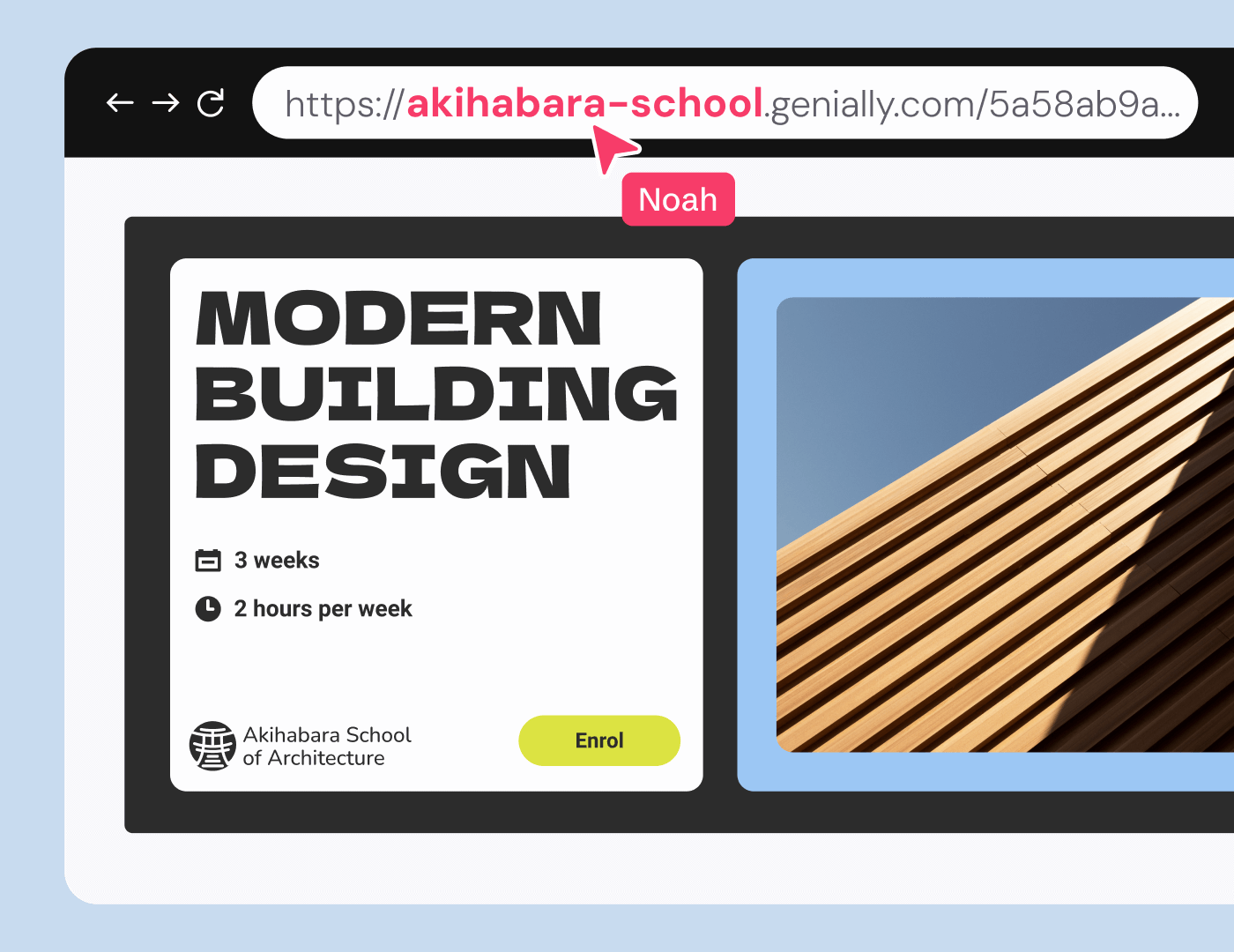
Customize the URL to your company or brand and make your links more recognizable.
Password protection
Protect private or sensitive information with a page or link password.
Optional web indexing
Boost SEO by allowing search engines and LLMs to find and reference your content.
See who opens the link
Activate Individual Activity tracking and viewers will be asked to enter their name.
Engagement metrics
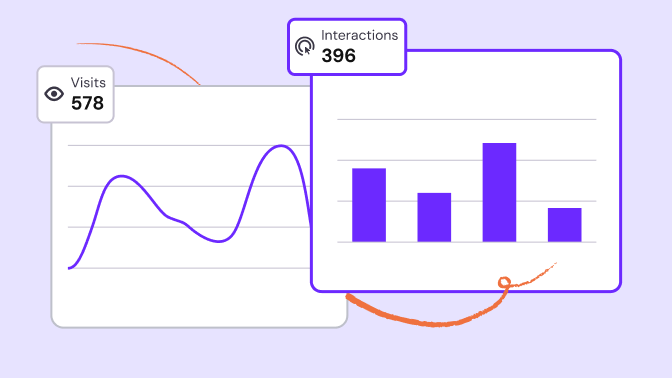
Measure how your content is performing with live insights on views and clicks.
Iframe
Embed on any site
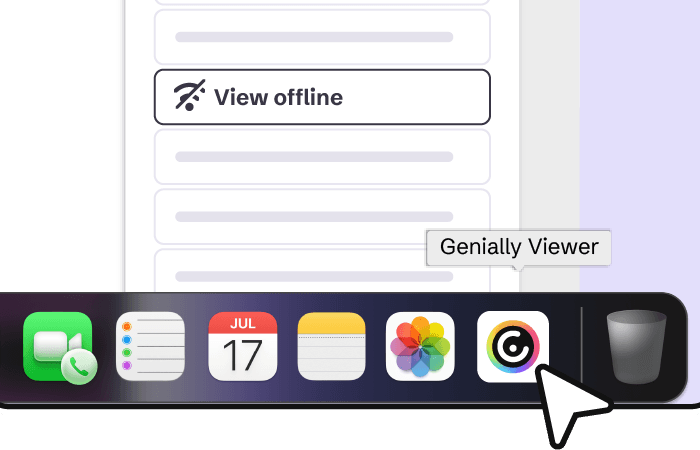
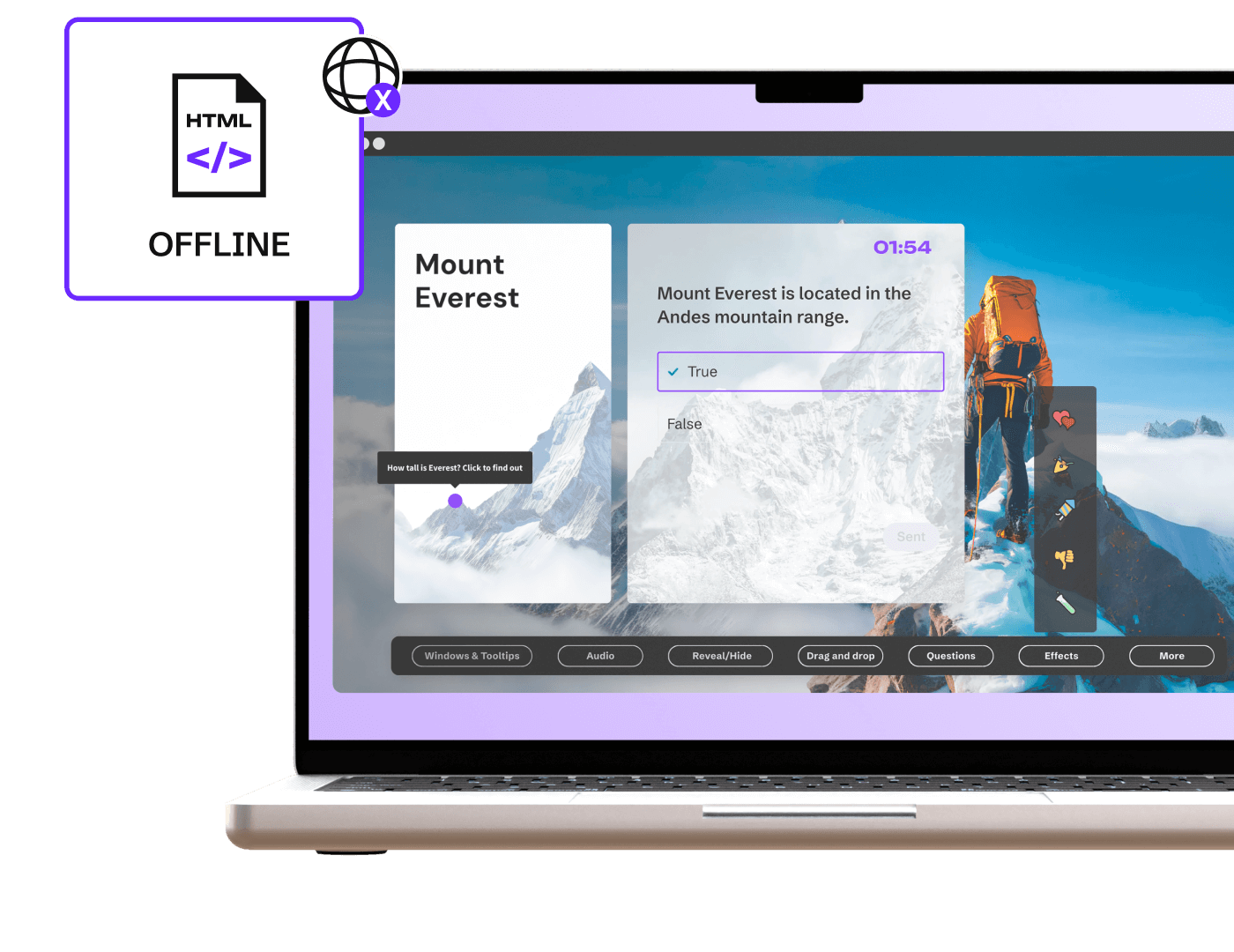
Enrich your website or blog with interactive Genially content — just copy and paste the iframe or script code into your CMS or LMS. You can also download your creation as HTML to embed it on your website and keep it interactive even offline.
No developers needed
Integrate interactive content into the page without web development costs or maintenance.
Seamless experience
Iframe displays Genially content in its own window, in a format that’s compatible with all browsers.
Domain restriction
Prevent content being viewed and shared on sites you haven’t approved by restricting link views to authorized domains.
LMS Integration
Distribute through your LMS
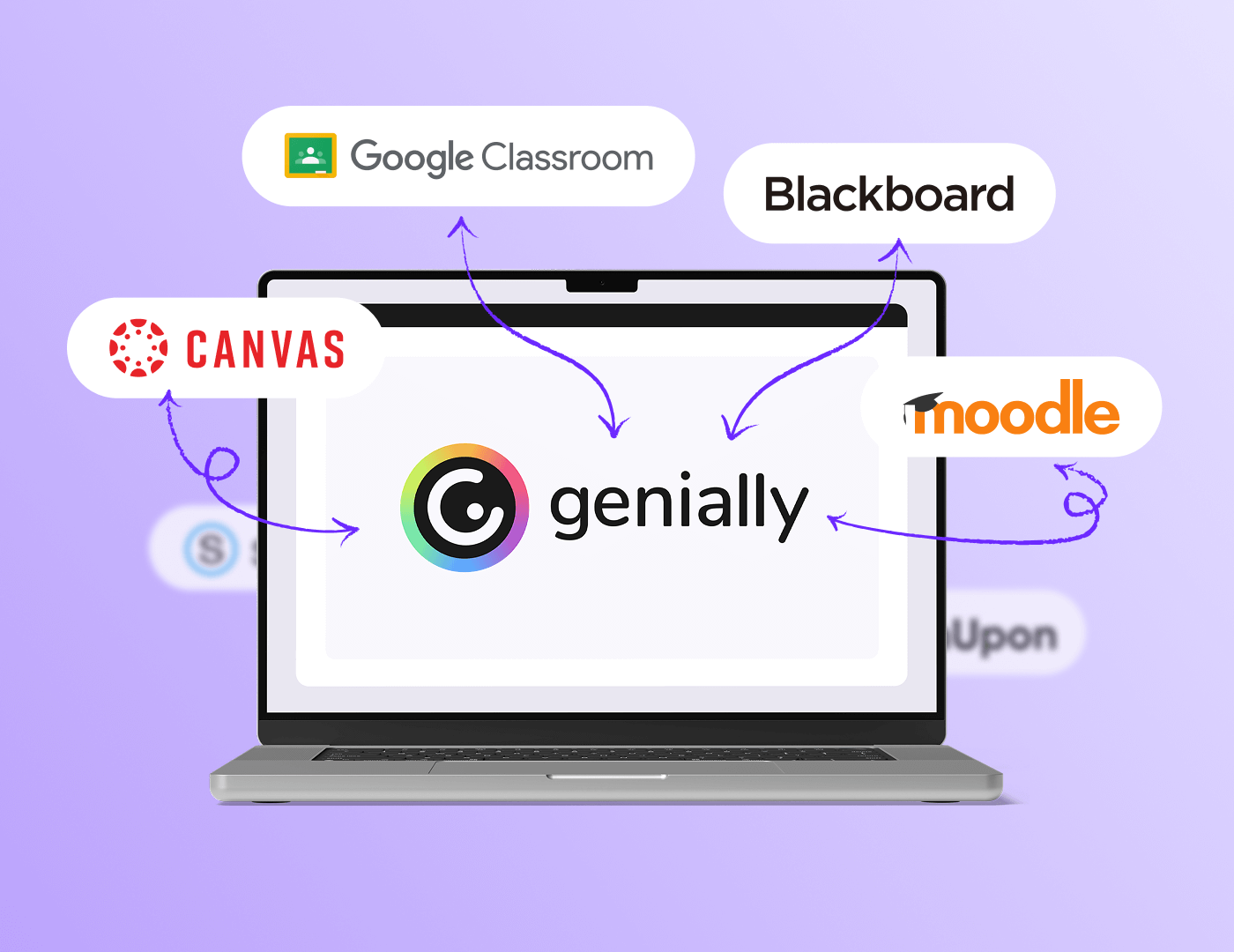
Deliver Genially learning materials via your Learning Management System (LMS) and sync scores to your gradebooks automatically. Publish in LTI or SCORM format, with dynamic updates for seamless learner tracking.
Strengthen brand visibility
Custom URL
Publish your projects on a link featuring the name of your brand or organization. Enhance trust and credibility, and make it easier for people to find and recognize your content.

"Genially has become an essential part of our instructional design toolkit."
Integrations
Share to other platforms
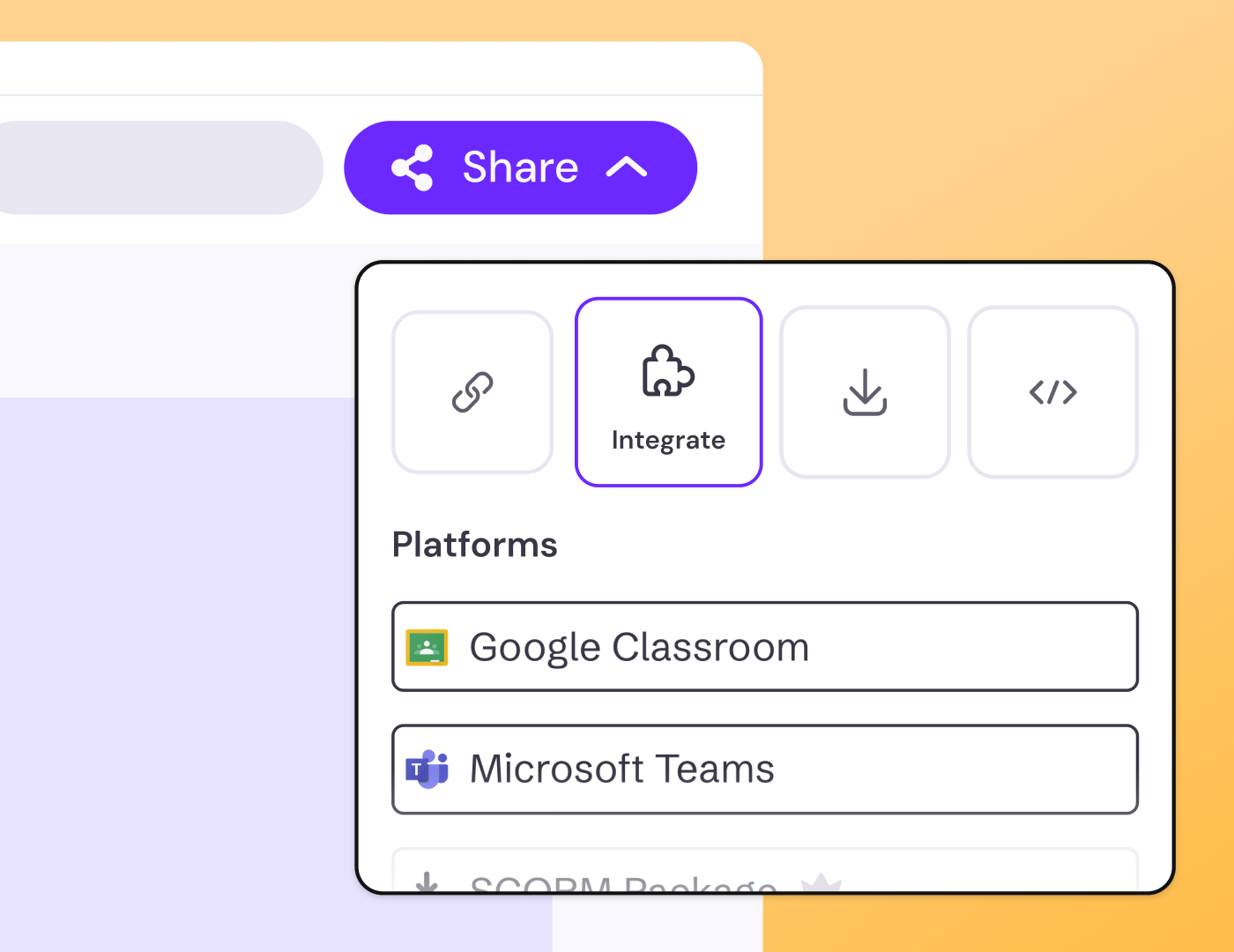
Share Genially content to Google Classroom and Microsoft Teams in one click. Add interactive materials to your channels and assignments without leaving the editor or dashboard.
Audience engagement tools
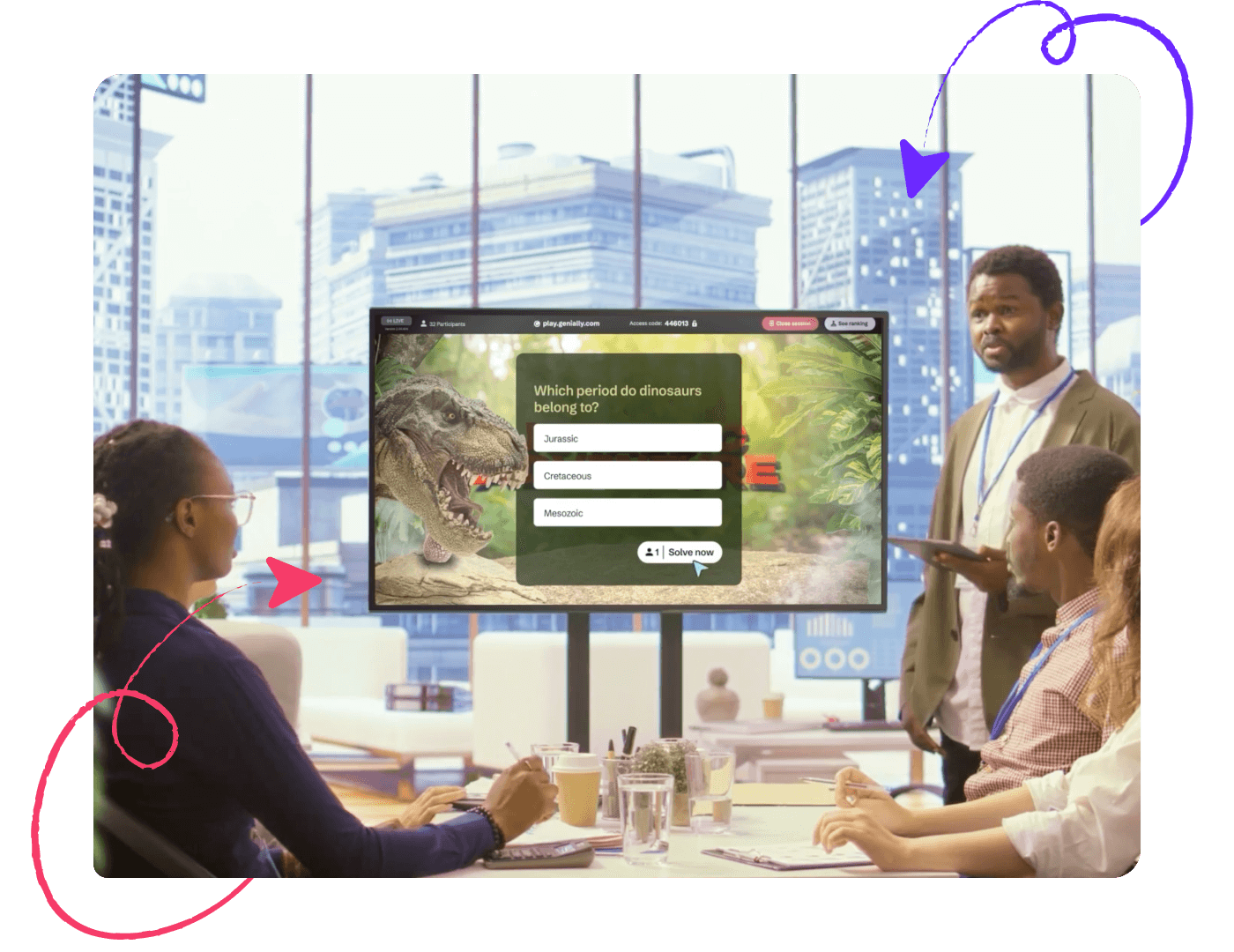
Present live
Hosting an online class or training session? Genially’s presentation tools help you engage your audience and encourage active participation. Share your screen and present the slides in full-screen mode, or host an interactive session with live participant responses.
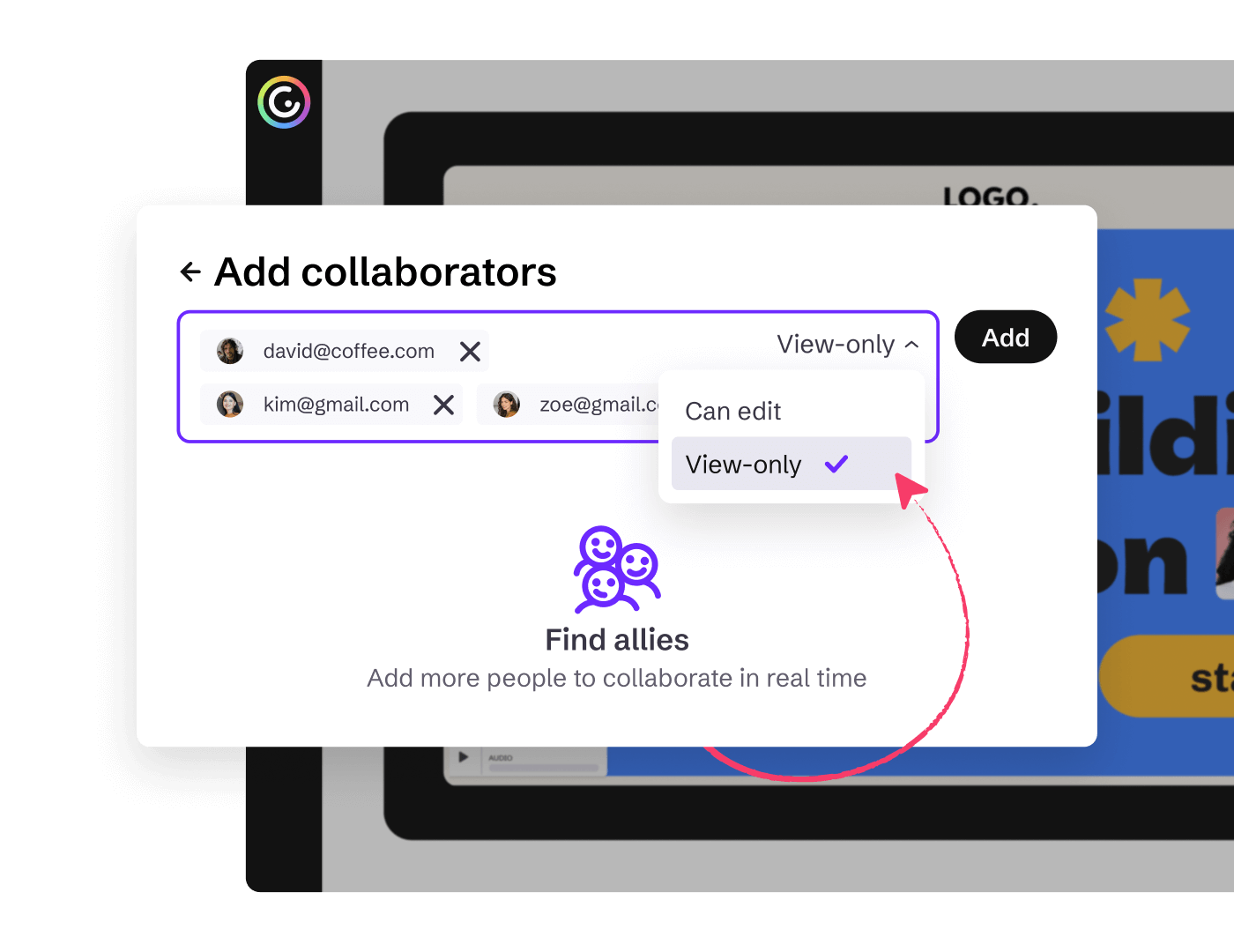
Read-only permissions
Share without publishing
Want to share drafts or private content without publishing it? Invite team members and guests to view content inside the Genially dashboard, without permission to edit.
Offline formats
Download
Genially is the place to make all things interactive, but you can export your designs in other formats too.
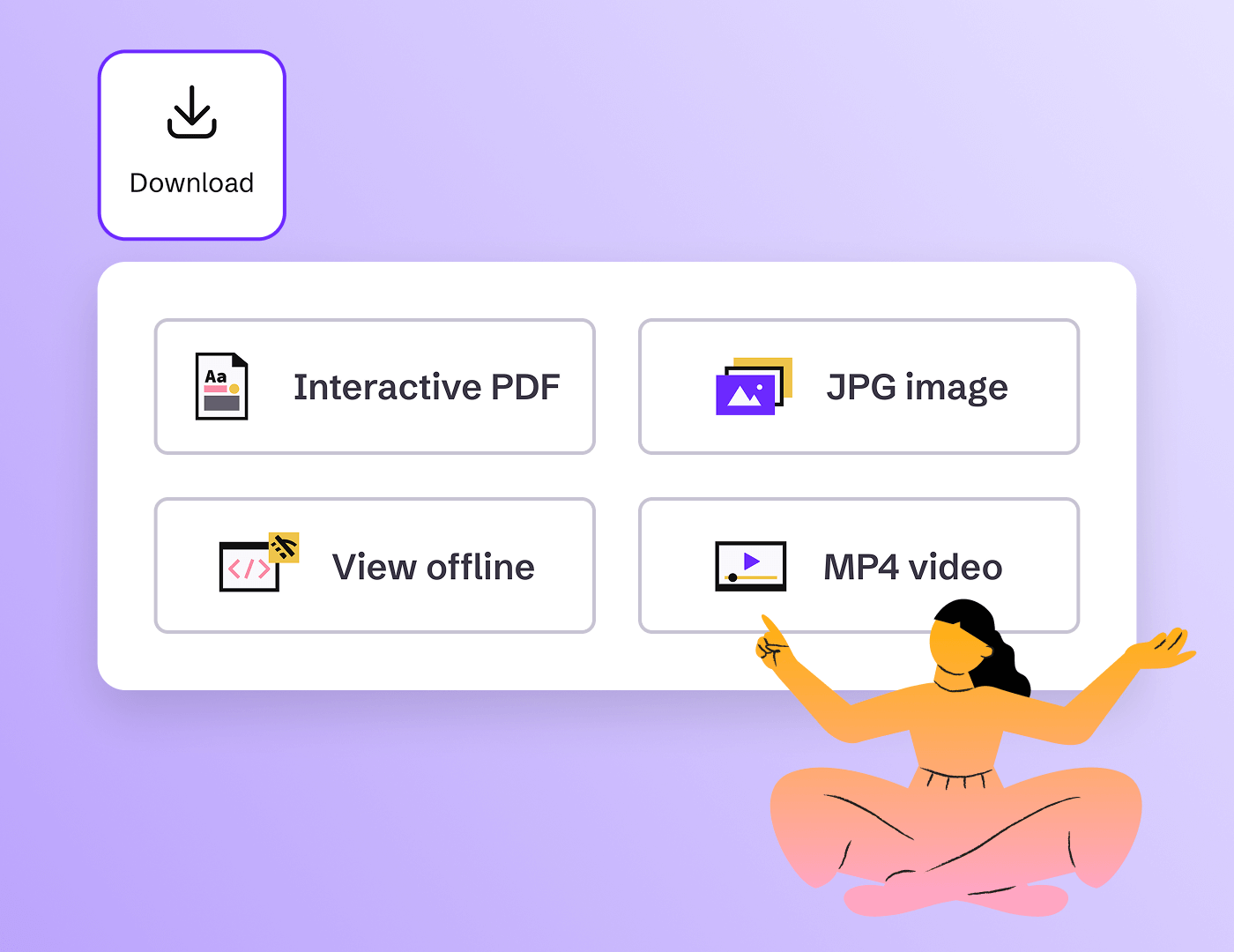
Interactive PDF
Download it as a PDF, the links and page navigation stay intact.
MP4 Video
Download it as a video, and play it anywhere.
JPG Images
Download it as a ZIP with a high-resolution JPG of every page.
QR Code
Download your QR code. Scan to open your creation, always up to date.
AI Summary
Use AI to create a downloadable summary of your genially in text or audio.
Community Templates
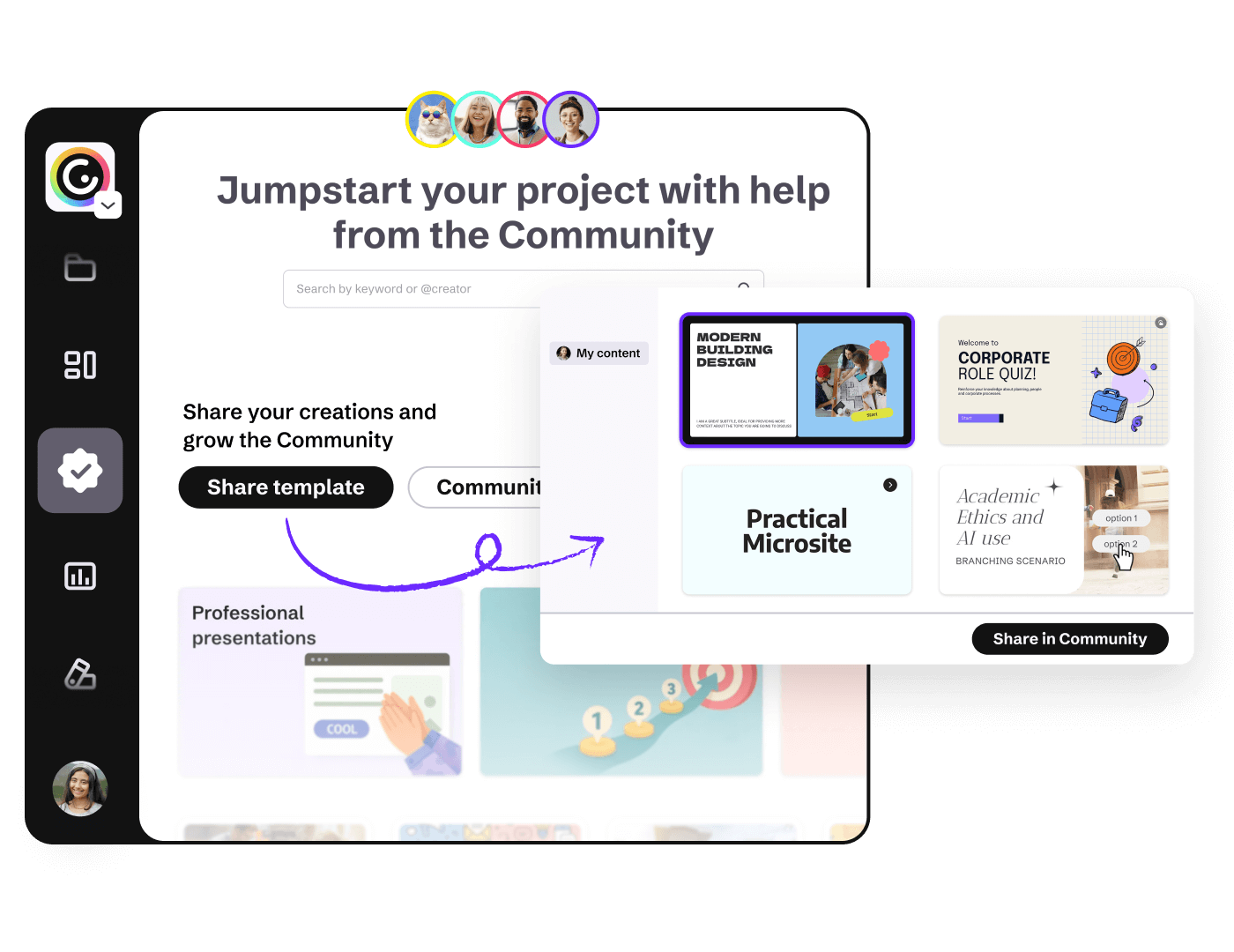
Share with the Community
Share your projects as Community templates to help other creators and showcase your design skills. Personalize your Profile page with featured projects plus your name, bio, and social links.
Publish changes
Hassle-free updates
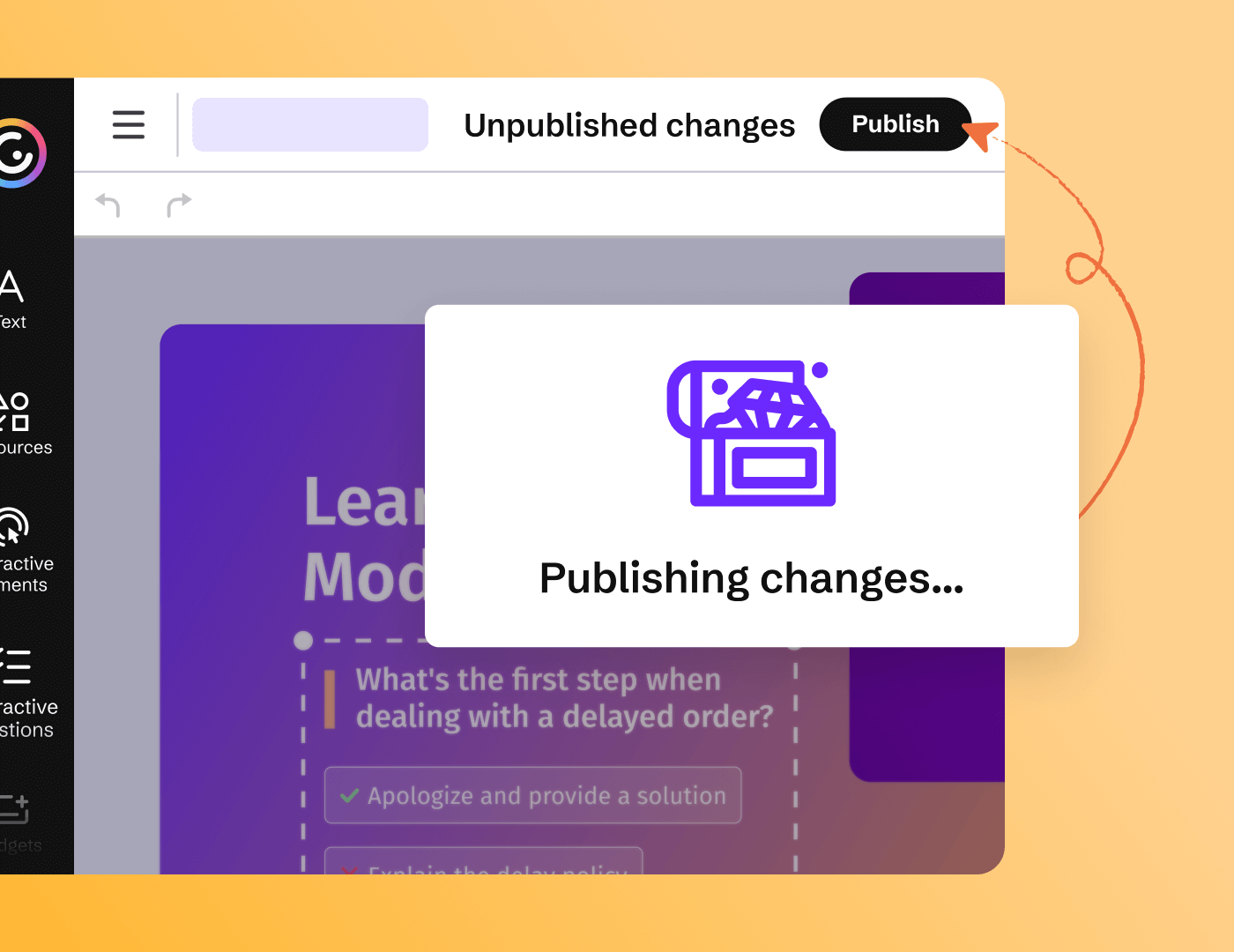
Edit published content at any time, and go live only when you’re ready. Even if you’ve already shared the link or embedded the content on another site, changes will only become visible when you decide.
Share with specific people
Allow anyone with the link to view the content — or restrict link access to invited individuals.
Password protection
Protect private or sensitive information with a page or link password.
Optional web indexing
Boost SEO by allowing search engines and LLMs to find and reference your content.
Domain restriction
Prevent content being viewed and shared on sites you haven’t approved by restricting link views to authorized domains.