Features

Widget library

Genially widgets are every designer’s secret weapon: pre-configured components and gamified activities to make your content more dynamic, engaging, and user-friendly.

Trusted by the world’s leading organizations

Logo safran white
Volkswagen company logo
logo astrazeneca
GSK
Logo safran white
Volkswagen company logo
logo astrazeneca
GSK
Logo safran white
Volkswagen company logo
logo astrazeneca
GSK

Bite-sized content

Flip and flashcards

Deliver information in a compact interactive format with the flip-card widget. Make fun self-assessment materials and micro content that’s ideal for mobile.

Memory games

Find the pair

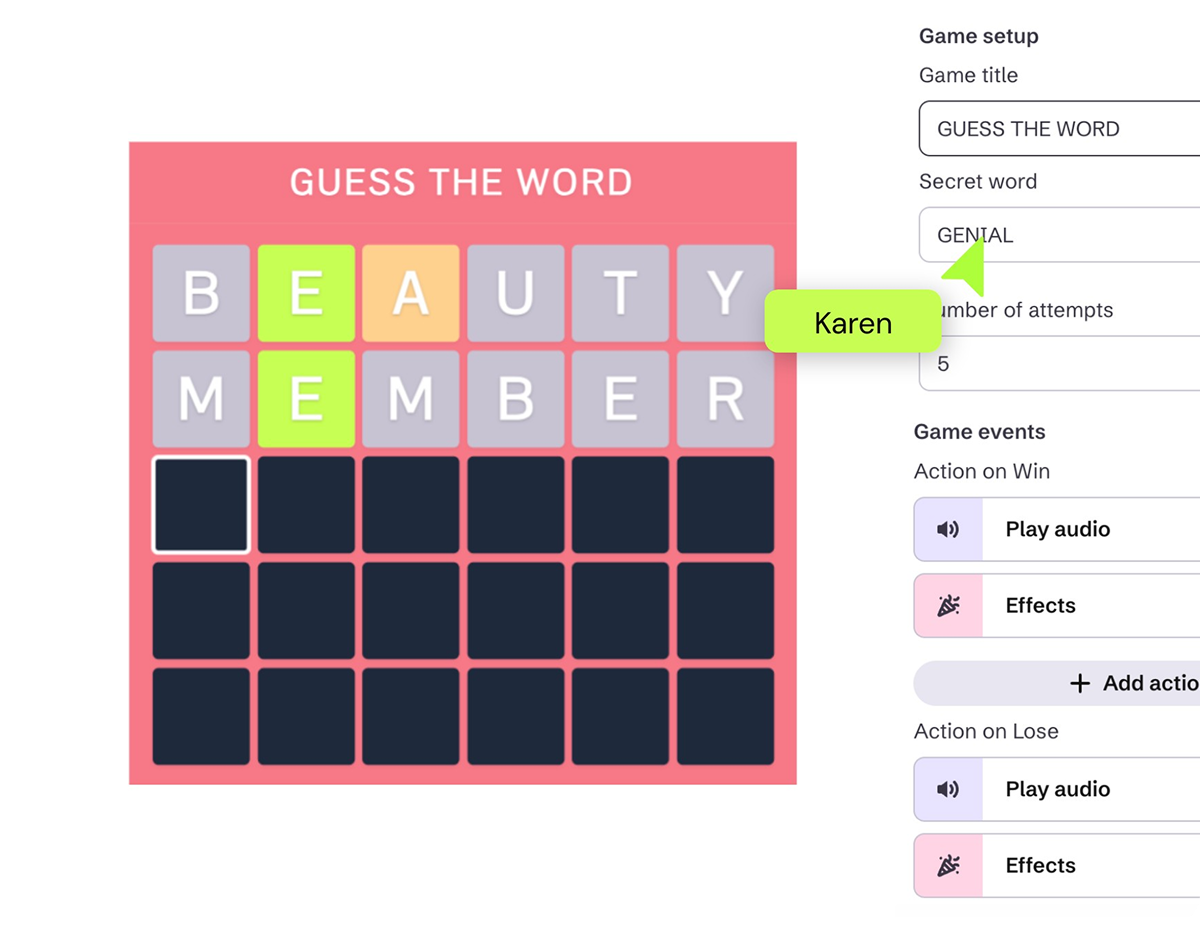
The Find the Pair widget instantly turns images into an interactive game of Pelmanism. Players click to flip the cards until they identify matching, or related, pairs. Visual and sound effects included!

Widget Library _ Timers.png

Set the clock ticking

Timers

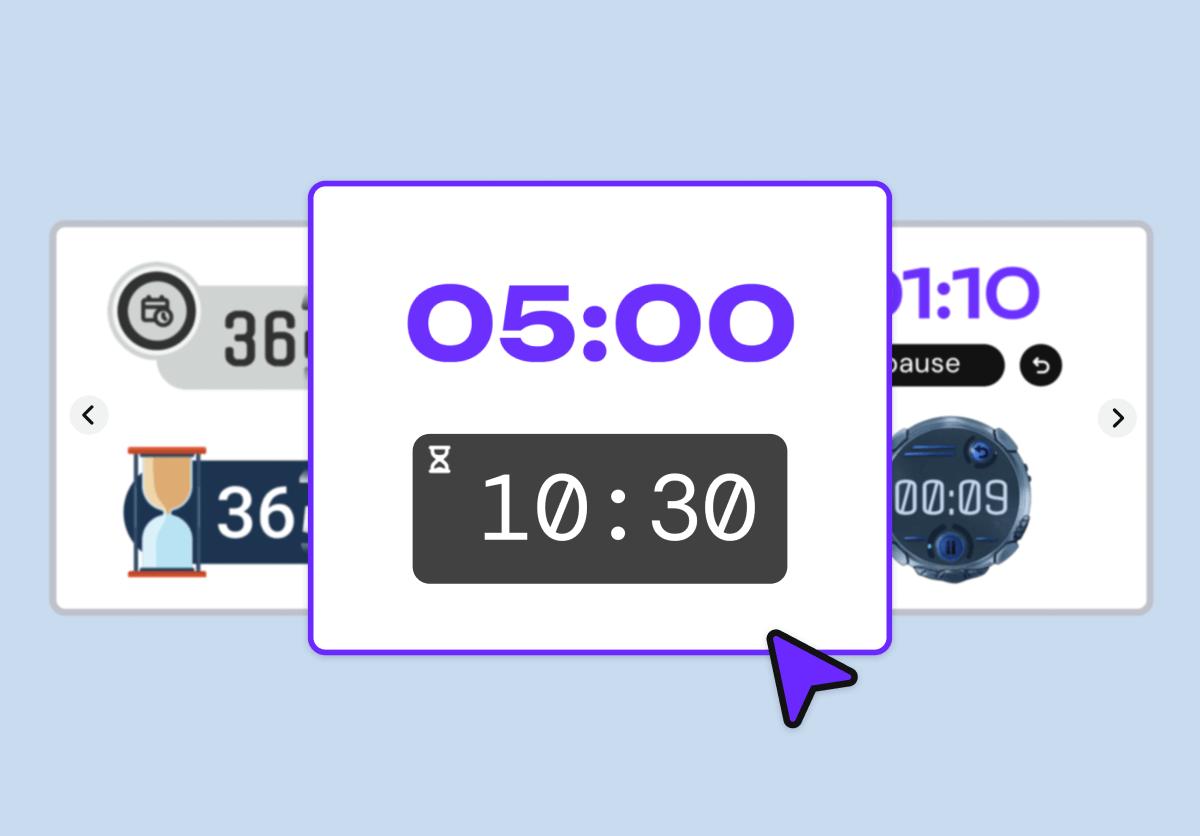
Choose from over 18 different Timer widgets to create timed activities, program when content becomes available, and trigger actions. 

Danny Fandrich, UpReach CEO

"A great way to build smart interactions without any big effort. Every designer is, with the help of Genially, an interaction web app builder"

Danny Fandrich

CEO UpReach

Surprise me

Randomizers

Select an image, word, or question at random with the Randomizer widget. Pick a topic, create visual association games, and simulate prize draws. Bingo! The shuffle effect keeps all eyes glued to the game. 

Heads or tails?

Flip the coin

Toss a coin to select a path, choose which player goes next, or offer a 50-50 chance to win. Choose from different Coin widgets including Yes/No, Heads/Tails, and Win/Lose.

Try your luck

Roll the dice

Use dice widgets to enhance engagement in learning games and foster cognitive skills like math. Find digital dice rollers for every subject and activity, including 6 and 8-sided numeric dice, mathematical operations, directions, and colors.

Conditional logic

Map random outcomes to specific actions

Coins, Dice, and Randomizers can be used to trigger conditional actions. Want a pop-up window to open if the coin lands on heads? No problem. Want to play a sound effect when the dice lands on 5? You got it.

Before and after

Image comparison slider

Invite your audience to compare two images side by side with a draggable slider. Juxtapose changes like before and after, historical vs modern, or spot the difference. Available in vertical or horizontal format.

Make pictures pop

Carousels

Showcase visuals in an interactive carousel gallery with optional navigation buttons, captions, and Autoplay to cycle through the images on loop. Choose from a variety of layouts including Filmstrip, Lightbox, and Sliders with thumbnails.

Zoom in on the details

Mosaic galleries

Display images in an eye-catching gallery with sleek microinteractions and click-to-zoom on each tile. Make collages of photos, illustrations, or GIFs, without the need for other design software or time-consuming editing. 

Navigation

Menus

Help users find their way around and navigate between different sections. Available with a vertical or horizontal display, the Menu appears throughout the entire genially automatically, so you don’t lose time linking pages.

Widget Library _ Graphs and charts.png

Data visualization

Graphs and charts

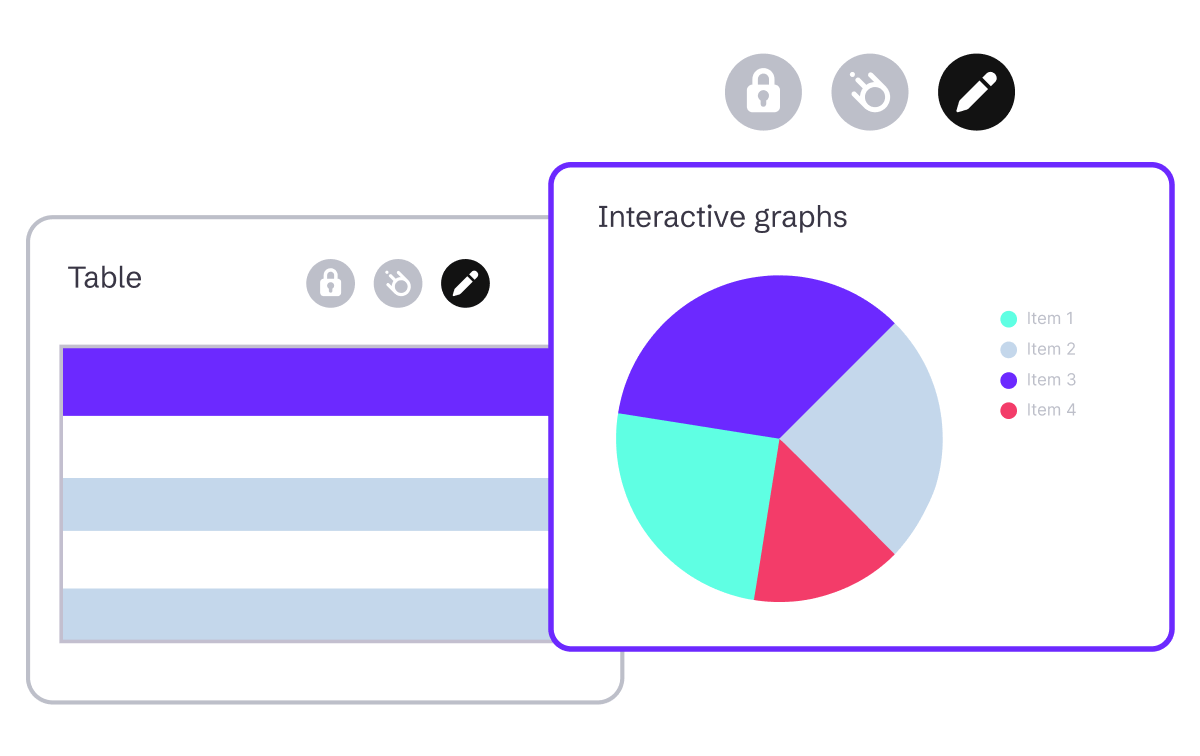
Turn dry data into beautiful visuals that users can interact with. Choose from over 25 graph widgets including scatterplots, line graphs, pie, radar, and gauge charts. Tooltips and responsive lines provide information when users mouse over the graph.

Build more engaging content in less time

Discover more features

Discover more features _ No code Interactions and Animations.png

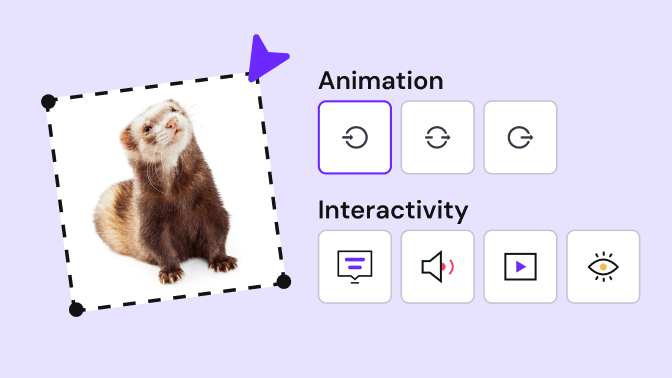
No-code interactions and animations

Make any kind of content interactive with Genially’s easy-to-use interactions and animations.

Discover more features _ Quiz Builder.png

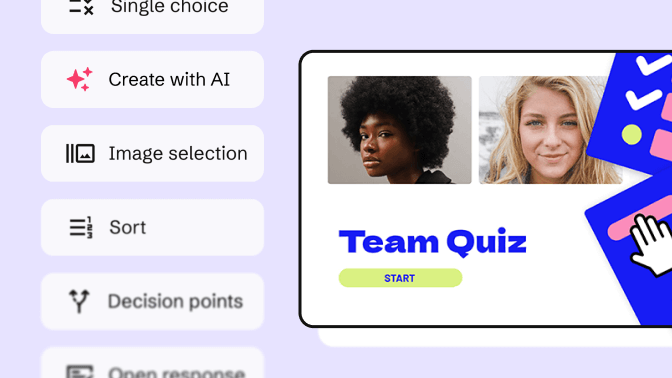
Quiz Builder

Use interactive questions to assess students and capture feedback from your audience.

Discover more features _ Present and Play Live.png

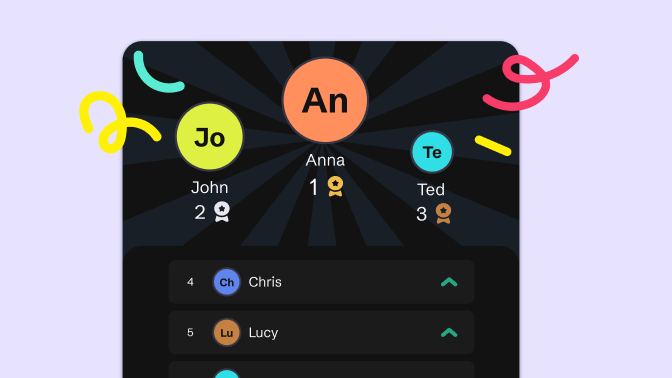
Present and play live

Host live quizzes, polls, and interactive presentations - without any other tools like Kahoot or Mentimeter.

Discover more features _ Brand Kit.png

Brand Kit

Help your team keep to the brand guidelines and create consistent content at scale.

Frequently asked questions

Genially widgets are pre-configured layouts and activities with interactive and gamified elements. They don’t require much configuration or editing, so you can build professional content, in very little time, that’s guaranteed to impress and engage your audience.

You don’t need any design skills to use widgets: just browse the library and add to the canvas in one click.  

For inspiration and ideas for how to use Genially widgets, check out our free course Widgets: Tips and Use Cases.

All published Genially content is accessible and conforms with WCAG 2 Level AA standards. Users can access and interact with the widgets using keyboard commands and other assistive technologies.

Yes! You can access all widgets, interactions, and animations with a free Genially account. Upgrade to premium for more advanced features like branding tools and engagement analytics.

Genially widgets work beautifully on any device, allowing users to interact and engage with the content on desktop, tablet, or mobile.

Mouse interactions like click, hover, and drag automatically adapt to touchpads and touchscreens with tap-to-click, swipe, or press-and-hold.