Free digital choice board maker
Give students autonomy in their learning with Genially’s interactive choice boards. Differentiate instruction and spark engagement with a dynamic mix of visuals, text, video, questions, games, and activities – all in one digital board.
Over 20 million students and educators around the world use Genially
Personalize learning for every student
Foster independent learning and motivate students, giving them the freedom to choose which activities they do – and in which order. Because Genially online choice boards are interactive, you can offer multiple activities and learning paths, all in one resource.
- Adapt instruction with differentiated activities and scaffolding.
- Use branching to create Choose-your-own-adventure games.
- Support diverse learning styles with video, text, visuals, listening exercises, and hands-on activities.

Make choice boards interactive
A Genially choice board works just like a website! Imagine a digital hub with a menu of options, allowing students to click and explore activities at their own pace. Everything’s on one link, so you don’t need to worry about students getting lost or distracted on other sites.
- Embed online content like YouTube videos and Google Maps directly in the board.
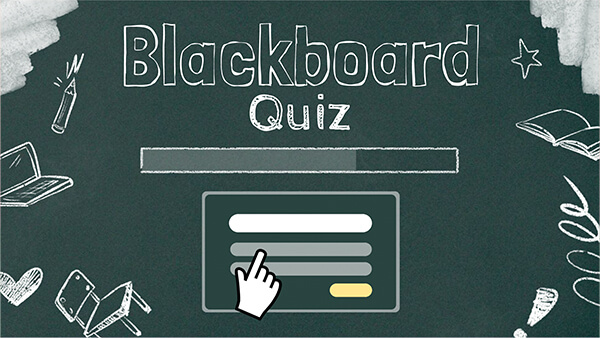
- Engage students with interactive activities like drag-and-drop, draw, click-to-reveal, pop-up windows, and hotspots.
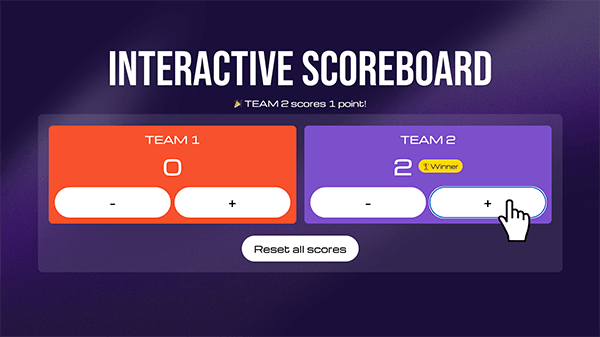
- Gamification: Add a stopwatch, flip coin, or dice and turn any activity into a fun challenge.
Customize to any class or topic
Classroom-ready templates and design resources make it easy to tailor the choice board to your curriculum. Duplicate your favorite designs and adapt them to any grade level or subject, from ELA to Math and Social Studies.
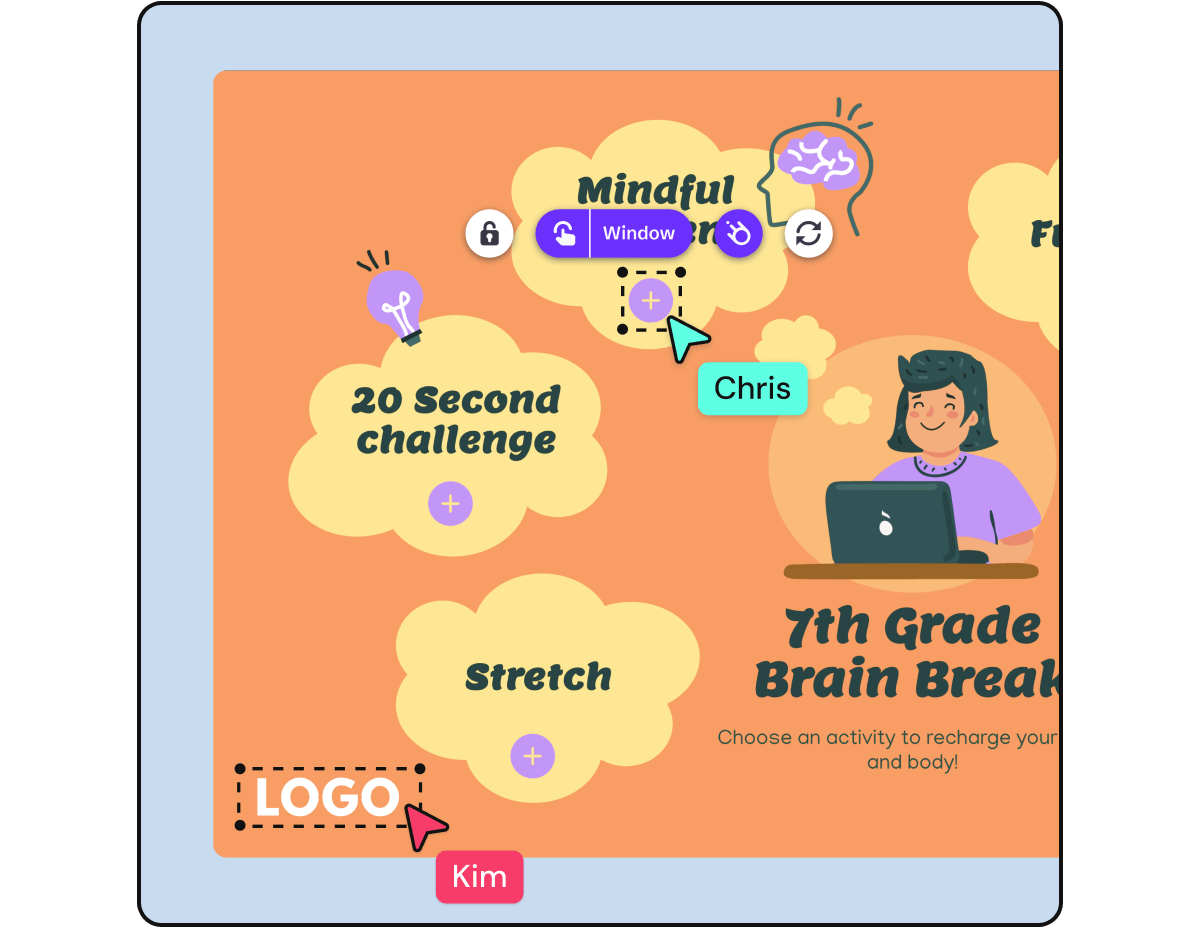
- Easy to edit: Tweak the colors, fonts, and design in a few clicks, or add your school logo.
- Blended learning: Use online boards in conjunction with classroom activities, for in person or remote learning.
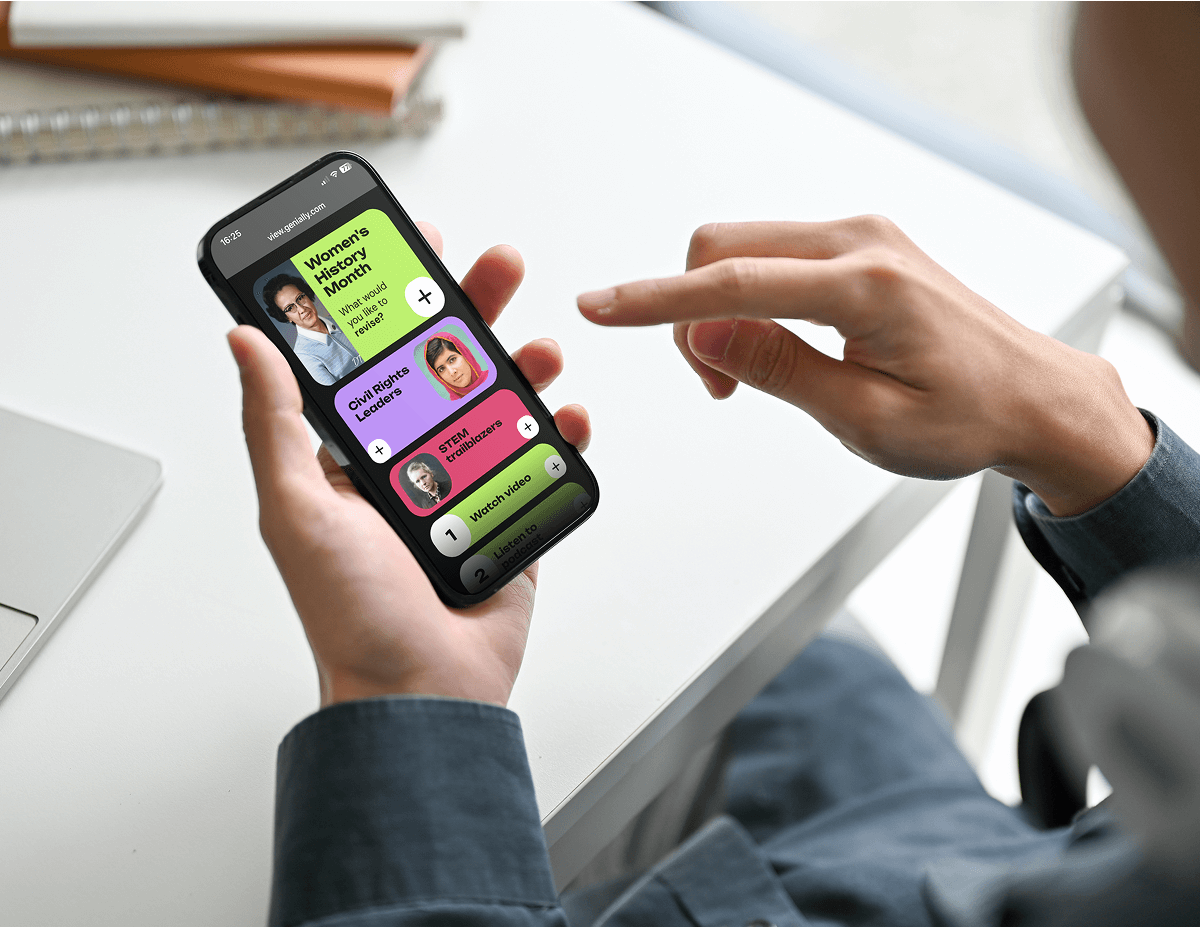
- Multi-device: Students can use the board on laptop, tablet, or mobile.
Free
You can create choice boards for free in Genially. Teachers can also invite students to design their own interactive projects in the Class Workspace.
Digital
Genially is online so you can insert live content from other apps and websites. If you update the board, changes appear automatically.
Interactive
Use interactive elements and gamification to turn your choice board into an immersive interactive adventure.
Accessible
Genially content meets the WCAG level AA accessibility standard. Students can toggle between activities using the keypad and use assistive tools like screen readers.
Easy to share
Just publish your board and share the link with students! You can also share in Microsoft Teams, Google Classroom or your school’s LMS.
Active reflection
Encourage students to think about what they’ve learned with an Exit Ticket or open-response interactive questions.
Templates
Editable choice board templates
Save time on lesson prep with ready-made resources, made by teachers for teachers! Super interactive and easy to adapt to any class or grade.




Step by step
How to make a choice board
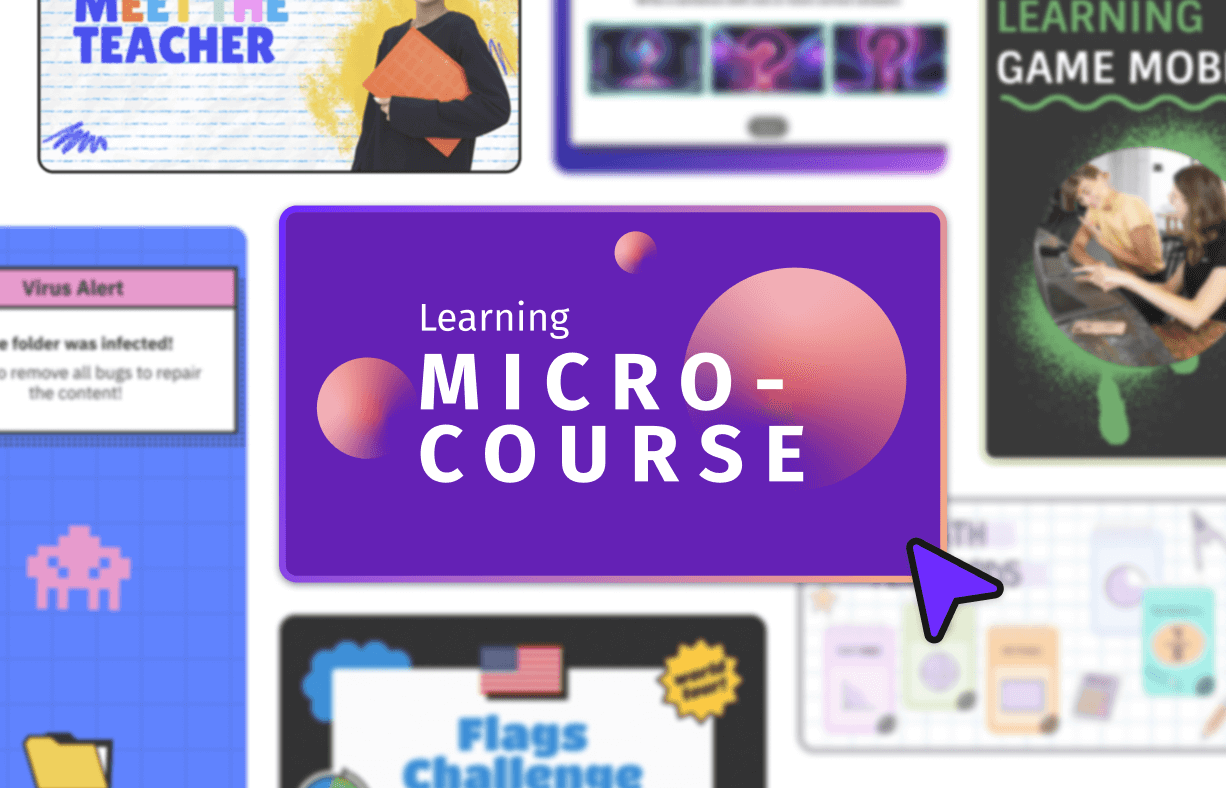
Choose a template
Sign up for a free Genially account and search the template library for choice boards. Already got an idea in mind? It’s easy to create your own choice board from scratch. Choose a canvas size and start building!
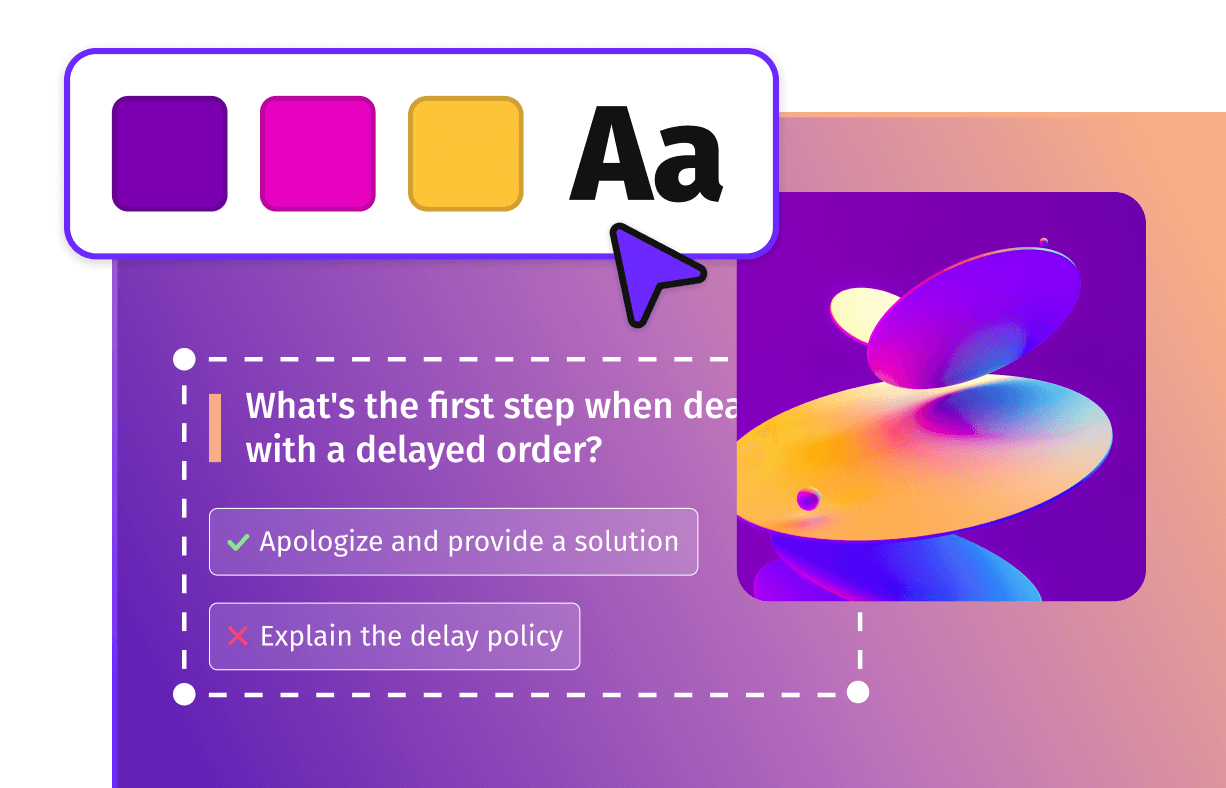
Customize
If you’re using a template, replace the example content with your lesson material. Don’t forget to check the Preview button to see how your board will look and try out all the interactive elements.
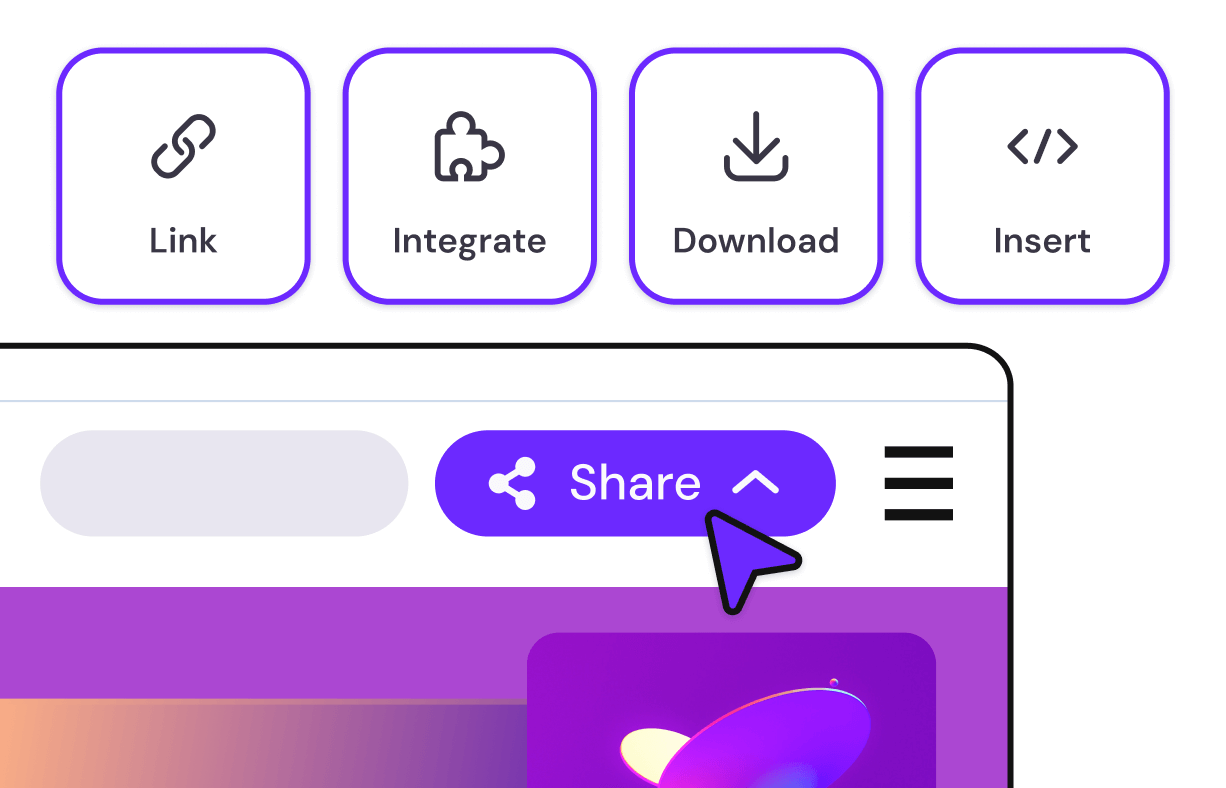
Share
Happy with the design? Click Share to get the unique link. Share directly with students, post online, or add to your school’s LMS. Students can access the board from any device and explore activities at their own pace.

Genially works seamlessly with your school’s LMS

"In all my time working in EdTech, I don't think I've found a tool that can do as much as Genially."

Award-winning learning technology
Frequently asked questions
The easiest way to make interactive learning materials
Create your free account to start exploring