Free flashcard and flip card maker

Create online flashcards and flipcards with click-to flip and swipe animations. Build engaging learning aids and memory games — or make your website more interactive. Fast, free, and easy to use!

The world’s leading organizations create interactive content in Genially

Figma company logo
Volkswagen company logo
Tik Tok organization logo
Logo safran white
Figma company logo
Volkswagen company logo
Tik Tok organization logo
Logo safran white
Figma company logo
Volkswagen company logo
Tik Tok organization logo
Logo safran white
University of Miami
Logotipo de la Universidad de Angers en blanco
Logo Universidad Rey Juan Carlos
Columbia University company logo
University of Miami
Logotipo de la Universidad de Angers en blanco
Logo Universidad Rey Juan Carlos
Columbia University company logo
University of Miami
Logotipo de la Universidad de Angers en blanco
Logo Universidad Rey Juan Carlos
Columbia University company logo

FLIP CARDS

Create interactive flip cards without coding

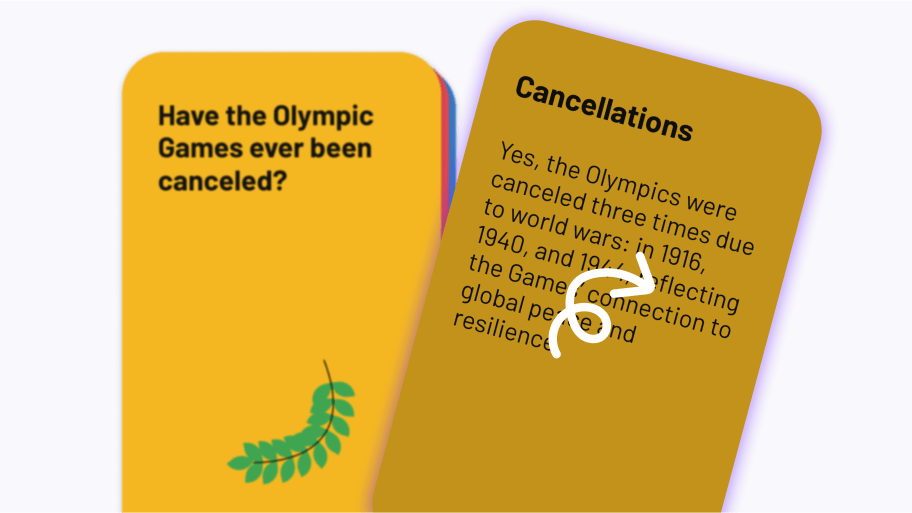
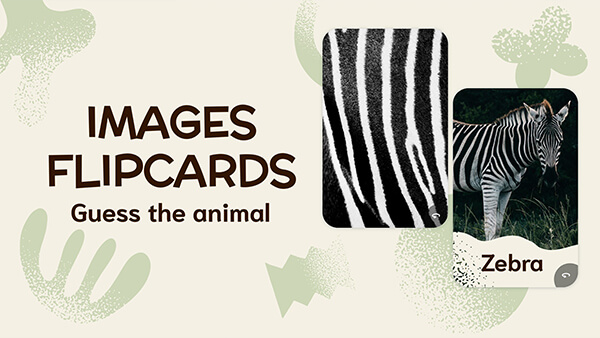
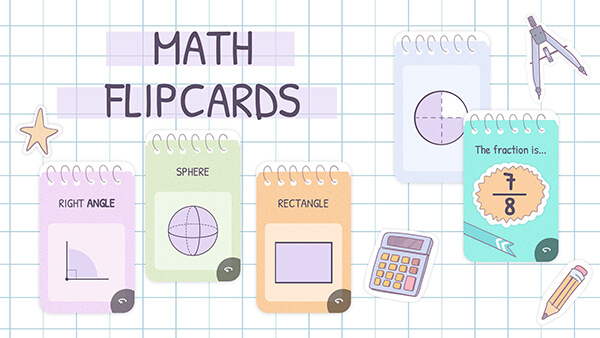
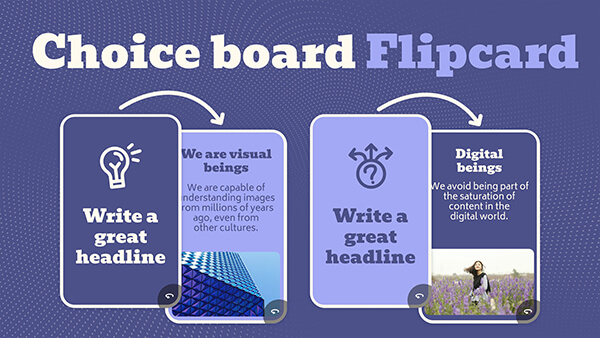
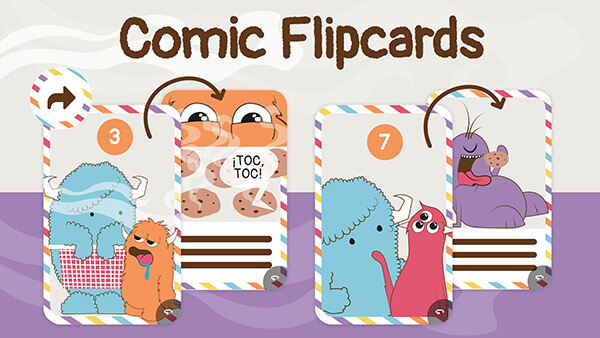
Want to make cards that flip over when clicked or tapped? Genially’s intuitive builder lets you do it in minutes, without any tech skills. With content on one side and related concepts on the other, flippable cards help you boost engagement and reveal information in bite-sized chunks. 

  • Customize the design or use a pre-formatted card layout.
  • Choose a vertical or horizontal flip motion.
  • Enrich the cards with text, images, audio, video, GIFs, interactive buttons and questions.
     

CARD SETS

Build swipe card and flashcard decks

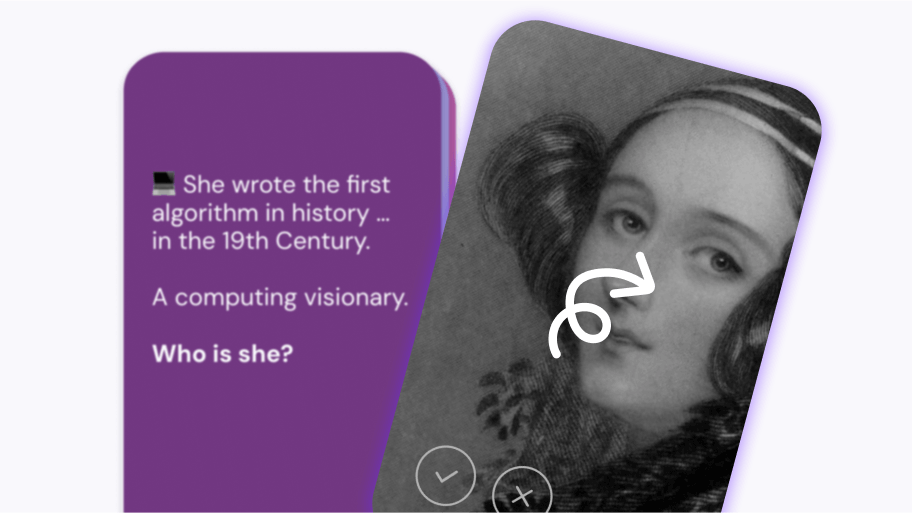
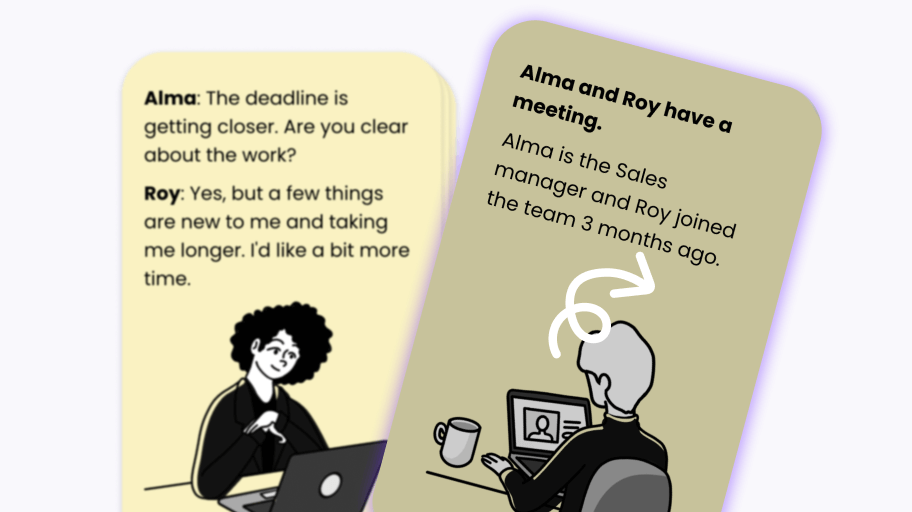
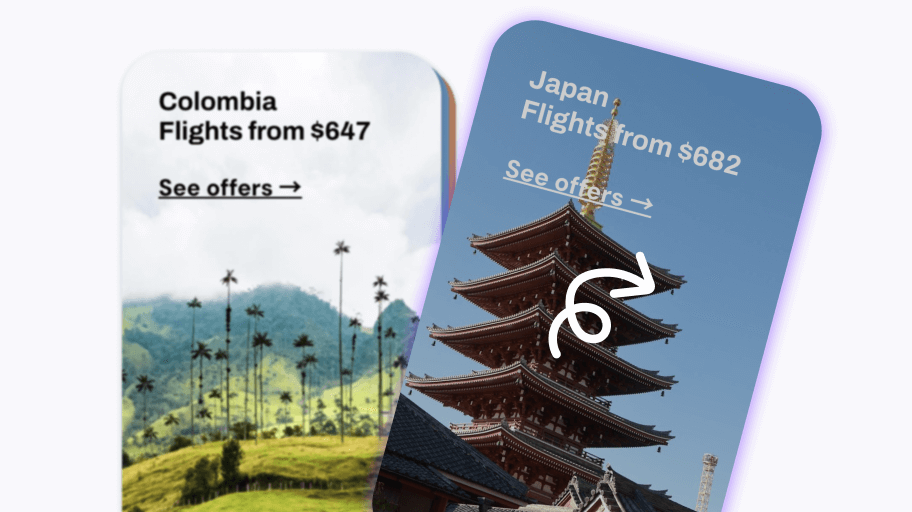
Present cards in a stack, with the top card visible and subsequent cards peeking out underneath. The swipeable  interface generates an app-like feel and a sense of progression and anticipation. Keep people clicking!

  • Use one-sided cards, or two-sided cards with a flip interaction.
  • Works on any device: Swipe or click to proceed to the next card in the deck.
  • Easy to edit and change the order of the cards.

USE CASES

Discovery-based learning and storytelling

Flip and swipe mechanics are powerful gamification devices for driving interaction and content exploration. Use cards to break down complex concepts, support active recall, and provide immediate feedback.

  • Education: Create fun resources for revision, self-testing, and concept reinforcement.
  • Training: Deliver onboarding, explain multi-step workflows, and practice skill-specific terminology.
  • Marketing: Tell your brand story, highlight company milestones, and help customers explore your product.
     

DESIGN FEATURES

Sleek animations and next-level design

Goodbye boring white flashcards – Genially helps you create polished visuals that are beautifully tailored to your brand, course, or curriculum. Customize every detail including the colors, fonts, buttons, and background.

  • Professional flip and swipe effects.
  • Micro-interactions like the tilt card hover effect add depth and enhance the user experience.
  • Add hover, timed, and click-trigger animations to other elements inside the card.
     

MADE IN GENIALLY

Real world examples

Click to explore!

Revision & Self-testing

Revision & Self-testing

Microlearning & Chunking

Microlearning & Chunking

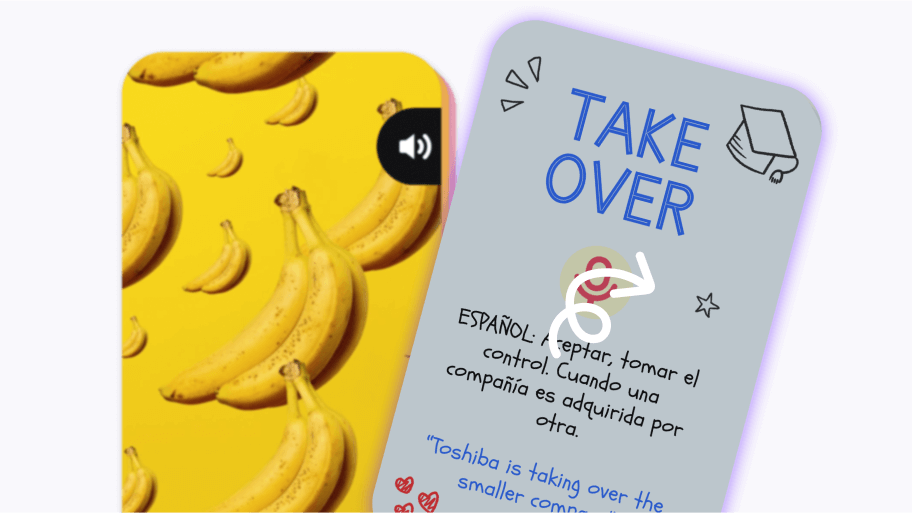
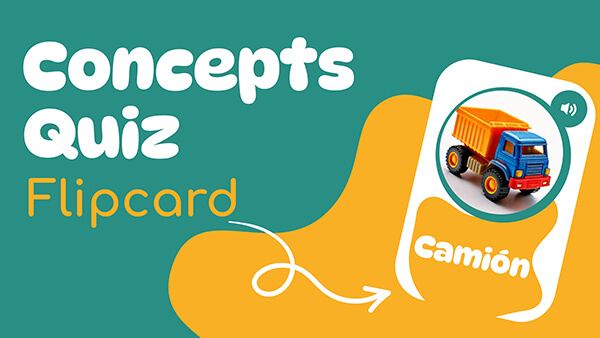
 Vocabulary Learning

Vocabulary Learning

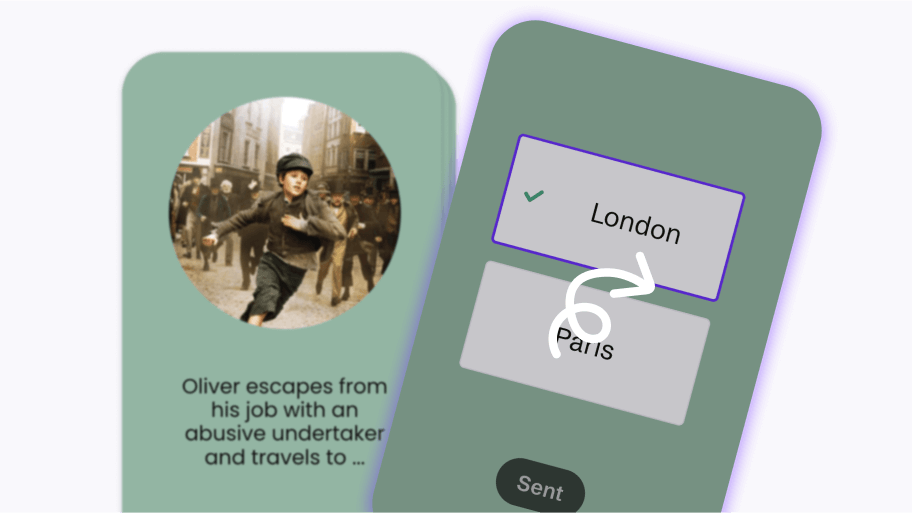
 Assessment or Q&A

Assessment or Q&A

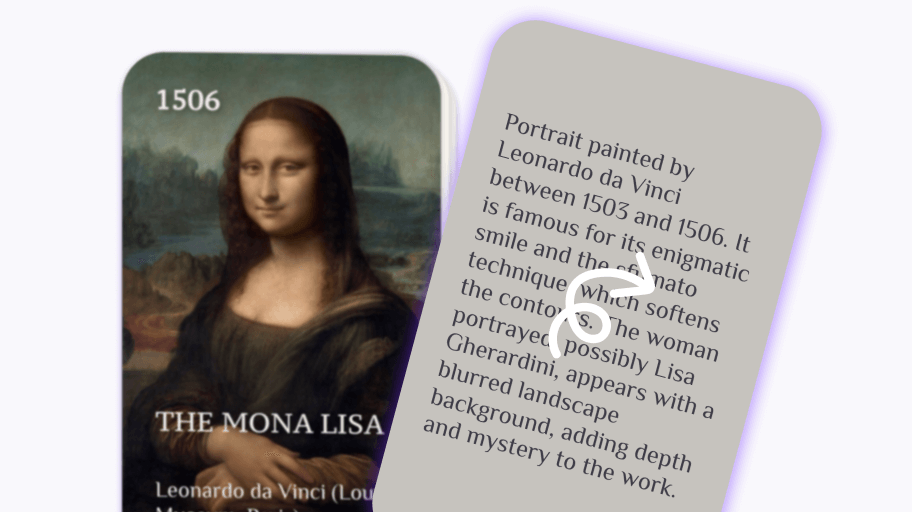
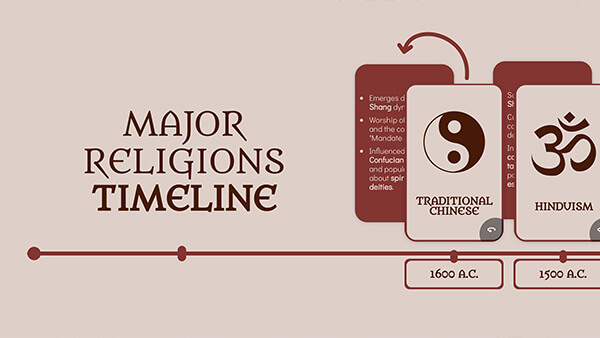
Chronological Sequences

Chronological Sequences

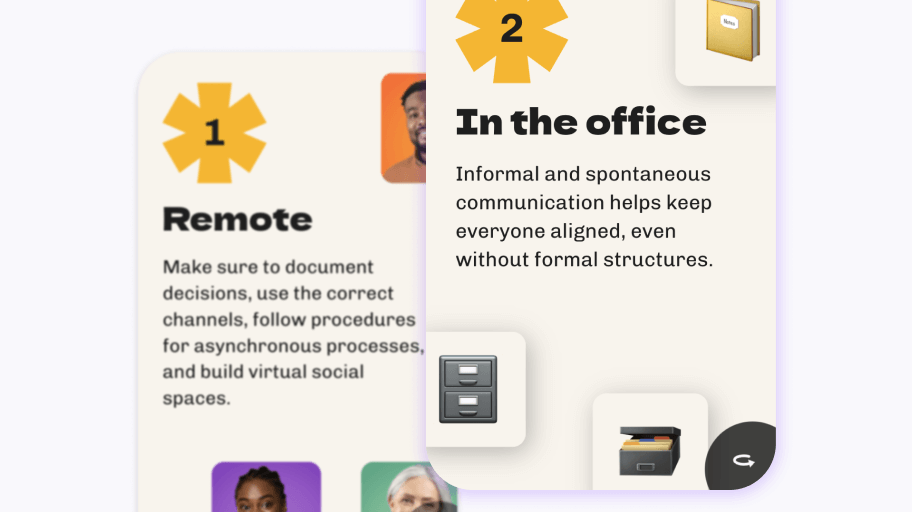
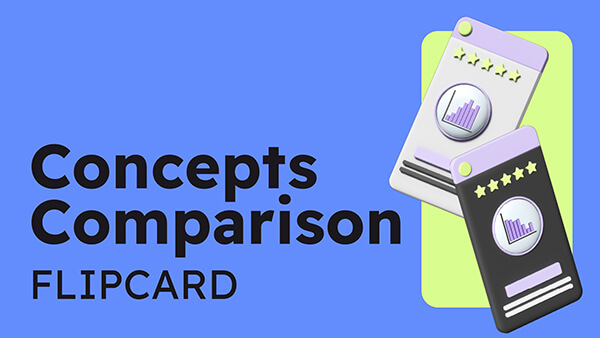
Comparing Concepts

Comparing Concepts

Storytelling

Storytelling

 Product Information

Product Information

Why Genially is the best tool for making digital flashcards and flip cards

Free

It’s free to make interactive flip and flash cards in Genially. Upgrade for more features like the Brand Kit. 

Share anywhere

Embed the cards on your website, add to an eLearning course, share the link with students, or integrate with your LMS.

Interactive

Combine cards with other interactive activities like drag-and-drop, click-to-reveal, and pop-up windows.

Zero learning curve

Genially is intuitive and beginner-friendly, allowing anyone to create interactive content in a few clicks.

More than flashcards

Build infographics, slides, games, eLearning courses, quizzes and more - all on the same platform.

Accessible

Genially cards are compatible with assistive technology like screen readers, with labeling and audio options.

STEP BY STEP

How to make flip and flashcards

Step 1 - How to make Flipcards or Flashcards in Genially

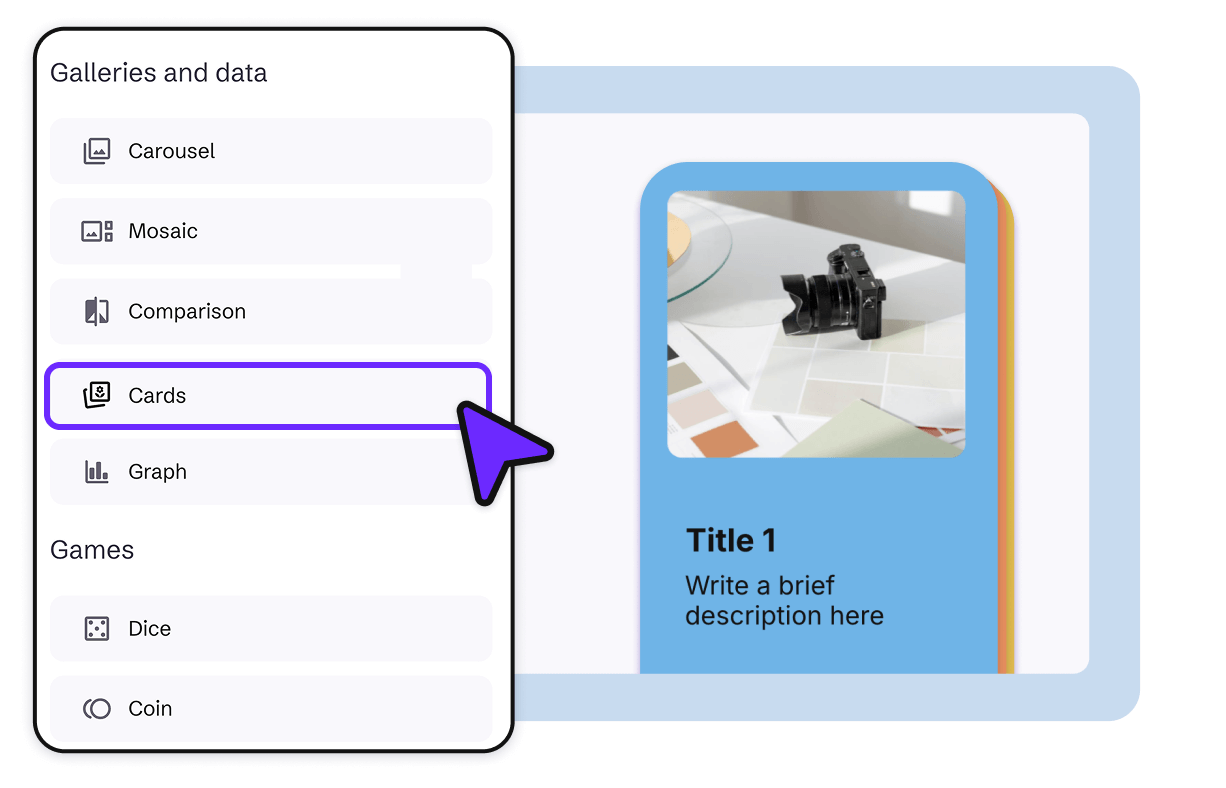
Choose a card style

Sign up for a free Genially account. Go to the Widgets menu and add a Card to the canvas. 


Step 2 - How to make Flipcards or Flashcards in Genially

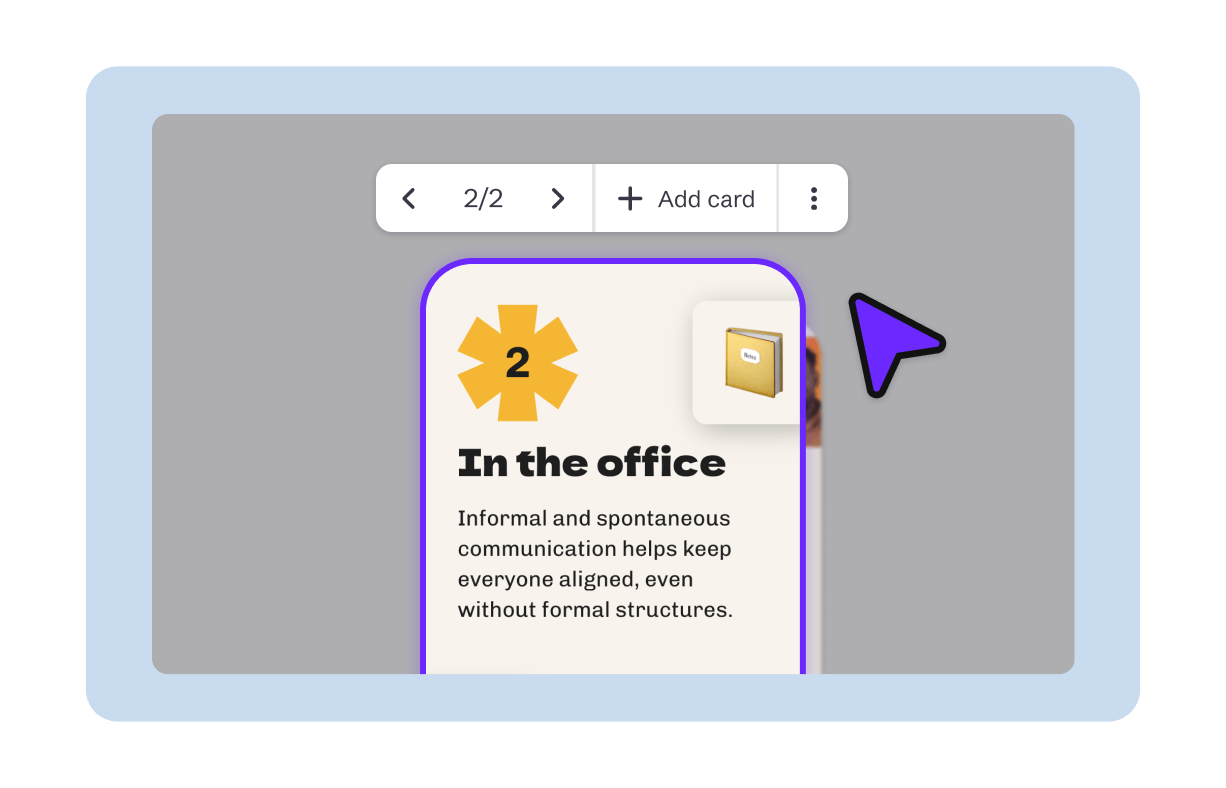
Edit the design

Adjust the size of the card, and edit the text, images, and interactive elements. Use Preview mode to see how it will look.

Share

Share

Happy with the design? Click Share to get the link. Embed on your website, add to your LMS, or share directly with students.

Share, embed, or integrate anywhere. Genially is compatible with every popular website builder, CMS, and LMS.

LMS and CMS
Danny Fandrich, UpReach CEO

"A great way to build smart interactions without any big effort. Every designer is, with the help of Genially, an interaction web app builder"

Danny Fandrich

CEO UpReach

Frequently asked questions

Genially is the best free tool for creating clickable flip cards and flashcards if you want professional design results, without coding.


It’s ideal for instructional designers, educators, and marketing teams who need advanced customization, interactivity, and design features.


Unlike standard flashcard apps for students, Genially allows you to create other types of interactive content and embed cards in eLearning courses, websites, digital brochures, presentations, social media posts and more.

One of the core principals behind flashcards is active recall. Instead of reading passively, learners are forced to retrieve information from memory. This is proven to strengthen neural connections in the brain and improve memorization.


As well as helping information to “stick”, this process of self-assessment encourages learners to evaluate what they know. When they flip the card to reveal the answer or solution, learners receive instant feedback on their progress and areas they need to work on.


Spaced repetition is another learning technique that lends itself to flashcards. Learners are shown new and more difficult cards more frequently than older and easier cards. This spacing method has been found to be effective at improving long term memory.


Although the question and answer format is popular, flip cards have a wide range of applications. Because each card focuses on one topic, they’re ideal for content chunking. This means breaking down complex information and reducing cognitive load. The short, condensed format is mobile-friendly and portable, perfect for microlearning and study on the go.

You can create a digital version of classic match-the-card memory games with Genially’s Find the Pair widget. Also known as Pelmanism, Concentration, or Memory, players have to turn over face-down cards until they find matching pairs.


Genially’s free widget includes flip animations, sound effects, immediate feedback, and success animations like confetti. It’s ideal for warmup activities and revision games, and can be played individually or in groups.

The easiest way to make interactive content

Create your free account and start designing