Make an impact and educate
Create educational resources that shine in the classroom
Give modern-day education a twist with tools that enable the design of impactful educational creations. Get and hold students’ attention like never before.
Online is better
What are digital educational resources?
Digital educational resources refers to tools and content that utilize technology to enhance learning. They are instructional materials aimed primarily at supporting and enriching the educational process in a digital environment. This can range from educational games, videos, escape rooms, and more.
Interactive education
Interaction: The key to effective learning
In the modern educational world, interactivity has emerged as an essential tool for learning. But why is it so crucial for educational resources to be interactive?
- Active student engagement
- Adaptability to different learning styles
- Immediate feedback
- Motivation and commitment
- Development of 21st century skills
How to create impactful educational resources?
5 simple steps
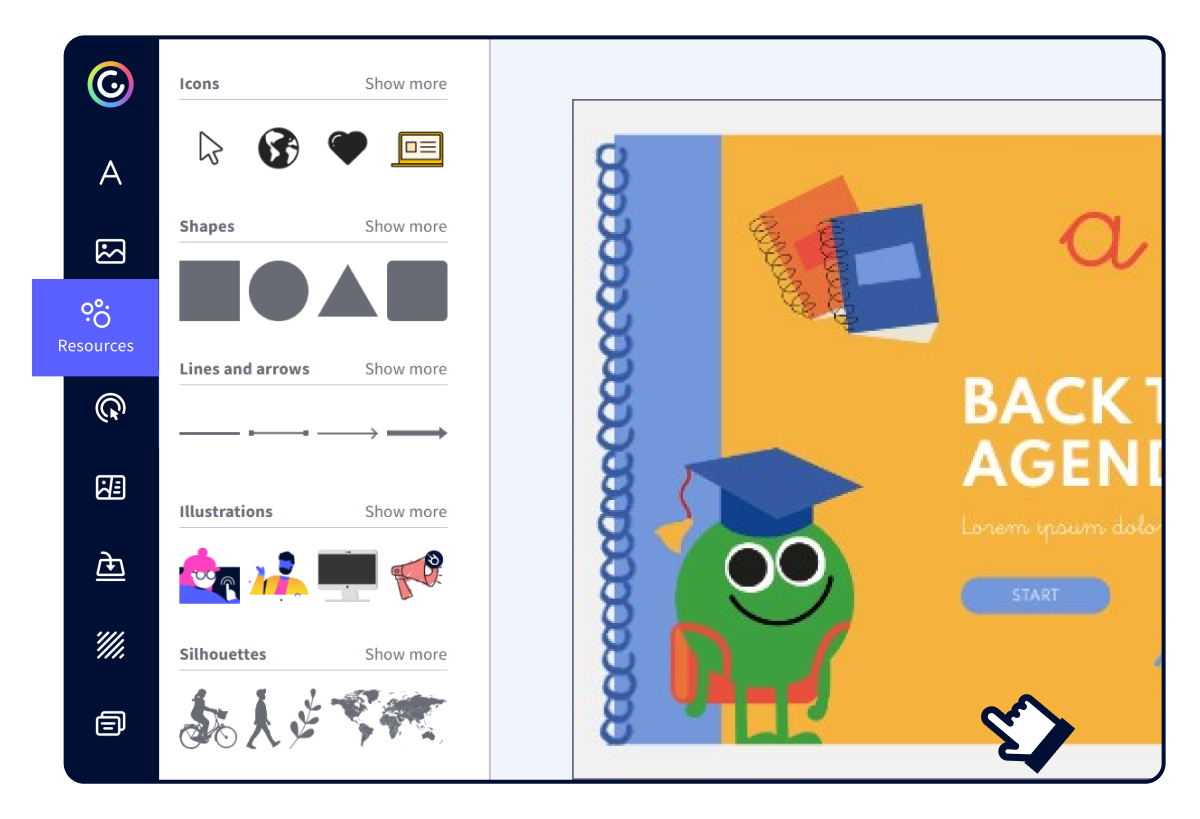
- Choose a template in Genially.
- Customize the content according to the subject and topic.
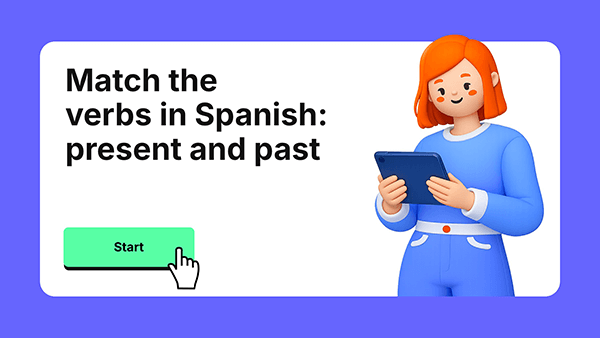
- Incorporate interactivities like quizzes and games.
- Personalize the design.
- Share and amaze.
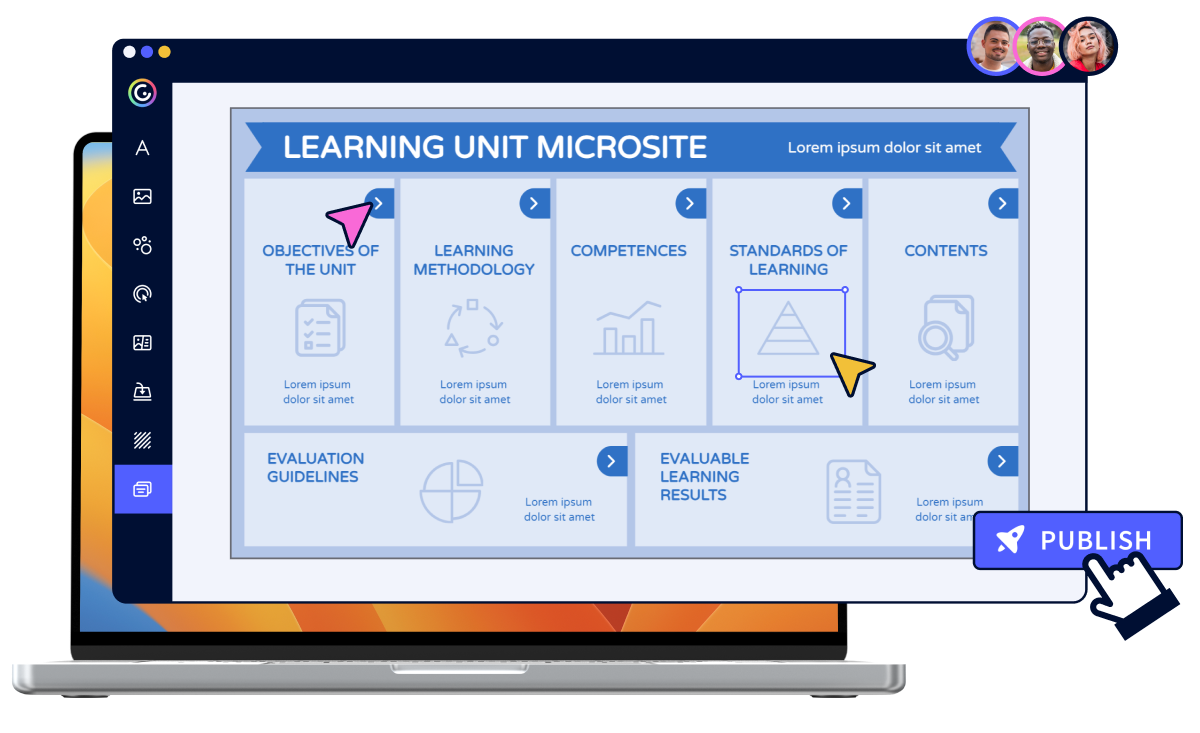
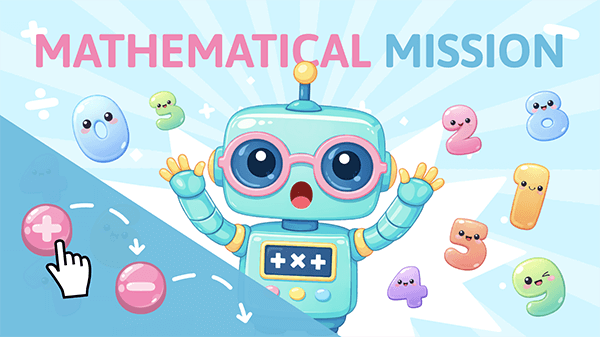
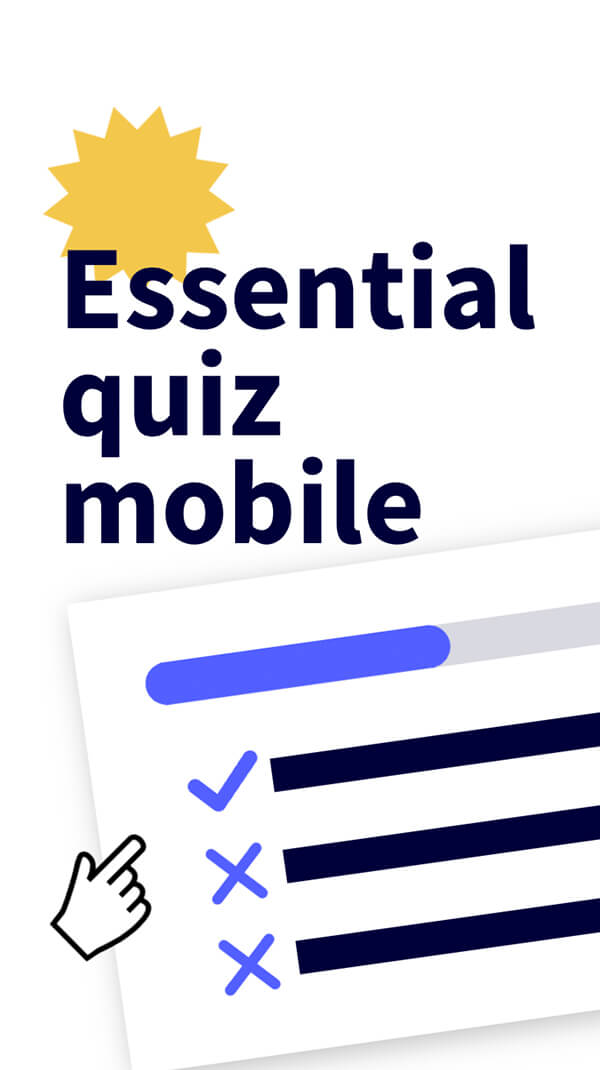
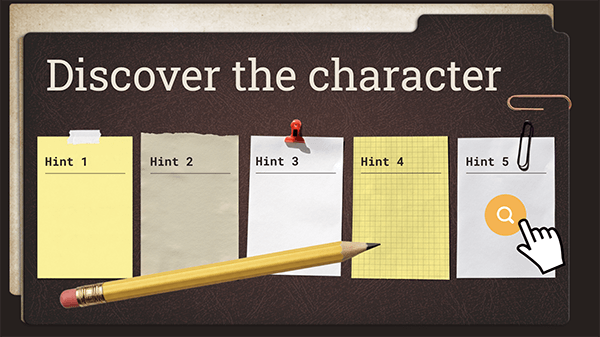
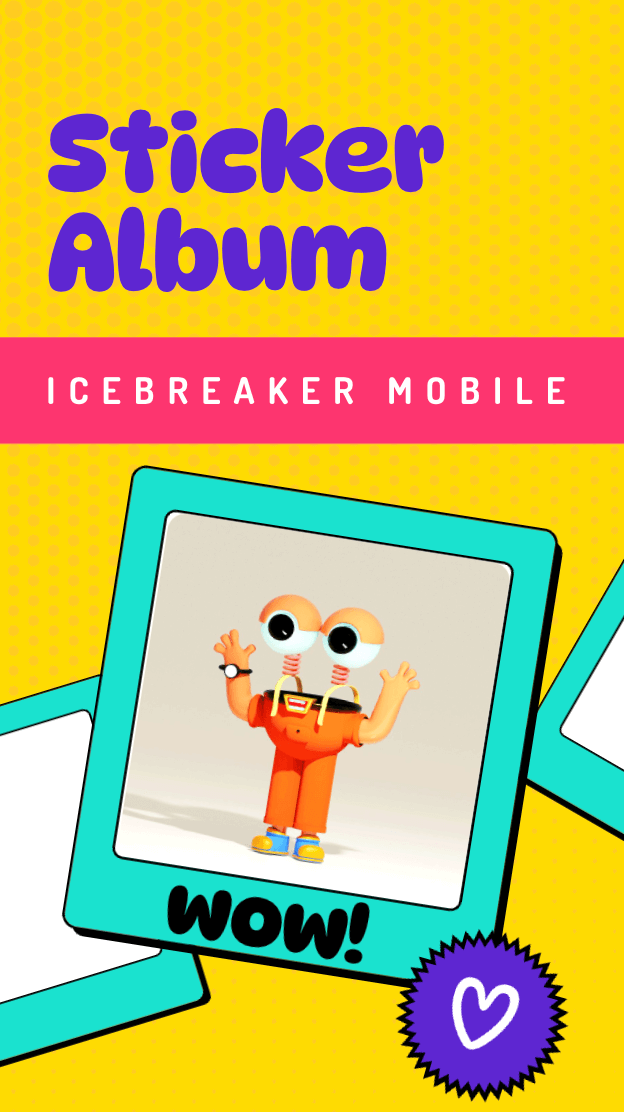
Best educational resource templates
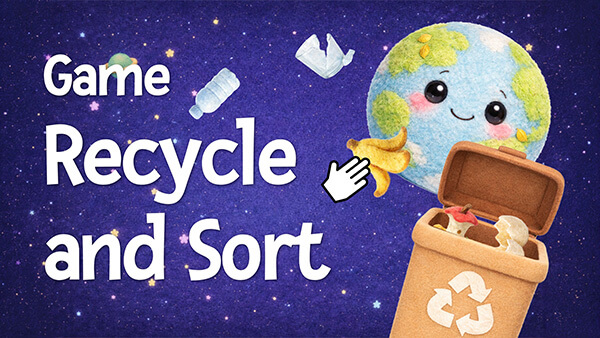
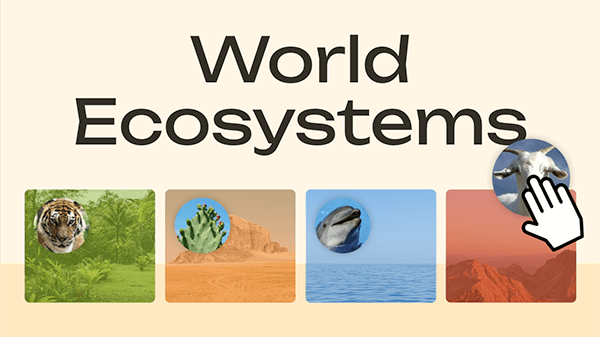

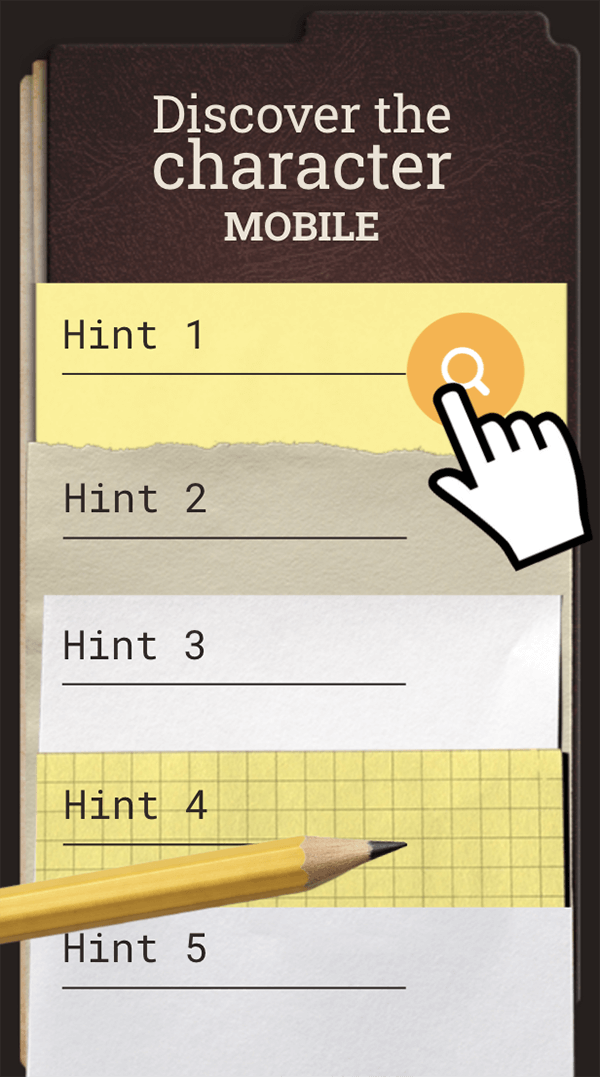
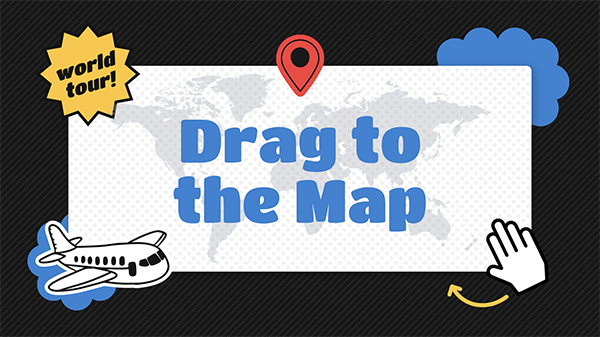



Integrations
Useful features for you
Genially is the perfect tool for your needs
Interactivity
Add layers of information to your content with video, audio, quizzes and other clickable elements.
Present live
Online or offline, you choose! Download in HTML to retain interactive features when you don't have an internet connection.
Rich media
Embed YouTube, Google Maps and content from other platforms directly into your designs.
Privacy controls
Choose who can access content with public and private publishing options.
Import PowerPoint
Import your old slides and give them a new lease of life with animation and interactivity.
Download
Choose from multiple formats: interactive PDF, JPG, HTML, SCORM package or MP4 video.
Frequently asked questions
Start in a minute (or less)
Create your free account now and start experiencing interactive journeys