Make an interactive image in moments
Turn images into engaging media-rich content with Genially's free interactive image maker. Add hotspots to photos, maps, diagrams, product specs and even GIFs! Convert static pictures into click-to-explore visuals with video, audio, links and more.
Interactive content
Add hotspots to any image
Make images clickable by adding interactive hotspots to different areas of the picture. Add popup windows, text labels, audio descriptions, close-up images ... you choose what happens when your audience clicks!
Integrations
Multimedia popups
Embed video, audio, links and third-party web content directly inside an image. Design interactive experiences with content from your favorite platforms like Google Maps, YouTube and Wikipedia.
Captions & labeling
Enrich pictures with text layers
Annotate images with contextual information in a user-friendly format. From a short label to an embedded PDF, it's easy to add text to images and photos without overloading readers.
No-code animation
Animated markers
Show people what to click on with eye-catching hotspot markers that pulse on the screen. Choose from hundreds of buttons, CTAs and vector icons with cool animations to make your image pop.
Intuitive platform
Easy-to-use editor
With Genially's drag-and-drop editor, making an interactive image is as simple as making a slide. Mark up pictures, customize the design, and add interactions and animations in a couple of clicks.
All-in-one design toolkit
Drag-and-drop resources
Choose from thousands of photos, illustrations, background colors, fonts and icons.
Customization
Adjust the size and dimensions, and combine multiple images in a collage or graphic design.
Hands-on learning
Add fun drag-and-drop elements, paint-on-the-canvas tools, quizzes, games and puzzles.
Real-time collaboration
Co-edit interactive images with others and organize team projects in shared spaces.
Brand Kit
Create on-brand images with your logo, colors, fonts and design assets at your fingertips.
Engagement analytics
See how many people have viewed and clicked on your image with Analytics and User Tracking.
The fast way to create an interactive picture
Start with a blank canvas or get inspiration from our free templates. Swap the background for any image that captures your imagination!


Use cases
Engage your audience with interactive images
From immersive teaching materials to virtual travel guides, discover the benefits of interactive photos and images.
Training
Recreate real-life scenarios
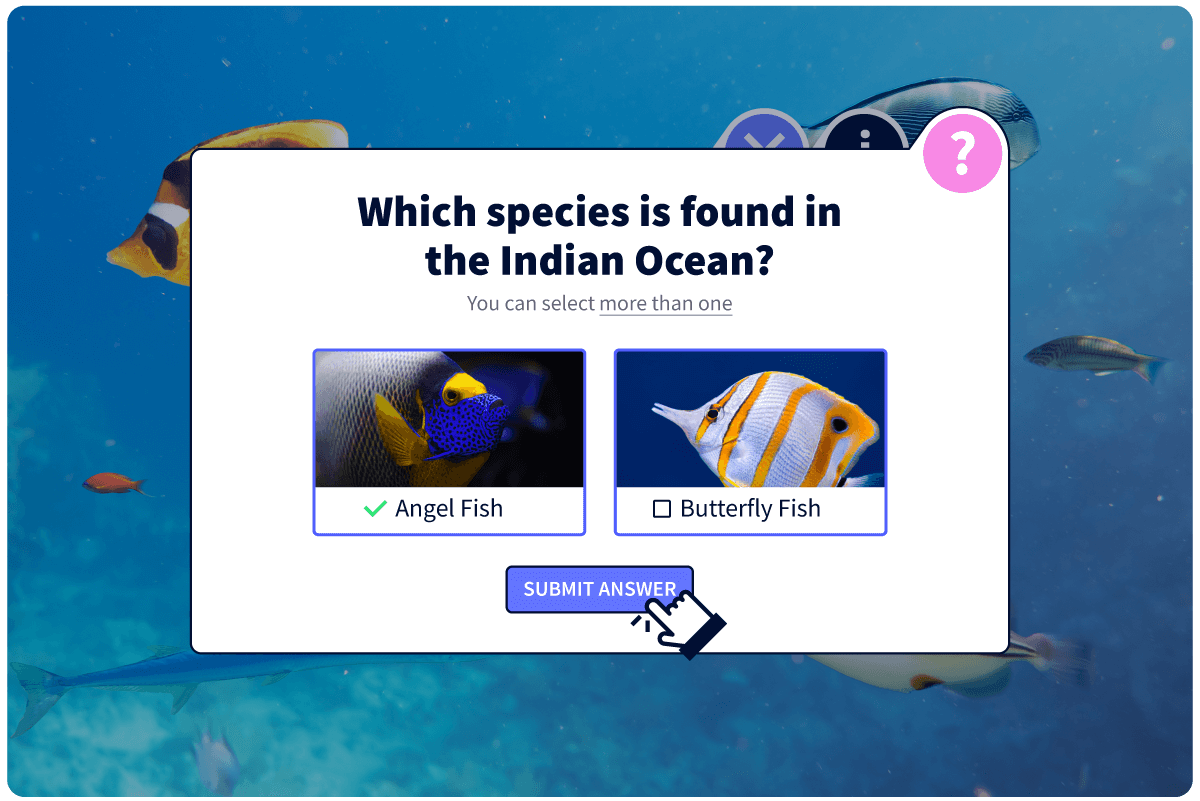
Simulate real workplace situations in an online learning environment. Combine clickable visuals with branching scenarios and gamification to design interactive training, onboarding, and health and safety materials that click with learners.

Education
Bring the world into the classroom
Transport students to another time and place with interactive maps, posters, or photos of famous places and works of art. From virtual field trips to online history lessons, discover why teachers love Genially's free interactive image software.
Marketing
Showcase your products
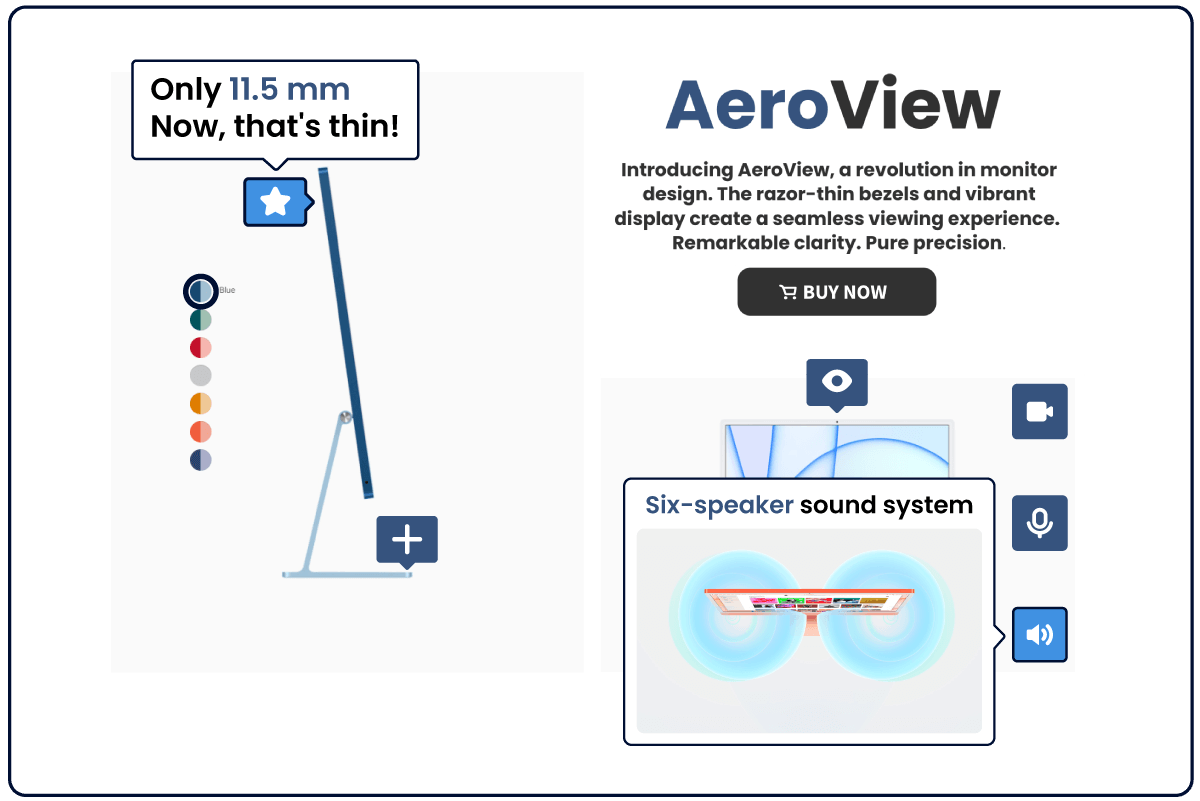
Highlight product specs and features with clickable photos for your website, online catalog, blog or social media. Use tags and closeups to provide contextual information and call-to-action buttons to convert clicks into sales.
Events & tourism
Guide visitors
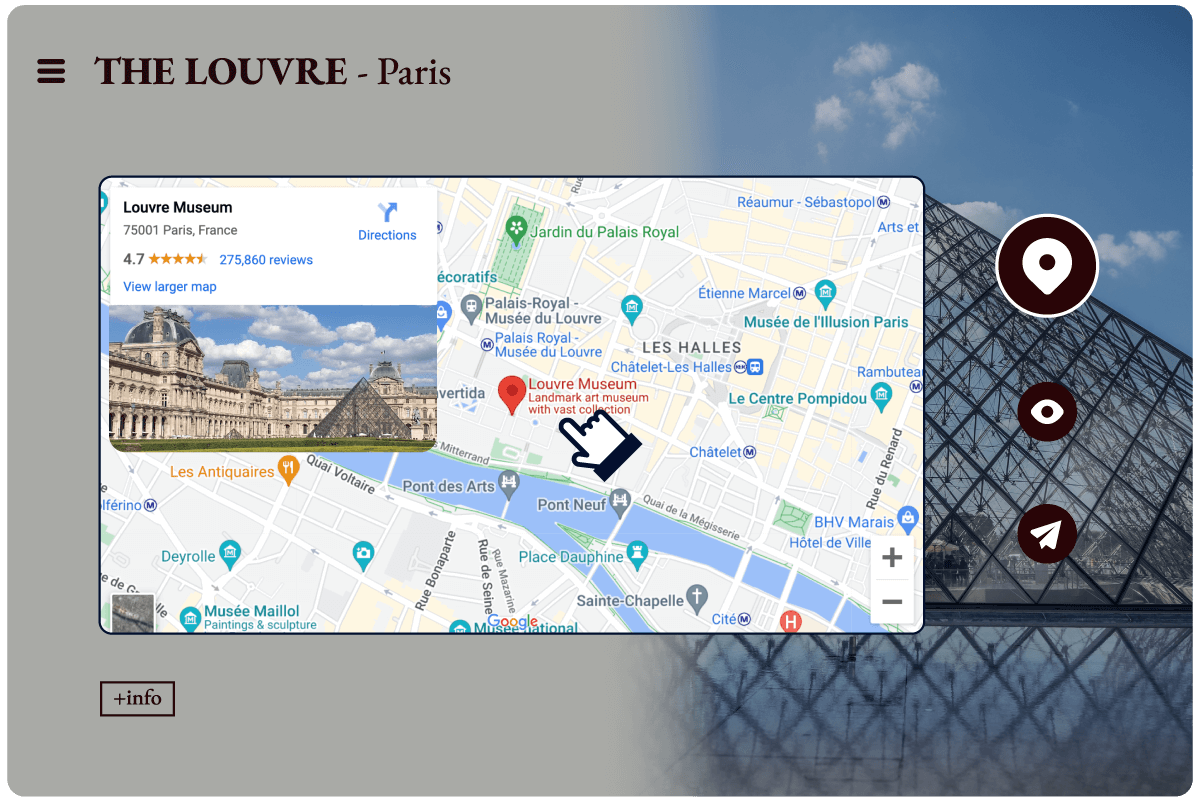
Bring events, destinations and exhibitions to life with audiovisual guides, information-rich images and interactive maps. Widen access with digital collections and virtual tours that can be viewed from anywhere, at any time.

"My go-to tool when creating creative content. Interactive formats are definitely more successful: more views, interactions, and follow through"
Genially in a nutshell
How do I make an interactive image? Find the answers to all of your design questions here!
Discover a world of interactive content
Join the 25 million people making incredible interactive experiences with Genially.