Features

Analytics and assessment

Measure, track, and optimize your materials with built-in Activity dashboards. Get live data on views, clicks, and learner progress — all in Genially.

Trusted by the world’s leading organizations

Brands_Logo_CocaCola_White.png
Columbia University company logo
Tik Tok organization logo
Brands_Logo_Johns-Hopkins_White.png
Volkswagen company logo
logo astrazeneca
L'Oréal organization logo
Figma company logo
Brands_Logo_CocaCola_White.png
Columbia University company logo
Tik Tok organization logo
Brands_Logo_Johns-Hopkins_White.png
Volkswagen company logo
logo astrazeneca
L'Oréal organization logo
Figma company logo
Features_Analytics&Assessment_SeeHowPeopleAreEngagingWithYourContent (1).png

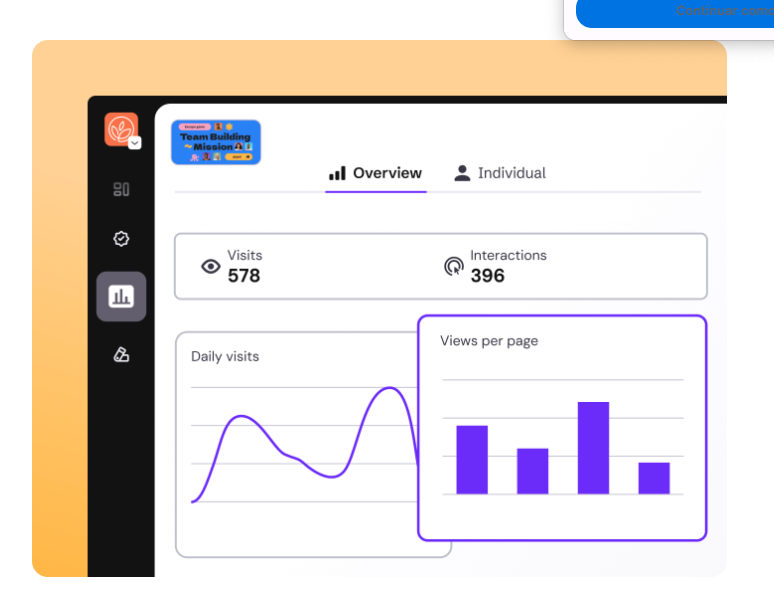
Engagement metrics

See how people are engaging with your content

Genially’s native analytics tools give you real-time insights, without any third-party software. Capture data on traffic, volume, and events to see how your content is performing and identify where it can be improved.

Features_Analytics&Assessment_KeepTabsOnLearnerProgress

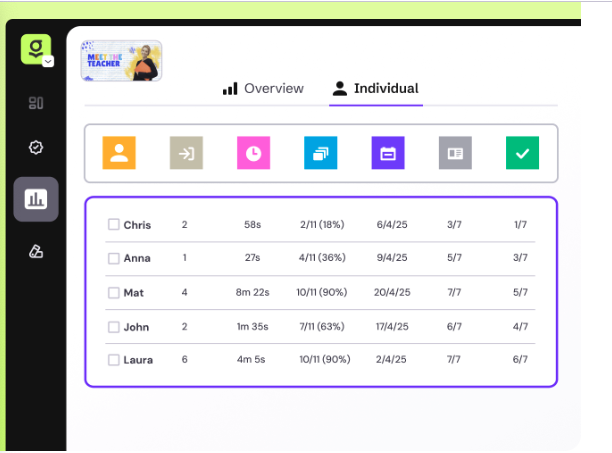
Individual tracking

Keep tabs on learner progress

See how your students or other named users are engaging with the material. Identify anyone who views the URL by asking them to enter their name or alias.

Features_Analytics&Assessment_AnalyzeQuestionResponses

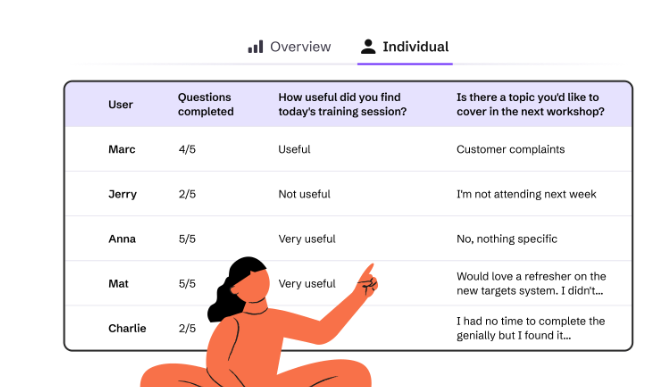
Assessment

Analyze question responses

See how many questions each user has answered and how many they got right or wrong. Read responses to open questions to review feedback and identify common problems or misconceptions.

Features_Analytics&Assessment_MeasureParticipation

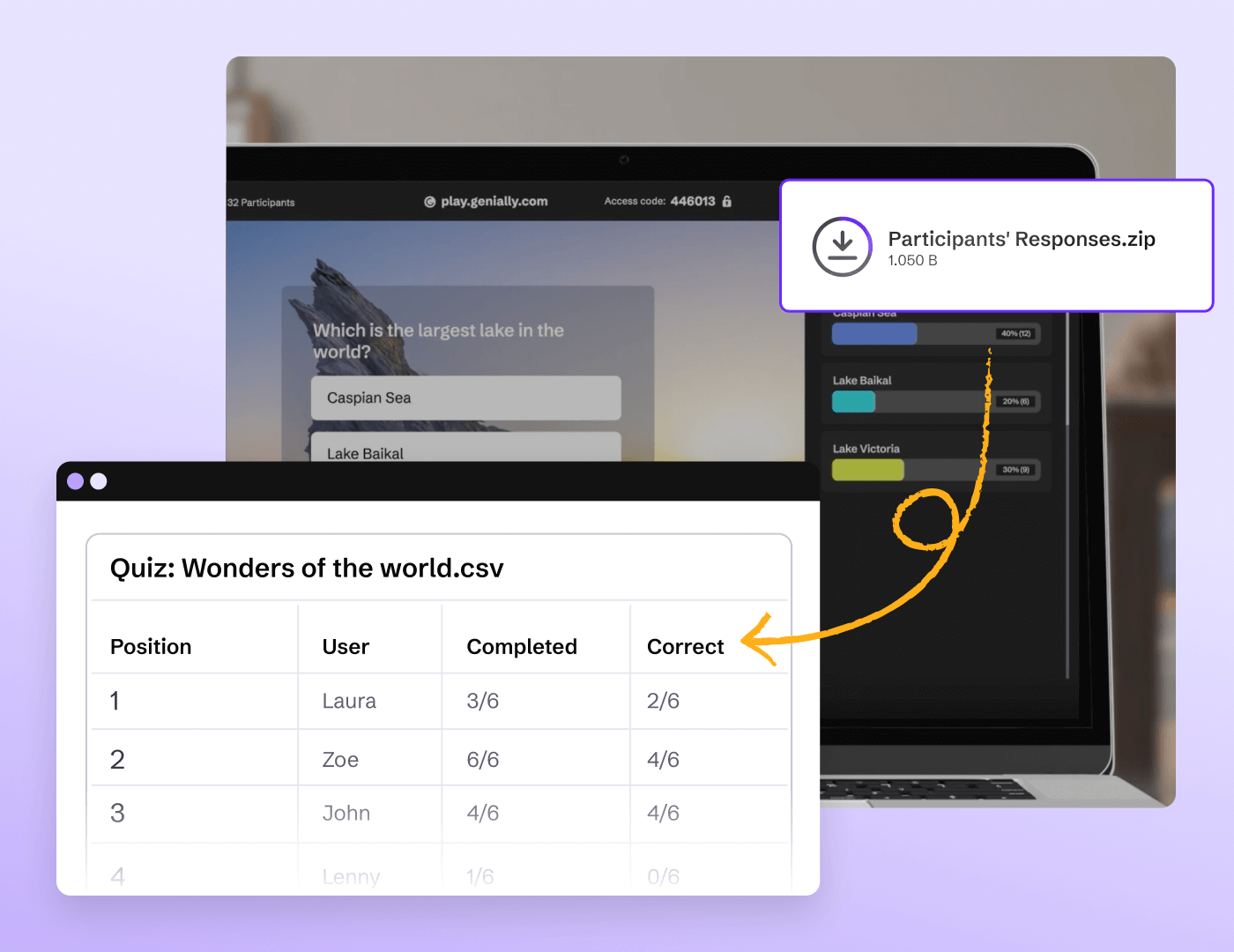
Post-session reports

Measure participation in live sessions

When you wrap up a live quiz or presentation, the results are downloaded in CSV format automatically. Get insights on who joined the session and how people responded.

Discover more features

Discover more features _ Widget Library.png

Widget library

Pre-built widgets help you gamify learning and create interactive app-style visuals.

Discover more features _ Quiz Builder.png

Quiz Builder

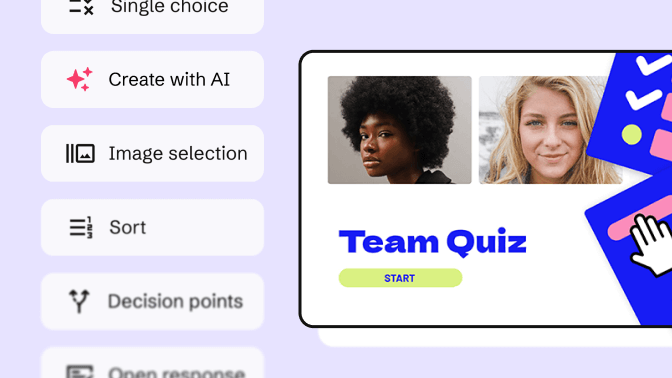
Use interactive questions to assess students and capture feedback from your audience.

Discover more features _ No code Interactions and Animations.png

No-code interactions and animations

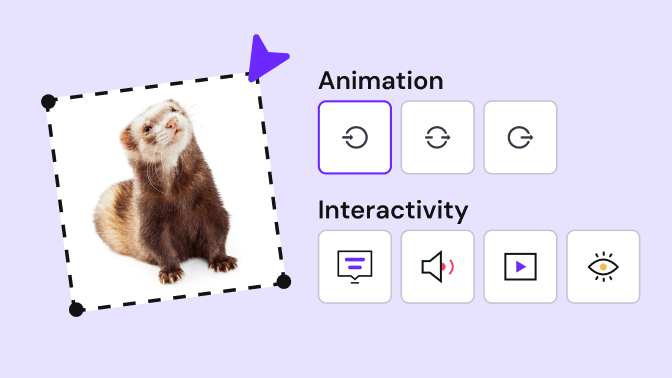
Make any kind of content interactive with Genially’s easy-to-use interactions and animations.

Discover more features _ Collaboration and Team Management.png

Collaboration and team management

Genially is built for teams, with live collaboration features plus advanced controls for administrators.

Frequently asked questions

To view Activity data, activate the Metrics Overview or Individual Tracking from the dashboard or editor.

Engagement data can be collected from content that you’ve published and shared or embedded online.

​​The Metrics Overview dashboard displays the total number of visits, interactions, daily views, and page views that your content has received.

Individual Tracking shows you the user’s name or alias, the date they first accessed the material, the number of times they’ve visited it, the total duration of time spent viewing, the number and percentage of pages they’ve viewed, and question responses.

Yes! Genially is compliant with SCORM and Learning Tools Interoperability (LTI) standards, allowing you to sync student scores to your LMS gradebooks. With a simple one-time setup, you can seamlessly track student engagement, scores, progress, and question responses in your Learning Management System.