Make image comparison sliders in minutes
Want to compare two photos side by side? With Genially it’s easy to create engaging Before and After image sliders that your audience can explore and interact with. Fast, free, and no coding skills required!
The world’s leading teams create interactive content in Genially
Juxtapose two images
Step up your visual storytelling skills with eye-catching dynamic sliders.
You don’t need to know anything about CSS or HTML. Just choose the images you want to compare and voilà! Genially generates the slider for you.
- Works on any device: Click or tap to move the draggable bar.
- Provide extra information with interactive callouts, captions, and photo credits.
- Share or embed anywhere: Make social media posts, learning resources, websites, or online catalogs engaging and user-friendly.
Show before and after changes
Help people visualize and understand how things have changed over time. Use real photos to create striking Then vs Now, Spot the Difference, or Historical vs Modern comparisons.
Work in education or training? Because they’re visual and kinesthetic, sliders can strengthen understanding, reinforce learning, and encourage students to focus on the details.
- Compare any two frames: Photos, illustrations, graphics, or GIFs.
- Vertical or horizontal: you choose the orientation.
- Upload pictures from your device, link to an online photo, browse the Genially library, or generate images with AI.
Make interactive product comparisons
Give customers a visual preview of what they can expect if they choose your product or service.
Highlight key features, showcase similar products, or reveal transformations with a touch of humor, increasing engagement and time on page.
- Use interactive tooltips, labels, and CTAs to provide product specifications and capture leads.
- Build trust and credibility with side-by-side comparisons that show real client projects or the evolution of your product.
- Stand out and get remembered: Interactive content can boost shares, dwell time, and click through rate.
Free
It’s free to make image comparison sliders in Genially. Upgrade for more powerful features like engagement metrics and branding tools.
Easy to share
Display anywhere. Share the link, embed on your webpage or online shop, add to an eLearning course, or integrate with your LMS.
Accessible
All published Genially content meets WCAG standards. Add ALT text to make sure that users of assistive tools can understand what’s in the images.
Customization
Adjust the dimensions, add captions, and tailor every element on the screen. Add your logo and branding, or embed the slider into a larger design.
More than sliders
Genially offers a complete toolkit for building all kinds of interactive and gamified content for marketing, communications, and online learning.
Multi-device
Genially works beautifully on any device including phone, tablet, and laptop. Users can click and drag the slider bar with a cursor move, or tap and swipe.
Step by step
How to make an image comparison slider
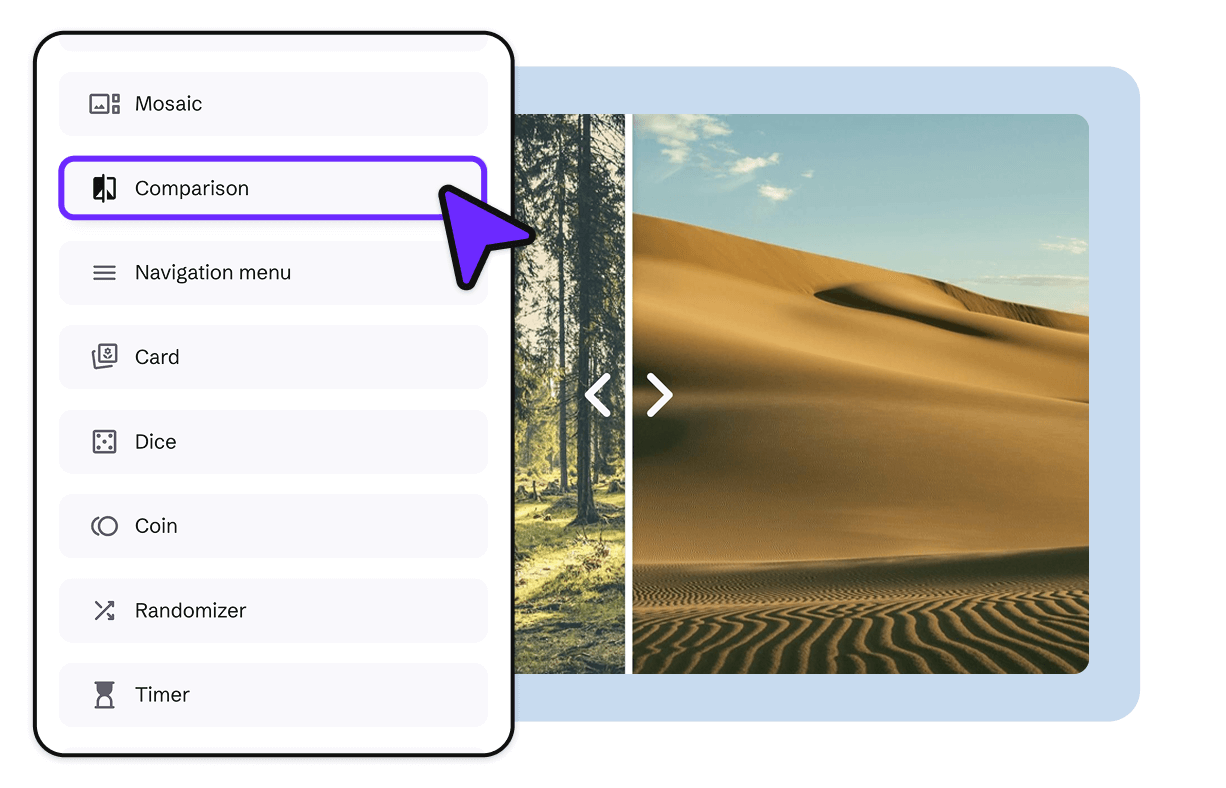
Choose your images
Add a Comparison slider widget to the canvas and replace the sample images. You can upload files from your device or Google Drive, paste in the url, search Genially’s resource library, or generate images with AI.
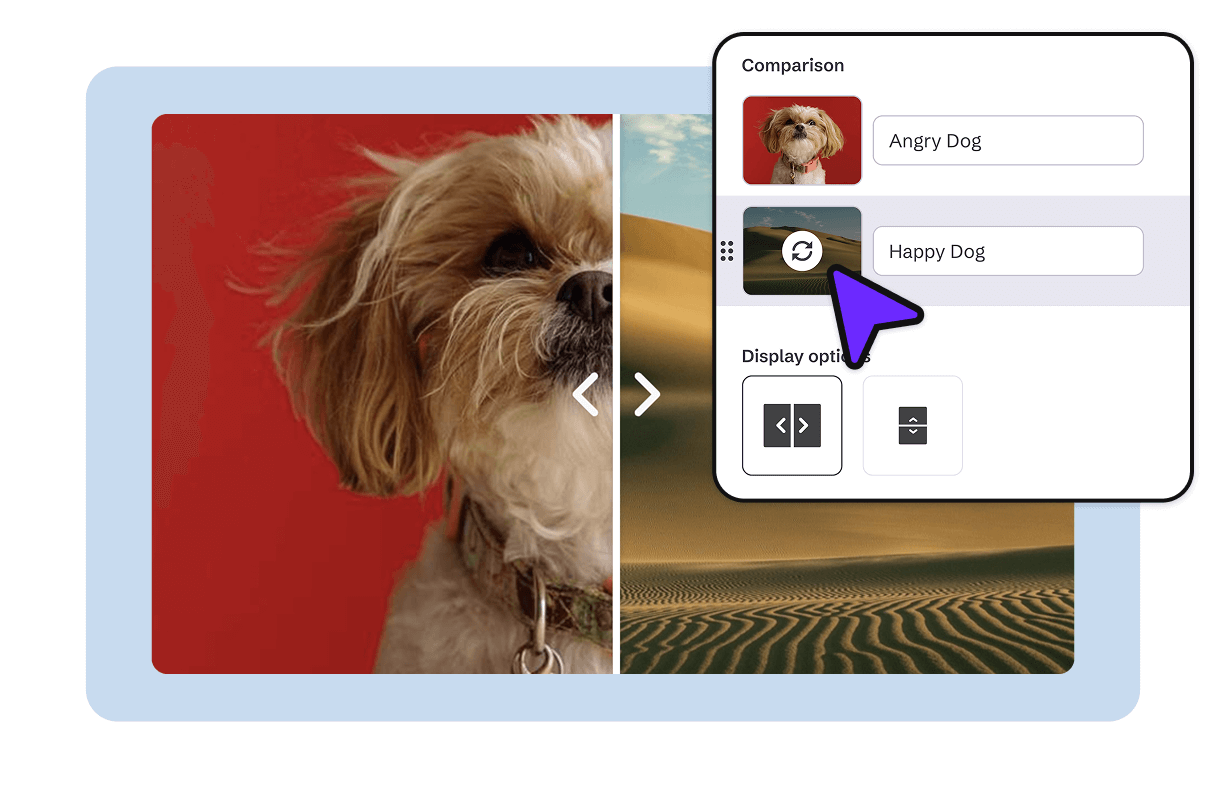
Customize
Choose the format, dimensions, and whether you want captions. Don’t forget to add ALT text to make the images accessible, and use the Preview button to see how everything will appear to your audience.
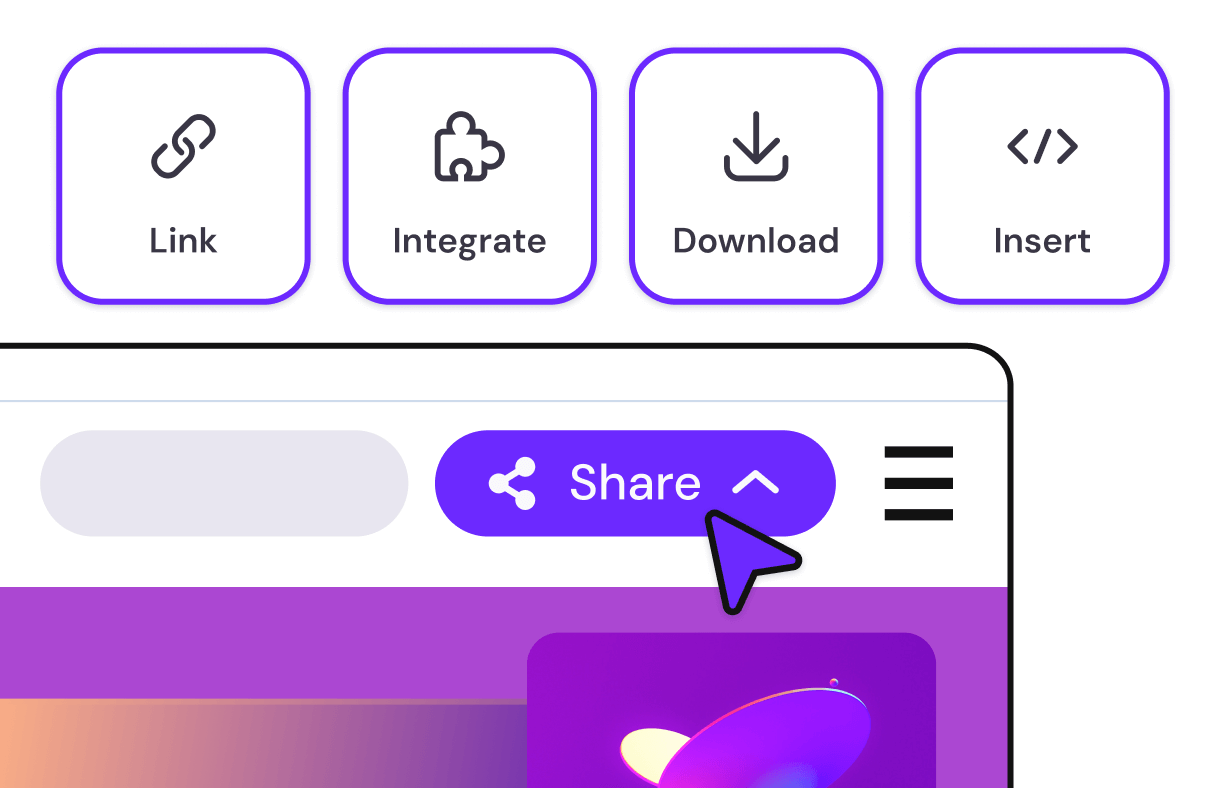
Share
Happy with the design? Click Share to get the link. Your slider is ready to embed or share wherever you like. Everything’s in the cloud, so if you update the design, changes appear automatically.

Share, embed, or integrate anywhere!
Genially is compatible with every popular website builder, CMS, and LMS.
Pre-built layouts
Create a custom slider from scratch or use a template to quickly design an entire page. Add your images and text, and it’s ready to publish.






"A great way to build smart interactions without any big effort. Every designer is, with the help of Genially, an interaction web app builder"