Features

Present and play live

Host quizzes, games, and interactive presentations with real-time audience participation. Dial up engagement and deepen understanding in your classes, meetings, and training sessions.

Trusted by the world’s leading organizations

Brands_Logo_CocaCola_White.png
Columbia University company logo
Tik Tok organization logo
Brands_Logo_Johns-Hopkins_White.png
Volkswagen company logo
logo astrazeneca
L'Oréal organization logo
Figma company logo
Brands_Logo_CocaCola_White.png
Columbia University company logo
Tik Tok organization logo
Brands_Logo_Johns-Hopkins_White.png
Volkswagen company logo
logo astrazeneca
L'Oréal organization logo
Figma company logo

Host controls

Interactive sessions that get everyone involved

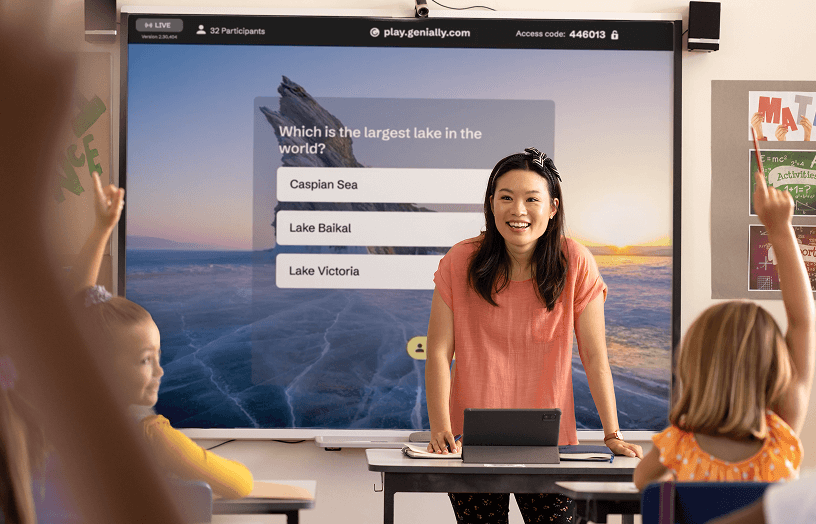
The Present Live feature lets you host dynamic group activities - like quizzes, polls, and Q&As - directly in Genially. The presenter controls everything from the pace of the slides to who can take part.

Someone with a laptop and a mobile phone opened Genially Play (a live session)

Join from any device

Easy to join via access code

Participants can join from their mobile, tablet, or computer by scanning the QR code or entering a 6-digit access code. There’s no need to log in to Genially, or have a Genially account. Presenting to a big group? Up to 400 people can take part in the same session.

Leaderboard in a live session

Leaderboard

Spark friendly competition

Activate the Live Results leaderboard to show who’s in the lead and gamify the session. Motivate and encourage players as they compete to claim the top spot on the podium.

Features_AudienceEngagement_AnImmersiveGameExperience

Visual and sound effects

An immersive game experience

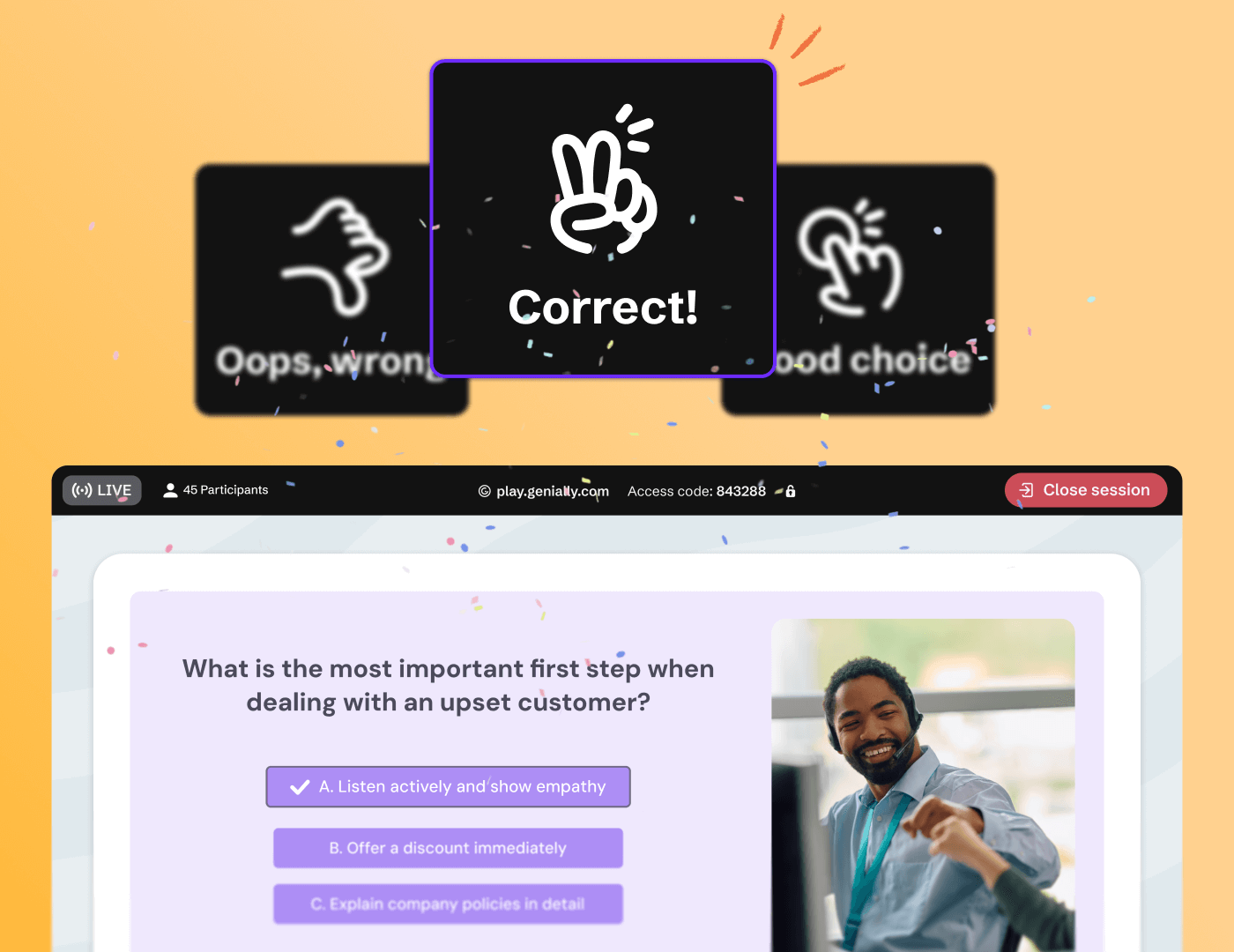
Countdowns and confetti, beeps and buzzers: animations and sound effects are included when you Present Live. Keep everyone engaged and turn your session into a fun, game-style experience.

Instructor-led or student-paced

Diverse question formats

Keep participants on their toes

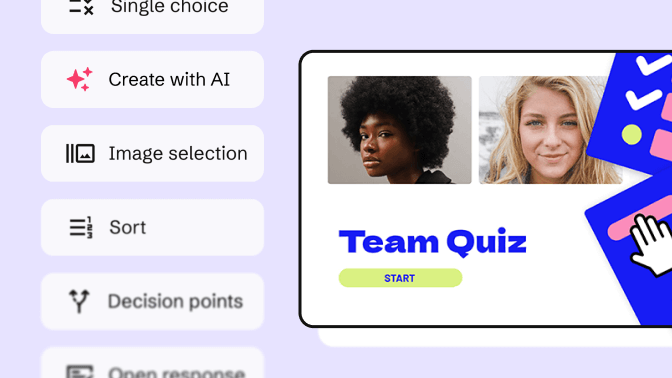
Cast a vote, submit a question, select an image. Genially offers you multiple ways to assess and interact with your audience. A rich mix of question types including True or False, Sort, and Multiple Choice prevents the quiz from becoming boring or repetitive. 

Features_AudienceEngagement_EnhanceLearningWithIndividualInteraction

Interactive activities

Enhance learning with individual interaction

One of the unique things about Genially is the option to combine synchronous and asynchronous activities. As well as answering questions - simultaneously with the group -  participants can click, explore, and interact with elements on their own screen.

Features_Analytics&Assessment_MeasureParticipation

Post-session reports

Measure participation in live sessions

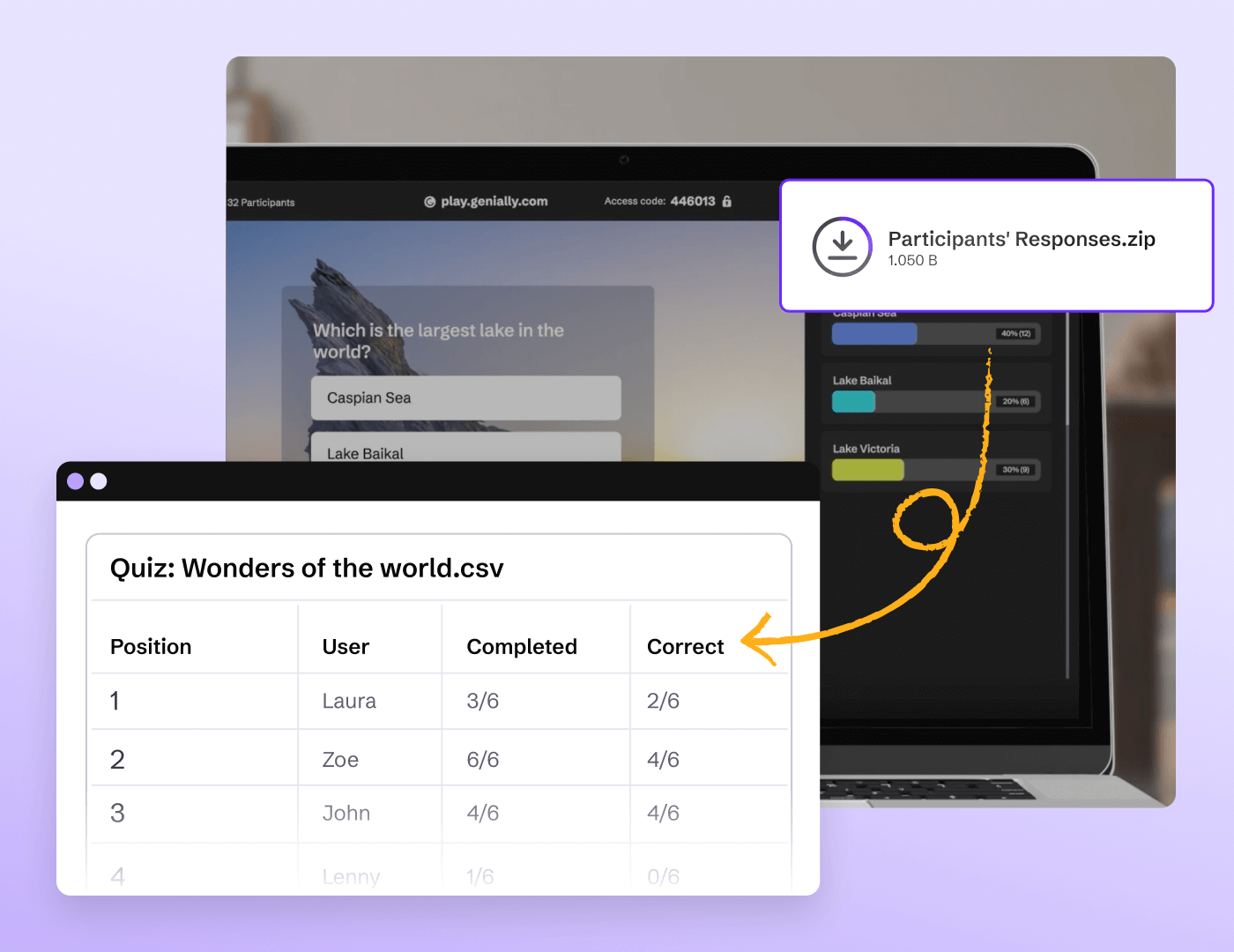
When you wrap up a live quiz or presentation, the results are downloaded in CSV format automatically. Get insights on who joined the session and how people responded.

Why Genially?

Discover more features

Discover more features _ Quiz Builder.png

Quiz Builder

Use interactive questions to assess students and capture feedback from your audience.

Discover more features _ No code Interactions and Animations.png

No-code interactions and animations

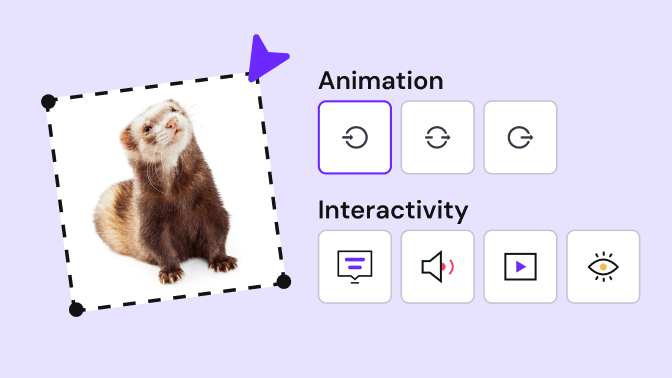
Make any kind of content interactive with Genially’s easy-to-use interactions and animations.

Discover more features _ Widget Library.png

Widget library

Pre-built widgets help you gamify learning and create interactive app-style visuals.

Discover more features _ Brand Kit.png

Brand Kit

Help your team keep to the brand guidelines and create consistent content at scale.

Frequently asked questions

As well as authoring and content creation tools, Genially includes an audience engagement platform called Present Live.  

Like other audience response software, Present Live allows you to host live quizzes, polls, games, Q&As, and interactive presentations for a group of up to 400 participants.

While the presenter controls the pace of the slides, participants can ask and answer questions, and interact with elements on their own personal screen.

Present Live includes a participant leaderboard and podium, game-style sound effects, animations, and more.

Design an interactive presentation, quiz, poll, or team game in Genially, then use the Present Live feature to host it live with a group of participants.  Present Live works in any educational or professional setting, whether your audience is in the same room, or attending a remote session via video call. All you need is an internet connection.  

Whether you’re in the classroom, running a training workshop, or hosting a team meeting, Present Live gets everyone involved and makes presentations more interactive.

The key difference between Genially and other audience interaction tools is the quality of design and level of interactivity.  


While most platforms offer generic question slides, Genially allows you to build unique and immersive adventures, and combine synchronous and asynchronous activities.

Discover how Genially compares to Kahoot and how Genially compares Mentimeter.

  1. Create and publish your slides in Genially.
  2. Click Present Live. 
  3. Share the participation link and 6-digit access code with participants. Attendees joining from their mobile can simply scan the QR code!

If you use Google Meet, the Genially for Google Meet add-on makes it easy to host live activities during a meeting.  

Learn more about presenting live in Genially.

Up to 400 people can join a live session, depending on your plan.

Yes! With a free plan you can host live sessions for up to 50 participants. Explore plans.