Features
Collaborate with your students
Help your students develop digital, design, and teamwork skills by building their own interactive projects in Genially.
Trusted by the world’s leading organizations
Collaboration in the classroom
A digital makerspace where creativity thrives
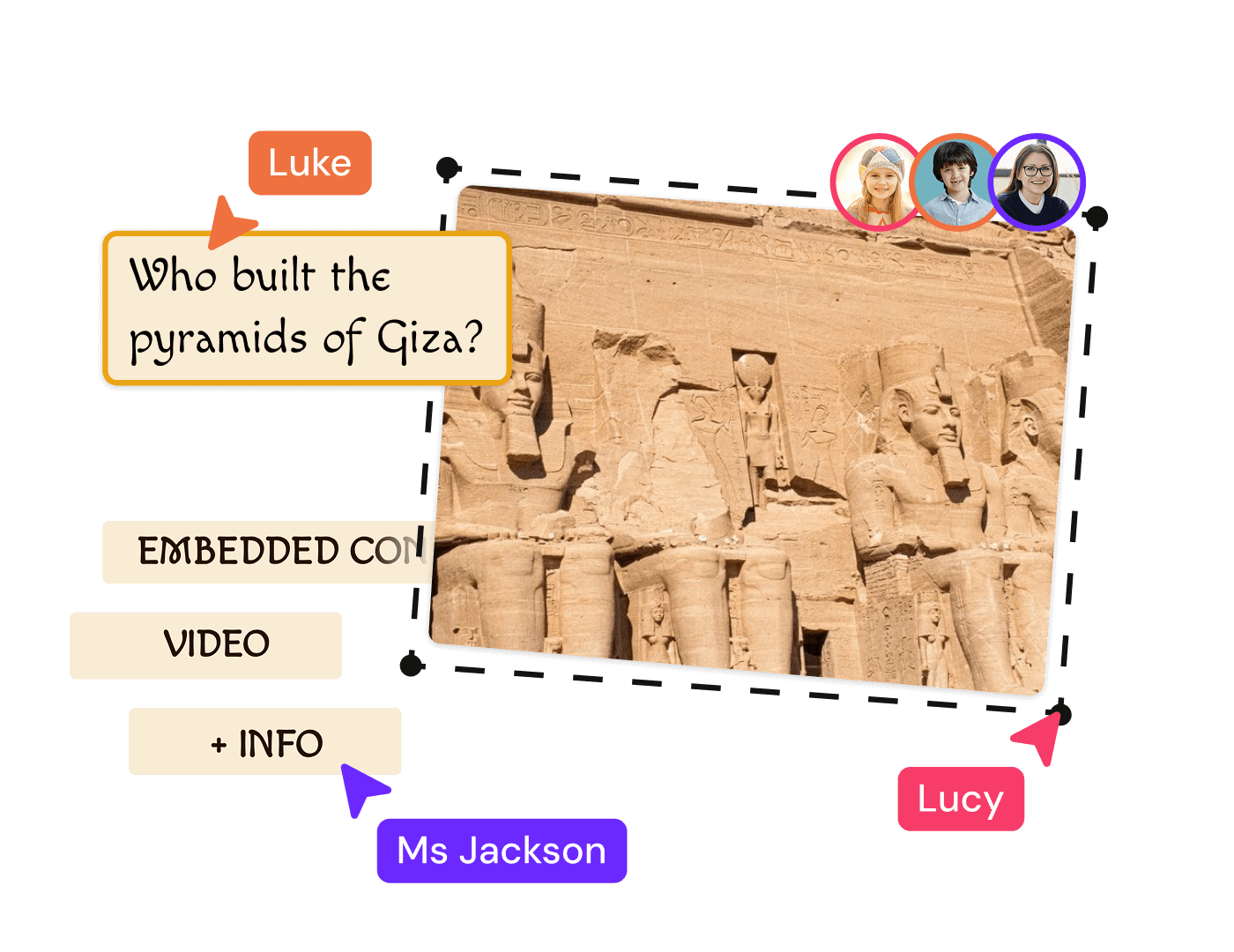
Genially supports real-time collaboration between students and staff. Empower learners to design their own interactive projects and set them up with key skills for the future.
Project-based learning
Foster design skills and out-of-the-box thinking, helping students transform their ideas into interactive projects.
Teamwork
Collaborative tools allow learners to share ideas, co-create, and solve problems together in real time.
Standards-aligned
Using tools like Genially in class helps you adhere to frameworks like STEM, Common Core, and ISTE.
Facilitation
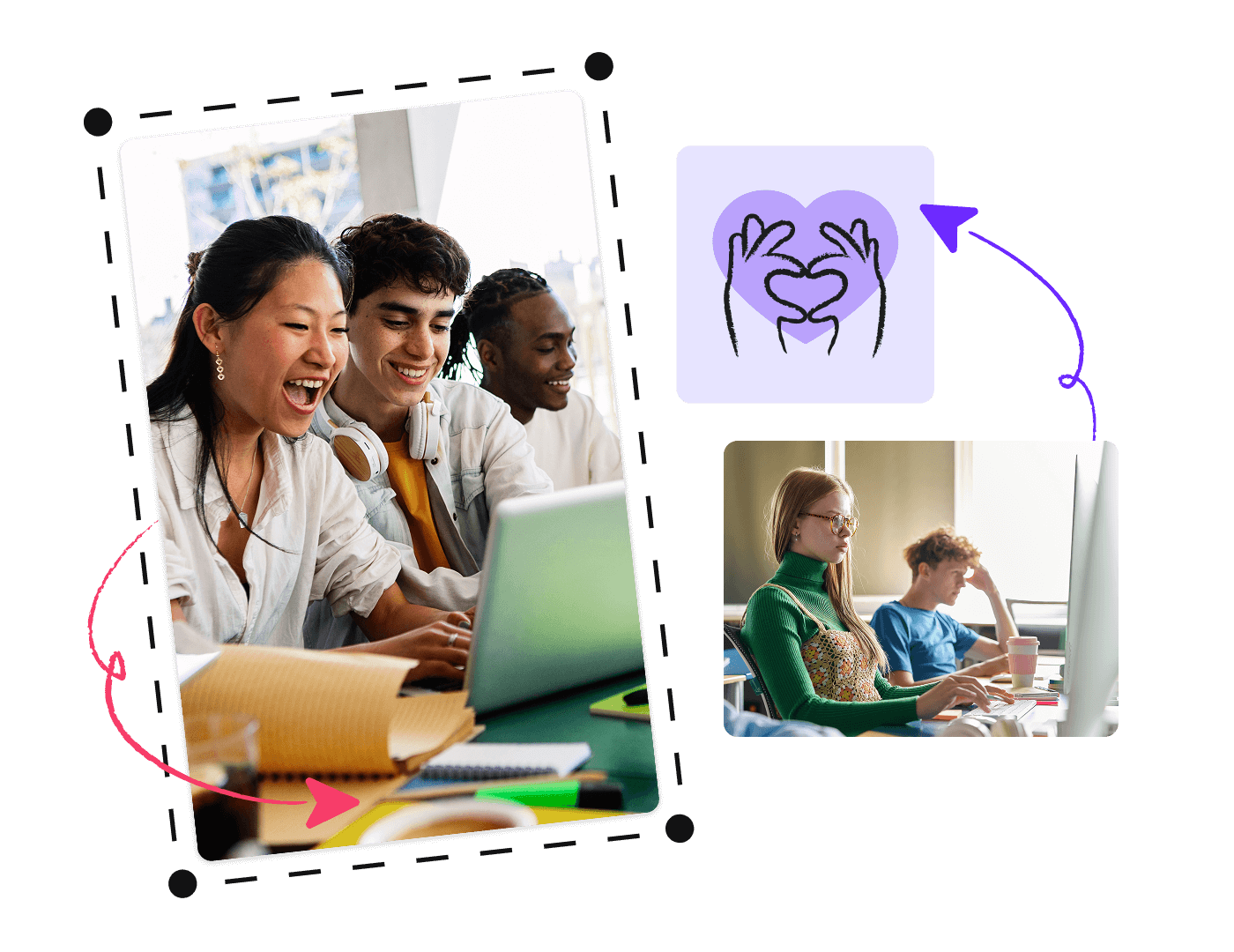
Supervise learners while giving them space to work independently. Comments allow you to deliver feedback without students having to submit or share files.
Fun to use
Genially is easy to pick up and pretty addictive once you’ve got the hang of it. Seeing their ideas come to life helps engage and motivate students.
Templates
Thousands of editable templates give students guidance, inspiration, and a head-start on their own designs.
Cross-faculty
From lecturers to librarians, tech coaches to teachers; all staff members can pitch in and collaborate.
Student seats
Invite your students to join, for free
Every education professional using Genially can invite an unlimited number of students to their workspace, for free.

Easy to add and remove students
Upload a CSV to add an entire class or list of students in one go.
Secure invite code
Invite students to your workspace via email or secure code. It’s quick and easy - they can start designing in minutes.
Organize by class
Create separate spaces for different classes, subjects, grades, and groups.
.png)
"In all my time working in EdTech, I don’t think I’ve found a tool that can do as much as Genially."
K12 to Higher Education
For all learning environments
From elementary through to post-grad, Genially is loved by over 20 million students and educators worldwide. Learners can work on their projects on any device, whether they’re studying remotely or in class.
Teacher controls
Safe for Education
Give students access to Genially’s design tools in a secure, certified, and easy-to-manage environment.
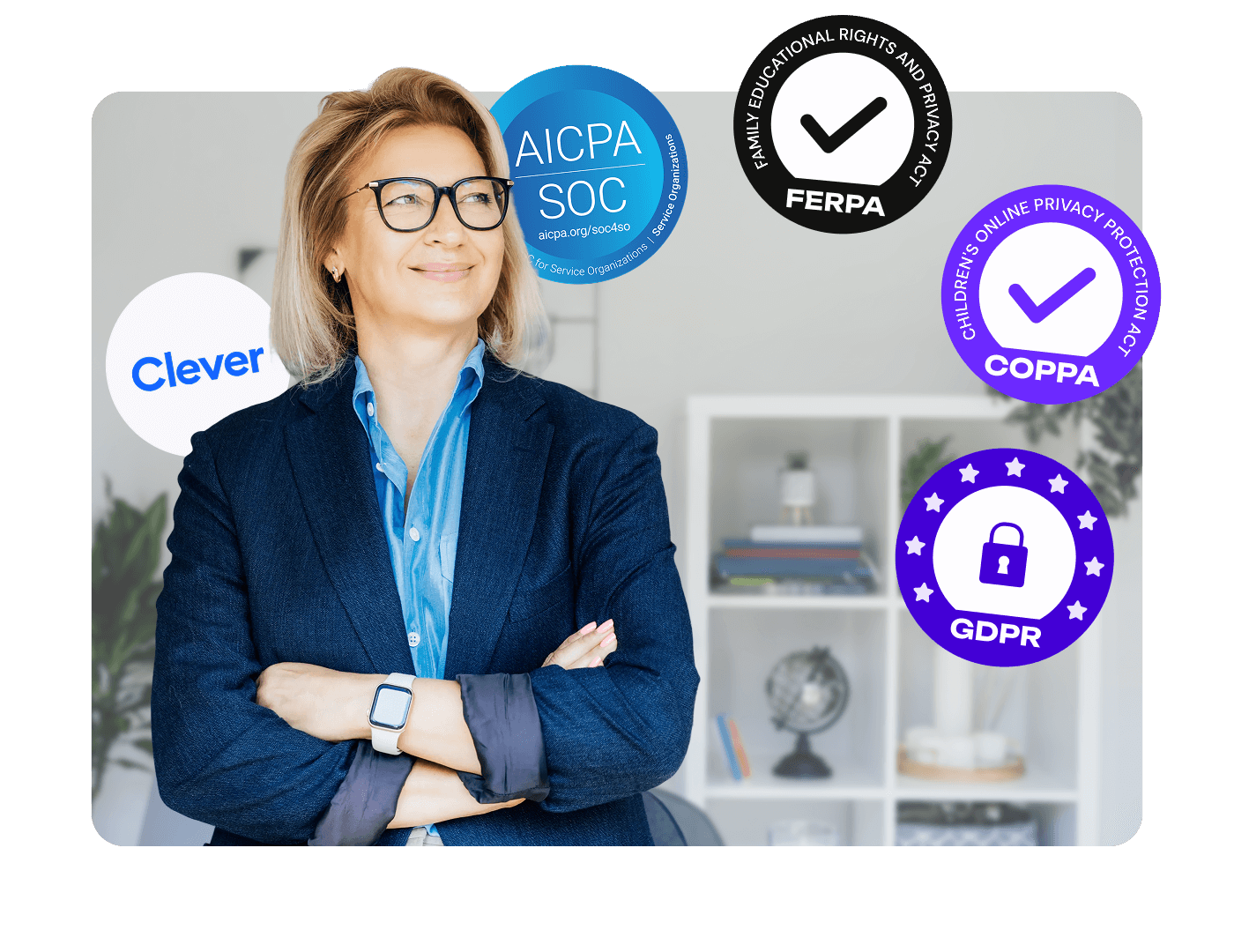
Compliance
Genially is SOC2 certified and compliant with FERPA, COPPA, CCPA, and GDPR.
Clever SSO
Staff and students can log in to Genially using their Clever credentials.
Restricted features
Students under 16 are automatically blocked from using certain features including web indexing and embedding external content.
Protections for minors
Children under 13, or 16, can only access Genially via a secure access code provided by the teacher.
AI Safeguards
Age restrictions prevent some students accessing AI tools, which you can also switch on and off.
Centralized controls
Role management, admin controls, and Activity History allow teachers and admins to keep tabs on students and their projects.