2026’s TOP TOOLS FOR DIGITAL LEARNING
Find Your Perfect eLearning Authoring Tool
Explore and compare the most powerful authoring tools to create engaging, interactive, and professional eLearning content. Whether you're an educator, instructional designer, or part of an L&D team, discover your ideal platform to build impactful learning experiences with ease.
1. Genially
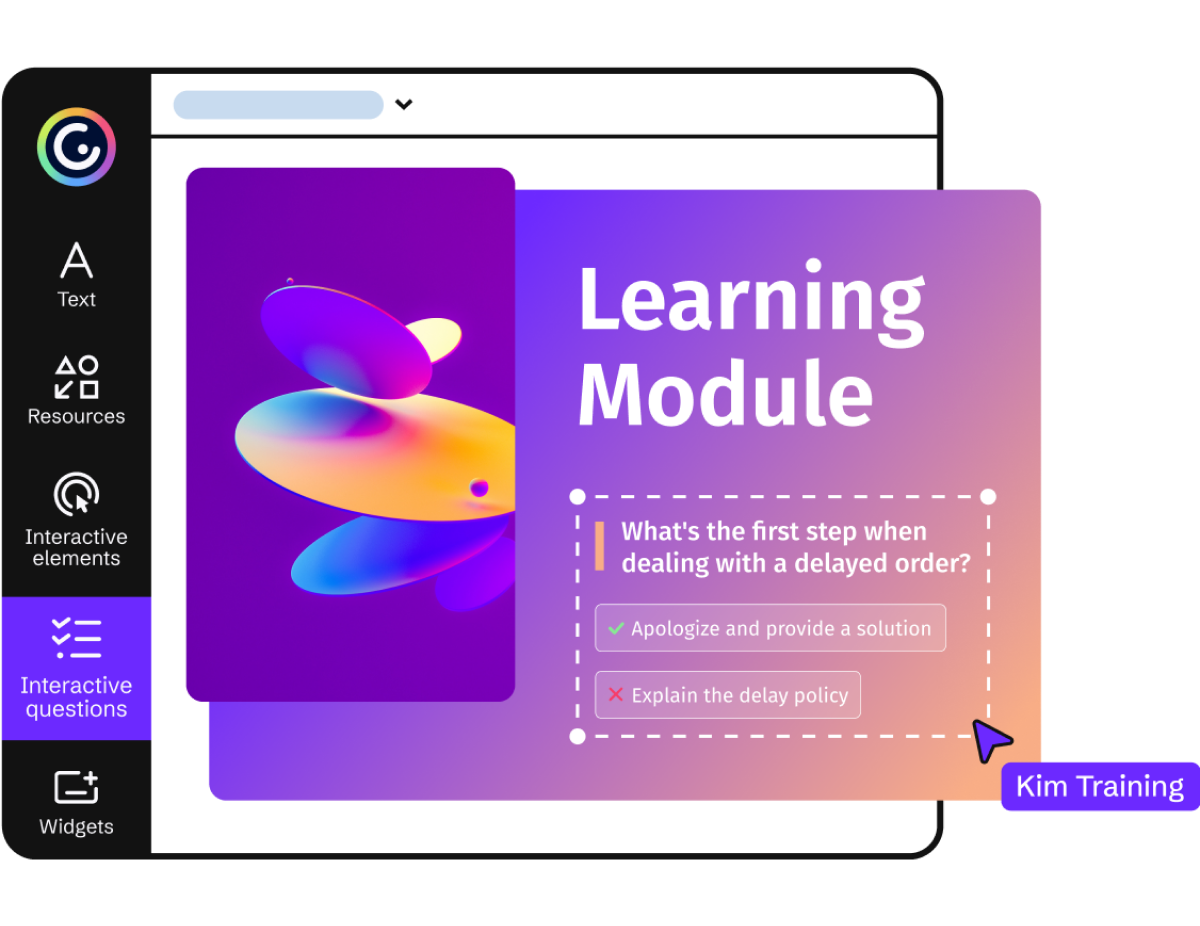
Genially has rapidly emerged as a front-runner, celebrated for its dynamic approach to interactive content creation. It's not just about courses; it's about crafting a universe of engaging digital experiences.
Strengths
- Amazing visual creations with stunning interactive content
- Rich gamification & interactivity widgets
- No-code simplicity
- Vast template gallery & vibrant community
- Embeddable & integrable content
- Real-time collaboration
- AI-powered creation assistance
- Dynamic SCORM and LTI export compatibility
- Accessible published content, aligned with WCAG 2.1 AA and the European Accessibility Act
- Modern, unlike most of its competitors
Considerations
- Editing requires an internet connection; published content can be downloaded (HTML or Genially Viewer) for offline viewing
- Learning curve for advanced features
- Custom JavaScript variables or scripting cannot be added
Genially is trusted by leading L&D teams
2. Articulate 360
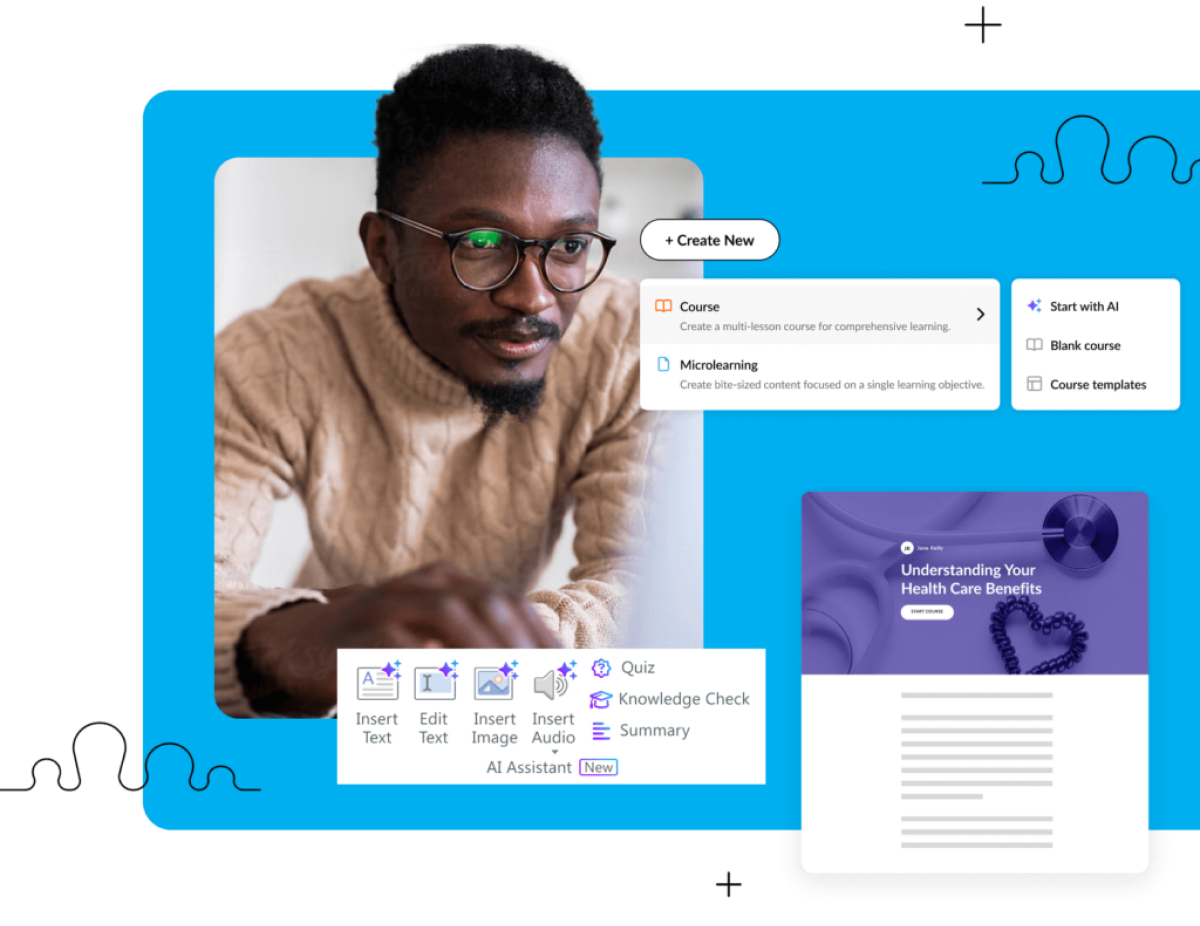
Articulate 360 is an industry behemoth, a subscription suite offering two flagship tools: Storyline 360 for powerful, customized courses and Rise 360 for quick, responsive web-based courses.
Strengths
- Storyline 360 power for complex interactions and simulations
- Rise 360 simplicity & responsiveness for quick development
- Review 360 for collaborative feedback cycles
- Extensive content library with stock assets
Considerations
- Steep learning curve, especially for Storyline
- High cost with premium subscription pricing
- Storyline is Windows-only desktop application
- Rise has customization limitations
- It's a basic editing tool with limited features
3. Adobe Captivate
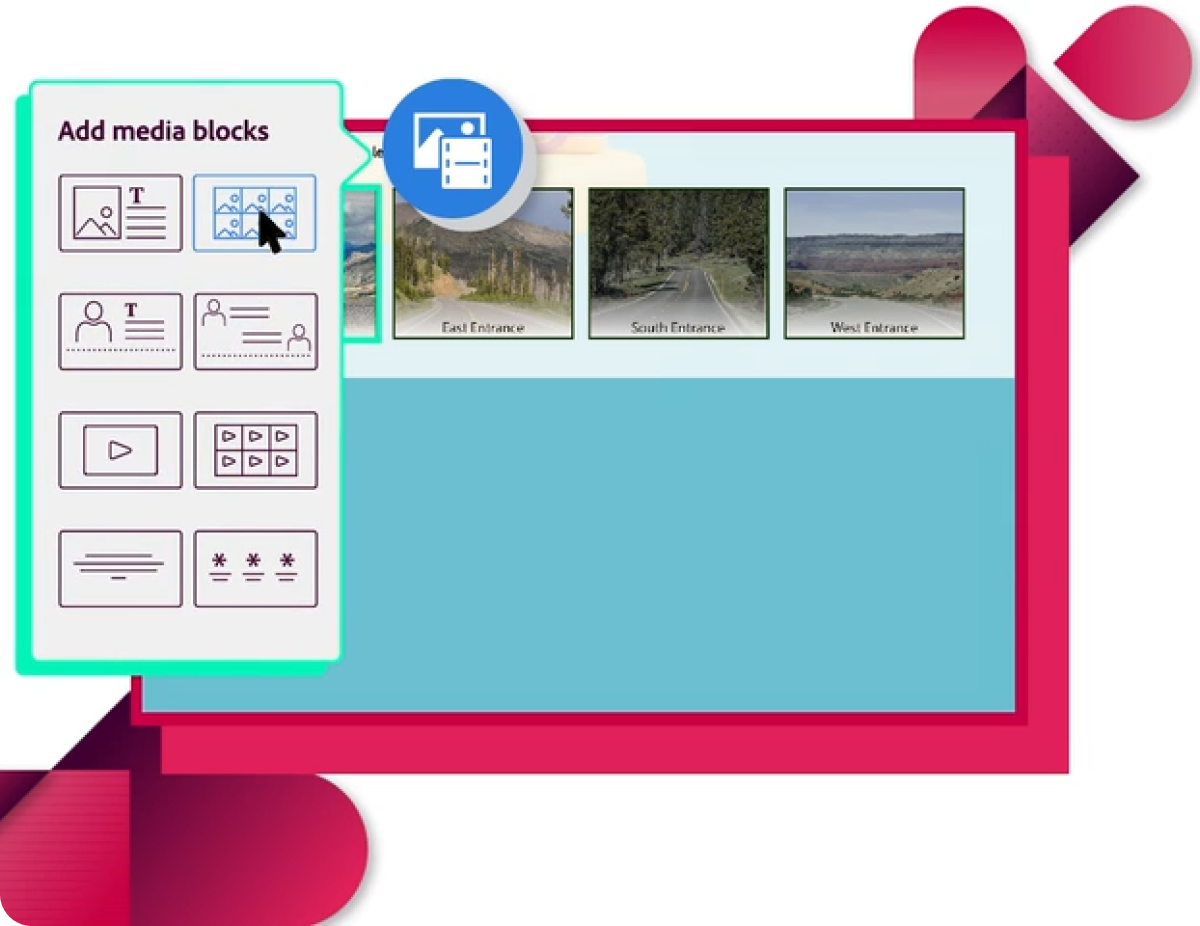
A long-standing player from Adobe, Captivate is a powerful desktop authoring tool known for its robust features, particularly in software simulations and virtual reality projects.
Strengths
- Excellent software simulations and demonstrations
- Strong PowerPoint integration capabilities
- VR & 360° learning experience features
- Advanced actions & variables for complex interactions
Considerations
- Very steep learning curve with complex interface
- Premium pricing similar to Articulate
- Interface can feel dated compared to modern alternatives
- Resource intensive, demanding on system performance
4. iSpring Suite Max
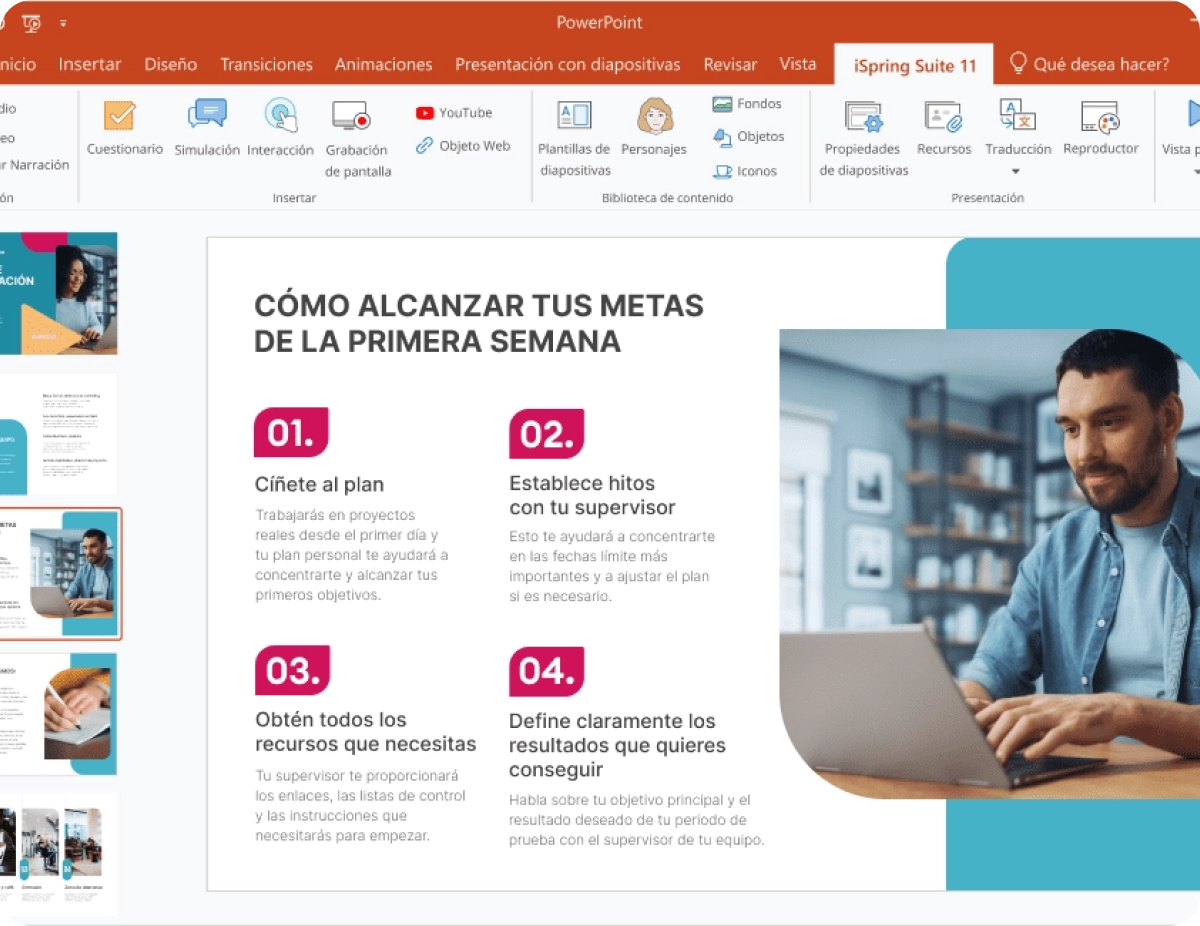
iSpring Suite integrates directly into PowerPoint, making it a popular choice for those already comfortable with Microsoft's presentation software, extending PowerPoint's capabilities into a full-fledged authoring tool.
Strengths
- Familiar PowerPoint interface with reduced learning curve
- Quick conversion of existing PowerPoint slides
- Robust quiz maker with comprehensive question types
- Strong tools for video & audio narration
Considerations
- Reliant on PowerPoint and primarily Windows-based
- Less design flexibility than standalone authoring tools
- Can feel less modern compared to cloud-first platforms
5. Lectora
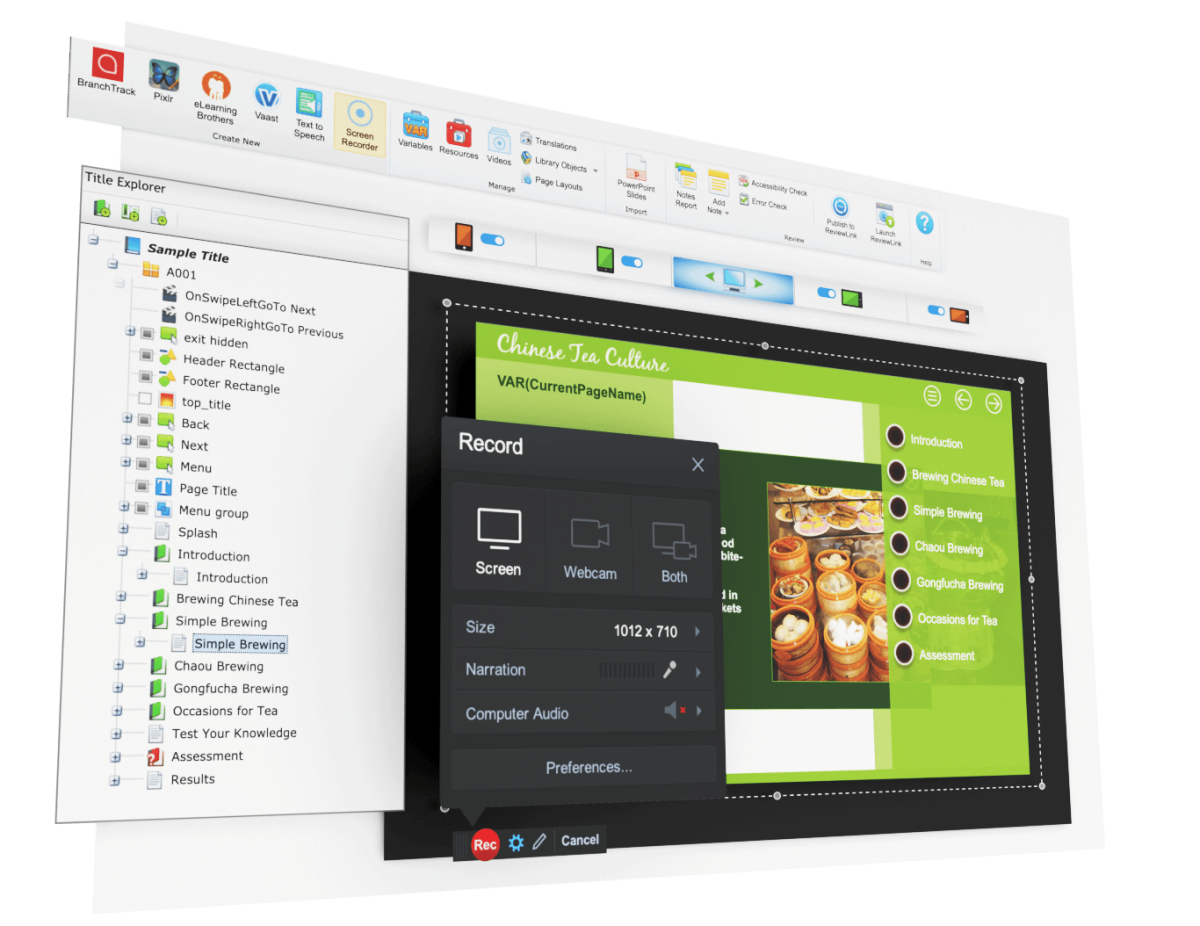
Lectora has a long history in the eLearning world and is known for its power and accessibility (Section 508 compliance) features. It's available in both desktop and online versions.
Strengths
- Strong focus on WCAG and Section 508 compliance
- Powerful desktop version with complex interaction capabilities
- Good responsive course design (RCD) features
- Excellent for text-heavy content and complex navigation
Considerations
- Fairly steep learning curve, especially desktop version
- Interface can feel dated compared to modern UIs
- Higher-end pricing with additional costs
- Requires more effort for polished visual design
6. Elucidat
Elucidat is a cloud-based authoring tool designed for large teams and global businesses, focusing on creating high-quality eLearning at scale with strong collaboration and localization features.

Strengths
- Excellent scalability & team collaboration features
- Strong localization tools for global audiences
- Granular user management & role control
- Produces fully responsive content
Considerations
- Premium pricing positioned for enterprise market
- Learning curve for mastering advanced features
- May be overkill for simpler content creation needs
7. Easygenerator
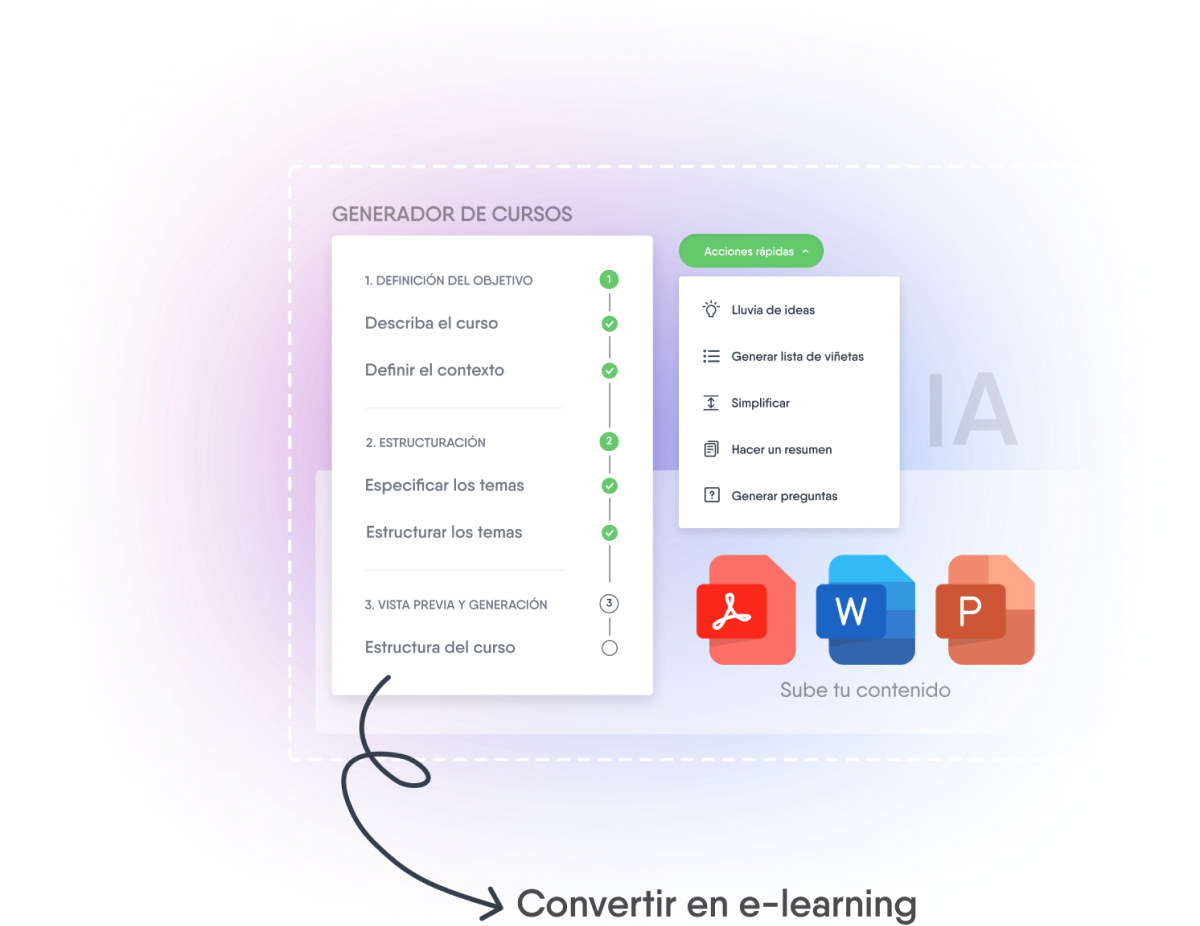
As its name suggests, Easygenerator is a cloud-based tool focused on ease of use, enabling subject matter experts (SMEs) to create courses without needing extensive training.
Strengths
- Very intuitive and easy to learn interface
- Cloud-based with collaborative features
- Designed for SME empowerment
- Enables rapid development and deployment
Considerations
- Less design customization flexibility
- Limited advanced features for complex projects
- Template-driven approach may limit creative freedom
8. isEazy Author
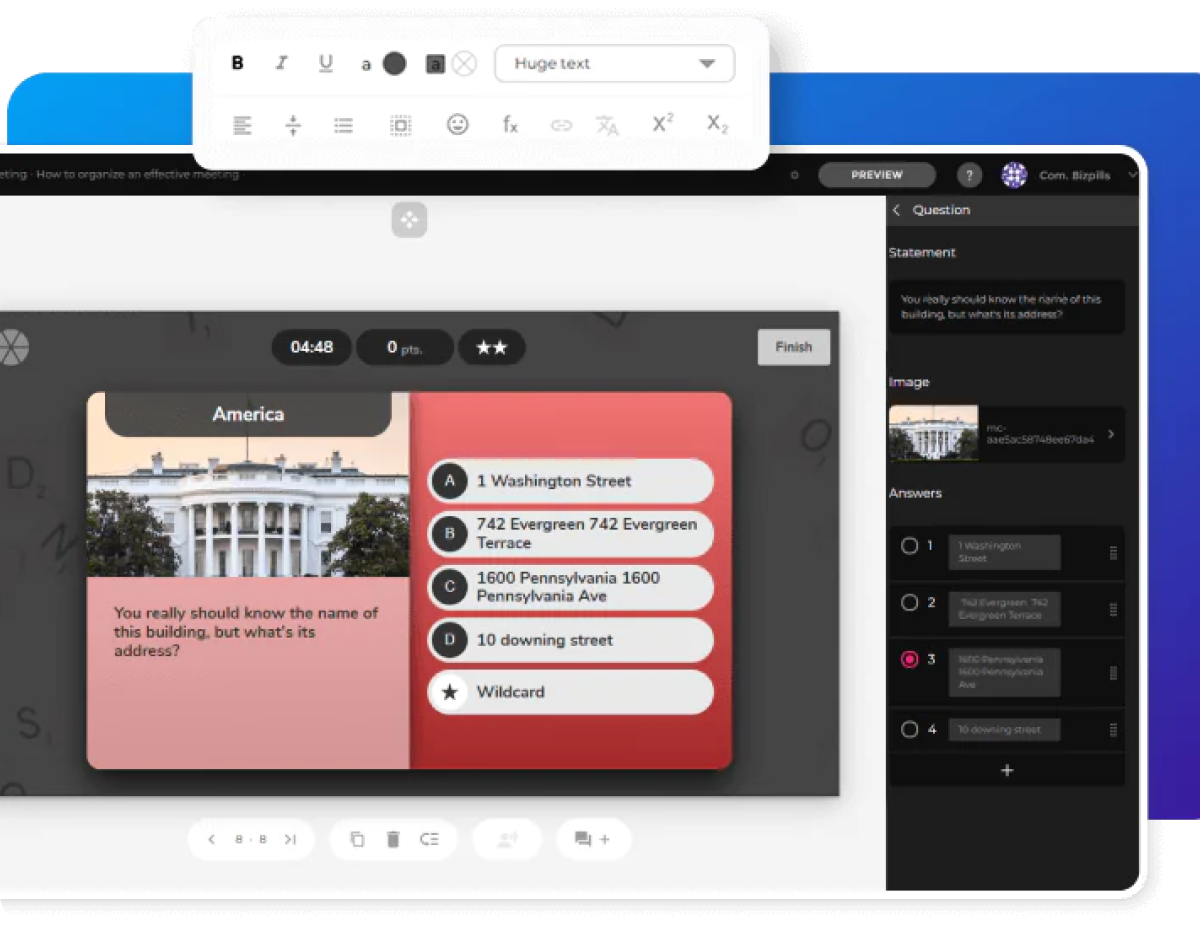
isEazy Author is a cloud-based authoring tool that aims to simplify the creation of engaging and interactive courses with a focus on modern aesthetics and user experience.
Strengths
- User-friendly interface for various skill levels
- Good range of interactive elements and games
- Visually appealing modern templates
- Cloud-based for easy access and collaboration
Considerations
- Newer player with growing feature set
- May lack granular control for complex scenarios
- Scalability for large enterprises needs evaluation
9. Coassemble
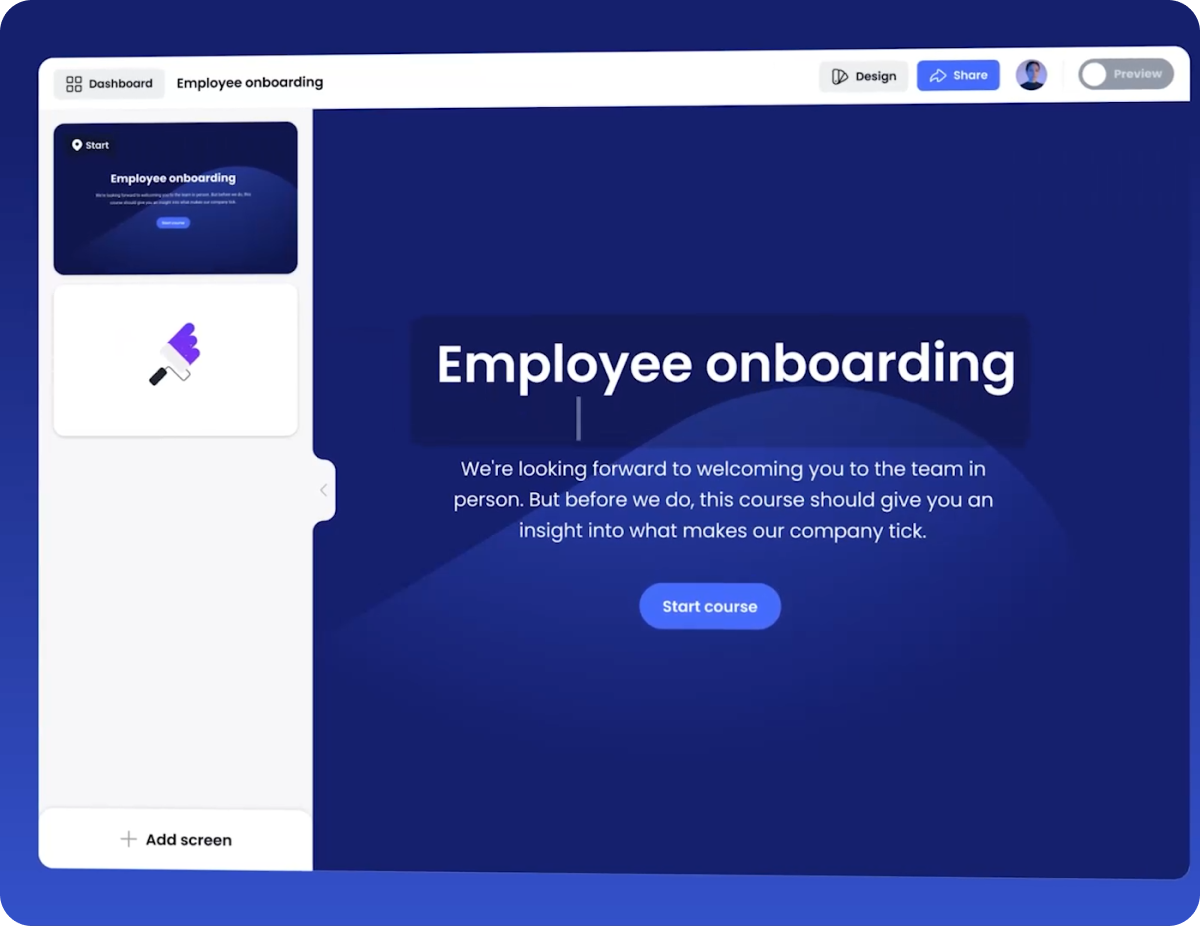
Coassemble positions itself as an all-in-one online training platform, combining course authoring with LMS (Learning Management System) functionalities.
Strengths
- Integrated LMS for single-platform solution
- Intuitive authoring for quick content creation
- Especially suited for course creators and training providers
Considerations
- Authoring capabilities may lack depth
- LMS limitations for sophisticated customization
- Less creative freedom in course design
10. Intellum Evolve
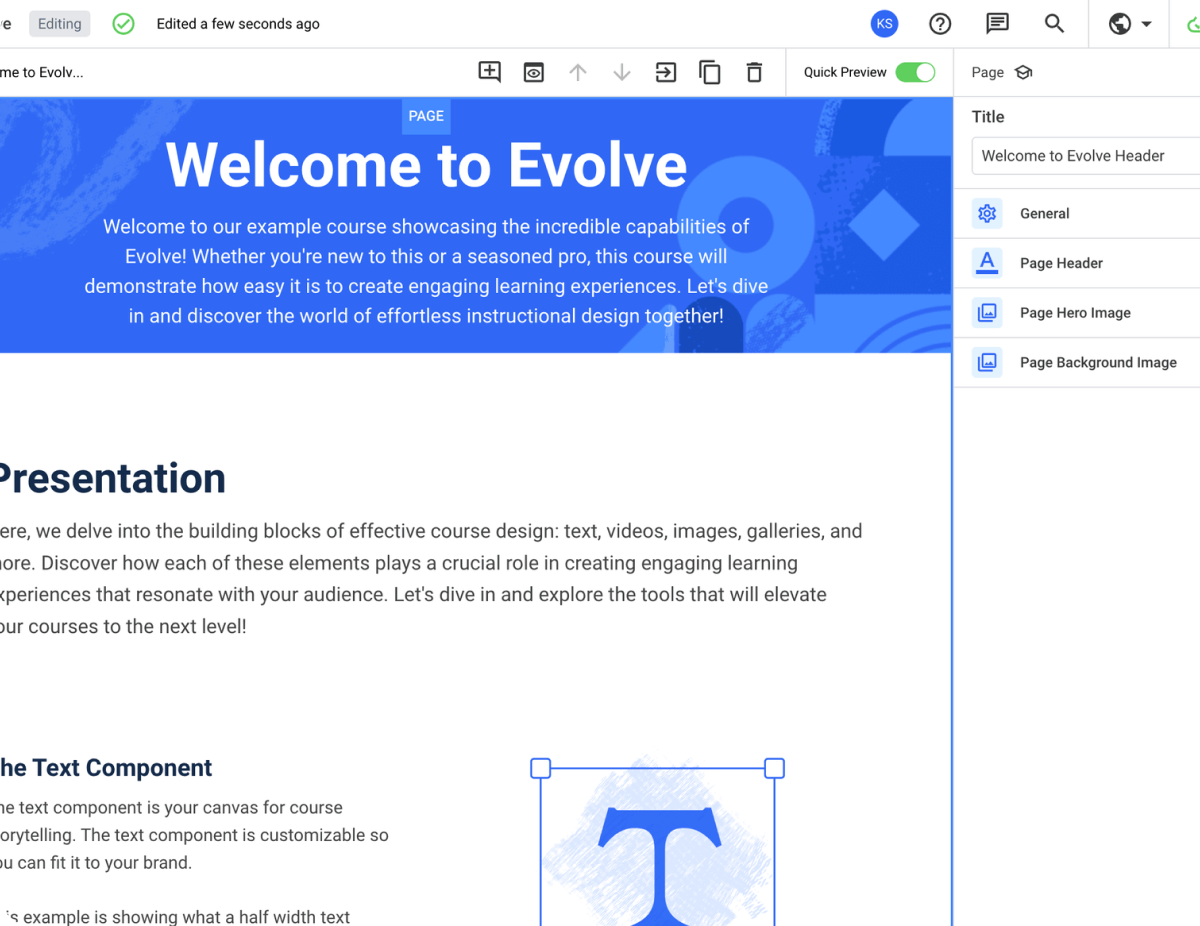
Evolve is a cloud-based authoring tool known for producing highly polished, responsive content. It's often favored by organizations looking for premium-quality learning experiences.
Strengths
- Creates visually appealing and modern responsive courses
- Flexible component-based design approach
- Solid range of interactive components
- Strong collaboration features for team development
Considerations
- Steeper learning curve to master full capabilities
- Premium pricing that may not fit all budgets
- May require design skills to leverage full potential
Start in a minute (or less)
Create your free account now and start creating interactive experiences