Features

Design tools

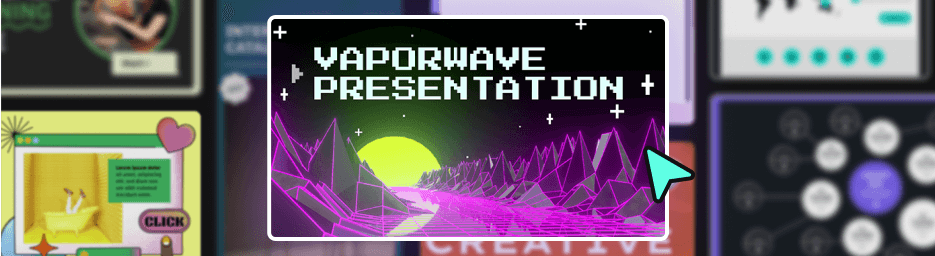
Turn your creative ideas into engaging experiences with professional templates, Genially's design tools, and hundreds of ready-to-use resources.

Trusted by the world’s leading organizations

Tik Tok organization logo
Volkswagen company logo
logo astrazeneca
Brands_Logo_Johns-Hopkins_White.png
L'Oréal organization logo
Figma company logo
Brands_Logo_CocaCola_White.png
Tik Tok organization logo
Volkswagen company logo
logo astrazeneca
Brands_Logo_Johns-Hopkins_White.png
L'Oréal organization logo
Figma company logo
Brands_Logo_CocaCola_White.png
Genially has a intuitive Visual Editor

Drag-and-drop editor

Intuitive visual editor

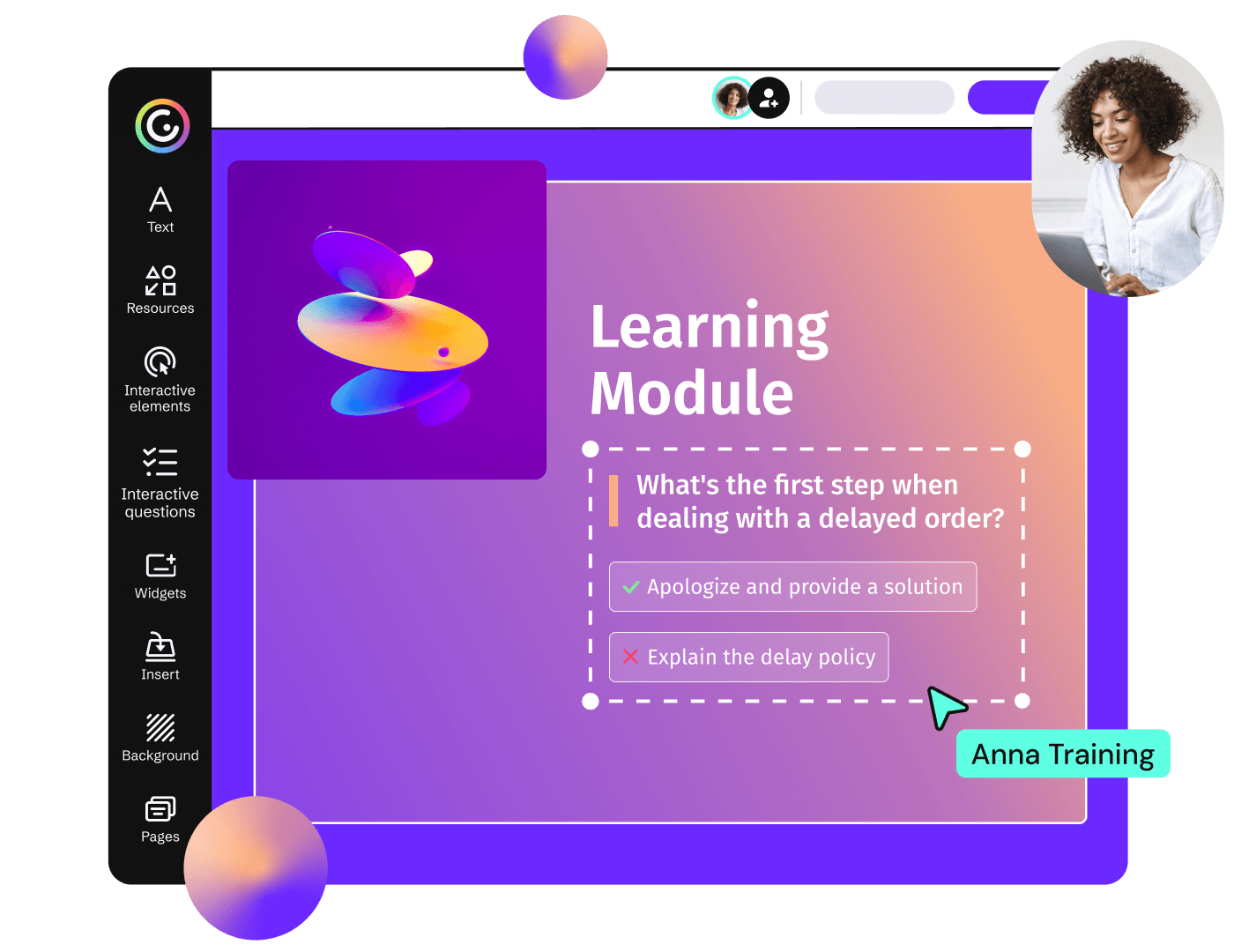
With Genially, what you see is what you get. Lay out every element on the canvas and visualize how users will view and interact with your content.

Thousands Of Templates in Genially

Free templates

Thousands of templates

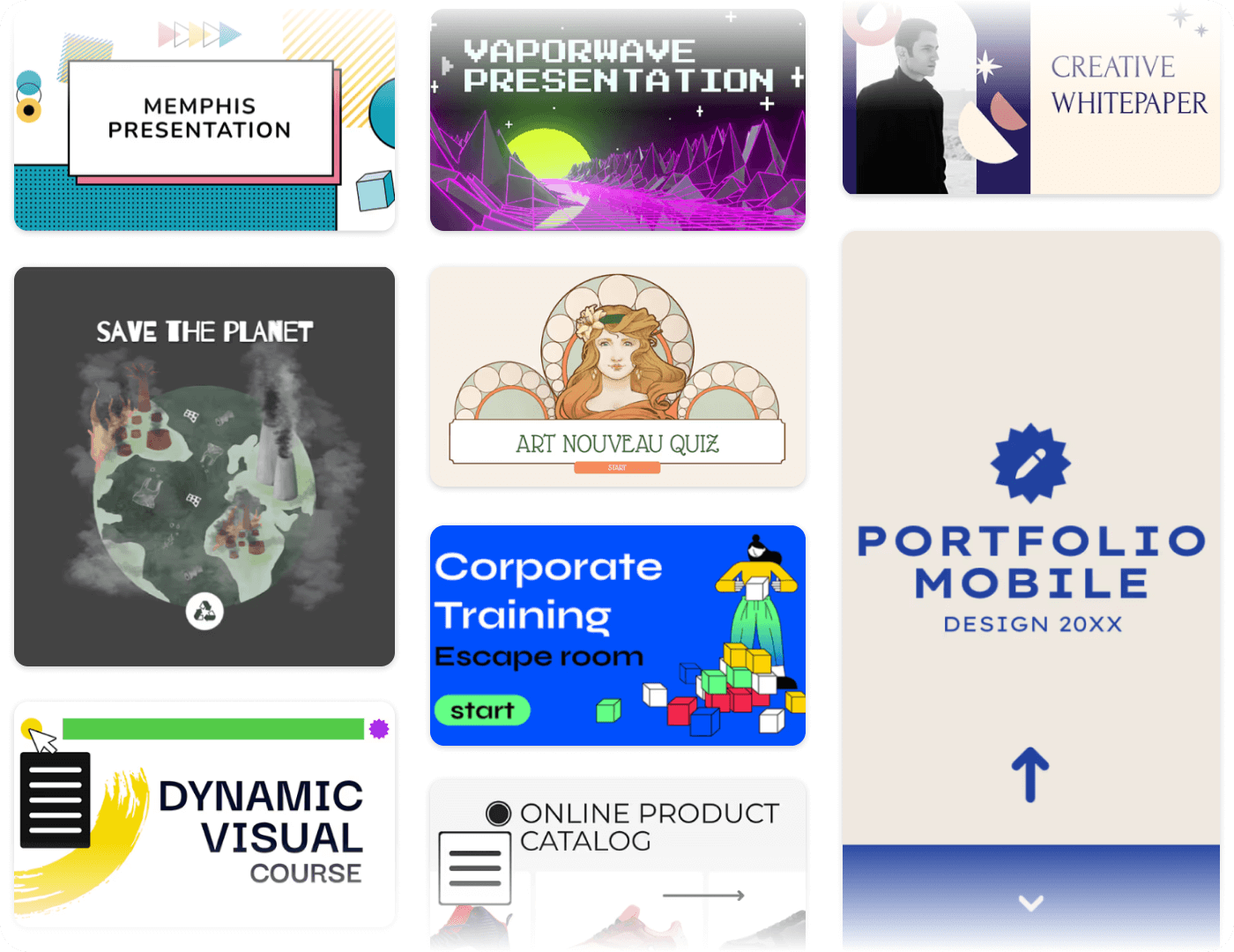
Genially offers the world’s largest catalog of interactive content templates. Access over 1,500 professional layouts created by experts, plus a collection of designs shared by the community: now at 2 million and growing!

Pre-built Assets in Genially

Resource library

Pre-built assets

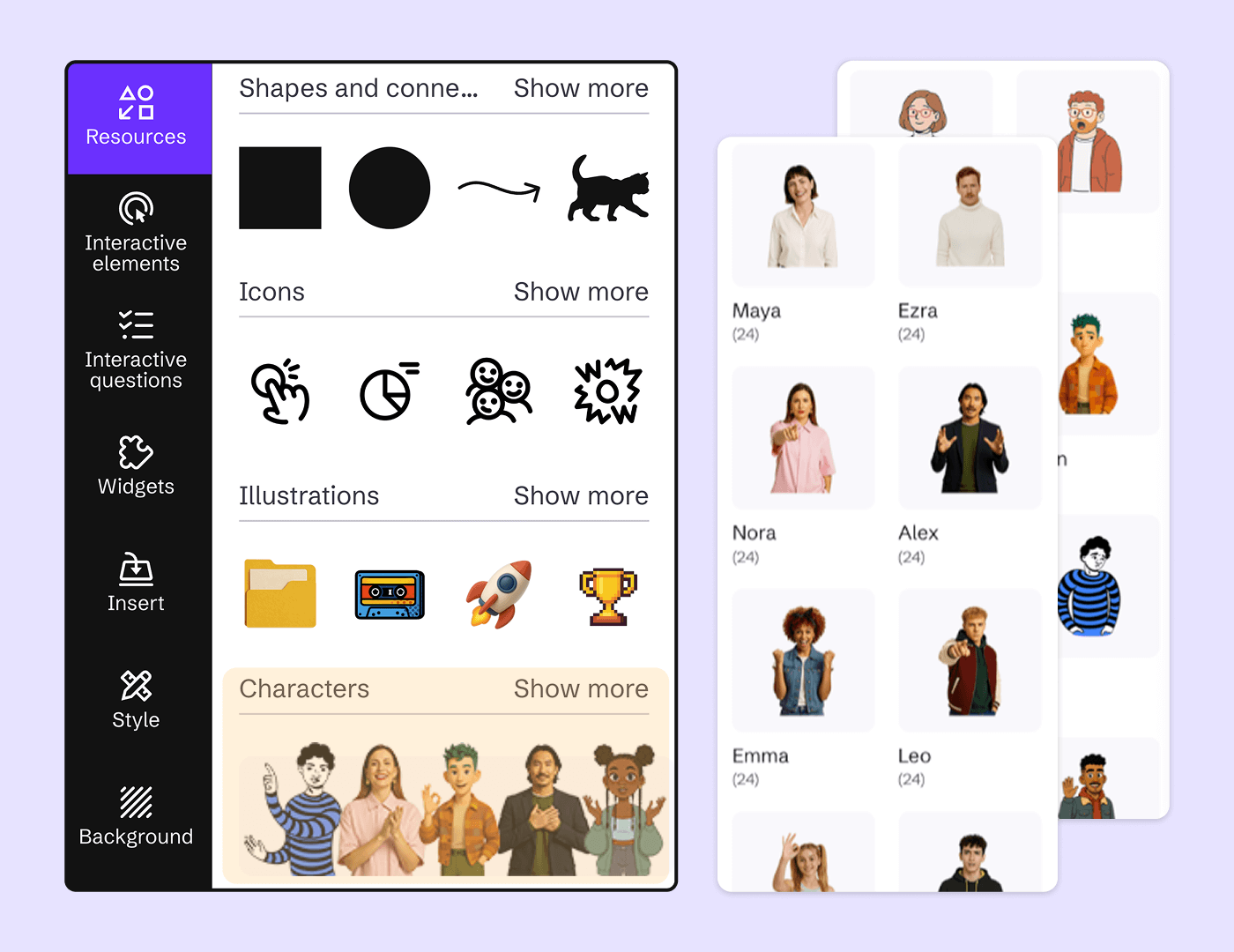
A vast library of high-quality resources helps you quickly build content that’s fun, vibrant, and visually engaging.

Picture of Luis Guillermo Bernal Global Content Director at Santillana Latin America

Templates are gold. They're a great solution for people with little experience.

Luis Guillermo Bernal

Global Content Director at Santillana Latin America

Styles & Color Palettes

Customize the look and feel of every design

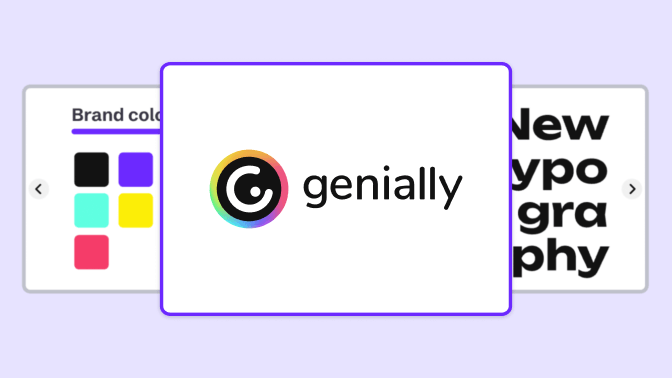
It’s easy to edit colors and fonts and make global changes in one click. Adapt templates, create tailored themes for different projects, and apply your branding in seconds.

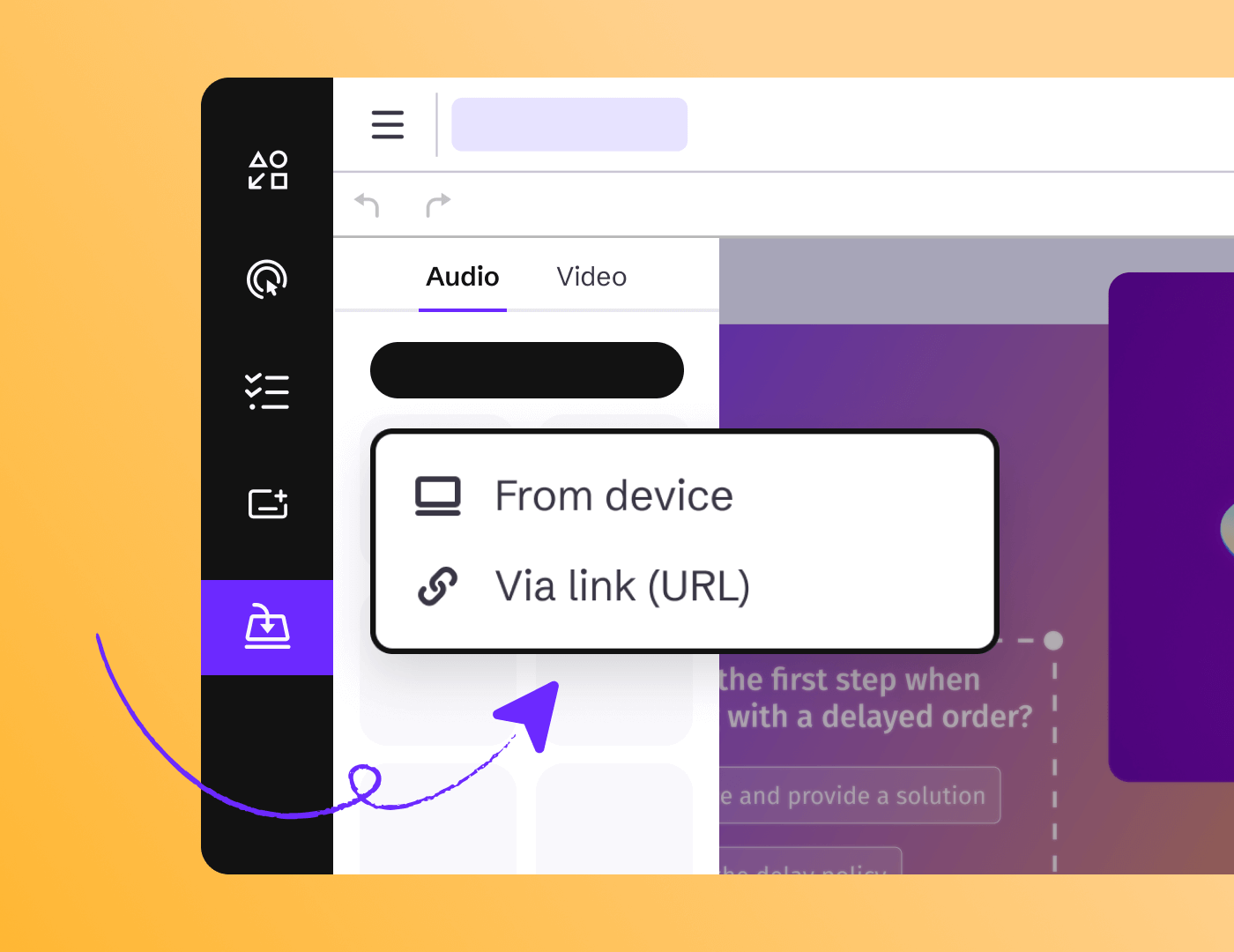
In Genially you can attach Audio images or video

Audio & Video

Audiovisual tools

Genially gives you multiple ways to include video and sound in the learning experience, making content more engaging, personal, and accessible. 

Bring your projects to life

Animations

Genially's animation tools are intuitive and help you tell visual stories that are engaging and easy to understand. Achieve professional results without any prior experience.

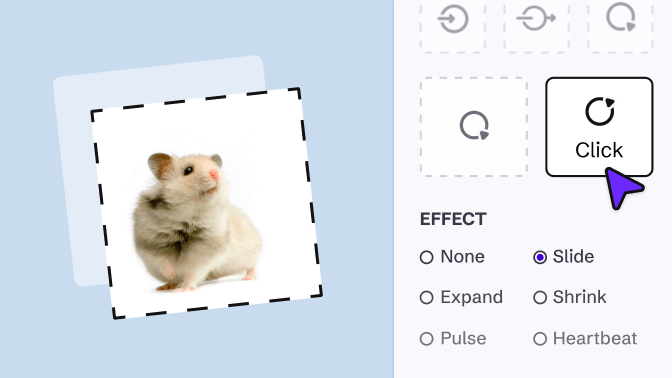
Interactions & Animations _ Animations _ Click animations (1).png

Click-triggered animations

Apply states, micro-animations, or color filters to any element, triggered on click or hover.

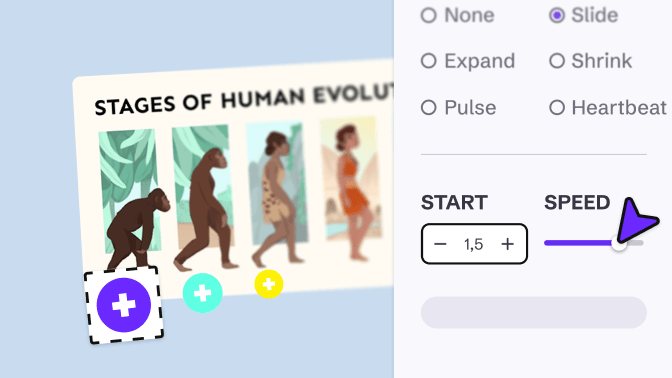
Interactions & Animations _ Animations _ Timed animations.png

Timed animations

Add entrance, emphasis, and exit animations to any element, with custom delay, duration, and speed options.

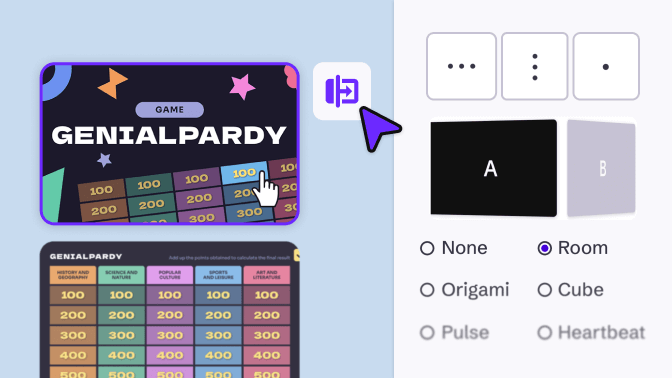
Interactions & Animations _ Animations _ Transitions.png

Transitions

Choose from more than 25 elegant slide transitions, such as Fade or Flip, with horizontal, vertical, or center orientation.

Interactions & Animations _ Animations _ Effects.png

Effects

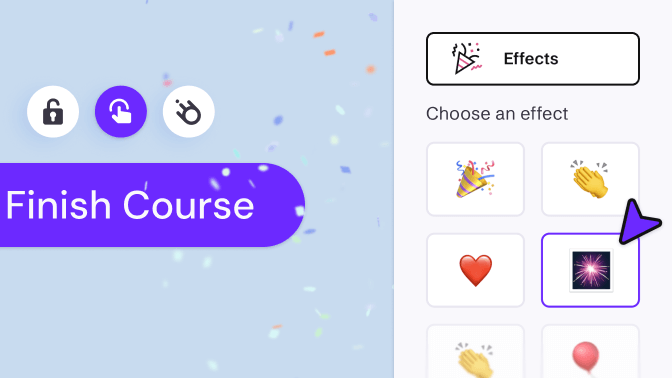
Activate fun visual effects like confetti, applause, or raindrops moving across the screen.

Customize navigation

Choose how your creation is explored

Add navigation arrows or let your audience browse it like a website. Optimize the design for mobile with scroll navigation or play your creation in video mode.

Insert video, audio,  Google Street View and more in a interactive map of Genially

Integrations

Insert enriched content

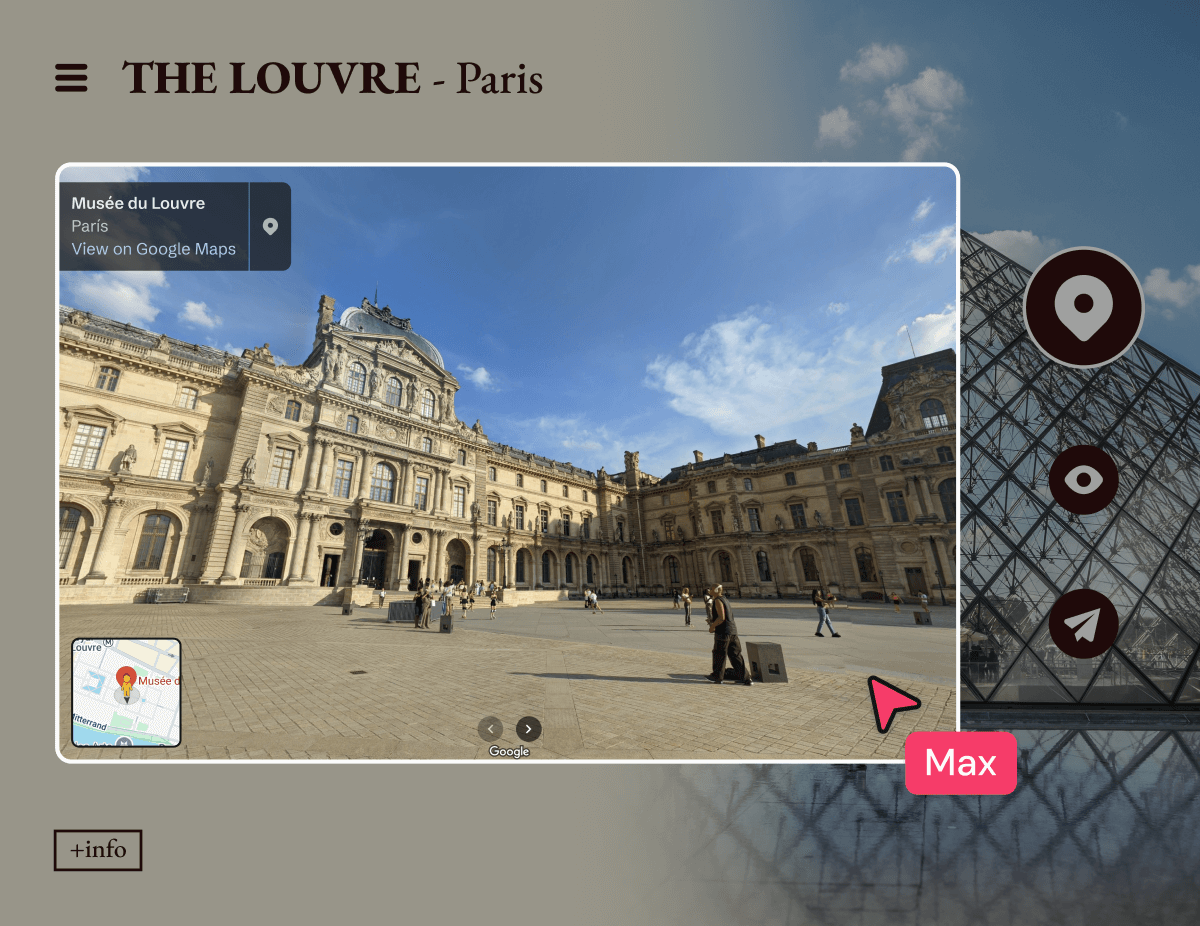
Genially supports iframes, allowing you to embed online content directly into your page. Enhance the experience with live social media feeds, maps, virtual tours, forms, videos, and much more.

In Genially you can Import Slides And Docs

Import content

Import slides and docs

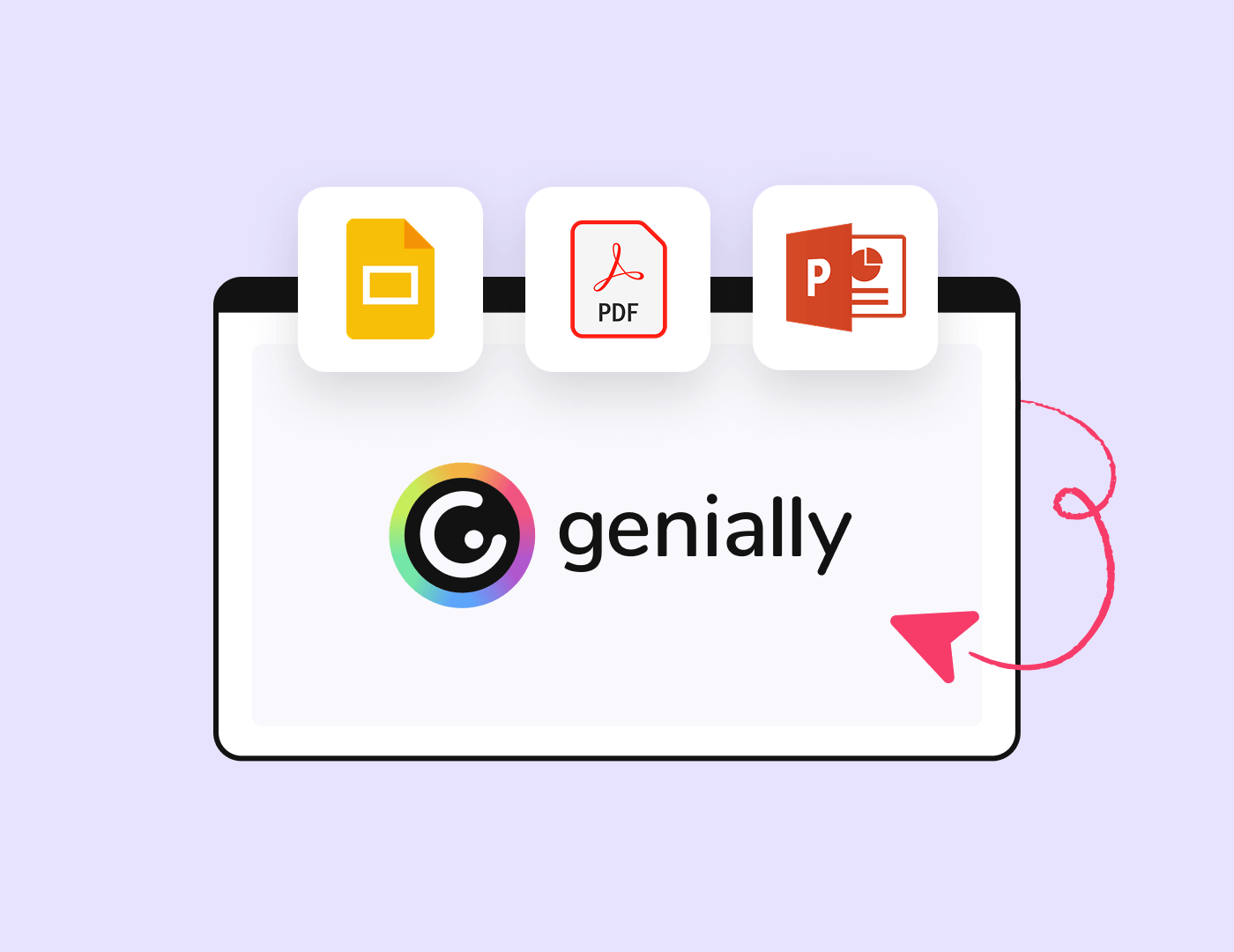
Import PDFs, Powerpoint, and Google Slides files in a couple of clicks. Reuse your old materials - and turn static content into interactive experiences.

Export Canva designs to Genially

Import Canva

Make your Canva designs interactive

The Genially for Canva app makes it easy to connect the two platforms and speed up your design flow. Export your Canva designs to Genially, or embed Genially content in Canva in one click.

Discover more features

Discover how work Genially with AI

Genially AI

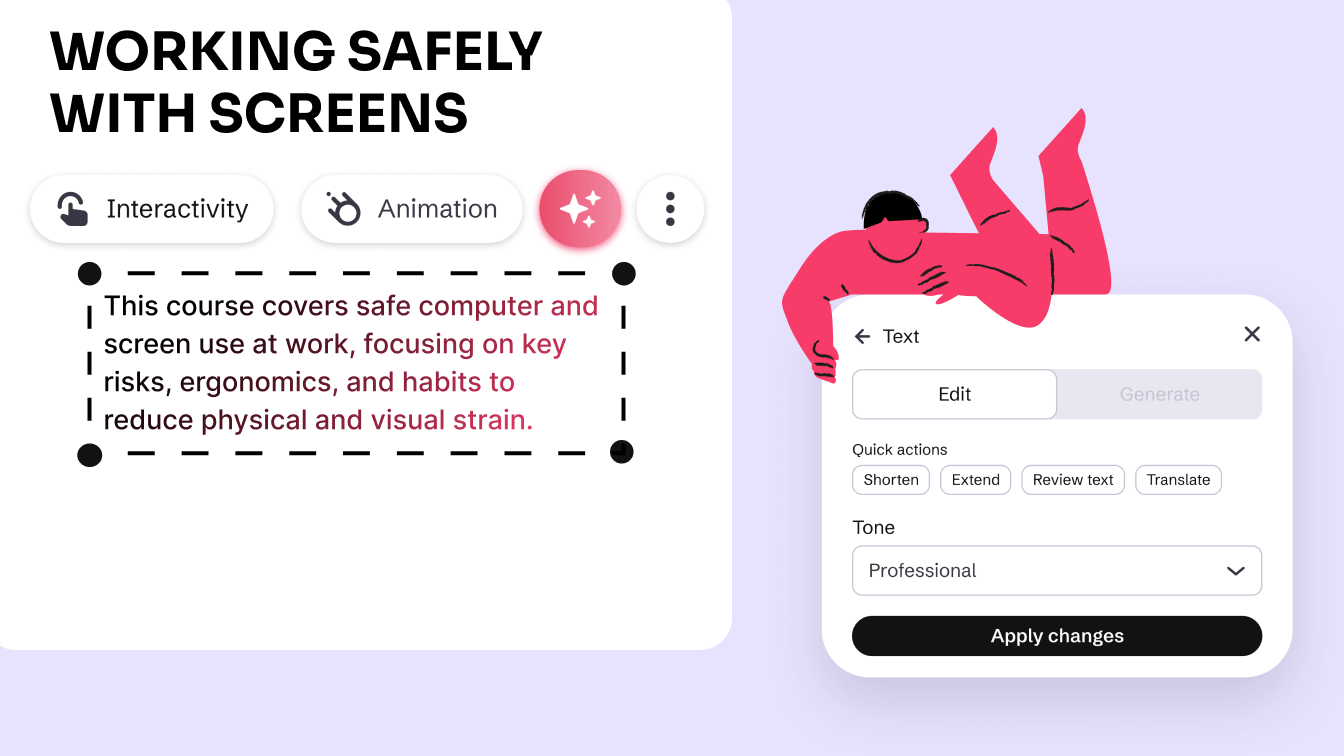
Integrated AI tools help you generate content and speed up your workflow.

Discover more features _ Brand Kit.png

Brand Kit

Help your team keep to the brand guidelines and create consistent content at scale.

Accesibility in Genially

Accessibility

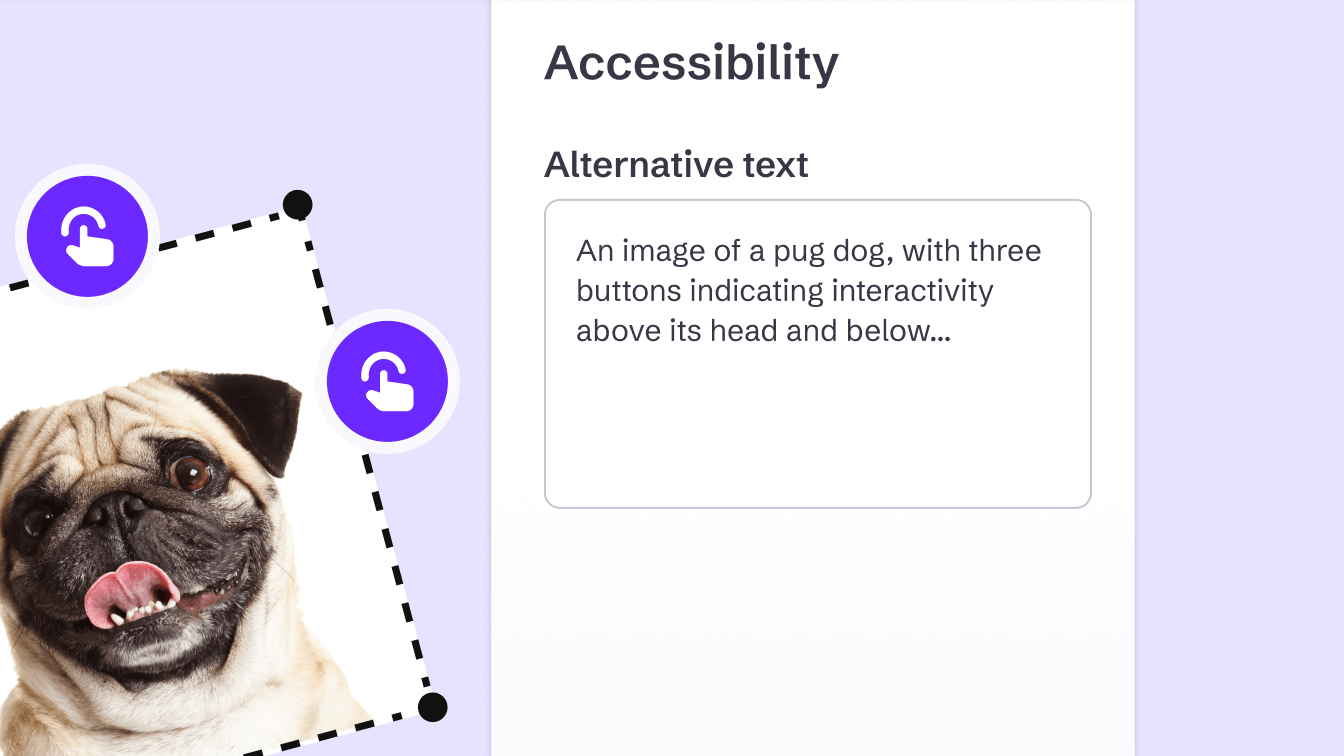
Genially is accessible by design, helping you widen access and bring interactive learning to diverse audiences.

Discover more features _ No code Interactions and Animations.png

No-code interactions and animations

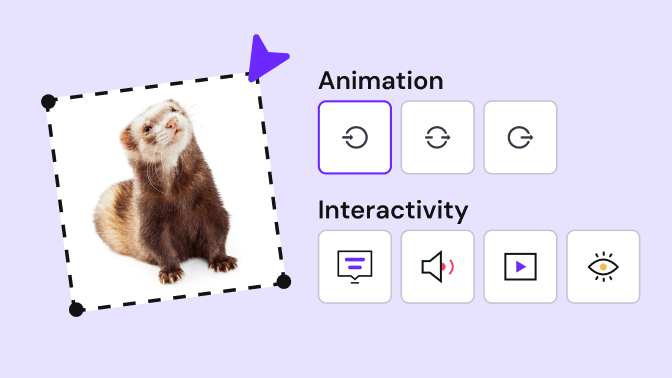
Make any kind of content interactive with Genially’s easy-to-use interactions and animations.

Frequently asked questions

The best design tools for creating interactive content combine ease of use, customization options, and advanced animation and interactivity features.


Genially stands out as one of the most complete design tools because it brings together a true interactive design toolkit: advanced interactions, animations, effects, dynamic transitions, color and typography customization, multimedia integration, and document import. And you can do it all without any technical skills.

The main difference is that Genially isn’t just a graphic design tool — it’s a platform for creating interactive content.


While many design tools focus on producing static visuals, Genially includes a comprehensive design toolkit that lets you add click and hover interactions, animated transitions, multimedia content, and customized navigation — all without coding.


What’s more, Genially is incredibly easy to use. Its intuitive, visual editor empowers professionals of all backgrounds to create dynamic content, even without prior experience in design or animation.

Yes. Genially’s design tools let you create mobile-friendly content while keeping interactivity, animations, and visual effects fully intact.


Although editing is more comfortable on a computer thanks to the larger screen and greater precision, the final result can be viewed and explored on smartphones and tablets.


You can adjust the navigation, enable vertical scrolling, or design with a mobile-first approach to ensure a smooth experience.


In short, you can design from your desktop and share interactive content tailored to screens of any size — without sacrificing dynamism or visual quality.

None at all! Genially’s design tools are built so anyone can create interactive content without technical skills. You don’t need to know how to code, design graphics, or create animations to get started.


The editor is intuitive and visual, allowing you to work directly on the canvas and see your results in real time. Plus, you have access to professional templates, ready-to-use widgets, and preconfigured effects that make the whole process simple.


Thanks to its ease of use and virtually nonexistent learning curve, you can focus on your message and the experience you want to create — without worrying about the technical side.