Free flashcard and flip card maker
Create online flashcards and flipcards with click-to flip and swipe animations. Build engaging learning aids and memory games — or make your website more interactive. Fast, free, and easy to use!
The world’s leading organizations create interactive content in Genially
Flip cards
Create interactive flip cards without coding
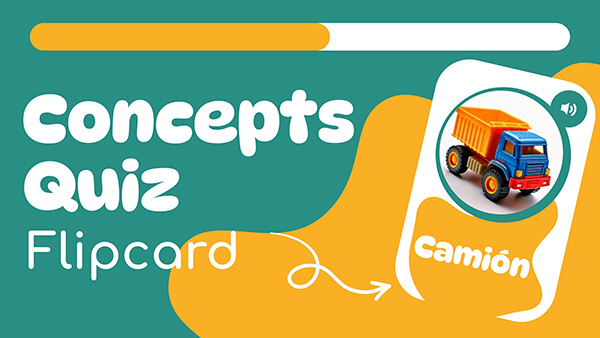
Want to make cards that flip over when clicked or tapped? Genially's intuitive builder lets you do it in minutes, without any tech skills. With content on one side and related concepts on the other, flippable cards help you boost engagement and reveal information in bite-sized chunks.
- Customize the design or use a pre-formatted card layout.
- Choose a vertical or horizontal flip motion.
- Enrich the cards with text, images, audio, video, GIFs, interactive buttons and questions.
Card sets
Build swipe card and flashcard decks
Present cards in a stack, with the top card visible and subsequent cards peeking out underneath. The swipeable interface generates an app-like feel and a sense of progression and anticipation. Keep people clicking!
- Use one-sided cards, or two-sided cards with a flip interaction.
- Works on any device: Swipe or click to proceed to the next card in the deck.
- Easy to edit and change the order of the cards.
Use cases
Discovery-based learning and storytelling
Flip and swipe mechanics are powerful gamification devices for driving interaction and content exploration. Use cards to break down complex concepts, support active recall, and provide immediate feedback.
- Education: Create fun resources for revision, self-testing, and concept reinforcement.
- Training: Deliver onboarding, explain multi-step workflows, and practice skill-specific terminology.
- Marketing: Tell your brand story, highlight company milestones, and help customers explore your product.
Design features
Sleek animations and next-level design
Goodbye boring white flashcards – Genially helps you create polished visuals that are beautifully tailored to your brand, course, or curriculum. Customize every detail including the colors, fonts, buttons, and background.
- Professional flip and swipe effects.
- Micro-interactions like the tilt card hover effect add depth and enhance the user experience.
- Add hover, timed, and click-trigger animations to other elements inside the card.
Why Genially is the best tool for making digital flashcards and flip cards
Free
It's free to make interactive flip and flash cards in Genially. Upgrade for more features like the Brand Kit.
Share anywhere
Embed the cards on your website, add to an eLearning course, share the link with students, or integrate with your LMS.
Interactive
Combine cards with other interactive activities like drag-and-drop, click-to-reveal, and pop-up windows.
Zero learning curve
Genially is intuitive and beginner-friendly, allowing anyone to create interactive content in a few clicks.
More than flashcards
Build infographics, slides, games, eLearning courses, quizzes and more - all on the same platform.
Accessible
Genially cards are compatible with assistive technology like screen readers, with labeling and audio options.
Templates
Free templates
Ready-to-use learning materials with flip and swipe mechanics.


Step by step
How to make flip and flashcards
Choose a card style
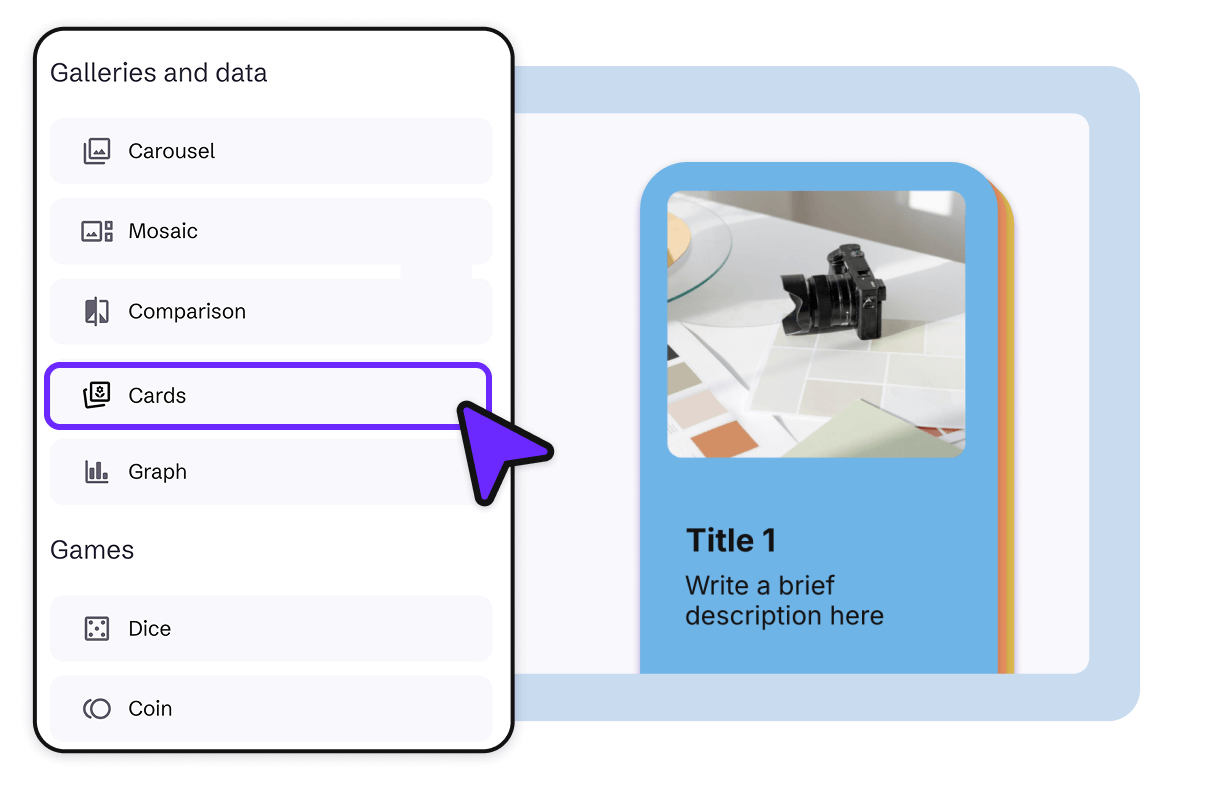
Sign up for a free Genially account. Go to the Widgets menu and add a Card to the canvas.
Edit the design
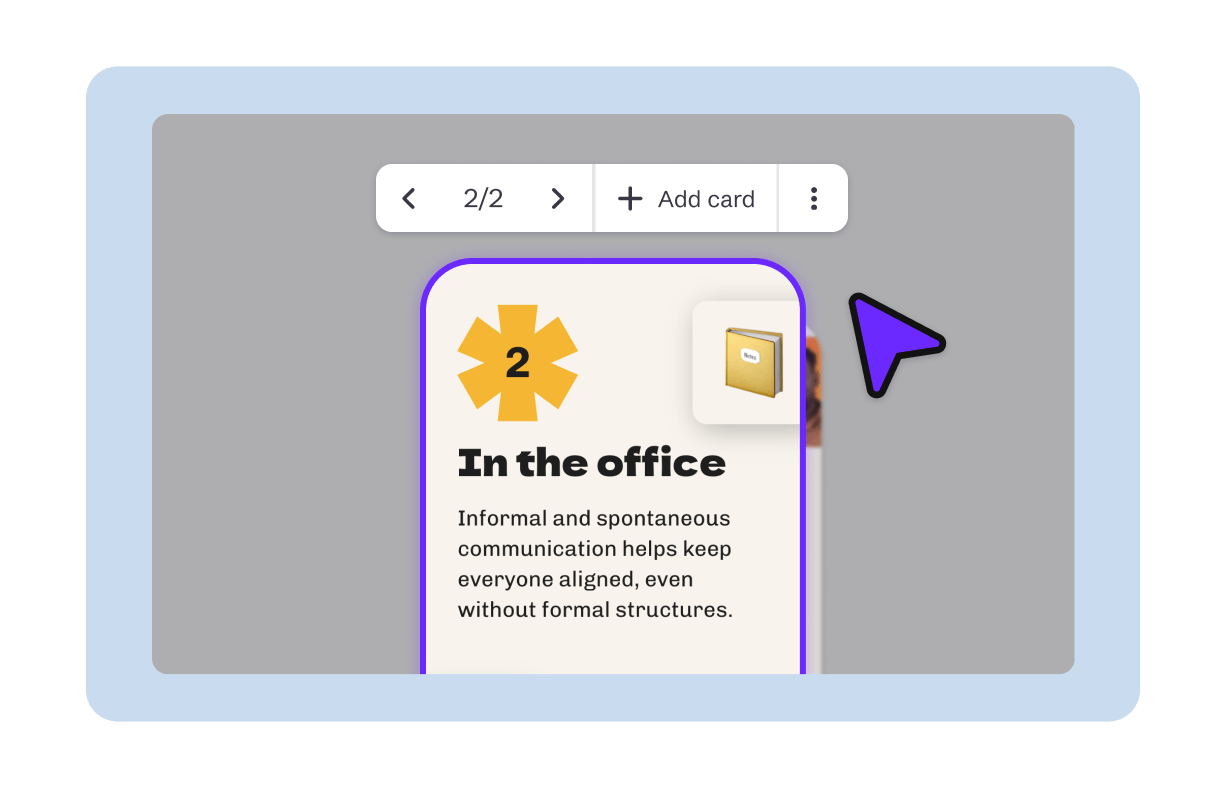
Adjust the size of the card, and edit the text, images, and interactive elements. Use Preview mode to see how it will look.
Share
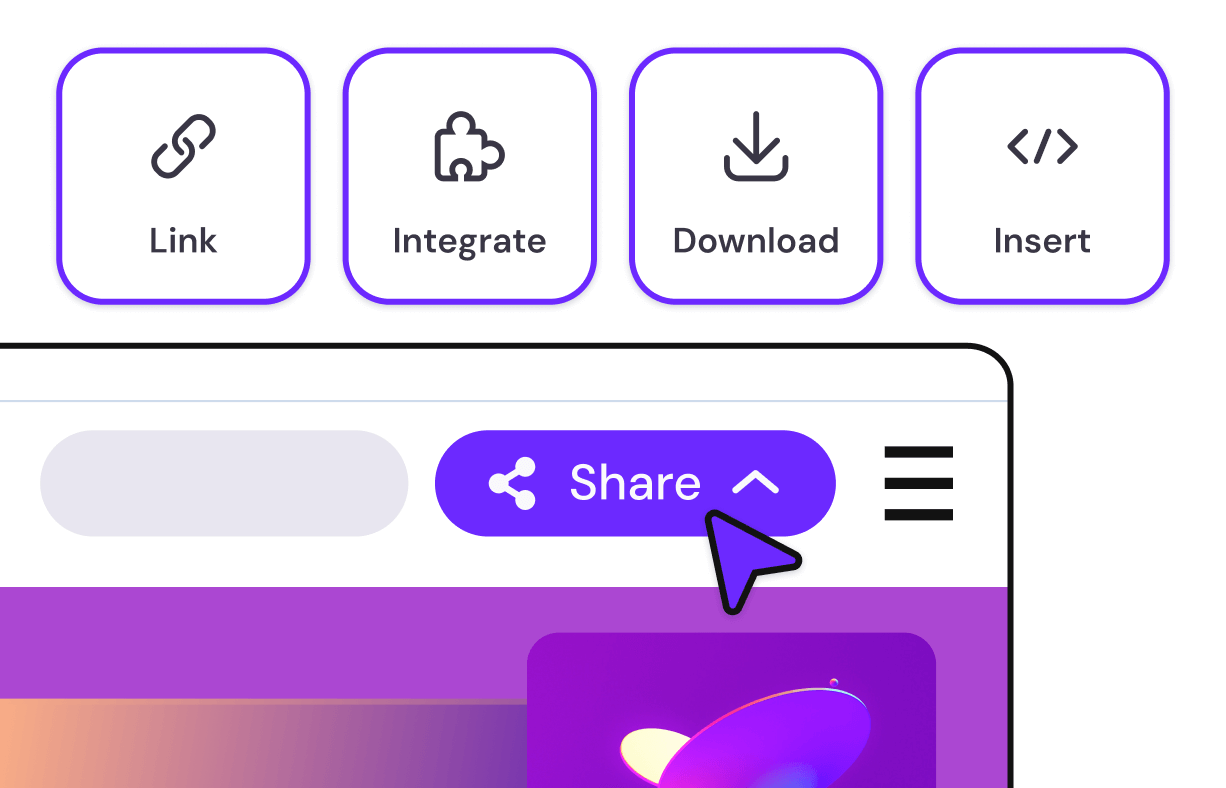
Happy with the design? Click Share to get the link. Embed on your website, add to your LMS, or share directly with students.

Share, embed, or integrate anywhere. Genially is compatible with every popular website builder, CMS, and LMS.

"A great way to build smart interactions without any big effort. Every designer is, with the help of Genially, an interaction web app builder"