Features
Analytics and assessment
Measure, track, and optimize your materials with built-in Activity dashboards. Get live data on views, clicks, and learner progress — all in Genially.
Trusted by the world’s leading organizations
Engagement metrics
See how people are engaging with your content
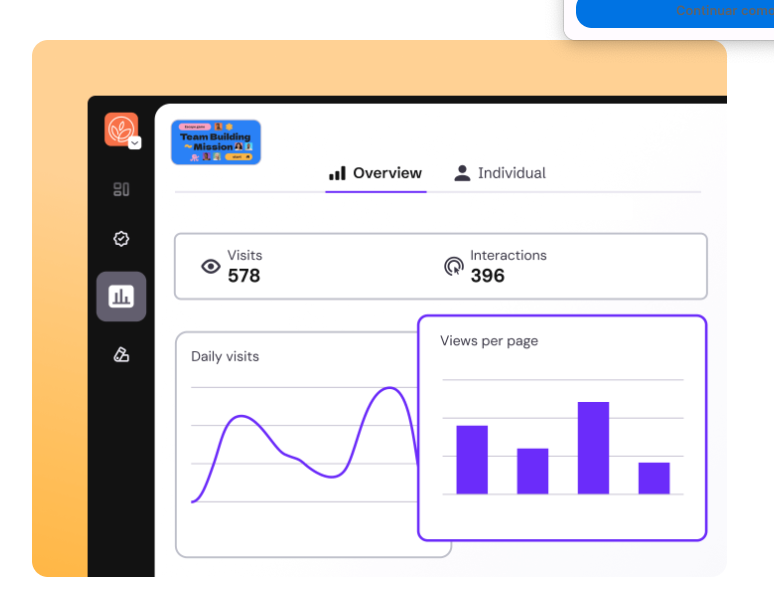
Genially’s built-in analytics tools give you real-time insights without any third-party software. Capture data on traffic and events to see how your content is performing and identify where it can be improved.
Unique Visits
See how many times the URL has been accessed.
Daily Views
Check the volume of daily traffic to each URL.
Page Views
Measure the total number of times each page has been viewed.
Interactions
See the number of clicks and mouseover events for each interaction point.
No LMS required
Genially works seamlessly with Learning Management Systems, but if you don’t use one, the Activity dashboards give you all the information you need.
Easy reporting
Download data in CSV format to generate reports or export to other platforms.
Fast filters
Analyze a specific date range or quickly view results for the previous 7, 30, or 60 days.
Central dashboard
Review all your published content at a glance, and activate or deactivate analytics for each URL.
Individual tracking
Keep tabs on learner progress
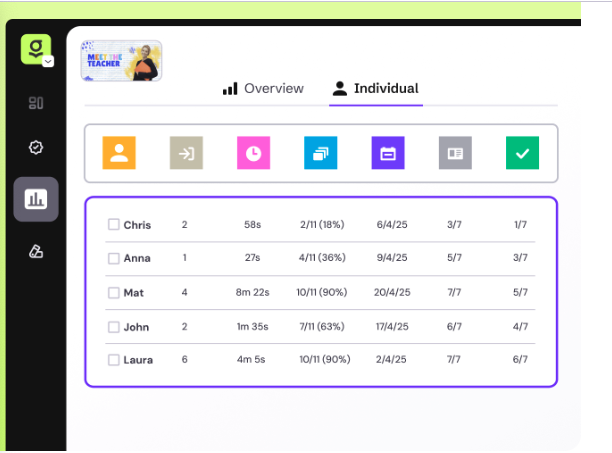
Collect activity data without anyone having to identify themselves. Or turn on the access screen and ask for an alias, email, or phone number from the people who open your creation.
Date of first access
See when the user first viewed the URL.
Total visits
Check how many times the user has visited the URL.
Duration
View the total time each user has spent viewing the URL, across all visits.
Pages viewed
Check the number and percentage of pages the user has viewed.
Custom message
Do your students use a special ID code? Add instructions to the screen when asking for their name.
One-time identification
The user only needs to enter their name the first time they view a URL, with subsequent visits tracked automatically.

"It's my go-to tool when I want to make creative content. Interactive formats are definitely more successful: more views, interactions, and monitoring. Could I do it without Genially? Maybe, but it wouldn't be so easy, or so fast, or so pretty."
Assessment
Analyze question responses
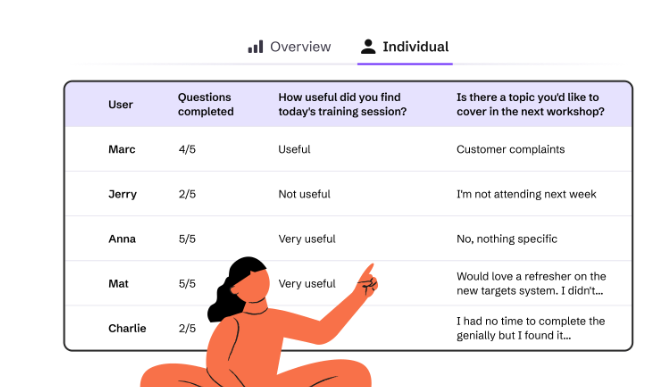
See how many questions each user has answered and how many they got right or wrong. Read responses to open questions to review feedback and identify common problems or misconceptions.
Post-session reports
Measure participation in live sessions
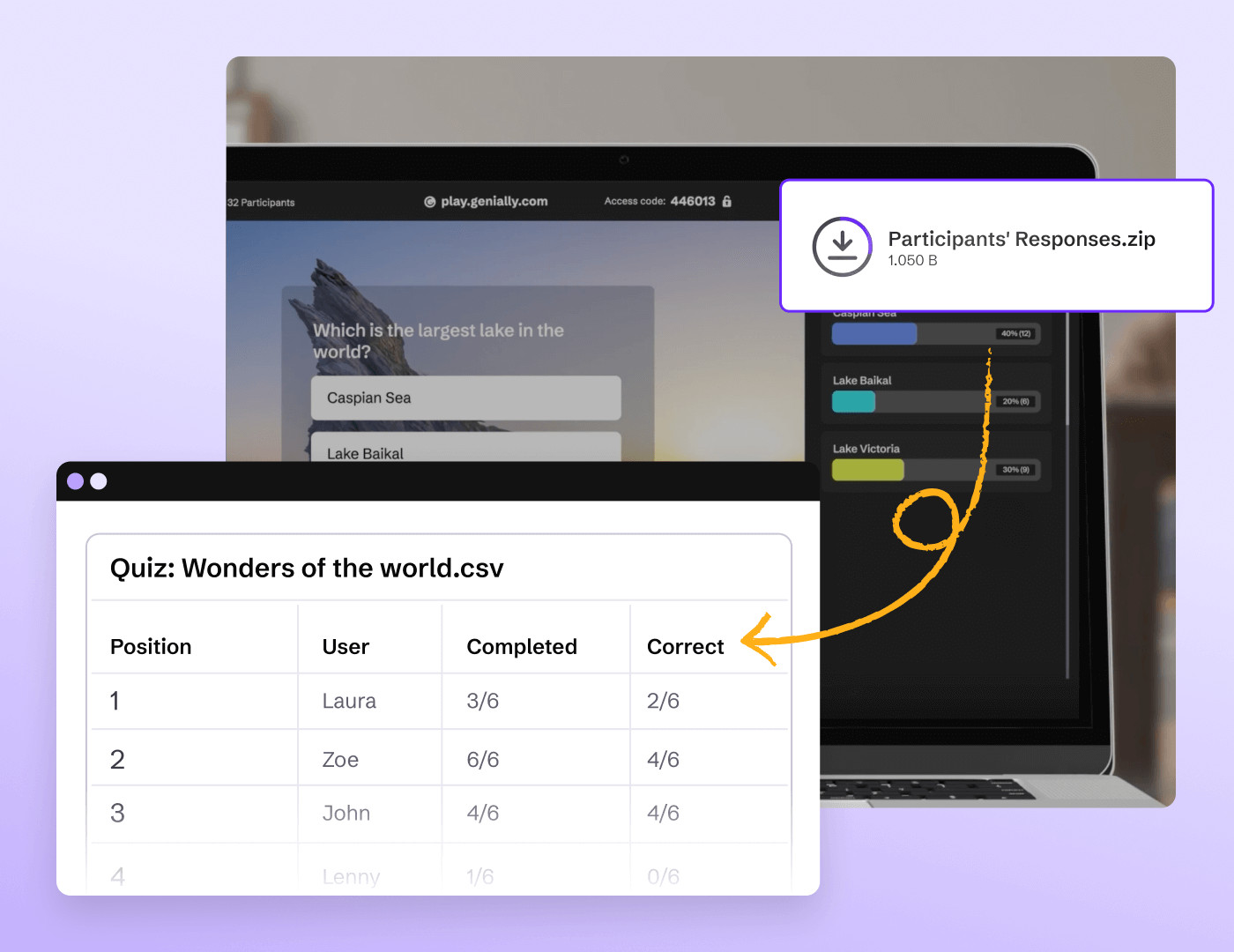
When you wrap up a live quiz or presentation, the results are downloaded in CSV format automatically. Get insights on who joined the session and how people responded.
Frequently asked questions
Discover more features
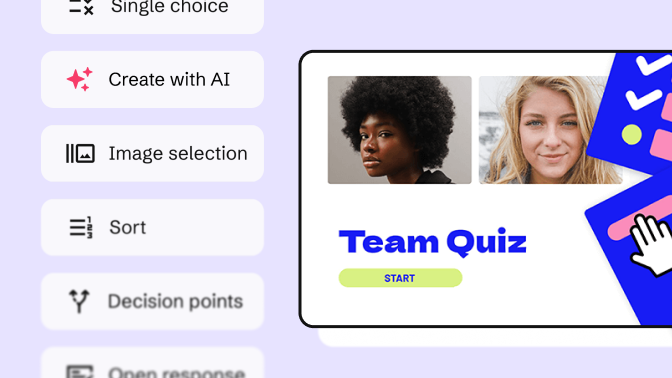 Quiz BuilderUse interactive questions to assess students and capture feedback from your audience.
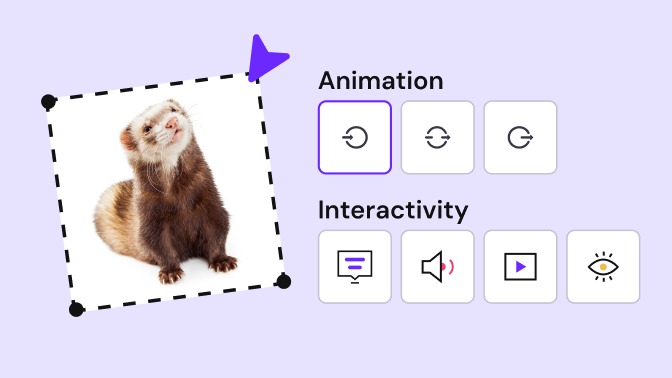 No-code interactions and animationsMake any kind of content interactive with Genially’s easy-to-use interactions and animations.
 Collaboration and team managementGenially is built for teams, with live collaboration features plus advanced controls for administrators.