Create an interactive digital guide!
Creating an amazing digital guide is easy with Genially, the online tool for creating interactive and animated microsites, catalogs and other guides. Your guide’s main menu makes discovering content intuitive.
All kinds of interactive guides
Genially's guides go beyond travel guides. They’re a format that succeeds in any context.
Corporate
Corporate Guide
Imagine your company’s corporate guide in a format that’s professional and polished. Make it happen with Genially.
Educational
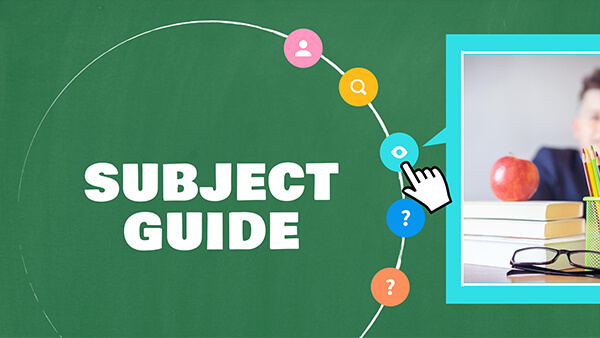
Educational Guide
Organize your educational content into sections in a visual and eye-catching guide.
Branding
Branding Proposal
Present your branding proposal in a guide like this one. Succeed with a professional proposal.
Tourist
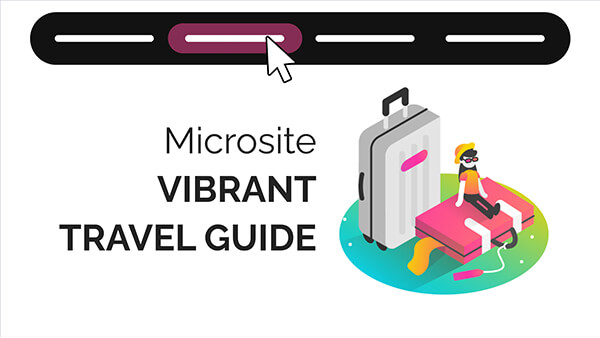
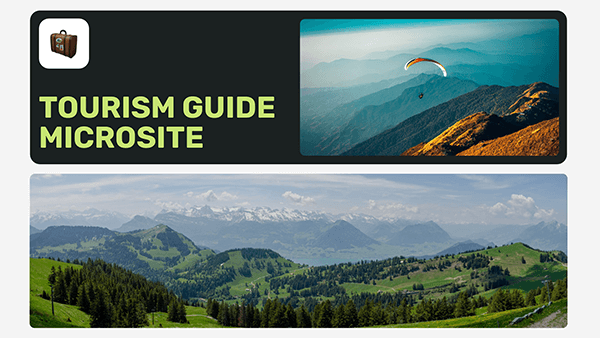
Tourist Guide
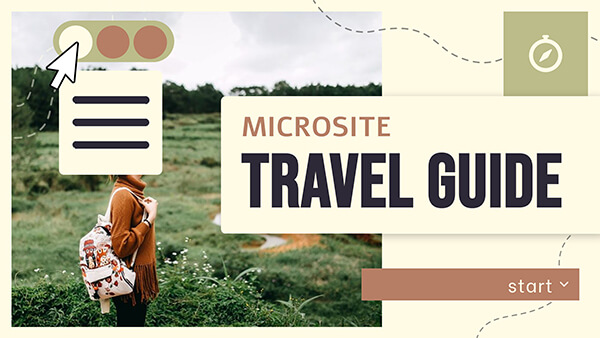
Organize an activity or program with this travel guide. You can navigate it like you would a website.
Make a genially, not boring content
More and more people are discovering that their content stands out when they use Genially. That’s even truer with interactive guides. Making a genially with microsite navigation is a breeze.
Don't start from scratch
Templates that have it all
If you want to impress your audience, Genially has everything you need to create your guide. Browse through templates and customize their content in minutes.







Steps to create a genially
01
Choose an awesome template
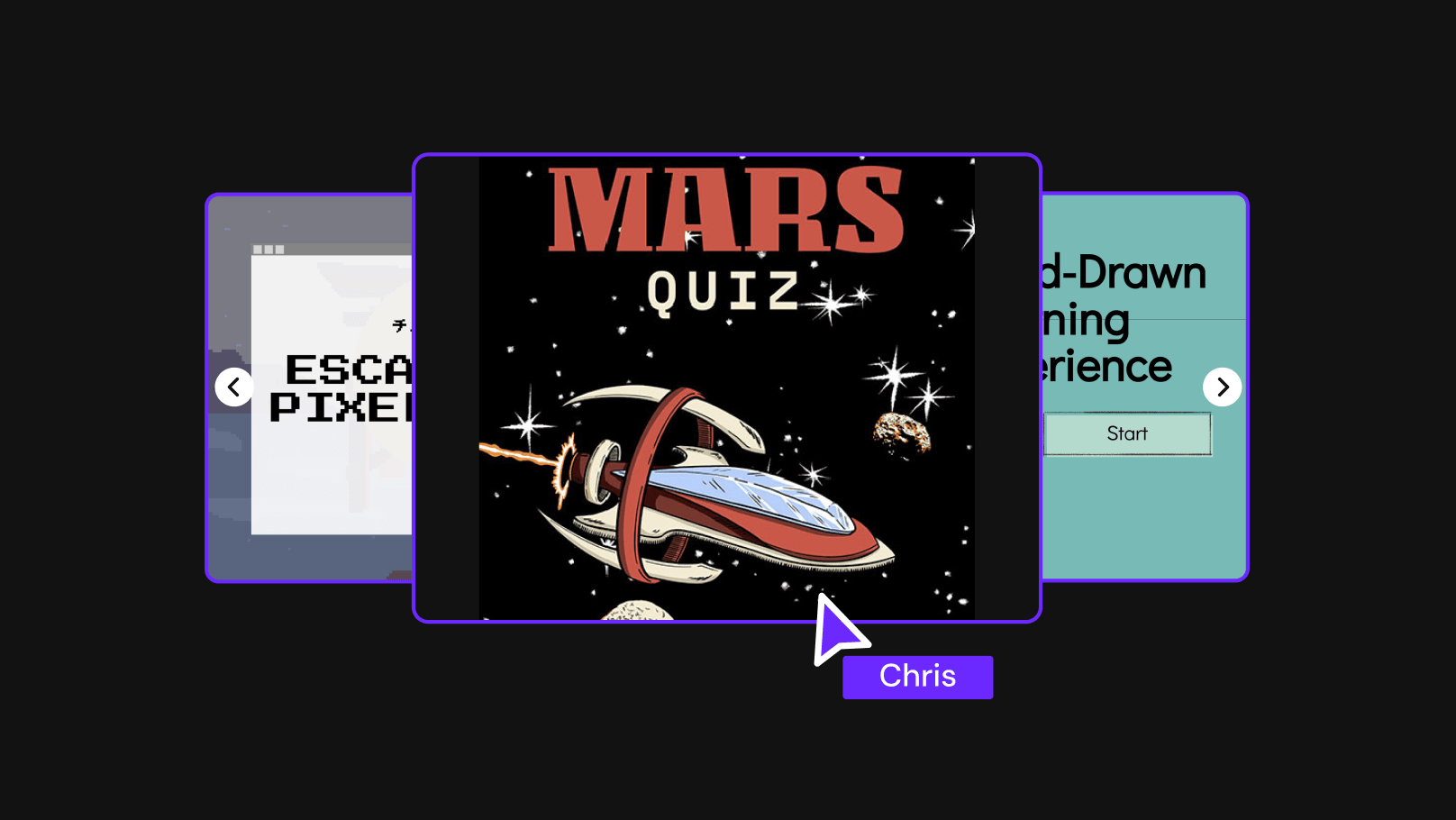
The first step to success is to choose a great template. Think about the theme of your content and explore the most creative guide templates. You can also start with a blank canvas.
02
Customize it to your liking
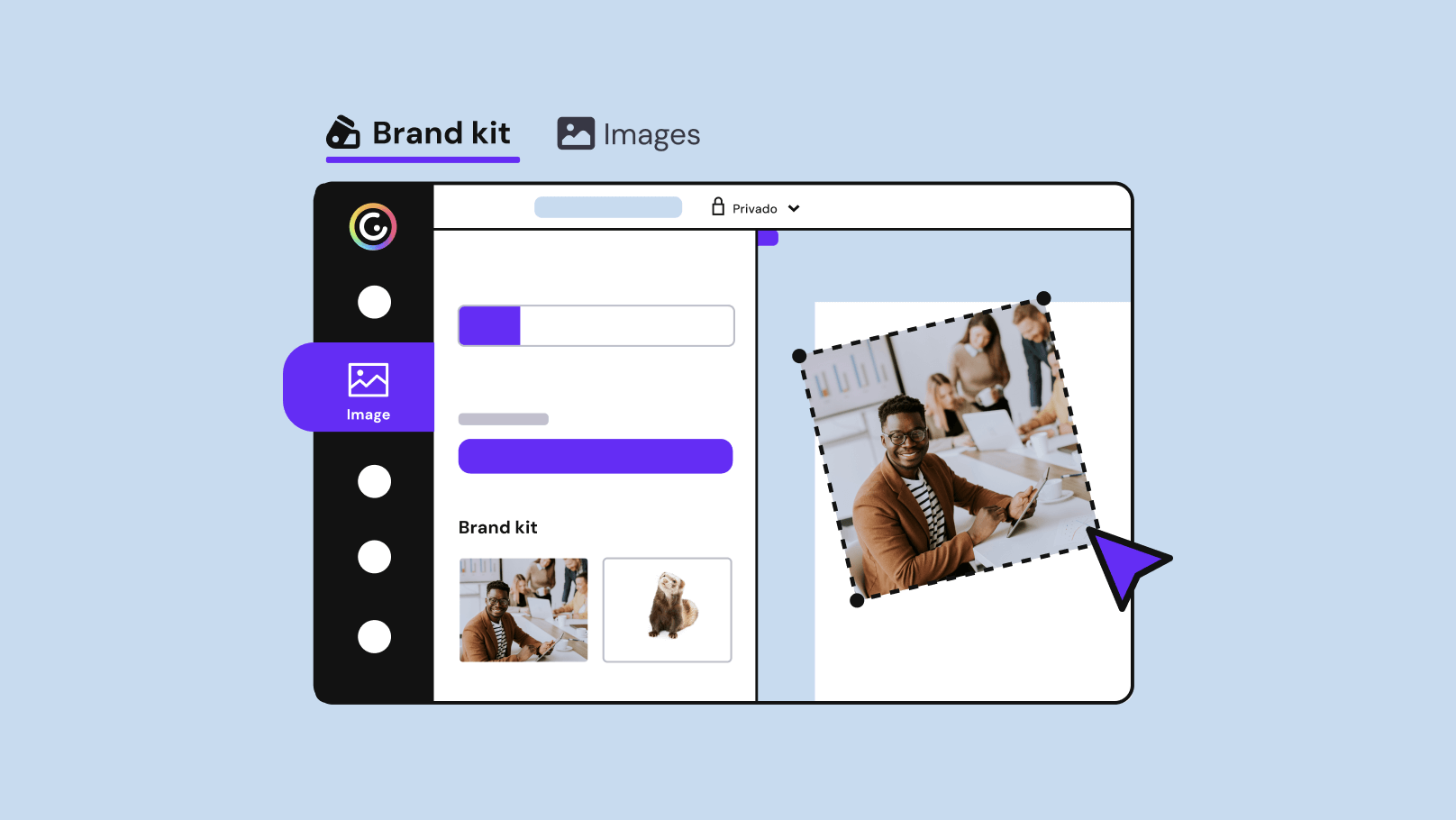
Modify the content as much as you’d like. Edit colors, images, fonts, and icons, and use the resources that Genially offers you. You can also upload your own resources.
03
Animate and add interactivity
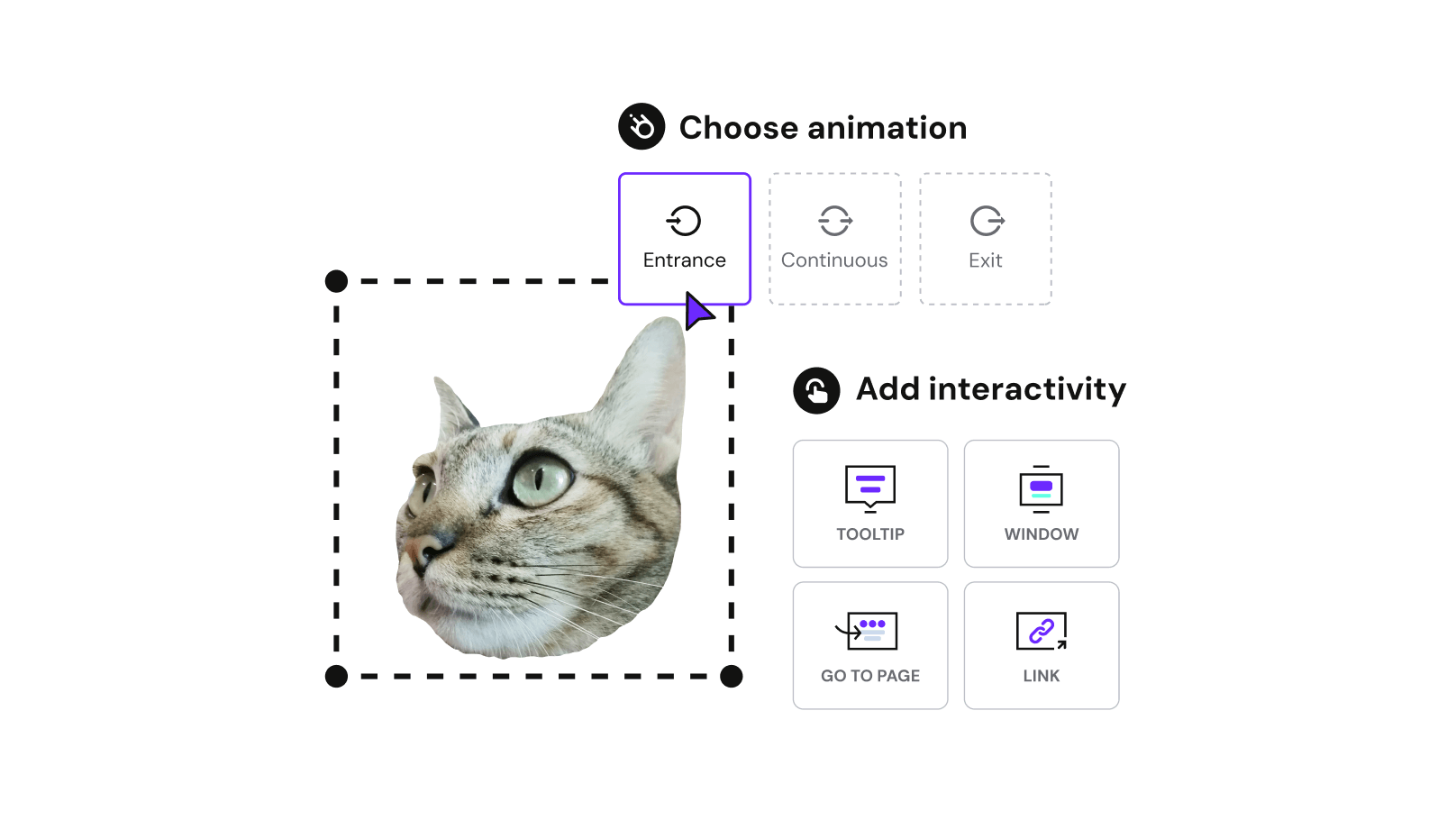
To make things go faster, Genially templates already have predefined interactive navigation. Edit and add more interactive and animated elements as you’d like - quickly and intuitively.
04
Show it to the world!
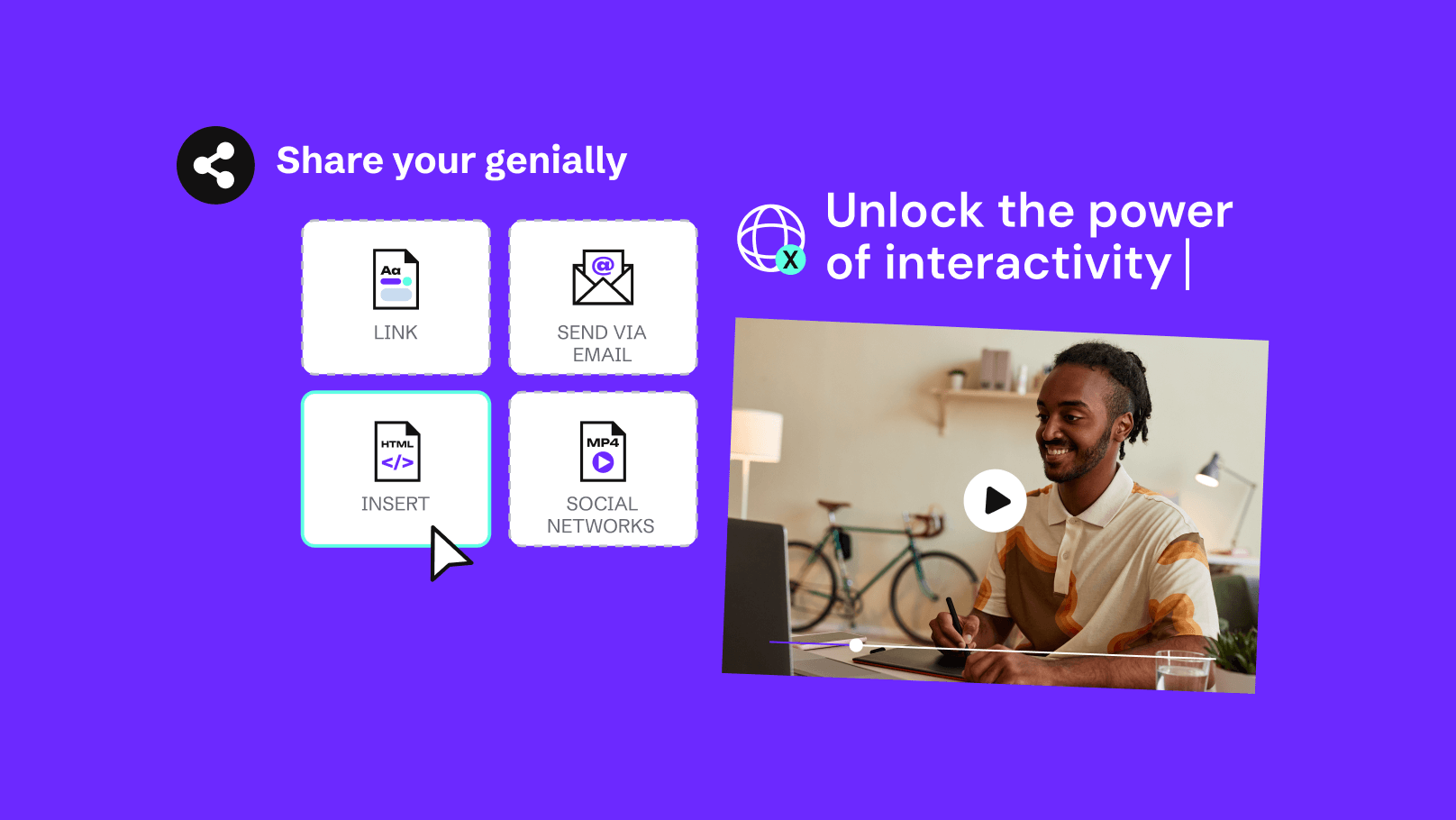
Done! Now you can present from Genially. Or, you can share the link via email or social media, insert it on websites, or download your presentation in PDF or HTML format.
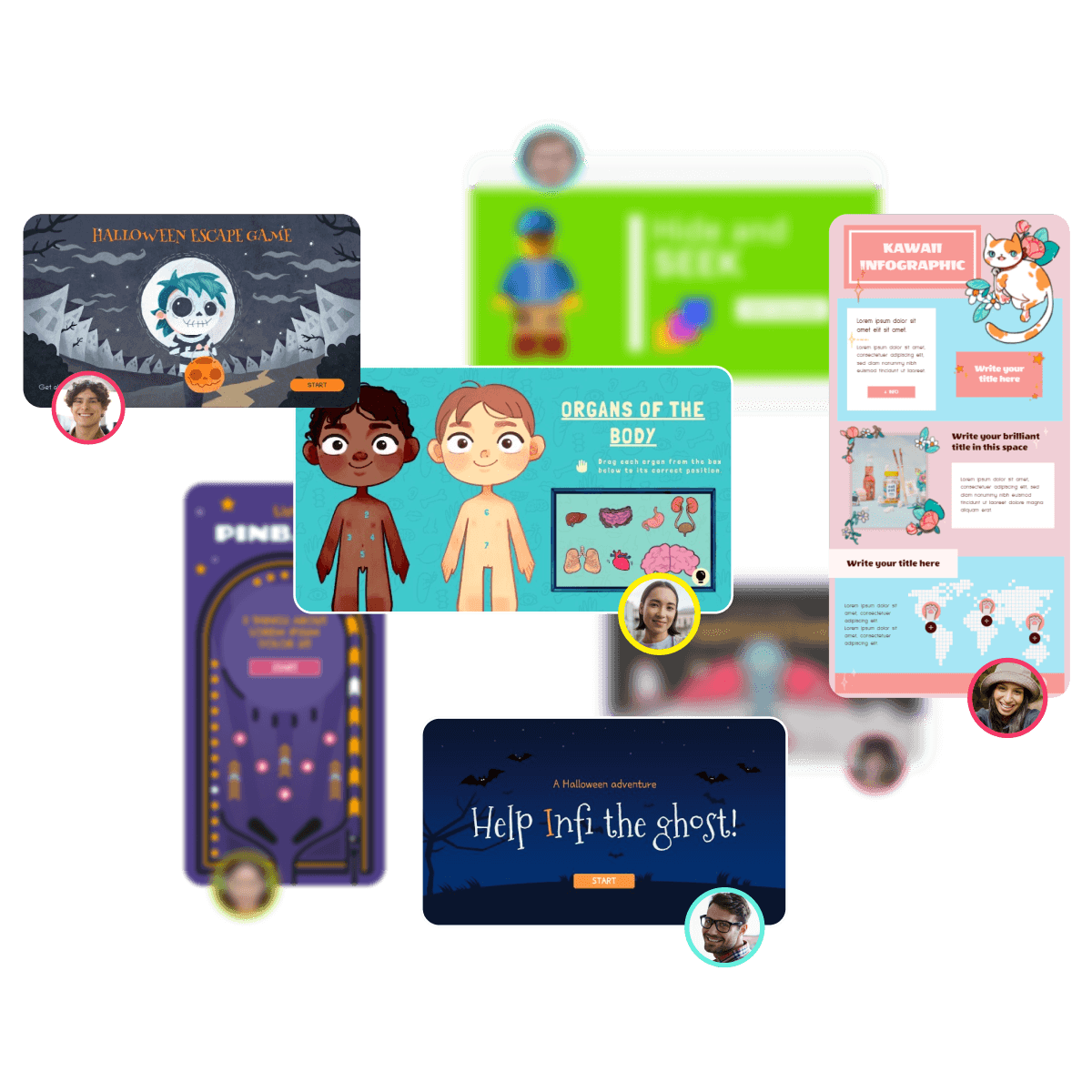
Get inspired
Looking for guide examples? Look no further
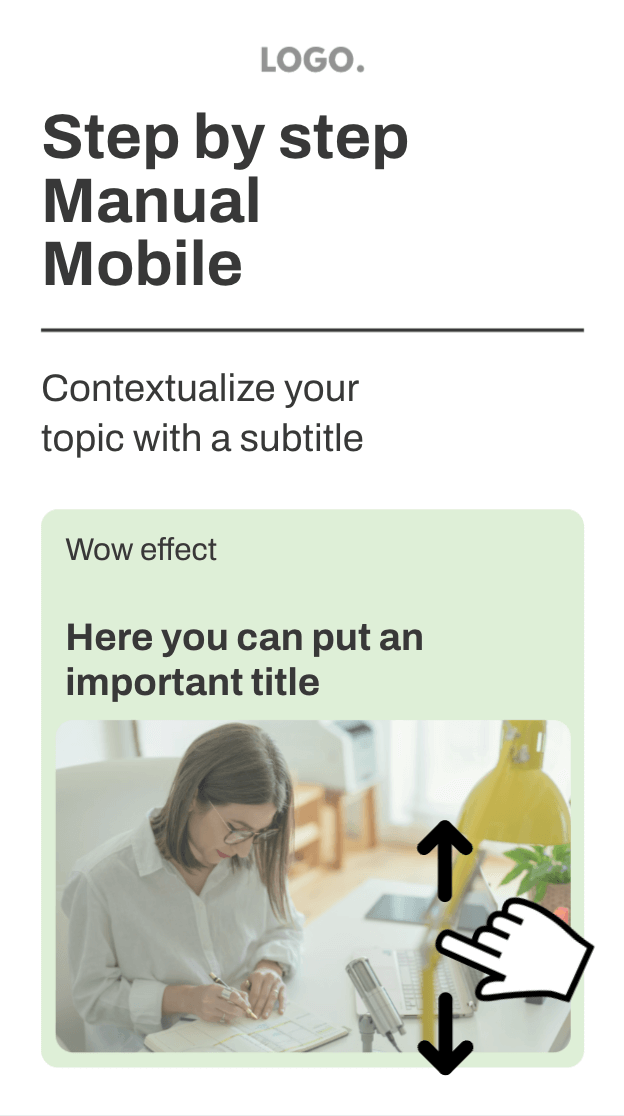
Take a look at the microsites, catalogs, and manuals created by the Genially community. They'll leave you speechless. If you're going to create something similar, reuse the ones you like the most.
Frequently asked questions
.png)
"Genially is an intuitive tool that has radically transformed how we show what we do."
Explore
Try more content types
Develop your genius. In Genially, you can create stunning and relevant content. Choose one category, or try all the ones you want.
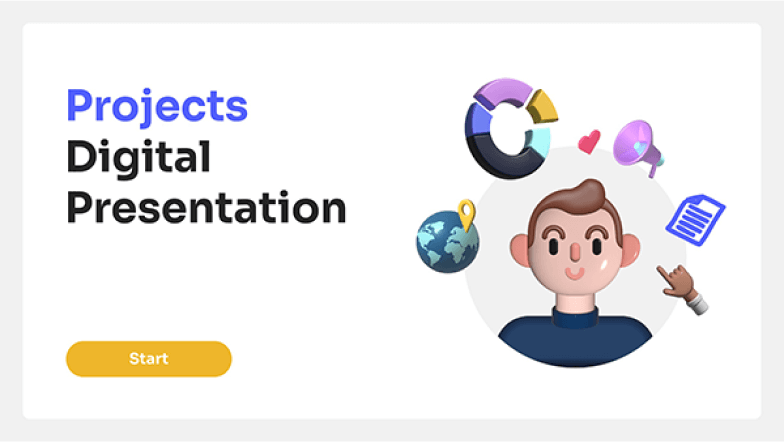
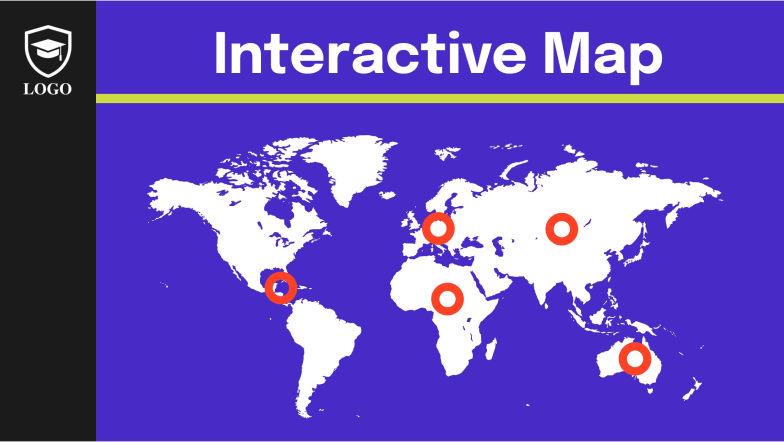


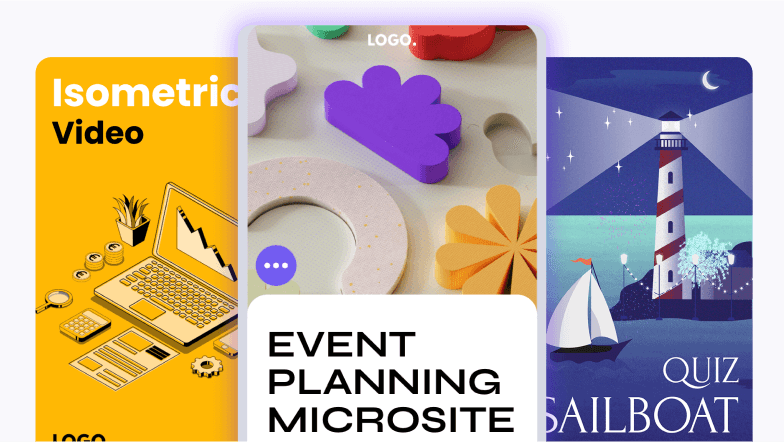
If you want to stun and engage, this is the place for you
Use Genially to make what you didn't think was possible.