The foolproof guide
Get started with Genially ✨
Just landed on planet Genially and ready to get started? Follow these simple steps and within a few minutes you’ll be creating content you’d never have dreamed of.
Grab a template
Start with a blank canvas or choose a pre-built template.
Presentations, infographics, eLearning materials ... you name it, we’ve got it.
For ideas and inspiration, take a peek at what others have made in the Genially community.
Create and customize
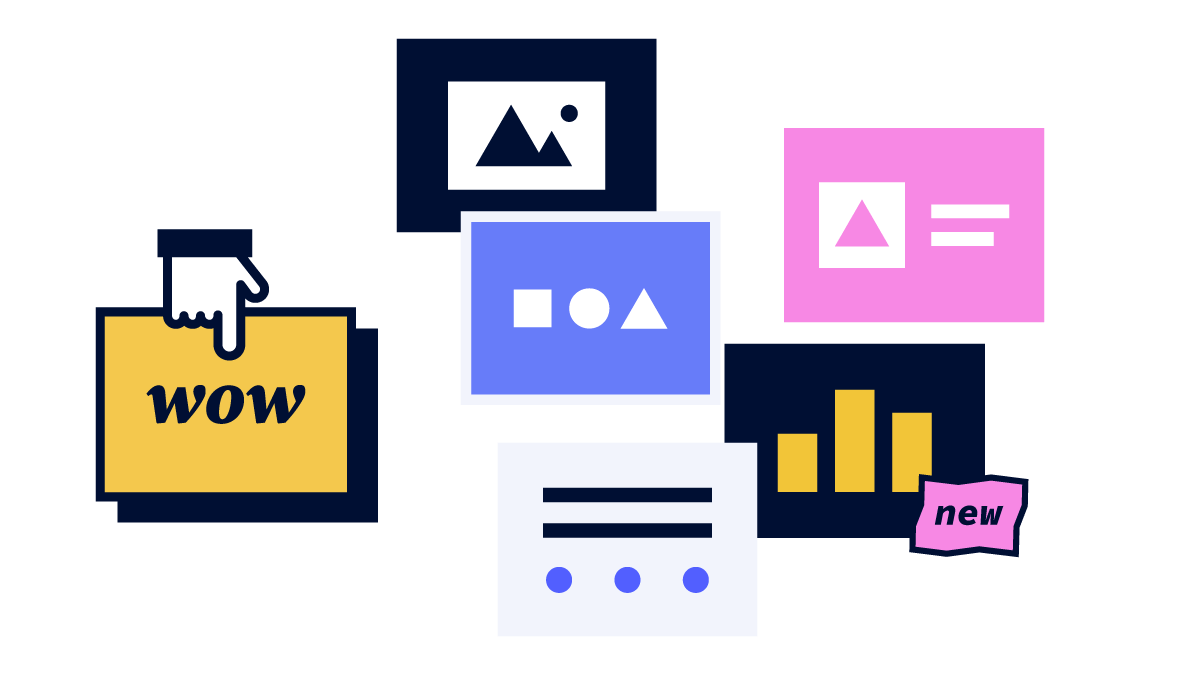
Experiment and explore to see what works for you. Try out different fonts, color palettes, and shapes in your designs.
Add text and audio, choose images and diagrams from the sidebar, or insert video and content directly from the web.
Make it mooove
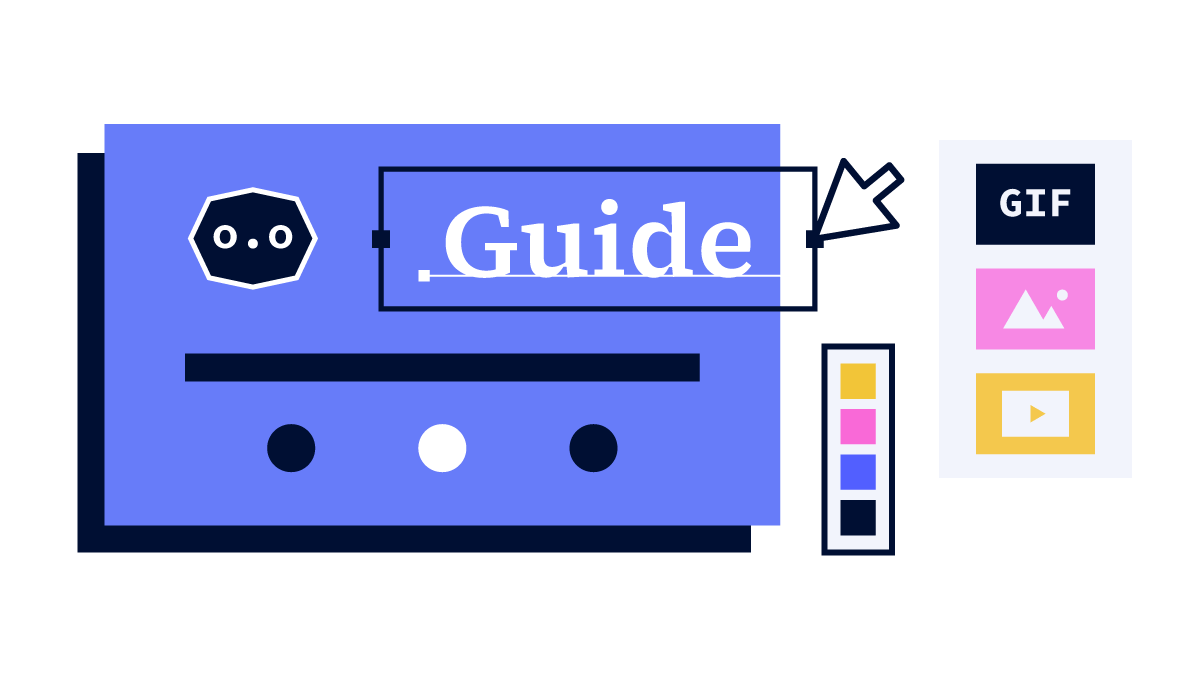
Now for a touch of genius! Time to bring those static slides to life with movement and cool things your audience can click on.
It’s easy to create animations and interactions, and if you start with a template they’re already set up for you.
Publish
All set? Now hit publish and wait for the applause! Choose to make your content accessible to everyone, or publish to a private url.
Share however you like: present live, share the link, post online, or download in JPG, PDF, HTML, or MP4 format.
BECOME A CONTENT PRO
Genially Academy
Want to become a better content creator and get the most out of Genially? Head to Genially Academy for hundreds of bite-size video tutorials.

24-7 SUPPORT
Here to help
Got questions? We’ve got you covered. Find the answers to all things Genially in the Help Center.