Microlearning platform for bite-sized, interactive training
Turn your training into short, interactive lessons that people actually finish. Build microlearning with Genially's no-code editor, add quizzes, games and animations, and publish to your LMS or share it with a link.
Trusted by leading L&D teams
Definition
What is microlearning?
Microlearning is a way of teaching in short, focused lessons, each built around a single objective. A lesson usually takes a few minutes, so people can learn on the go and apply what they learn straight away.
Instead of one long course, you create a series of small modules: a quick quiz, an interactive infographic, a scenario or a short video. Learners take them one at a time, at their own pace.
Create your microlearning as…




Track results and deliver in your LMS
Publish your microlearning as a link, embed it on your intranet or integrate it with your LMS using SCORM or LTI. Activities based on game mechanics help keep learners coming back, and engagement metrics on paid plans show how each module performs.
Microlearning formats you can create in Genially
Interactive infographics
Break a topic into clickable hotspots so learners explore each idea in a minute or two.
Quizzes and flashcards
Check understanding with short questions and flip cards that make key facts easy to remember.
Short video and audio lessons
Add video, voiceover or music to a single slide and keep each lesson under a few minutes.
Games and scenarios
Let learners make decisions and see the consequences, or turn a review into a quick game.
Why microlearning works
Short lessons are easier to start and easier to finish. Keeping each module focused on one objective also makes it simple to maintain.
- Lessons fit into the workday, so learners can complete them between tasks.
- One objective per lesson keeps the content focused and easier to remember.
- Mobile-friendly formats let people learn wherever they are.
- Small modules are quick to update when a process or policy changes.

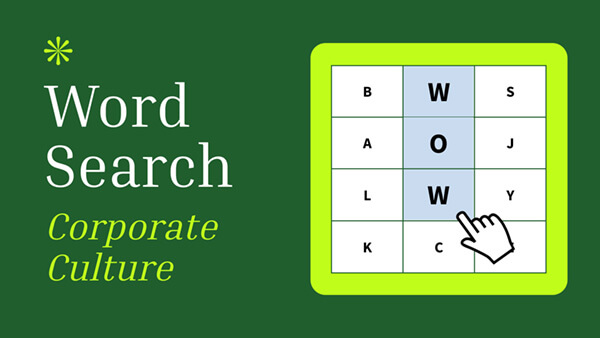
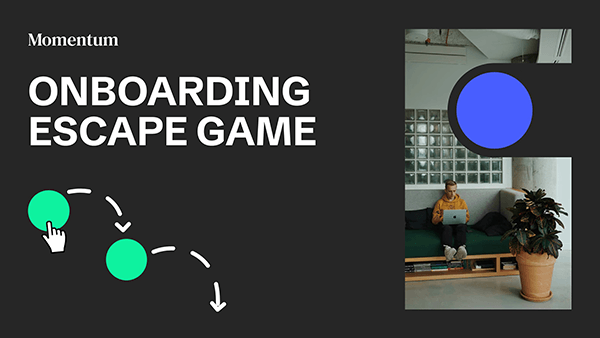
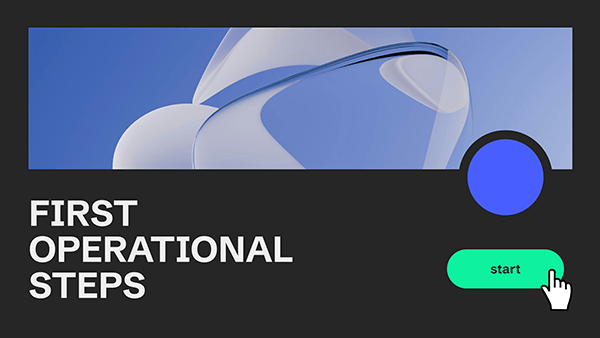
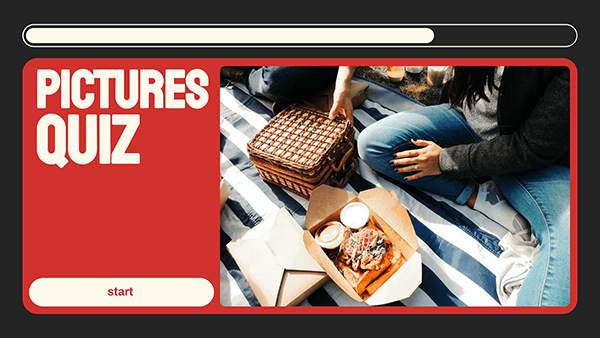
Free microlearning templates
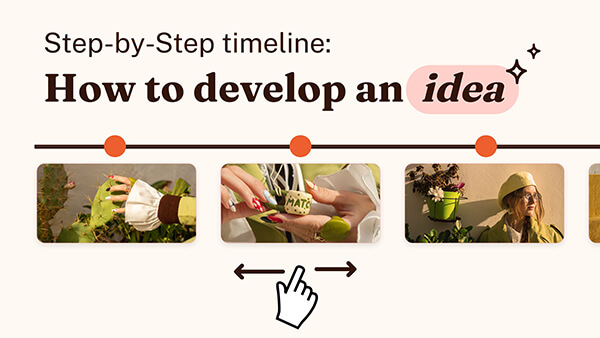
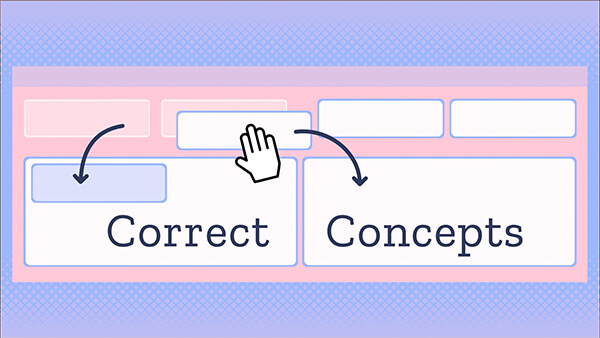
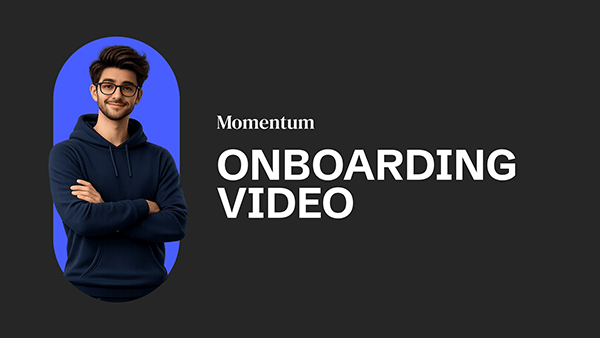
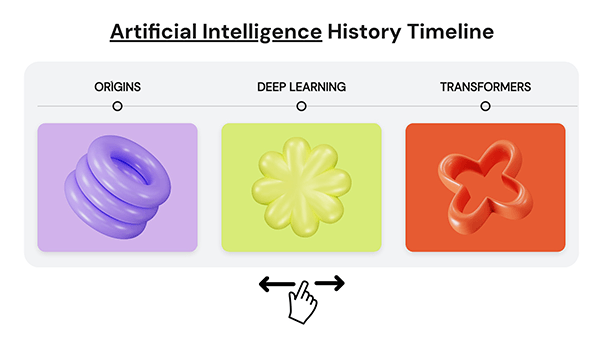
Start from a ready-made design and swap in your own content.




Microlearning for every team
Employee onboarding
Split the first weeks into short modules on tools, policies and culture, so new hires learn at their own pace.
Create onboarding trainingCompliance and policy refreshers
Turn long policy documents into a few minutes of interactive checks that are quick to complete and easy to update.
Product and sales enablement
Share product updates and talking points as short lessons your team can open before a call.
What L&D teams say about Genially
We've been using Genially to transform our standard PDFs into engaging interactive guides, which has significantly improved the effectiveness and appeal of our training materials.
 Debbie QuinnSenior IT Training Manager at Gateley Plc
We produce high-quality, interactive resources efficiently, which has helped streamline our content creation process. Genially has become a dependable part of our toolkit.
 Marie BatiL&D Manager at Europcar International
Frequently asked questions about microlearning
Create your first microlearning lesson today
Sign up for free and build a short interactive lesson in minutes.