Free interactive map maker
Make incredible interactive maps with Genially’s easy-to-use software. Create clickable world maps and geography infographics with multimedia and info popups. Fast, free, and no coding!
Join a community of over 30 million people creating interactive content in Genially
Easy to build
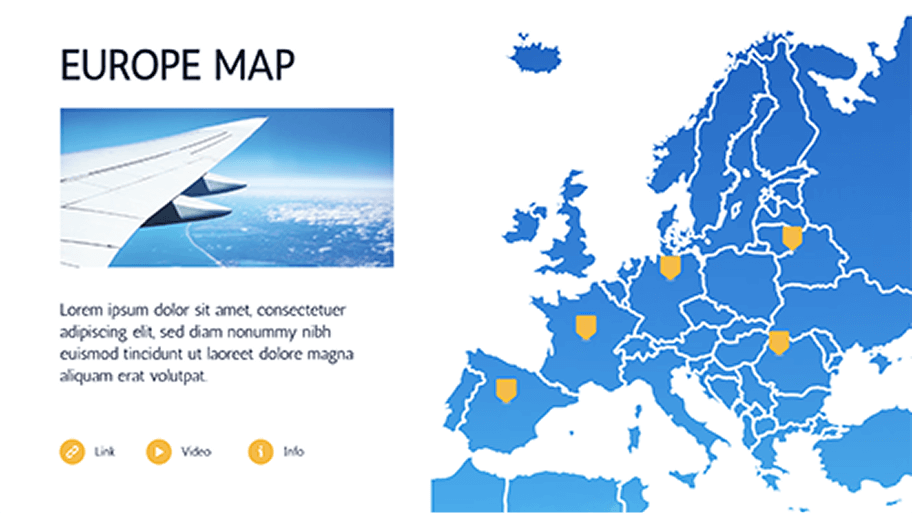
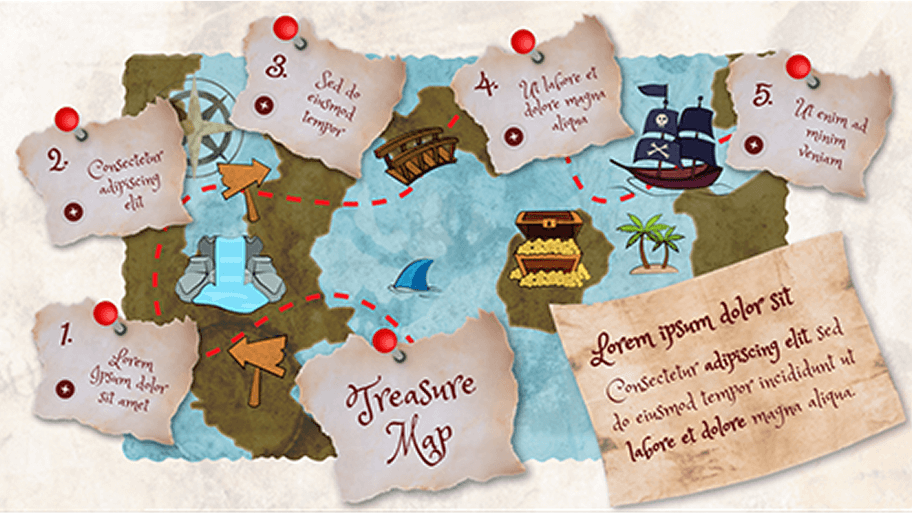
Create clickable maps with hotspots
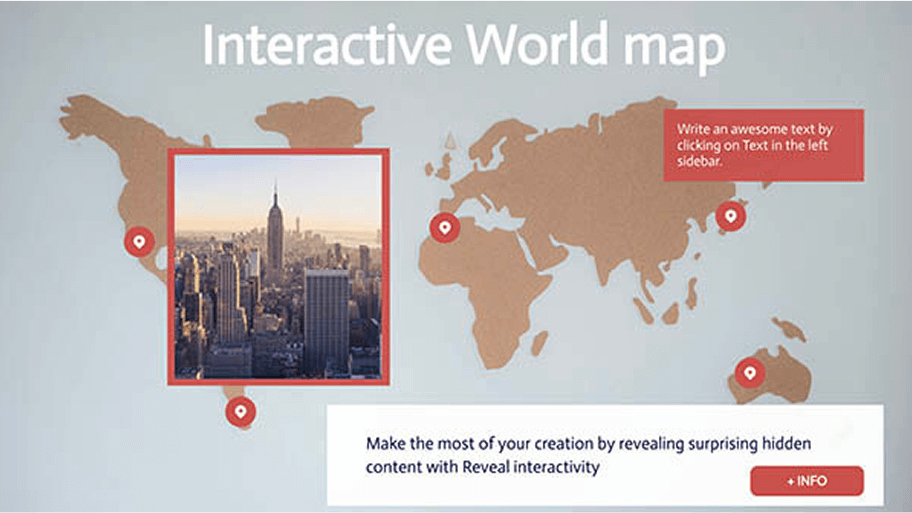
Turn a static image into an interactive map with Genially - no tech skills needed! Invite your audience to explore different locations, learn more about the area, and dive deeper into the data.
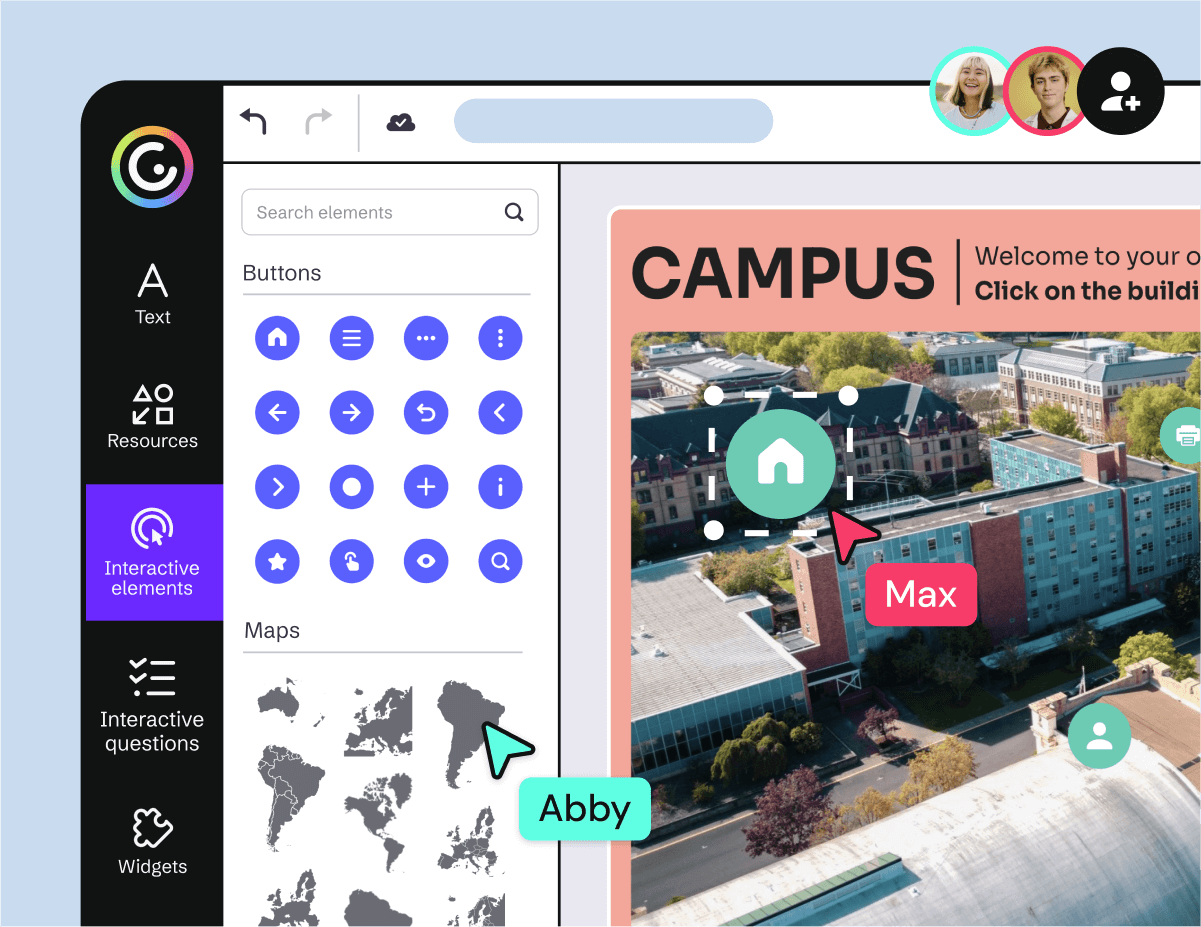
- Intuitive Editor: Drag and drop elements onto the map and make them interactive in one click.
- Add unlimited pins, markers, tooltips, and pop-up windows to provide extra information.
- Upload a map or choose from 50+ pre-built outlines of countries and continents. Works with any photo, illustration, or diagram.
Versatile
For the classroom or your website
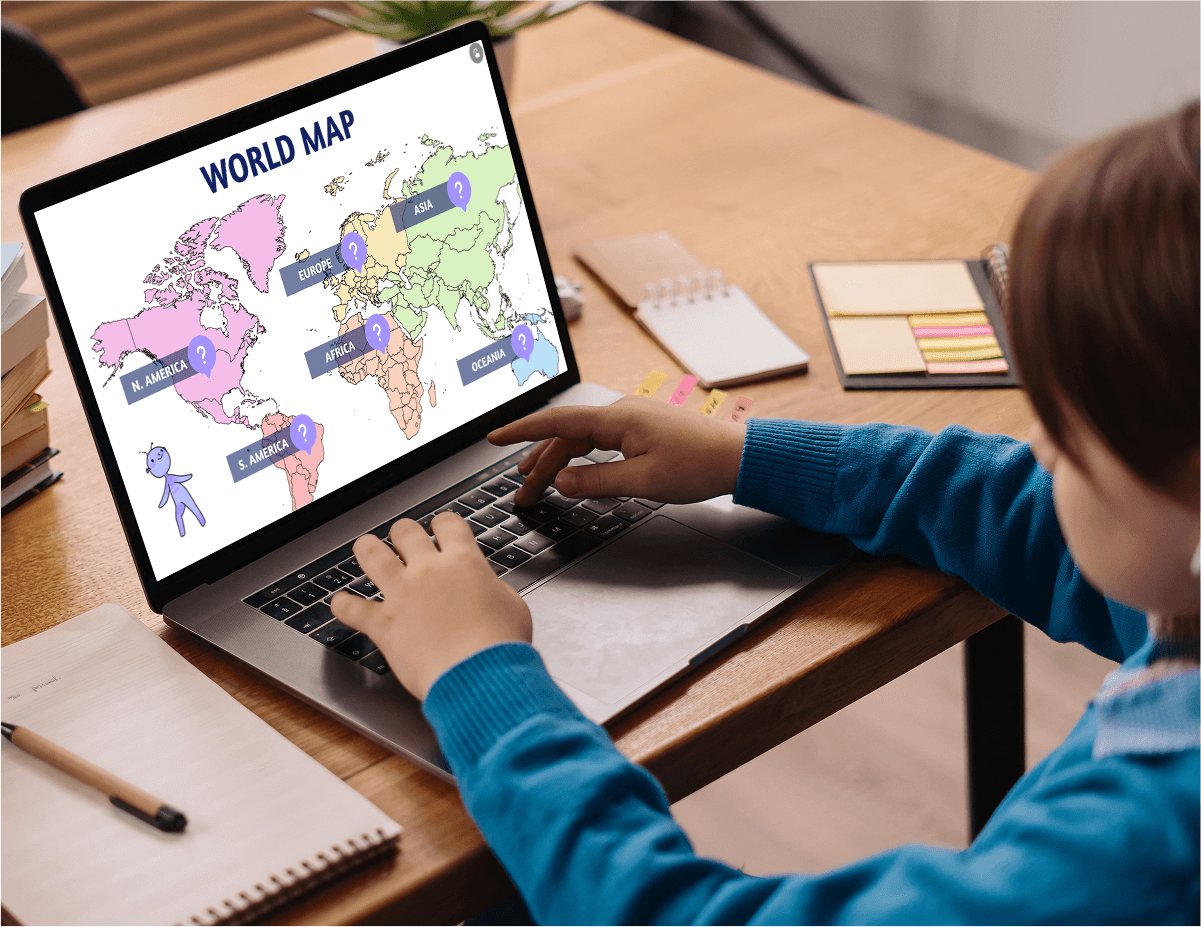
Whether you’re teaching a Social Studies class or launching an awareness campaign, interactive maps are a powerful storytelling and data visualization tool. Bring geographical data to life, in a user-friendly online format.
- Approved for Education and compatible with classroom tools: Integrate with Google Classroom or any other LMS.
- Share or embed anywhere: On your website, blog, or social media.
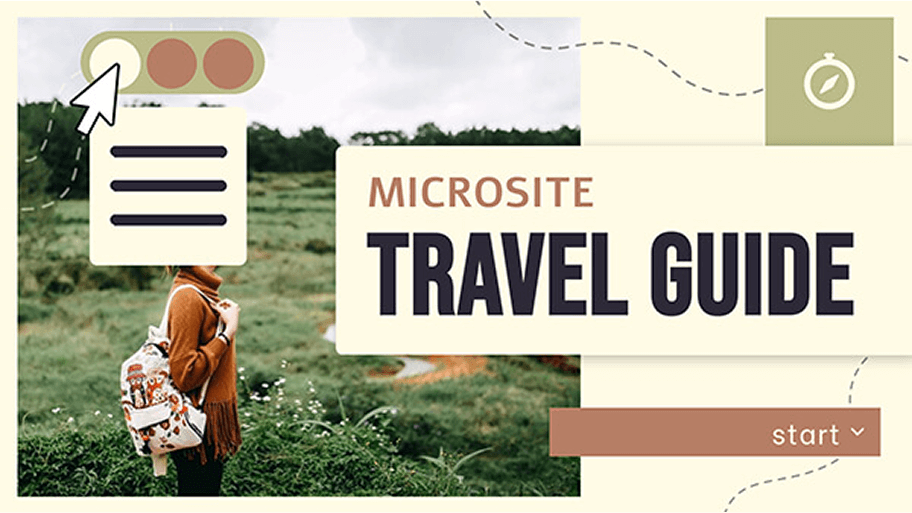
- Add to slides, eLearning courses, digital brochures, and other interactive documents — all made in Genially.
Rich media
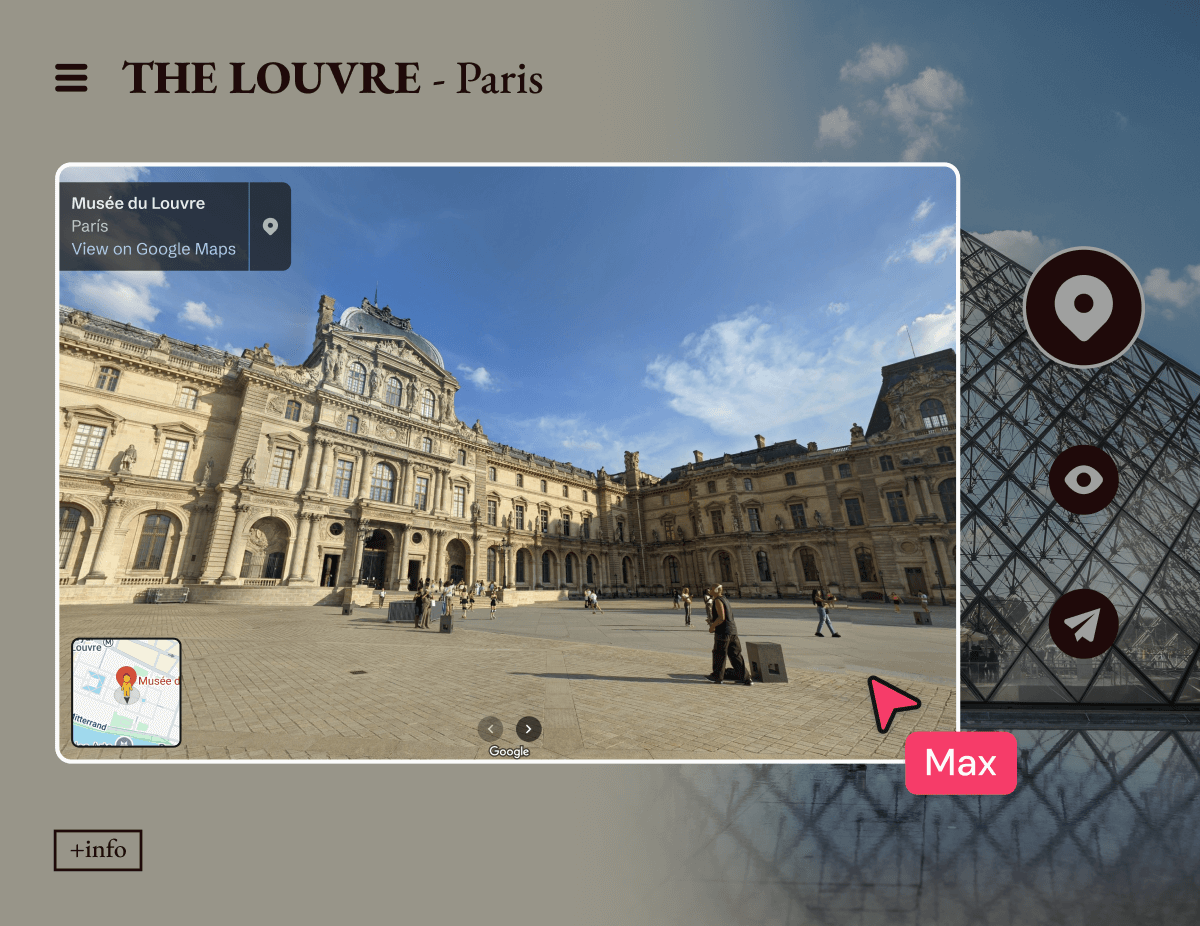
Insert video, audio, Google Street View and more
Transform a one-dimensional map to a fun and immersive audiovisual experience. Genially is compatible with apps like Google Maps and YouTube so you can make your map more engaging, informative, and transport learners to anywhere in the world.
- Add background music, voiceover, click-to-play audio, and sound effects.
- Embed an online video or upload a video from your device.
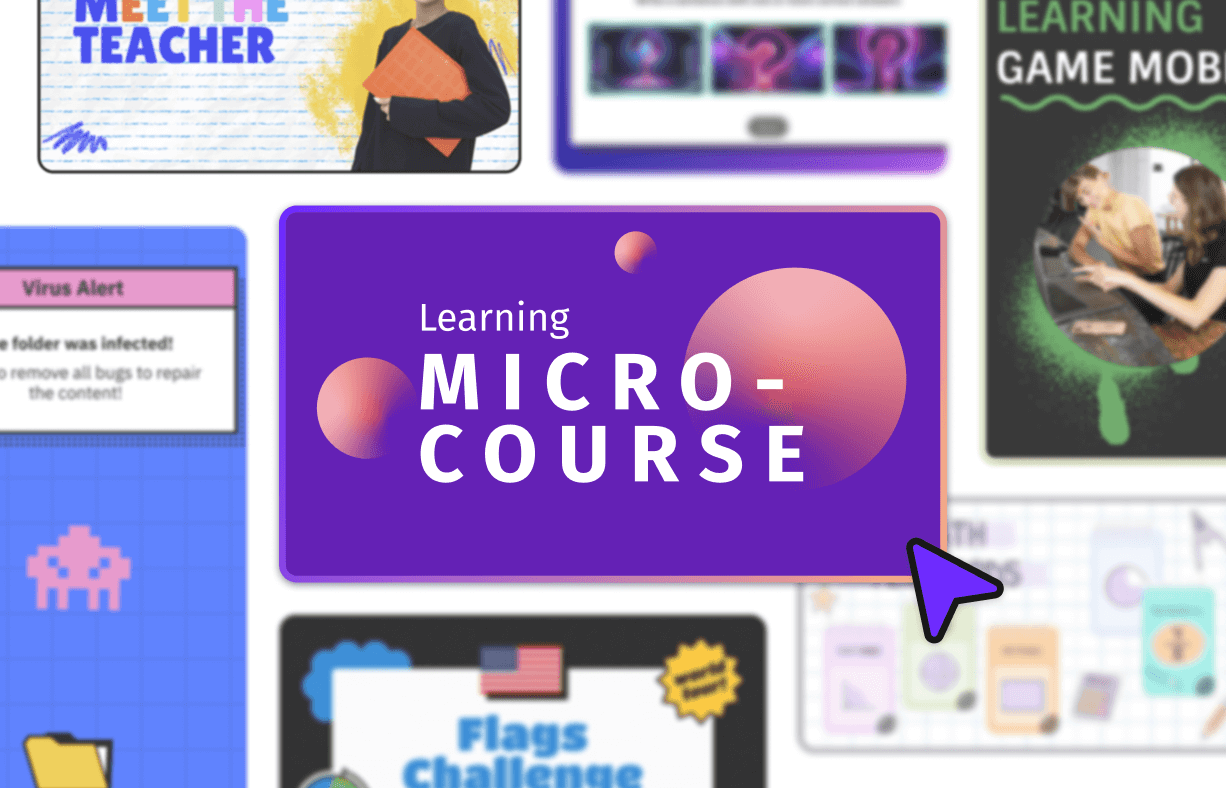
- Integrate other learning activities, assessment questions, and games.
Free
Anyone can make an interactive map for free in Genially. Upgrade for advanced features like engagement metrics and branding tools.
Super interactive
Boost engagement with interactive elements like hover labels, click-to-reveal, drag-and-drop, image sliders and more.
Data visualization
Enrich your map with live charts, graphs, and tables. Choose from 20+ formats and populate them with data from your spreadsheets.
Animations
Highlight different data points and guide users around the map with animated hotspot markers, and timed and click-trigger animations.
Custom design
Tailor every element of the map including the color scheme, buttons, and fonts. Stamp your logo on the map with the Brand Kit.
Scrollable
Genially works on any device including phone, tablet, and laptop. Create mobile-friendly interactive maps that are optimized for scrolling.
Templates
Free interactive map templates
Create professional maps in minutes with Genially’s pre-built templates. Easy to customize with a choice of styles and color palettes.


Step by step
How to create an interactive map
Choose a template
Sign up for a free Genially account and search for maps in the template library. Got a clear vision in mind? It’s easy to create custom maps from scratch. Choose your canvas size and start building!
Customize
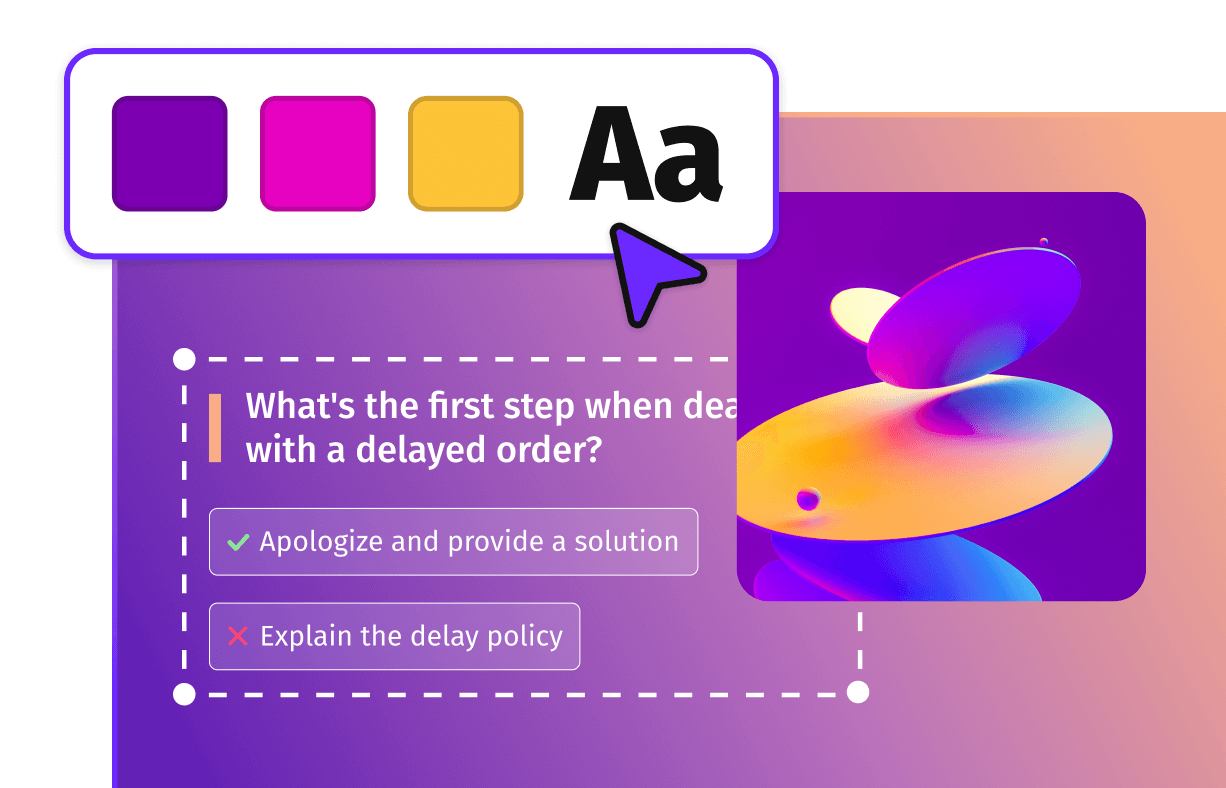
If you’ve chosen a template, replace the example content and adjust the colors, fonts, and icons. Use the Preview button to test out the interactive buttons and see how your map will appear to users.
Share
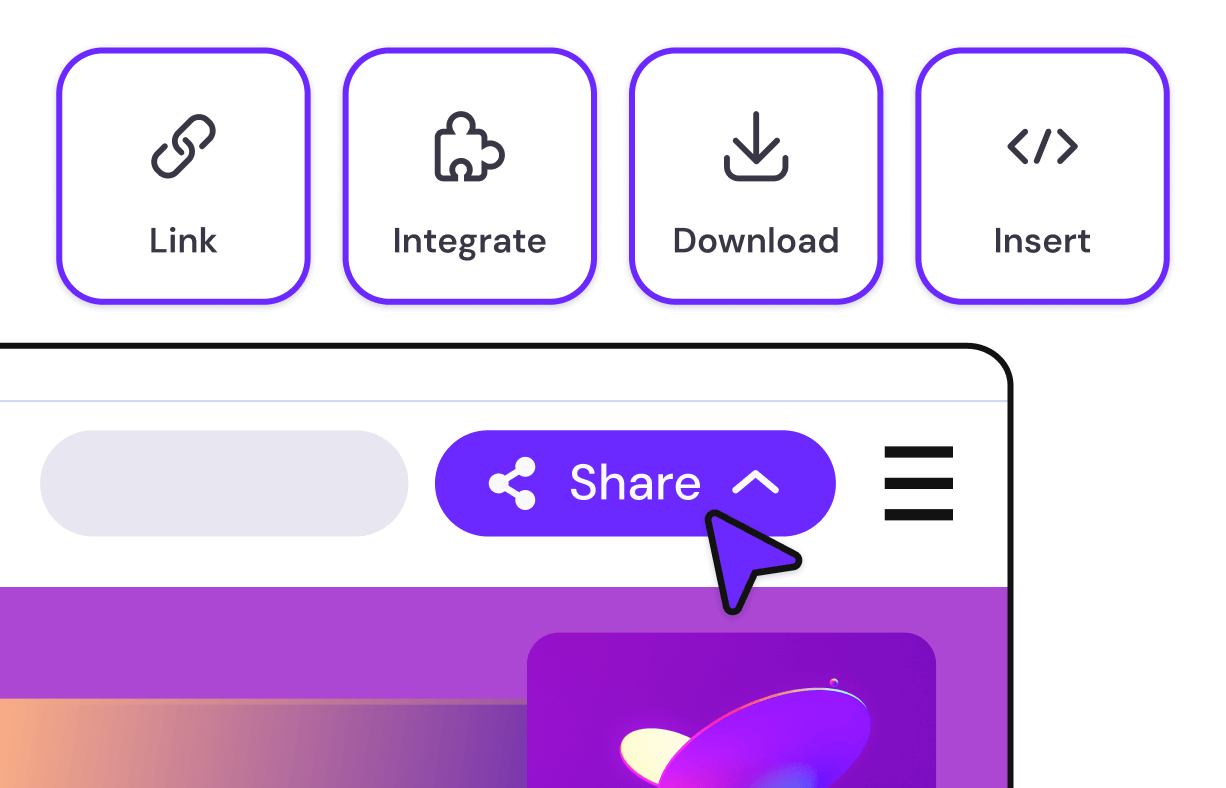
Happy with the design? Click Share to get the unique link. Embed on your website, link to your LMS, or share directly with students. Your online map is live and accessible from anywhere.

Share, embed, or integrate anywhere!
Genially maps are compatible with every popular website builder, CMS, and LMS.