Features
No-code interactions and animations
Make any kind of content interactive with Genially’s easy-to-use interactions and animations. Just select an element, and choose what you want to happen! Dive in and explore what’s possible.
Trusted by the world’s leading organizations
Make anything clickable
Hotspots
Make any element on the canvas interactive — including buttons, images, text, or even an invisible area of the screen.
Hover text
Tooltips
Provide contextual information on demand without cluttering the screen. Tooltips are pop-up labels that appear when the user moves their mouse over a hotspot – or focuses on it with their keyboard.
Information chunking
Pop-up windows
Windows, a.k.a. modals or overlays, give you heaps of creative possibilities. Dive deeper into the topic, provide extra content on demand, or hide a surprise activity — all on one page.
Trigger selector
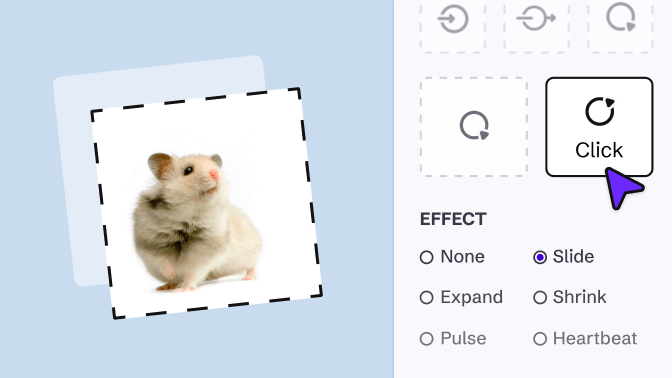
Click and hover triggers
Launch an interaction or animation when users move their cursor over an element — or when they click. Apply multiple actions to a single element with different triggers.
User control
Click to reveal and hide
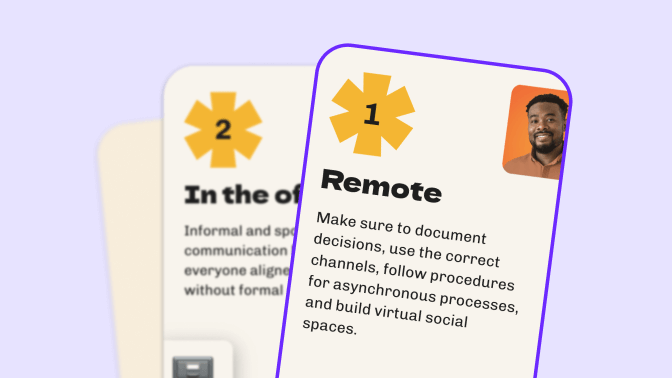
Make elements appear and disappear when clicked, without writing any code. Make fun, user-friendly content that people can discover one step at a time.
Progressive disclosure
Show the most relevant and essential information first. Users can access more information gradually, as and when they need.
Toggle visibility
Allow users to switch between different pieces of content and collapse sections they no longer need, such as FAQs or instructions.
Enhance focus
Direct learners’ attention to the task at hand, and hide content and activities once they’ve been completed.
Gamification and storytelling
Hide clues, reveal surprises, and make items disappear after being selected, clicked, or collected.
Hands-on learning
Drag and drop
Challenge learners to drag an element - like a word or an image - to a corresponding drop zone. Trigger different actions for correct and incorrect matches, or at the end of the game.
Draw & annotate
Paint
Paint mode lets learners connect concepts, color in objects, or doodle ideas on the screen. The brush strokes remain visible even when you switch pages. Hosting a live session? Use Paint to highlight and annotate while presenting.
Bring your projects to life
Animations
Beginner-friendly animation tools help you tell engaging visual stories and make information easier to understand. Get professional and polished results without any animation skills.

Click-triggered animations
Apply states, micro-animations, or color filters to any element, triggered on click or hover.

Timed animations
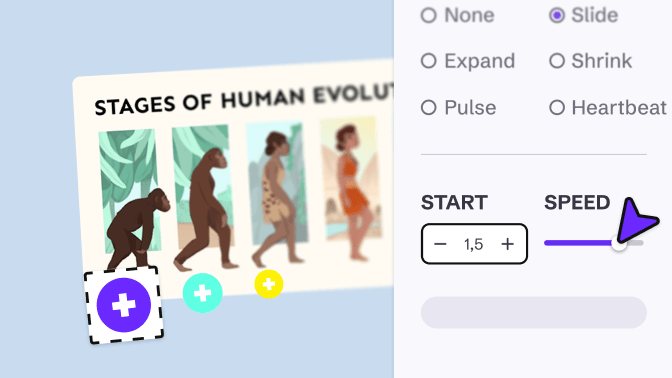
Add entrance, emphasis, and exit animations to any element, with custom delay, duration, and speed options.

Transitions
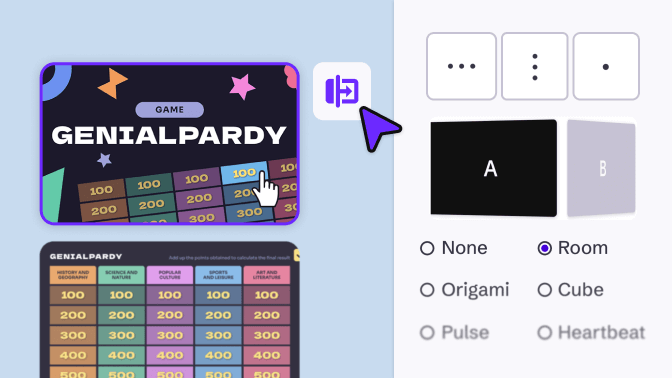
Choose from more than 25 elegant slide transitions, such as Fade or Flip, with horizontal, vertical, or center orientation.

Effects
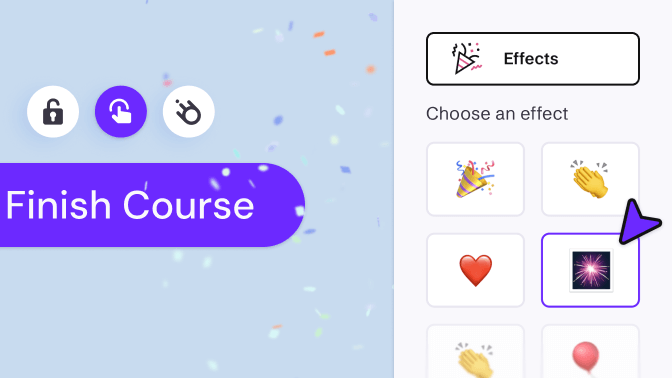
Activate fun visual effects like confetti, applause, or raindrops moving across the screen.
Make elements bigger
Full screen
Allow users to click and expand any element to full screen size. Make small images more accessible, and help people hone in on the details.
Create app-like experiences
Scroll to anchor
Enhance microlearning and mobile content with a smooth jump-to-anchor scroll. When the user clicks on one element, automatic scroll takes them to another element further down the page.
Links
Web-style links
Genially works just like a website, so you can add hyperlinks to web pages, email addresses, or even a phone number. You can also add go-to links to any element, sending users to another page or activity in the same genially.
Sound on click
Click-to-play audio
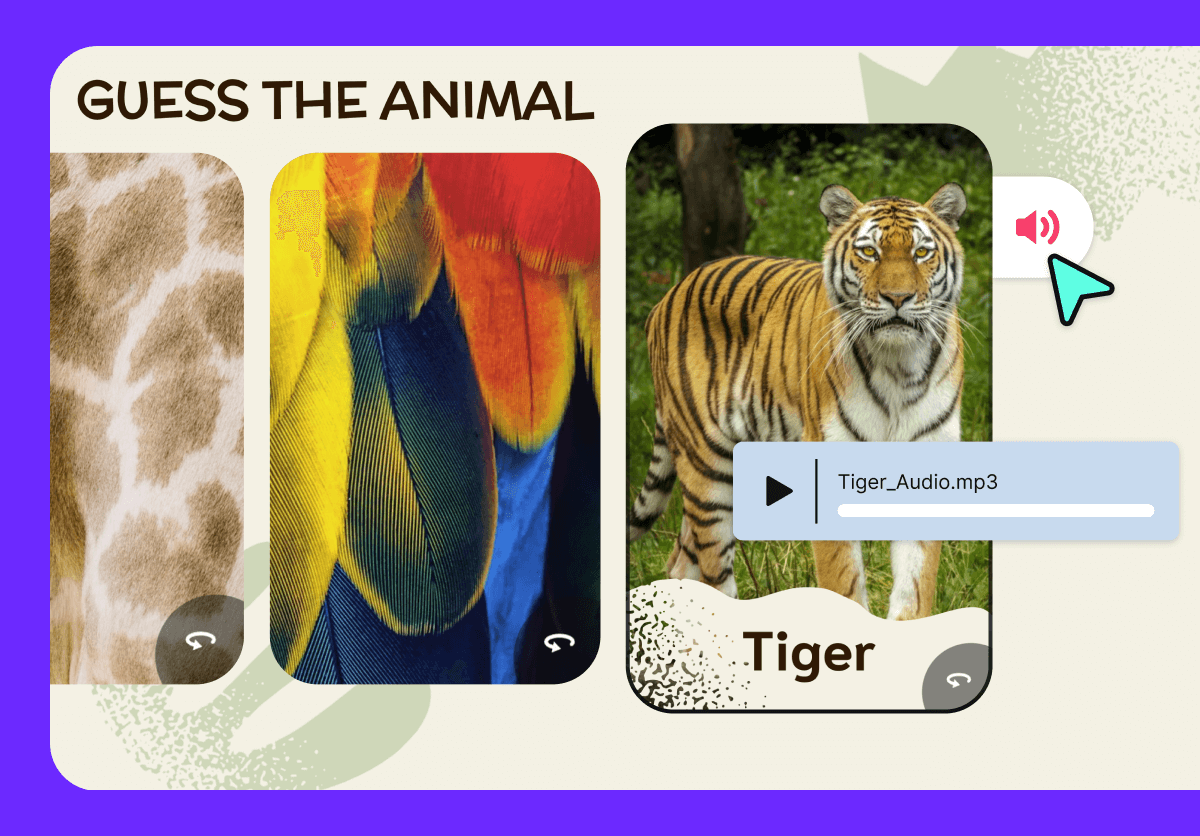
Trigger audio to play when users click on a button, image, or other element. Create games, language learning activities, and read-aloud instructions with music, sound effects or a voice recording.

Schedule interactions
Program content
Programming without coding? Yep - Genially lets you schedule when things happen, without any technical know-how. Use timers to trigger actions or unlock activities at a specific time and date.

Why Genially?
Free
Genially’s core interactions and animations are free to use. Give it a spin and surprise yourself at what you can build in a few clicks.
Easy to use
You don’t need any coding skills or previous course authoring experience to use Genially. Beginners can get up-and-running in minutes.
Customization
How to combine interactionsMix and match interactions and animations to create custom experiences that work exactly how you want.
Gamification
Gamification with GeniallyIncorporate game mechanics into your content through interactions, animations, and widgets.