AI Builder icon

Introducing

Genially AI Builder

Welcome to a new way of creating. 
Describe your idea and Genially AI Builder transforms it into an interactive experience.

Interactive components
built for you in real time

Explore what others have created

Made with Genially AI Builder

library components in Genially

AI component collection

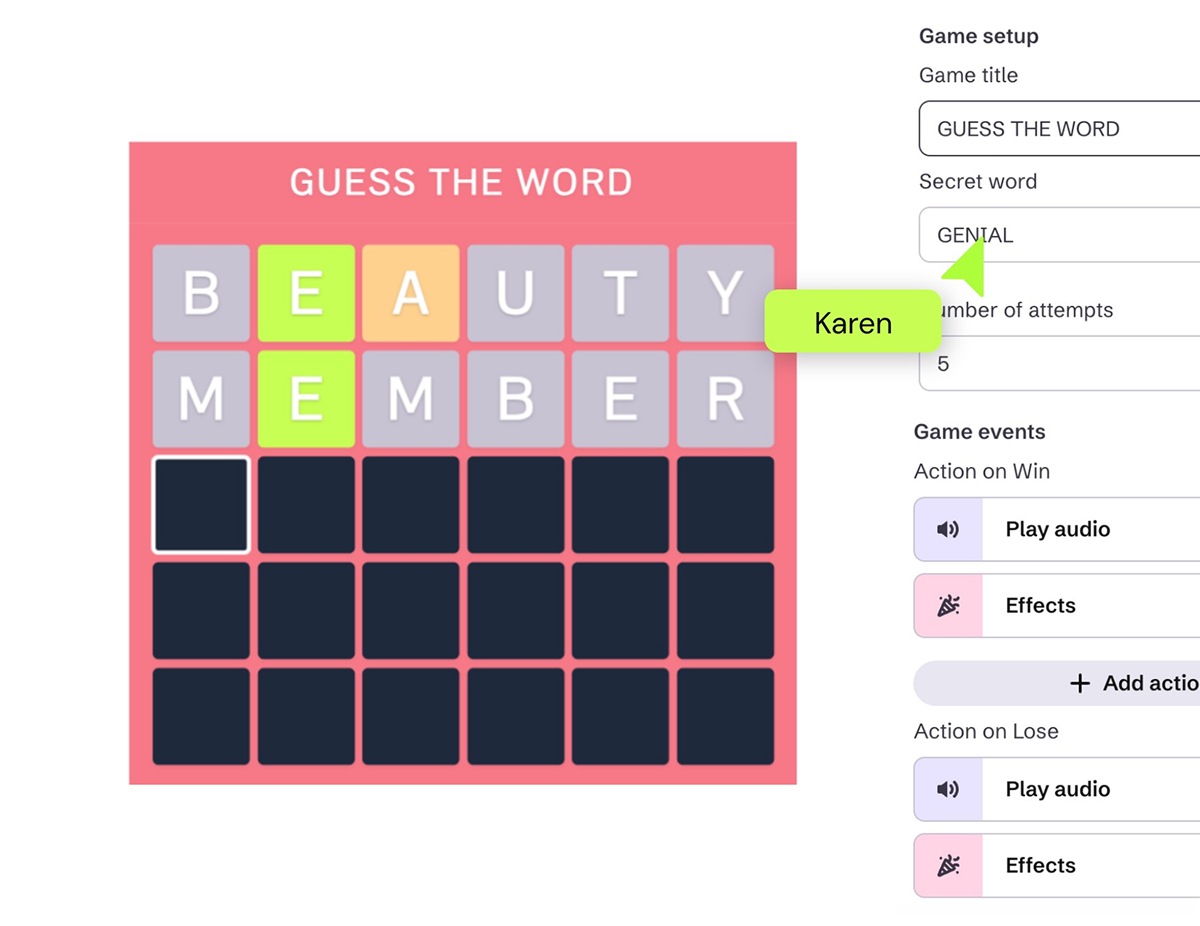
All these examples are built using components created with AI Builder. Now they’re yours to use: word searches, matching activities, spin wheels, scrollable timelines, and more. Customize them your way or create new ones with AI Builder.
Benefits

A Genially where anything is possible

If you can imagine it, you can create it with Genially AI Builder.

No code

You don’t need any tech skills or a team of developers. Genially AI Builder writes the code for you.

Creative freedom

Create innovative experiences that would have been impossible before.

Conversational

Describe what you have in mind, with everything logged in the chat.

Made to measure

Ask for adjustments, refine the results, and put your own spin on the design.

Pro results

Get high-quality, fully functioning components that look and feel like the work of real designers.

All in Genially

Everything is generated on the Genially canvas, ready for you to integrate into your content.

How does it work?
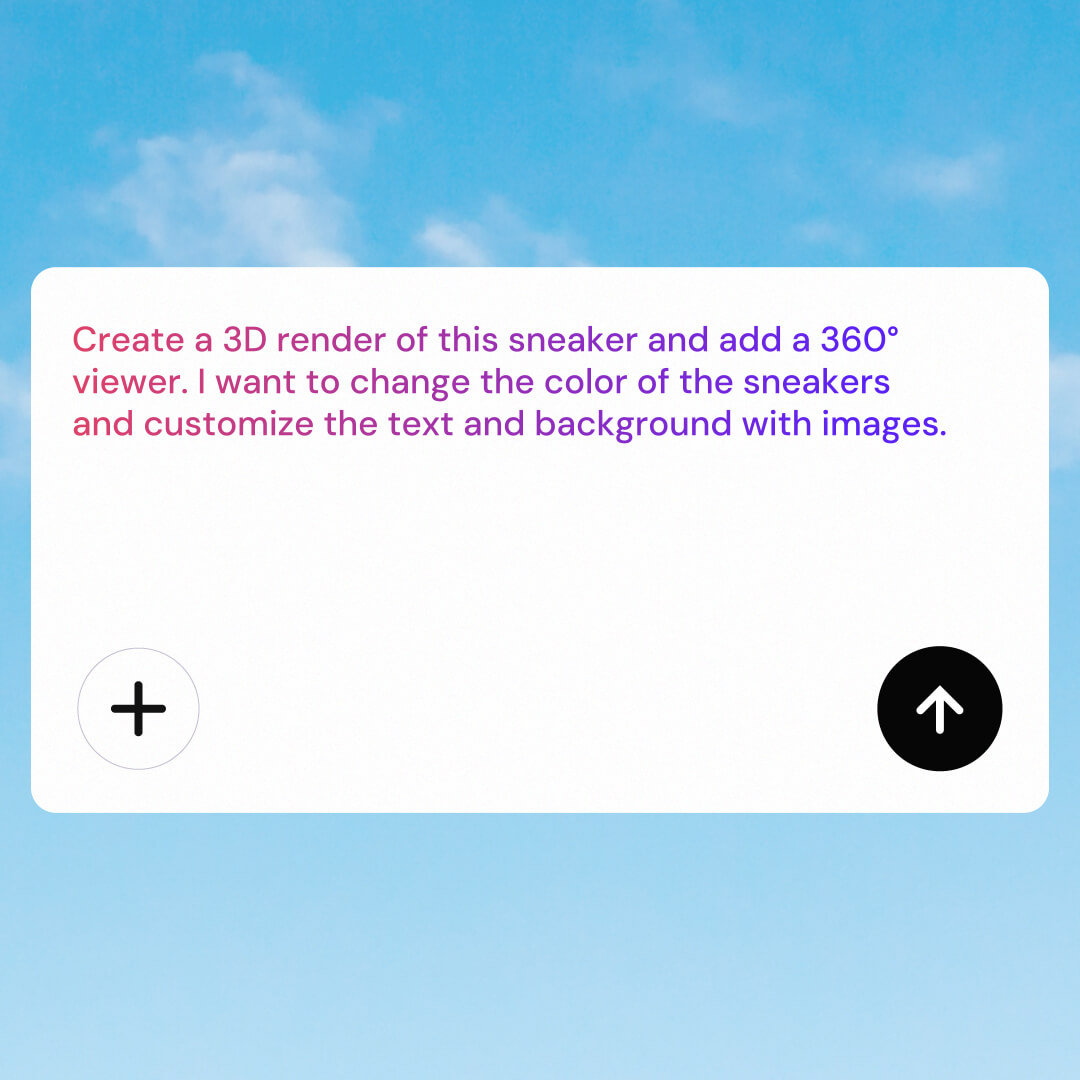
Prompt interface where a user asks an AI to create a 3D sneaker render with a 360-degree viewer and customizable colors, text, and background images.

1. Describe your idea

A roulette wheel for learning Greek verbs? An ROI Budget calculator? Explain what you need, with the option to add reference files and images.
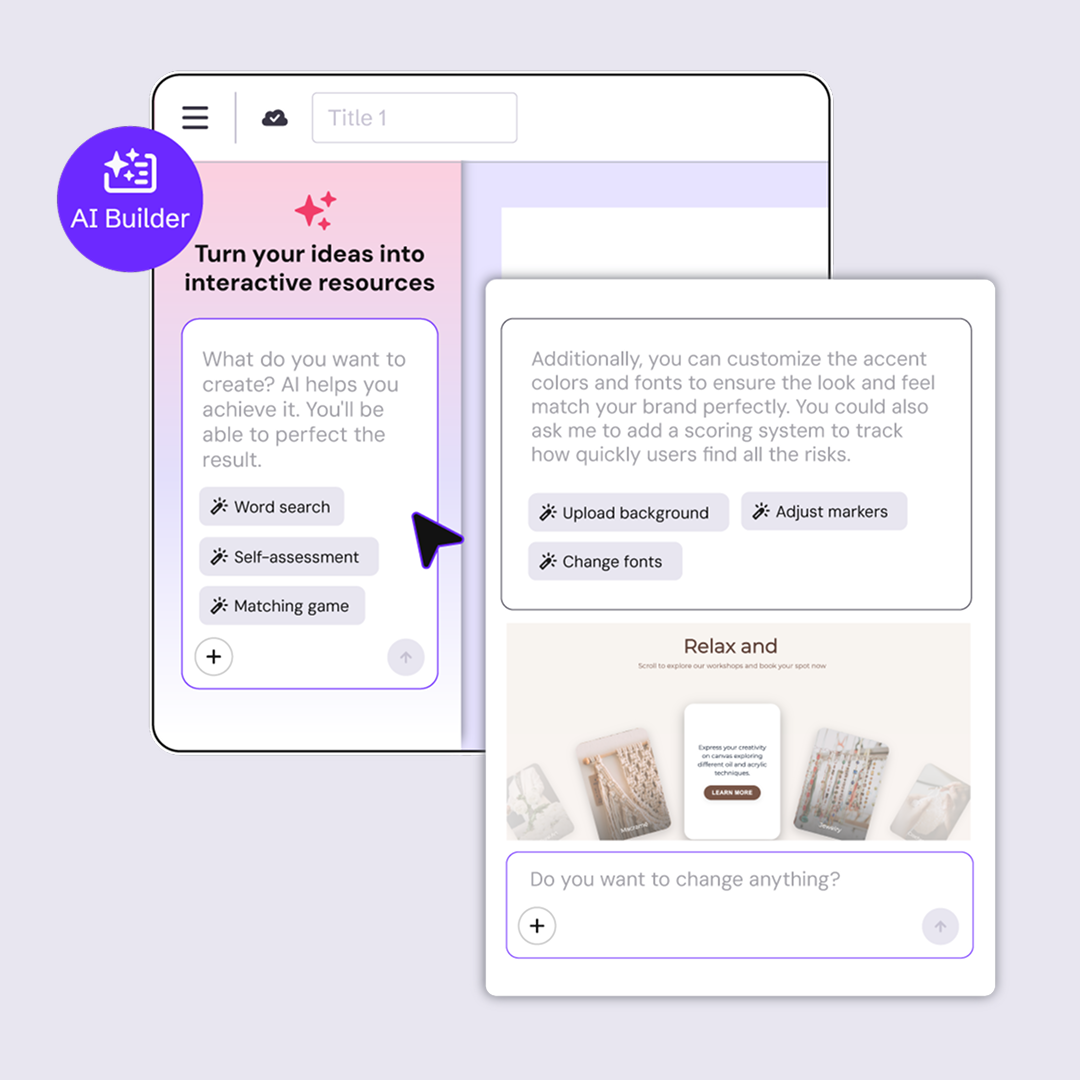
Interface of an AI builder that helps users turn ideas into interactive resources, showing options like word search, self-assessment, and matching game.

2. Create and refine

Genially AI Builder creates the component for you, directly on the canvas. Chat with the Builder to refine the results.
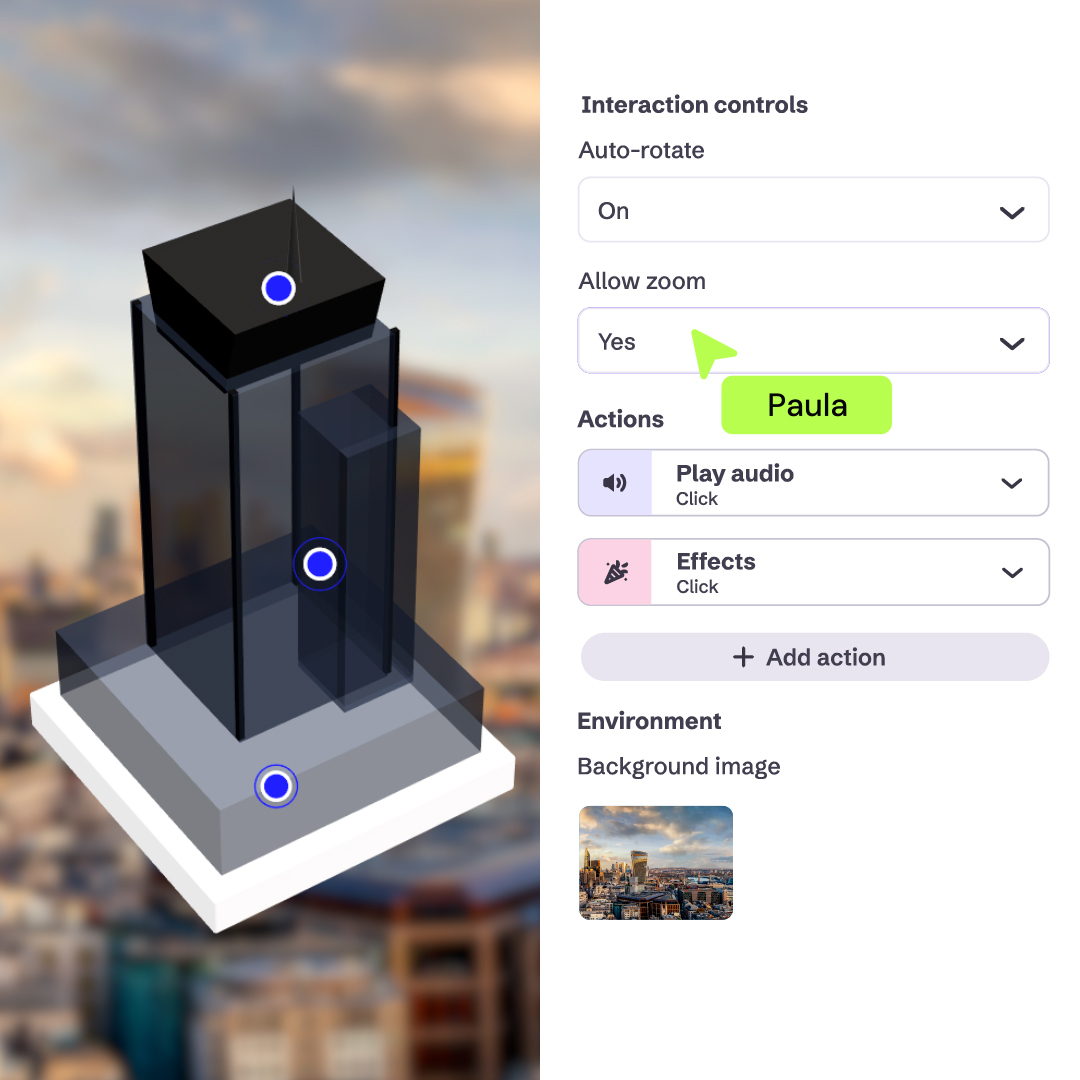
Interface for editing a 3D interactive model with controls for auto-rotate, zoom, audio actions, effects, and background image settings.

3. Customize

Add interactions, apply your brand colors, and integrate into your content. Genially’s full suite of editing tools is at your fingertips.

Early access

More than 200 people have already tried it. Are you in?

Join the waitlist! A limited number of people will be able to use it for free during the Beta phase.

Frequently asked questions

All kinds of interactive components and activities including games, challenges, missions, diagrams, interactive maps, timelines, infographics and much more.

You can apply to try Genially AI Builder, for free, before it’s available to other users. Every day we’ll release access to a limited group of people. Add your name to the waitlist and we’ll let you know if you’ve been selected!


As an Early Access tester, you’ll have the chance to try out Genially AI Builder and share your feedback.

For a limited time, you’ll be able to use the Genially AI Builder without spending any AI Credits.

Genially AI Builder is a new feature still under development, so current limitations include interaction data, downloads, translation, accessibility compliance, and the option to save components you've generated. Our team is working to remove these barriers. Stay tuned!

Everything you generate with the Genially AI Builder is yours. Content is stored in your Genially workspace, and other people can only see it if you’ve shared the design, or if they have access to your workspace.

We don’t store your personal data or use it to train Genially. We only use it to generate the expected result and analyze how the feature is used.


We follow strict security and privacy policies in compliance with international standards like GDPR and SOC 2. Learn more about AI Security